
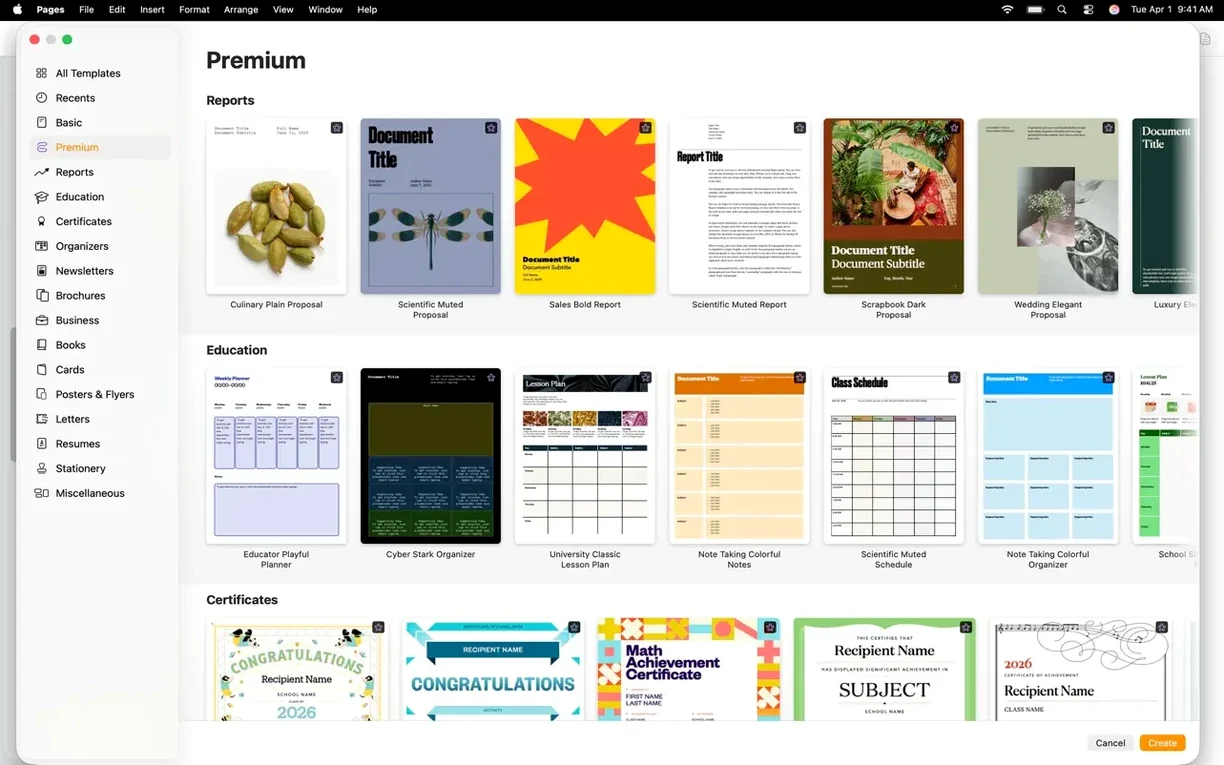

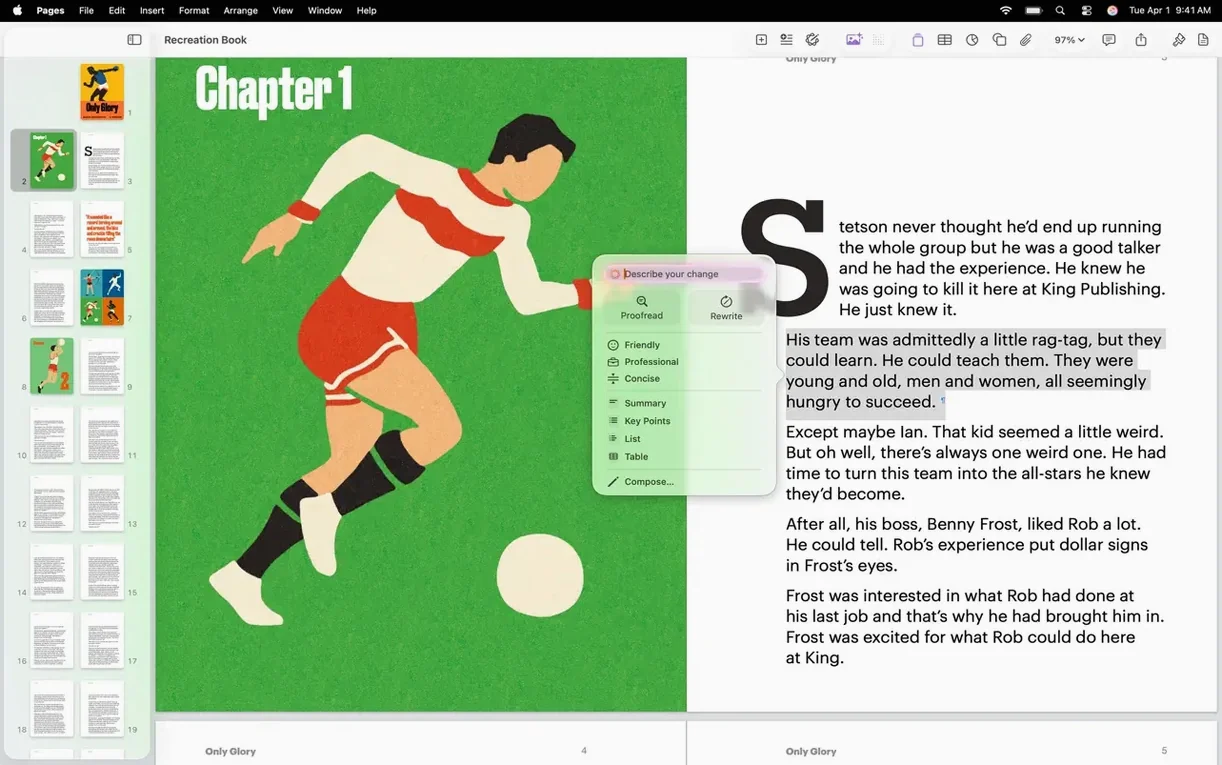
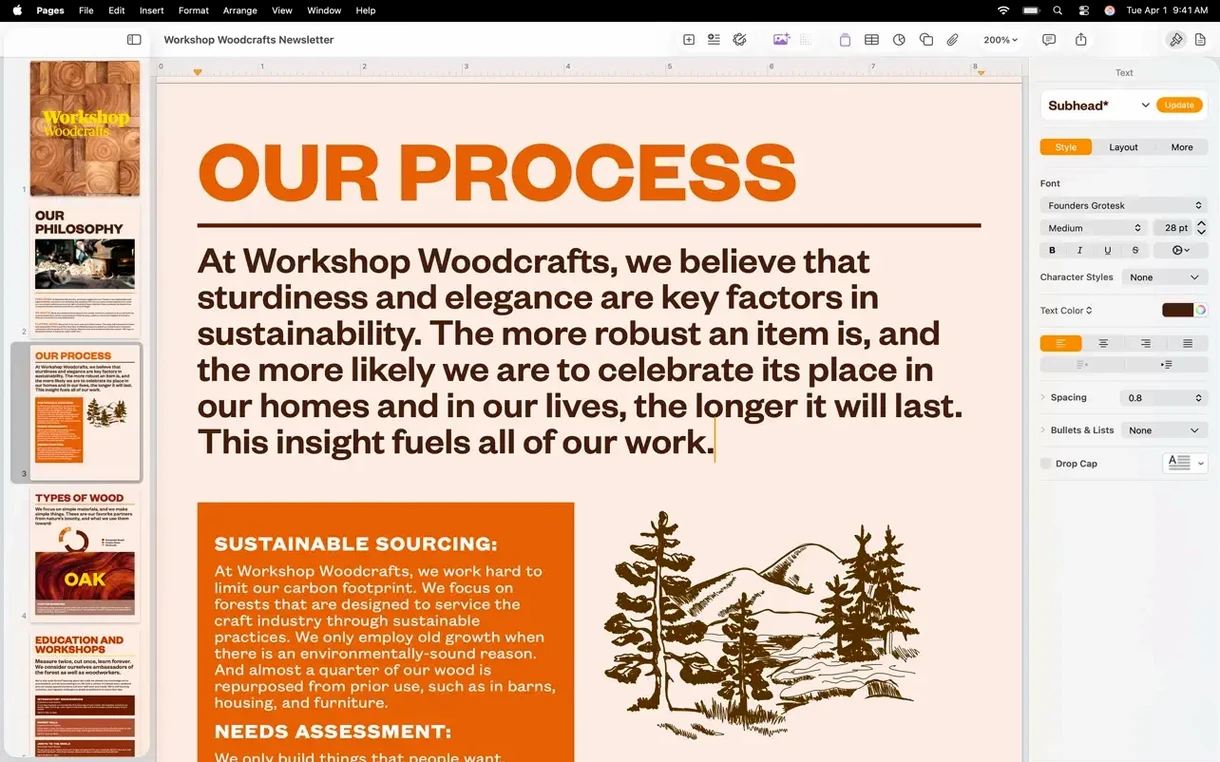
Pages on Mac is a word processor for making documents without the usual clutter of controls.
- Start with a blank page and add an image, video, or drawing to see how the layout holds.
- Try the new shape generator. Describe a shape in plain text and edit the result.
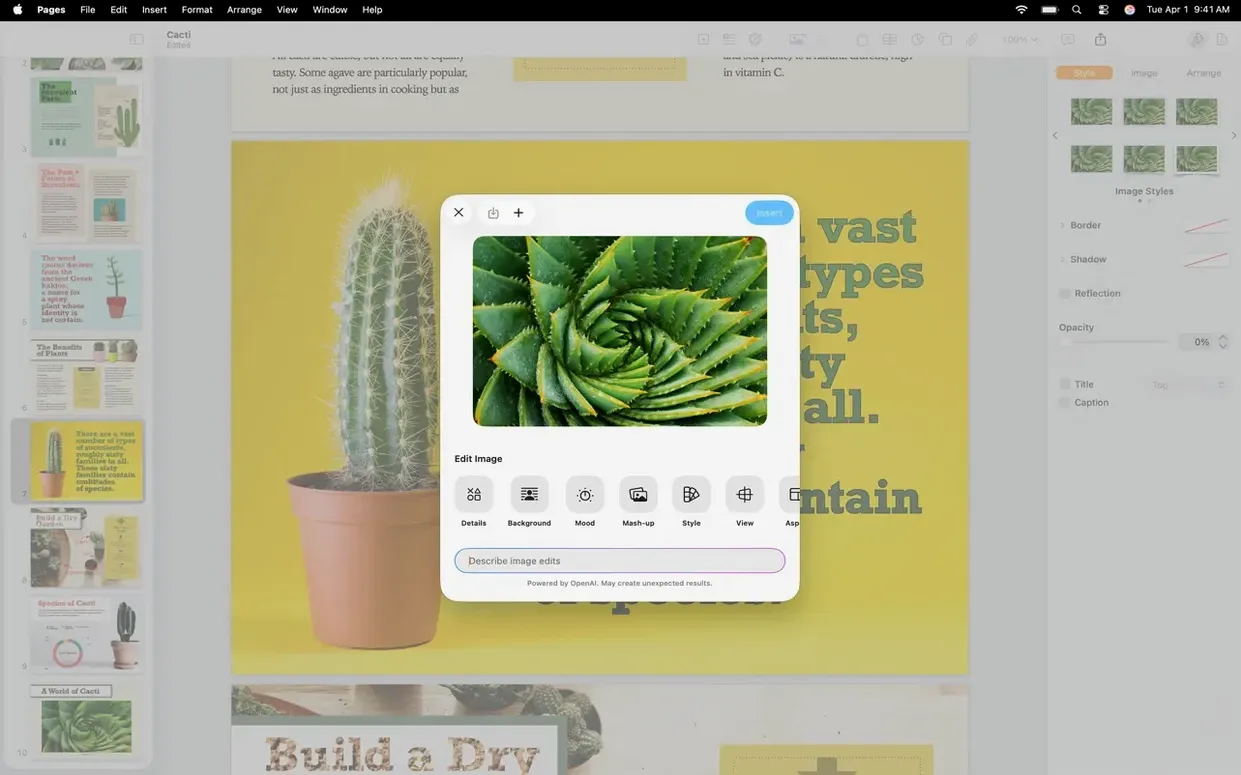
- Open any image directly in Pixelmator Pro, make a change, and watch it update in the document.
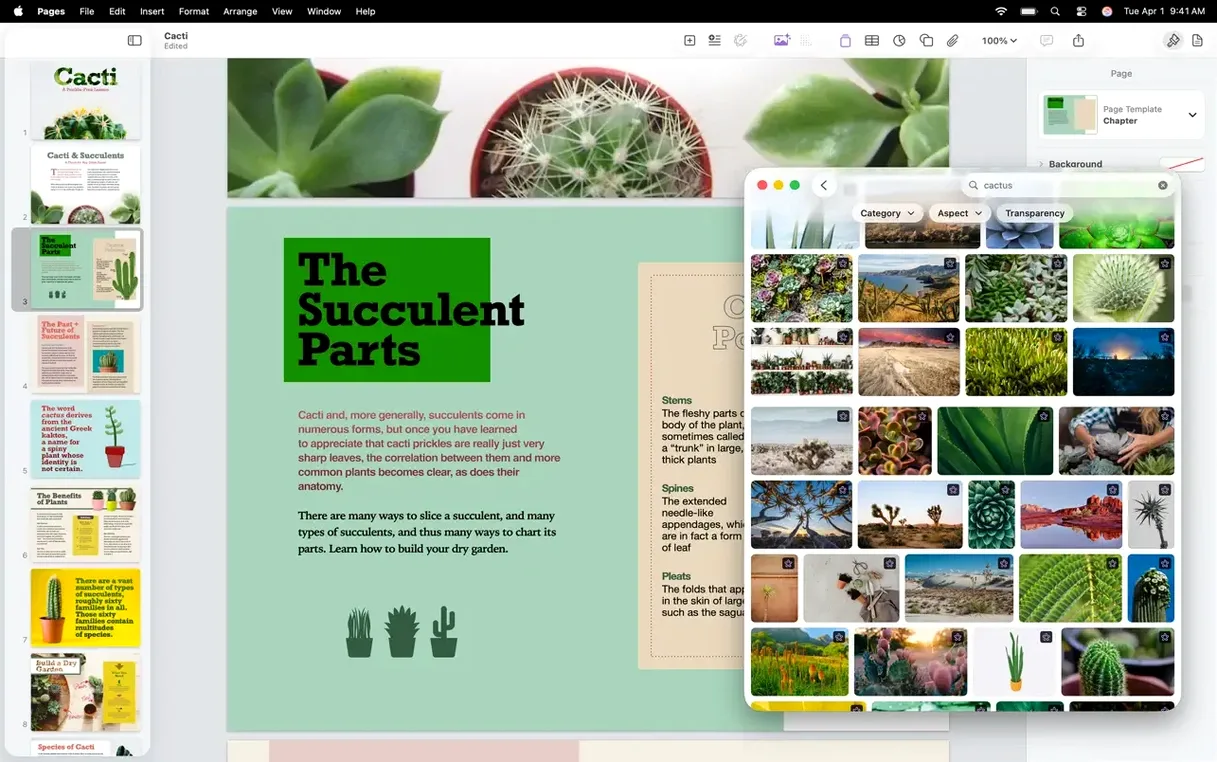
- Replace an image from the Content Hub without hunting through folders.
- Record a short voice note and drop it into the page for later reference.
Non‑destructive photos
Pages sits comfortably inside macOS. Drop a photo from Photos into a letter, then use the background removal tool to separate the subject. The edit stays non-destructive; the original image remains untouched.
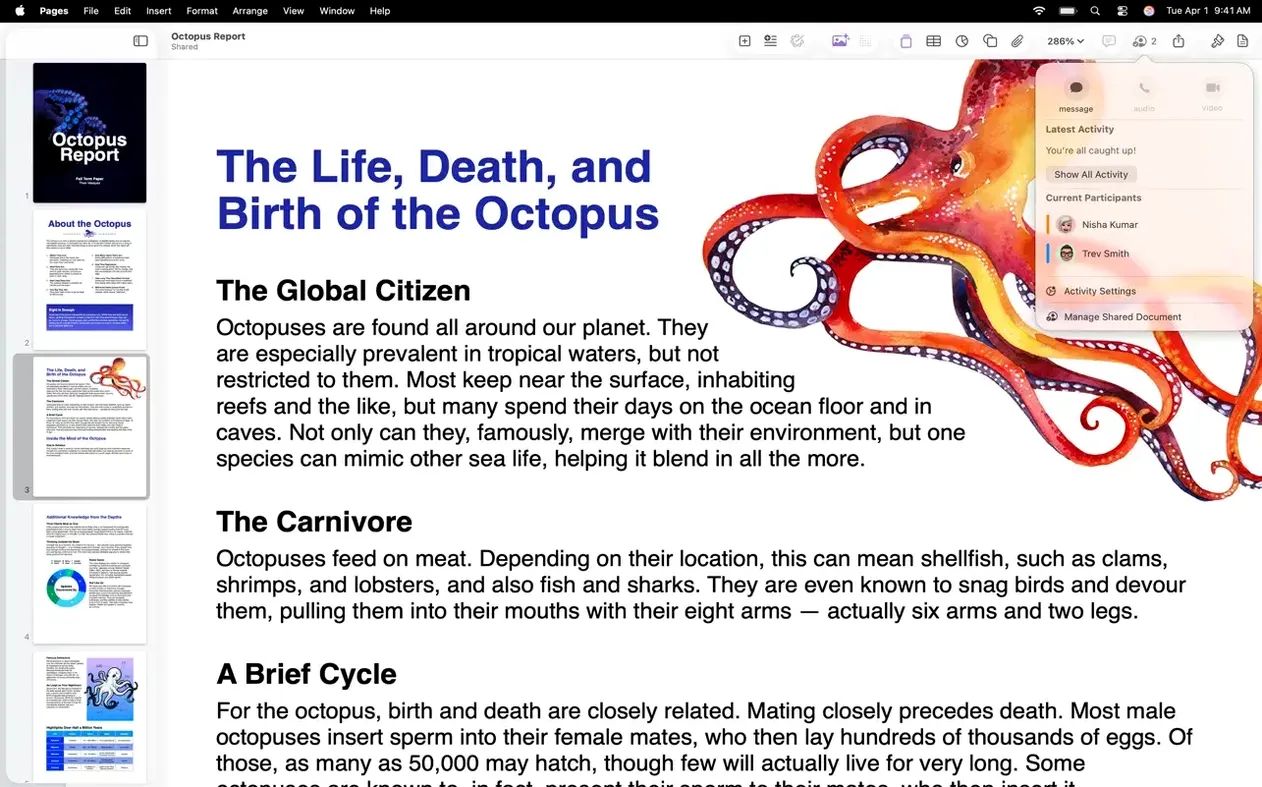
For longer documents, the table of contents updates as you apply heading styles. Export to PDF from the standard share sheet and it lands in Files, ready for annotation elsewhere. Collaboration happens in real time — open a shared link and watch someone’s cursor move across the page while you both type.
The Pixelmator Pro handoff is the quiet highlight. Select an image, choose the option, and the file opens in Pixelmator. Save it there and Pages reflects the change without a re-import step.
A workflow
Imagine a university report with photos from a field trip and one chart.
- Create a new document and apply the built-in report style.
- Drag photos from Finder into the document. Use masks to frame them evenly.
- Record a short voice note at the top of each section for later revisions.
- Insert a table for the collected data, then add a chart from that table.
- Send the collaboration link to a classmate and discuss edits in real time.
- Export the finished report as a PDF from the share sheet.
Nothing here needs a separate app for layout. Pages handles the arrangement itself, including nested objects and lists that reflow when you move a photo.
Reports, letters, posters, and books all work here. The 15.3.1 release keeps the interface quiet and the tools within reach.