Version 3.5.2 lands with nothing but fixes. The work of writing feels the same: quiet, unbroken.
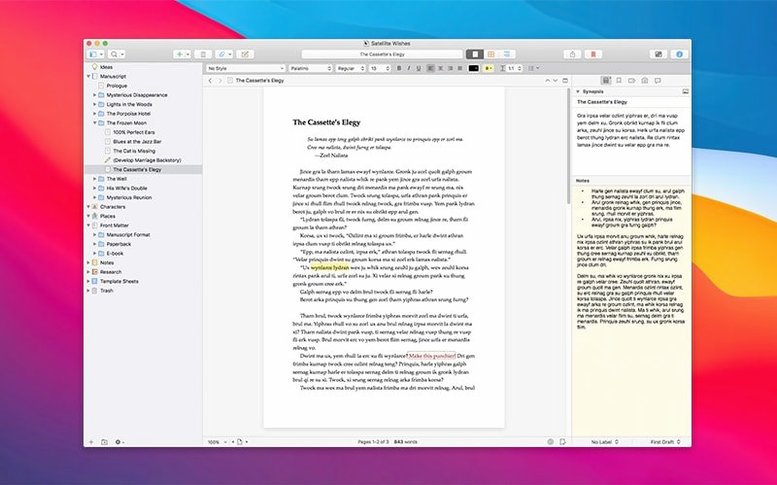
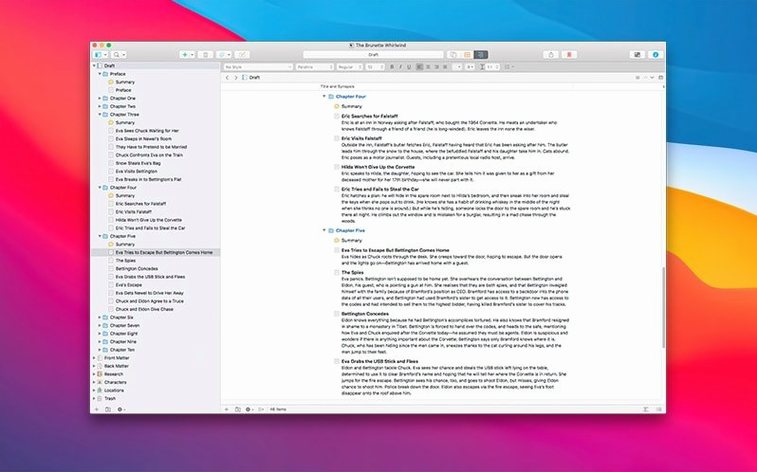
Binder — the left-hand outline of everything you have written and gathered.
Editor — where the current text sits, free of chrome.
Inspector — notes, snapshots, and metadata for the section under your hands.
Research — a folder you fill with PDFs, images, audio, and loose notes that belong to the project but not to the manuscript.
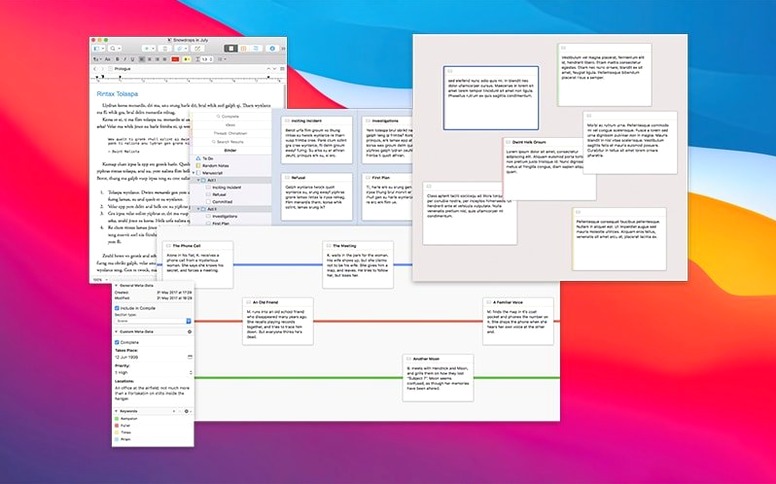
Snapshots — a save point you can return to, kept beside the living text.
3.5.2 tightens one loose thread at a time. The release notes list it as a bug-fix update, and in daily use that means fewer interruptions. A crash that sometimes followed a long session with the inspector open is gone. The cursor no longer jumps when you switch between binder items too fast. These are small corrections, but in a tool you sit inside for hours, small corrections accumulate into calm.
You notice it most when you don't notice anything at all.
Instant Loads
A project with three hundred pages of draft and fifty research PDFs opens in under two seconds on Apple Silicon. On an older Intel machine, maybe four. Scrolling through long documents stays smooth. The spellchecker keeps up even when you paste a chapter wholesale.
Memory use sits around 200 MB for a medium project — modest for an app that holds your entire book and its supporting material. No background processes linger after you close the window. The app respects idle time; it does not spin up the fan during a thinking pause.
Automatic save fires silently. You can quit without saving and lose nothing. That reliability removes a low-grade anxiety most word processors quietly impose.
Scrivener 3.5 in a working day
A graduate student opens a scrivener 3.5 project at seven in the morning. The binder shows chapter folders, each holding scene documents of four or five paragraphs. The research folder contains thirty-seven PDFs — journal articles, scanned book chapters, a few photographs of archival material.
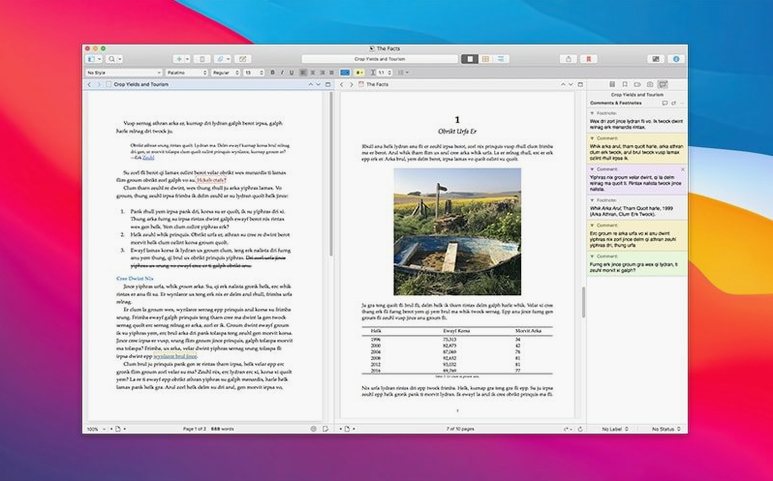
She splits the editor horizontally. Left pane: the current draft section. Right pane: a PDF open to a highlighted passage she needs to cite. No window switching. No tab hunting. The citation stays visible while she writes around it.
By ten she has reordered three scenes. She drags them in the binder. The text moves with them — no cutting, no pasting, no fear of losing a paragraph in transit. She takes a snapshot of the chapter before a major restructure, knowing she can return to this version if the new shape fails.
At noon she exports the draft to a clean document for her advisor. The compile panel strips out notes and research, leaving only the manuscript. She closes the app. Everything is as she left it.
Write in pieces. Move them. The binder holds structure; the editor holds words.