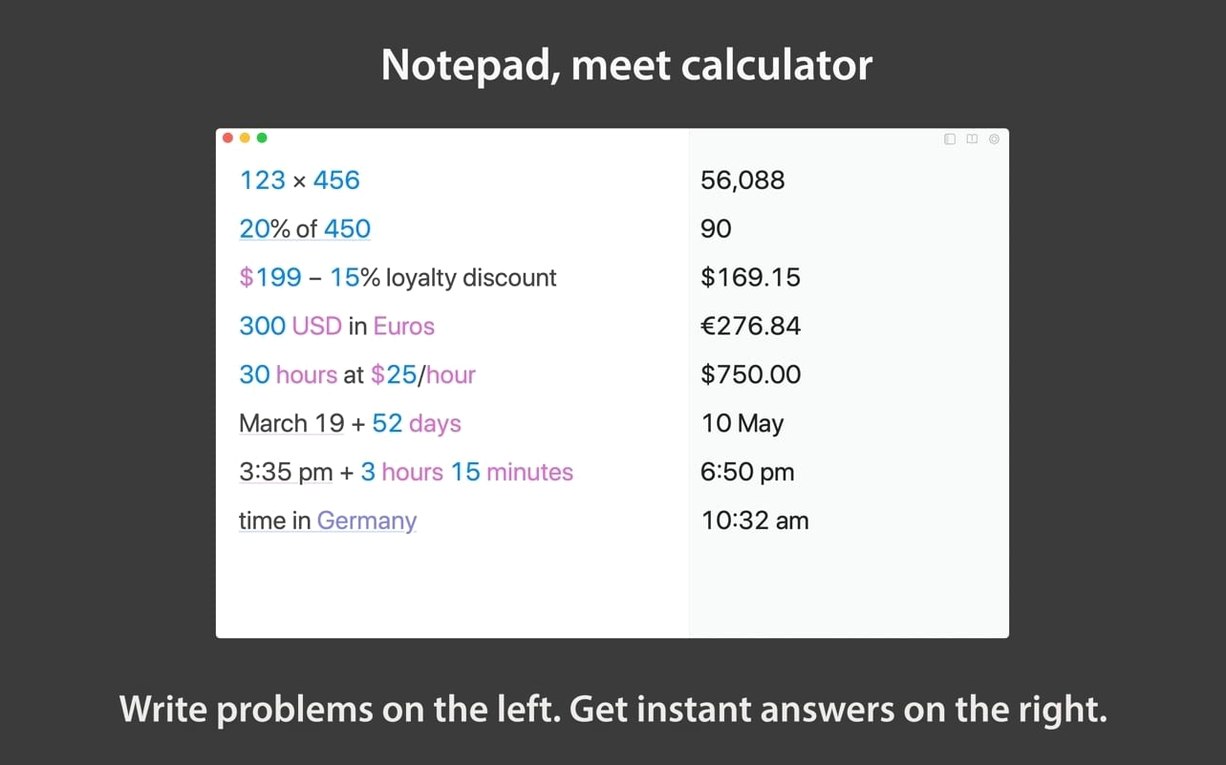
Normal calculators make you translate your thoughts into their language. Soulver 3 removes that step. You write the problem, and the answer appears alongside your words.
First moves
- Open a blank sheet. Write a few lines of plain text with numbers — maybe a travel expense or a freelance estimate. Notice the right column calculating as you go.
- Try a percentage. Type
15% of 80and watch the answer resolve on the same line. No mode switching. - Test a date. Write
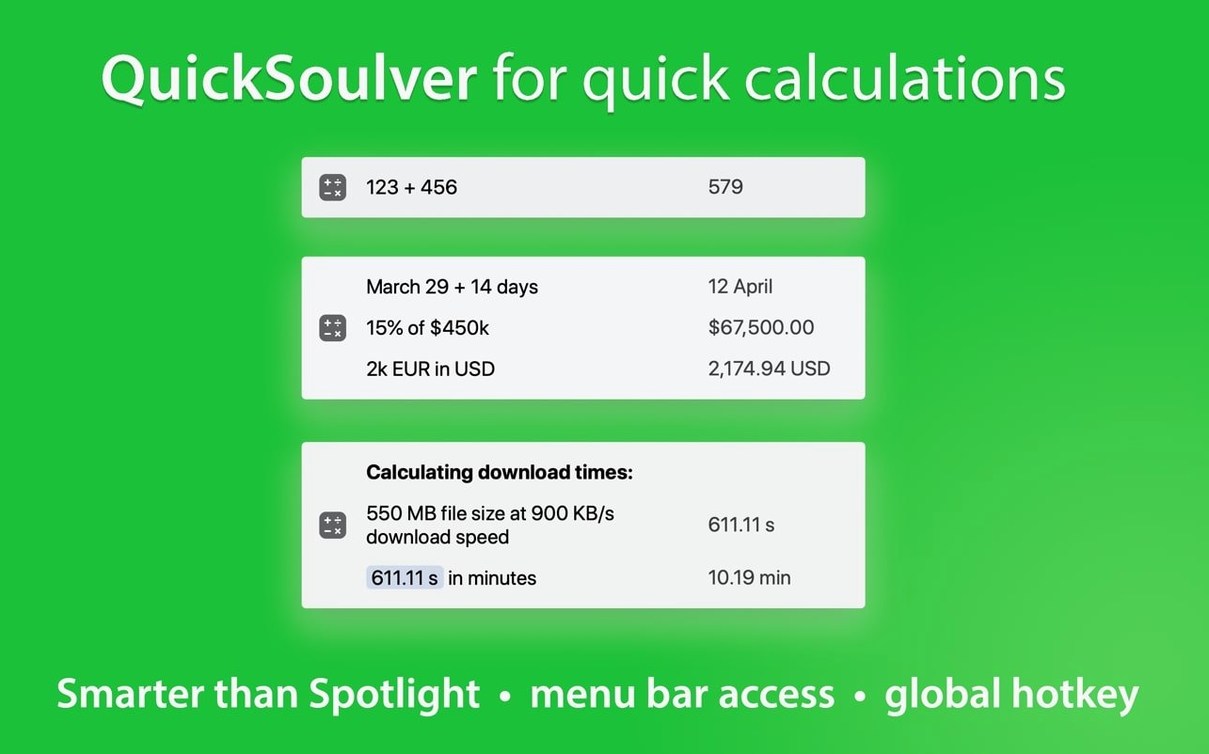
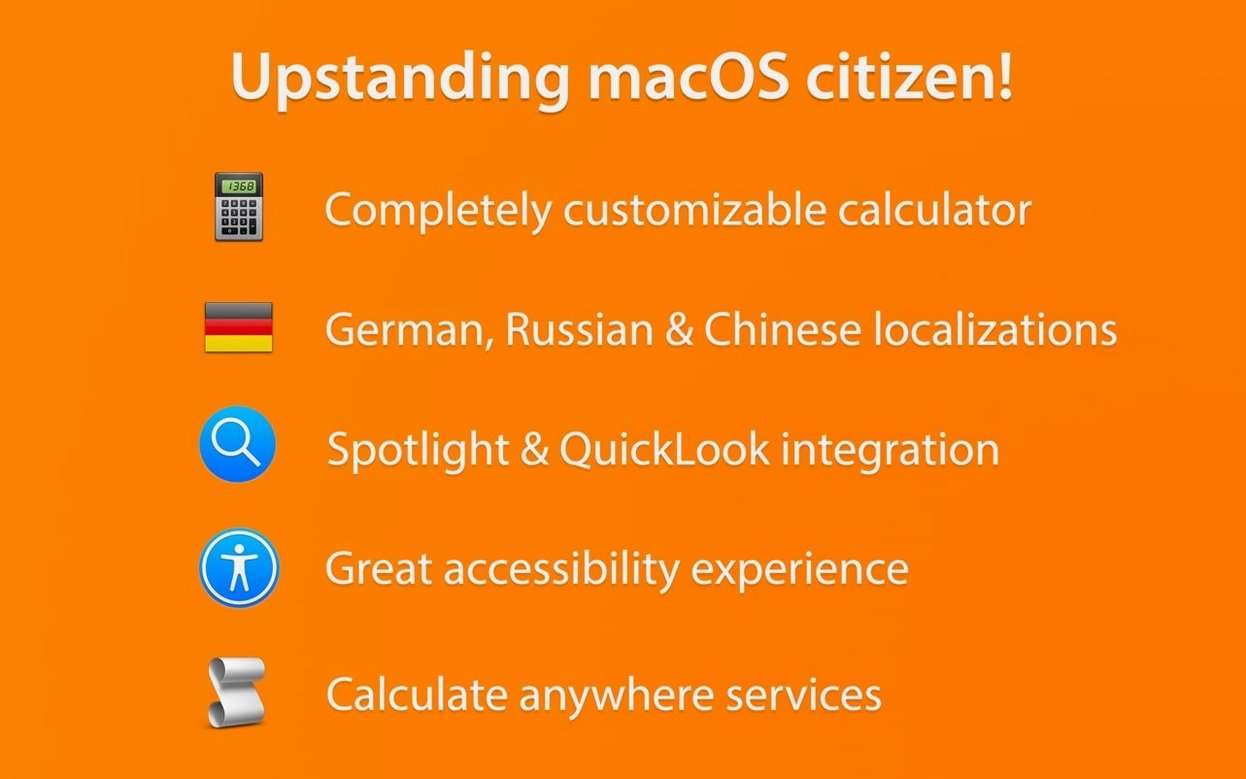
next Thursday + 3 weeks. Soulver understands calendar language. - Select any calculation in another app, right-click, and run the macOS Service. The answer appears without leaving your current window.
- Hit the spacebar on a saved sheet in Finder. Quick Look shows the contents instantly.
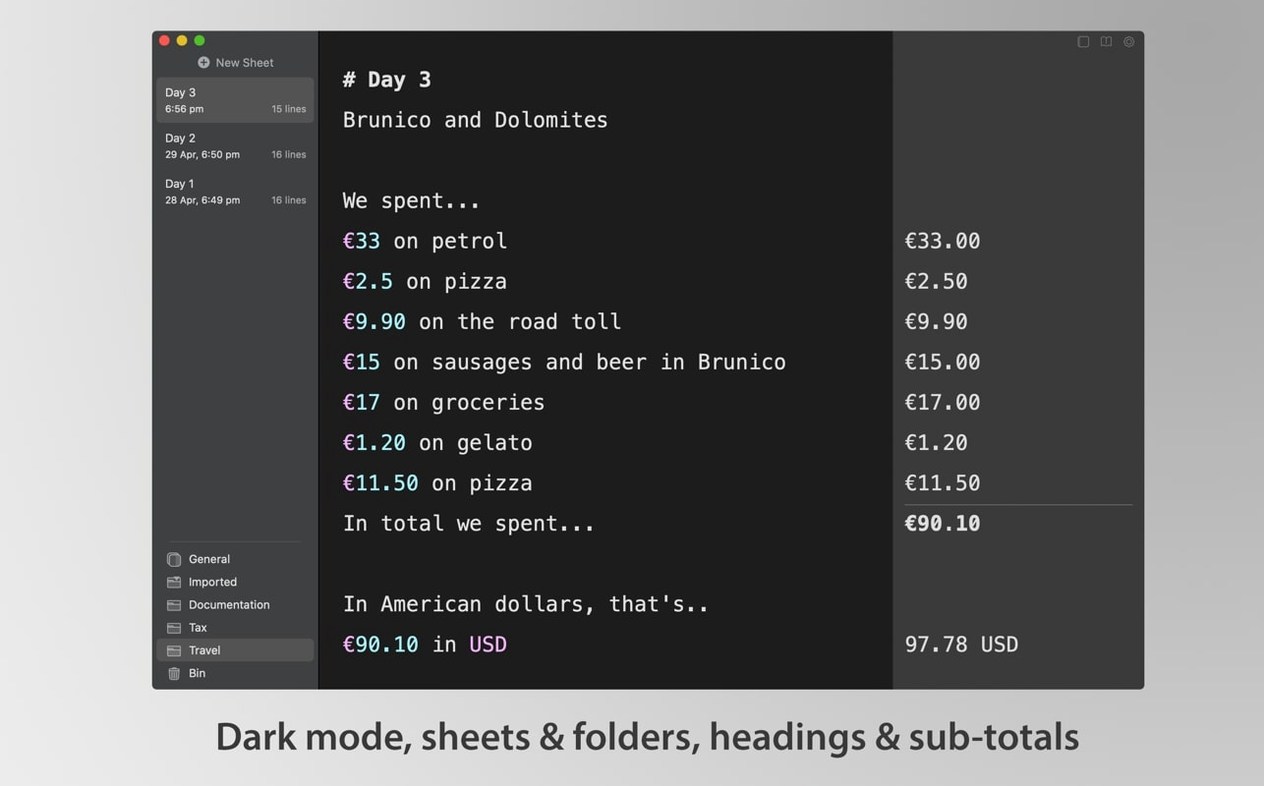
Dark mode is there when you need it. The Alfred workflow lets you fire off quick sums from the keyboard. Number formatting stays clean — spaces around operators, thousands separators where they belong. Linked line mode keeps small documents tidy.
Tax scratchpad
Freelancers and small studio owners. Estimates and tax rough-work sit naturally in sheets you can name, fold into folders, and revisit months later without decoding a spreadsheet.
Writers who handle light research. Word counts, timeline math, reading-speed projections — the calculations live inside the same document as the notes.
Anyone who thinks in shorthand. If you already scribble quick sums on paper or in a plain-text file, Soulver 3 replaces the scrap pile. The variables feature rewards this habit: define a rate once, reuse it across dozens of lines, and autocomplete reminds you it exists.
Sidebar keeper
Numi shares the notepad-plus-answers idea but feels lighter. Soulver 3 gives you a sidebar, sheet organization, and more control over formatting. Numi suits a single scratchpad; Soulver suits ongoing work you intend to keep.
Calca blends Markdown with live math and handles symbolic logic well. It appeals to developers and the math-curious. Soulver 3 stays closer to everyday language — fewer symbols, more plain English.
PCalc is a traditional calculator, deeply customizable and scriptable. It excels when you need buttons and an RPN stack. Soulver 3 trades button precision for prose. You type sentences, not key sequences.
Each tool solves a different posture. Soulver 3 is the one you leave open all day, not the one you launch for a single computation.