
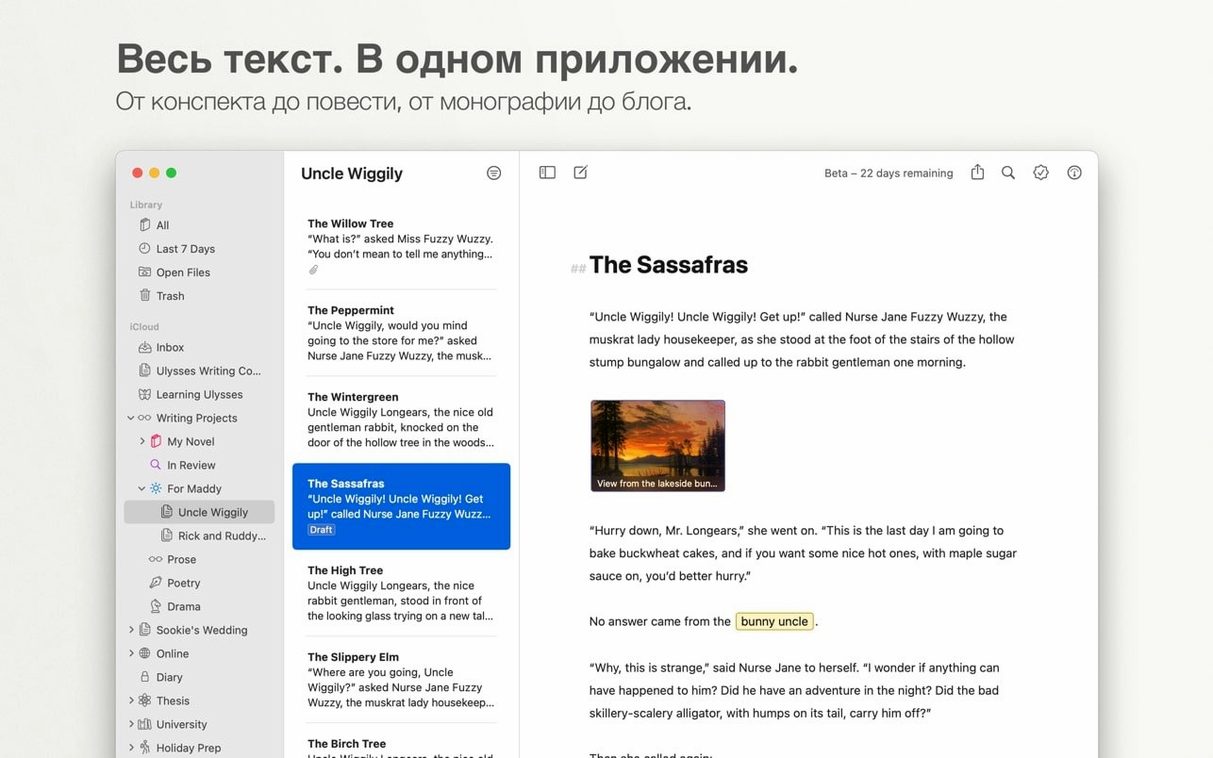
Ulysses runs on macOS 13 or later, Apple silicon or 64-bit Intel. The same library opens on Mac, iPad and iPhone through iCloud.
Groups and filters keep a growing body of work in order without folders. Set a goal for a sheet, attach notes, search everything. Saving is automatic.
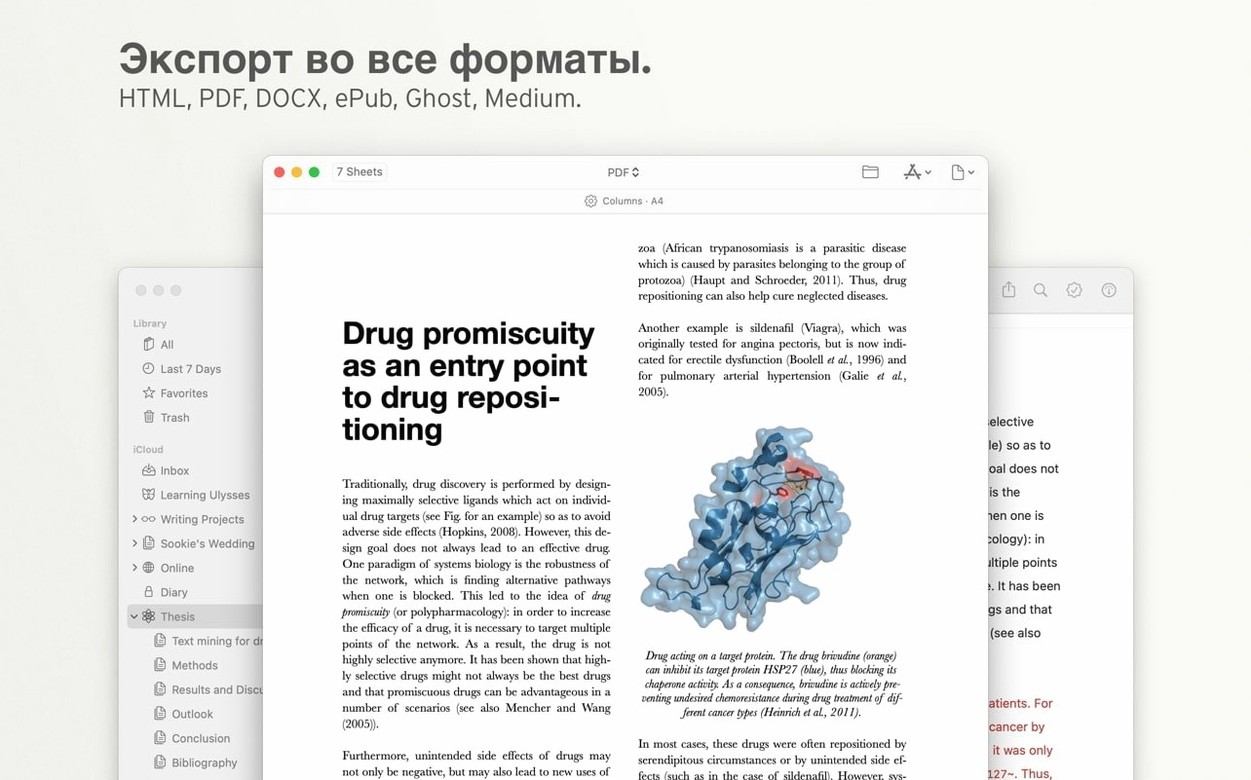
Export is direct: PDF, Word, HTML. Publishing to WordPress or Medium happens from the editor.
Groups as searches
New users often treat the library like Finder. They make a group for every project, then a subgroup for drafts, then a subgroup for research, then panic when things scatter.
A group in Ulysses behaves more like a saved search. Let keywords and filters do the sorting. Most writers need three or four groups, tops.
Another tangle: pasting rich text and expecting it to stay. Ulysses converts everything to plain text with Markdown. Bold becomes asterisks. Italics become underscores. It feels like loss at first. It isn't — it is the format getting out of your way.
And the subscription prompt. On first launch with a ulysses mac full version install, the app may appear unresponsive for a few seconds. Wait it out. Do not force quit. It resolves.
iCloud sync stalls
Syncing stalls when iCloud doesn't. Check iCloud Drive is on and Ulysses is enabled under its settings. Give it a few minutes after setup. Large libraries take longer on first sync.
Publishing to WordPress fails with cryptic errors. Usually a REST API block at the host level. Try the XML-RPC fallback in Ulysses account settings. If neither works, export as HTML and paste — it adds one step and removes the headache.
Text goals feel rigid until you learn the sheet counters. Set a modest word target. The circle fills. That's it. No gamification, no streak shaming. Use it or ignore it.
Export to DOCX carries your styles cleanly, but inline images need the "embed" setting checked or recipients see broken links. Find it in the export panel, bottom left.
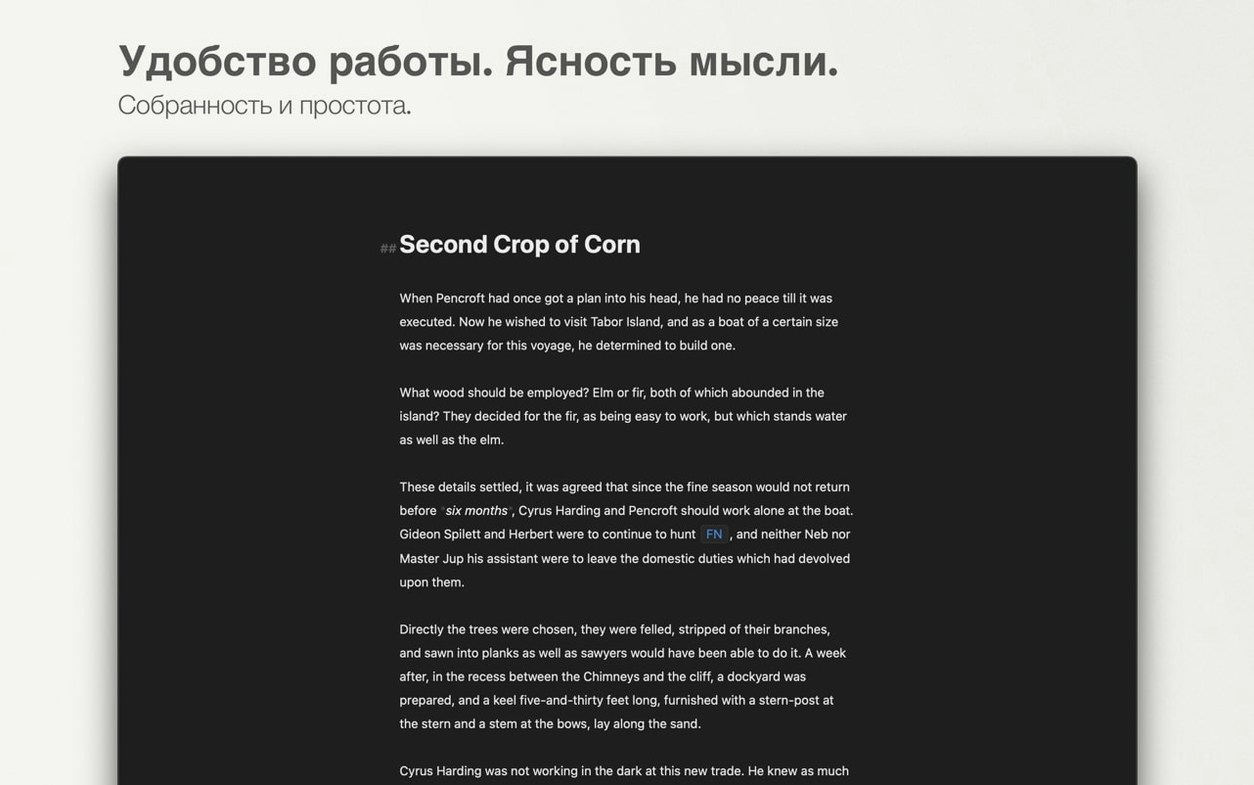
Plain text with visible markup. Little distance between draft and done.