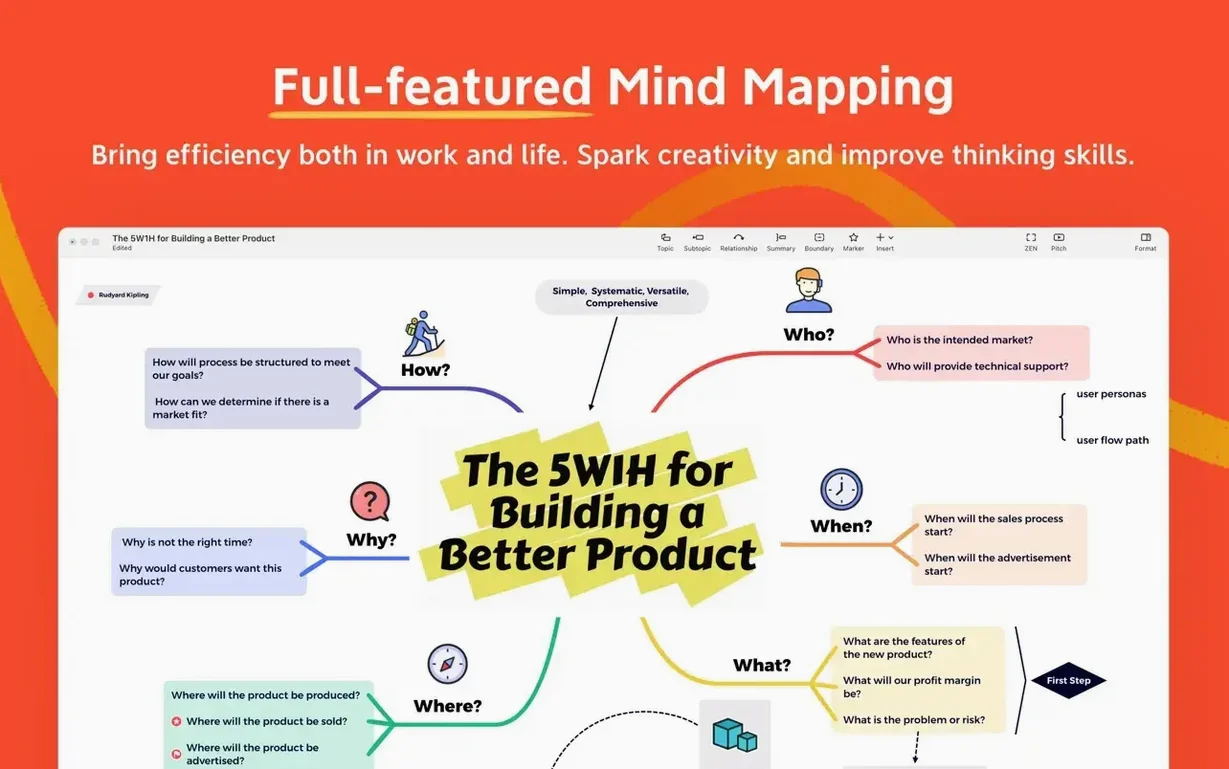

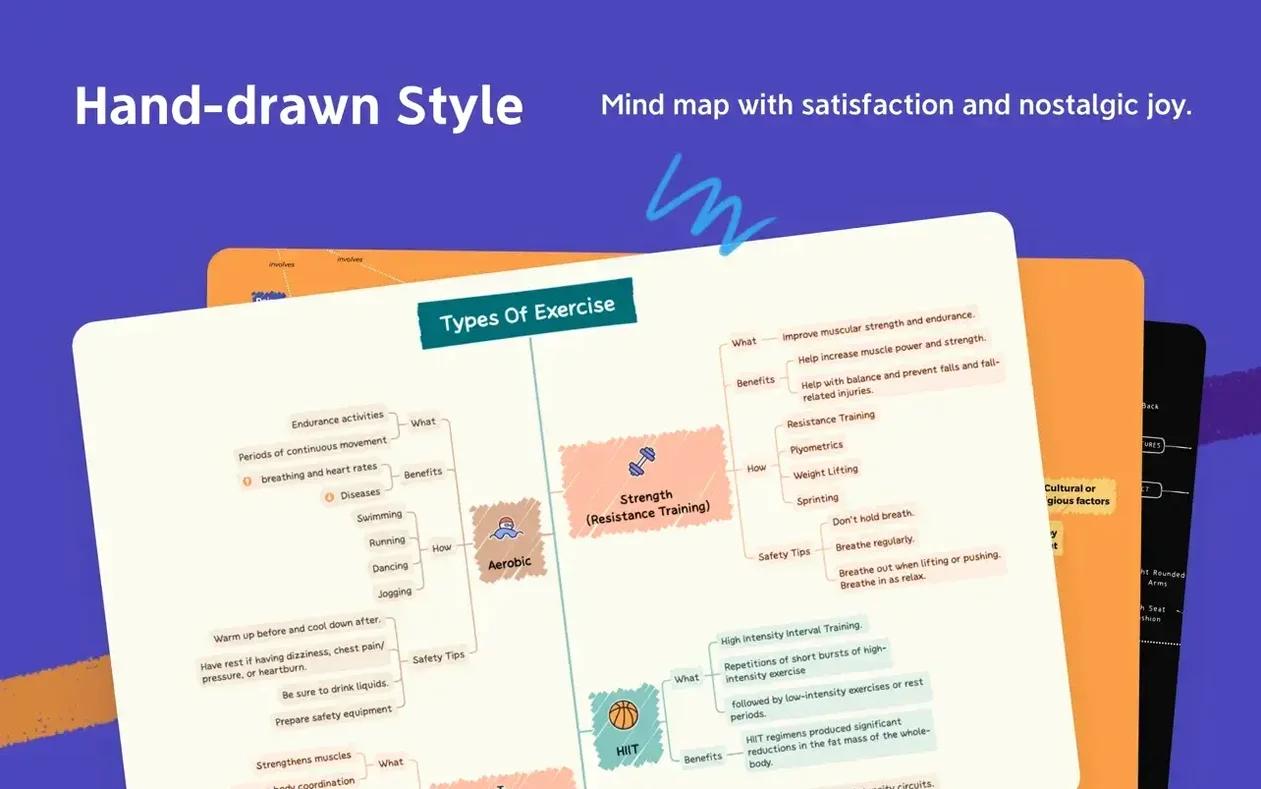
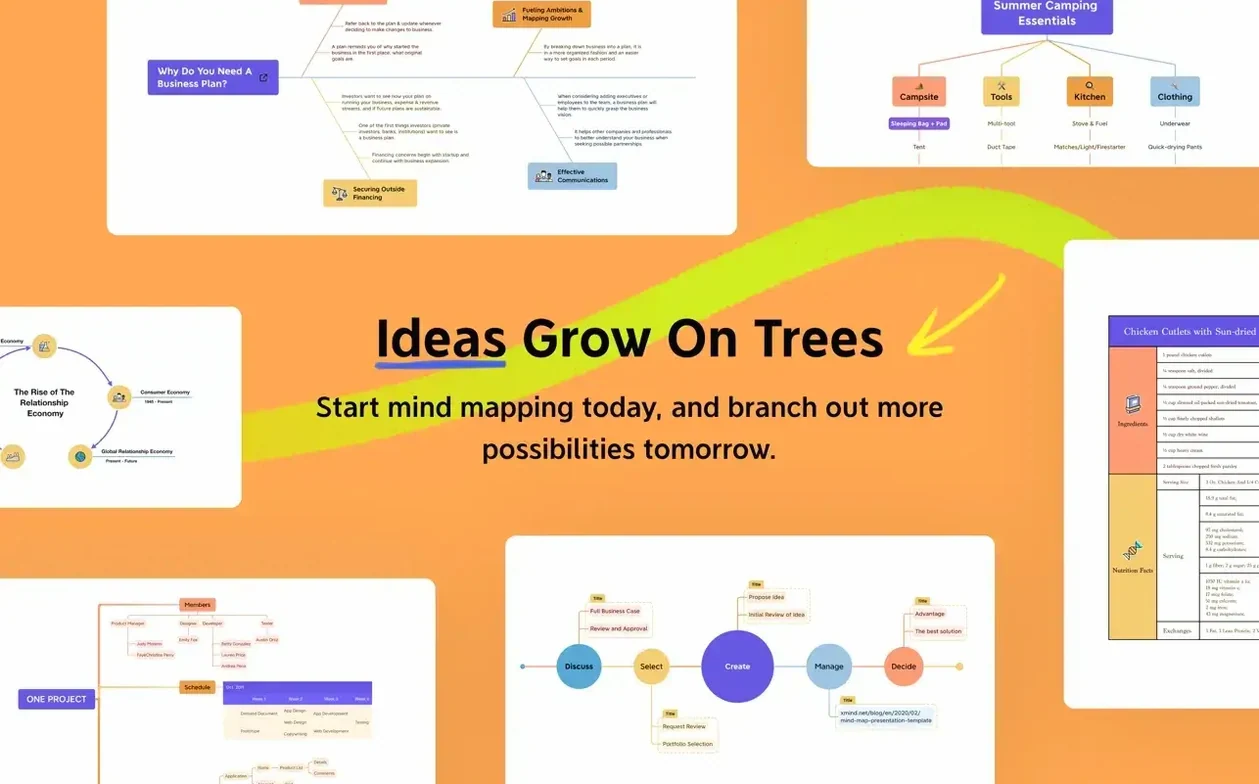
A canvas that gets out of your way while you untangle a thought.
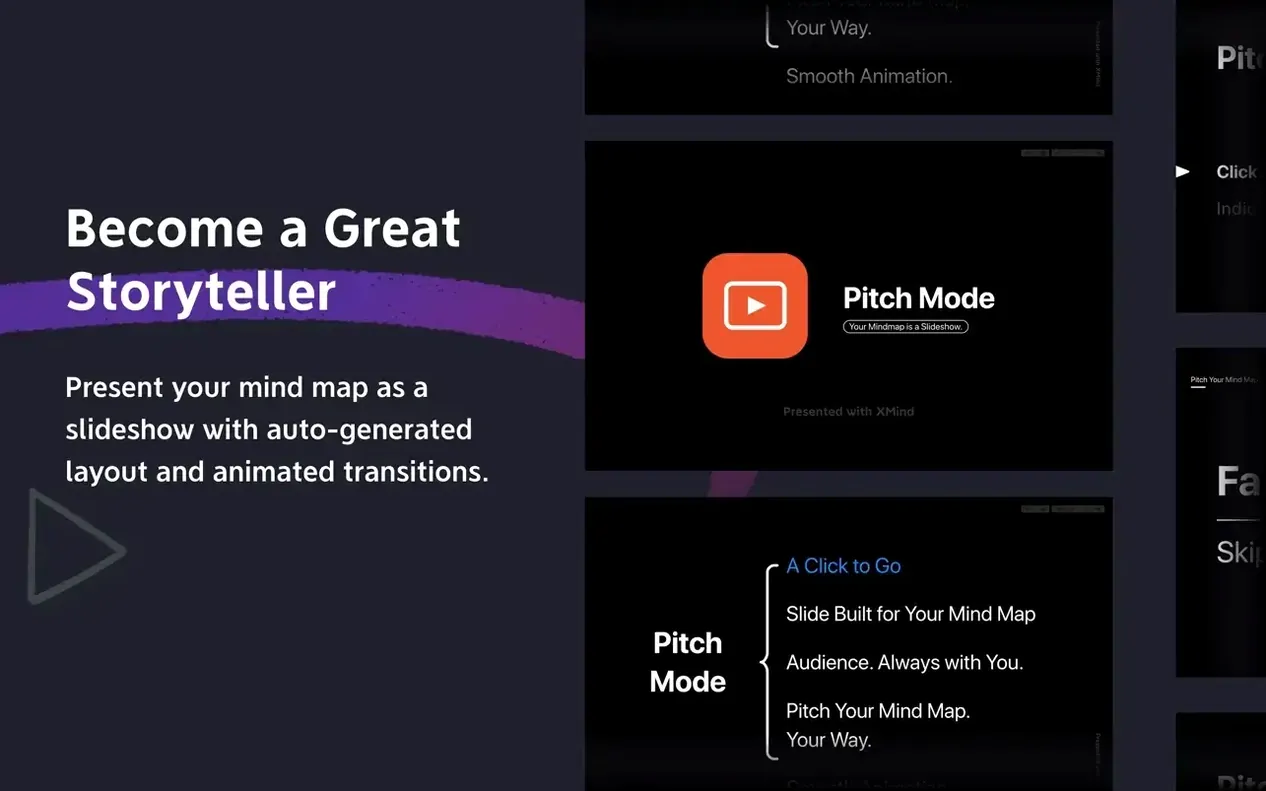
Pitch deck — the thing you have to deliver Tuesday.
Brain dump — all the fragments go onto the map.
Walk mode — step through each branch alone, without the noise.
Outline — collapse the map into a straight list for Keynote.
XMind doesn't sit in a silo. It reads FreeMind files without conversion. It exports to PNG, PDF, SVG, and plain text. The SVG output lands cleanly in Sketch or Illustrator. Markdown export drops into Obsidian or Bear as a ready-to-edit outline.
Drag an image from Photos or Finder onto a topic. It embeds. Drag a PDF or a Numbers sheet onto a branch — it attaches as a file link. The map becomes a lightweight project hub without becoming a database.
macOS integration runs deeper than drag-and-drop. The share sheet puts a mind map into Mail, Messages, or Notes as a PDF. Quick Look previews the .xmind file in Finder. Spotlight finds it by topic text. If you use AppleScript to glue your daily tools together, XMind listens to the standard suite — open, export, close.
Collaboration works through XMind Cloud. Share a link, and a colleague opens the map in a browser. Changes sync back. For teams that live in Slack or Discord, the shared link pastes into a channel. The map stays live, not a dead screenshot.
Linked images slowdown
Large maps with hundreds of embedded images can slow to a crawl. The fix: link images instead of embedding them. XMind stores linked media by reference, and the map stays light.
Export to Word sometimes drops custom topic styles. If the map relies on colored borders or custom fonts, the .docx output reverts to plain formatting. A workaround: export to SVG, open in Pages, then save as .docx. Extra step, but the styling survives.
iCloud sync is not the same as XMind Cloud. People sometimes save the .xmind file into an iCloud Drive folder and expect real-time collaboration. iCloud syncs the file, but two people opening it at once create a conflict copy. For live co-editing, use the built-in cloud, not iCloud.
Pinch-to-zoom on a trackpad occasionally jumps. The map snaps to a scale you didn't intend. Turning off "Smooth zoom" in Preferences calms it down on older Intel machines.
Quiet toolbar shift
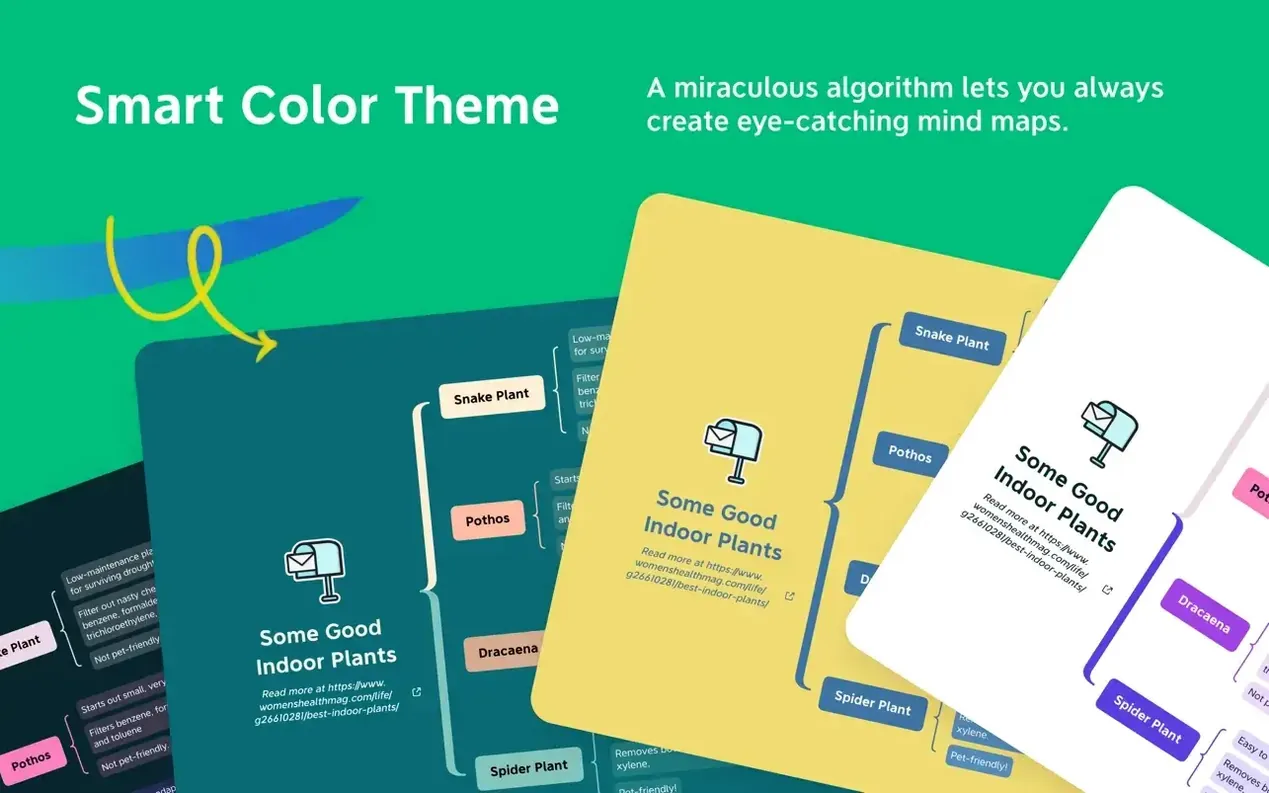
Version 26 brought a quieter interface. The toolbar shrank. The default theme shed its chrome. The canvas feels closer to a sheet of paper than a control panel.
Pitch mode arrived. Click the mode switcher and the map becomes a full-screen presentation. Each branch is a slide. Walk through topics with arrow keys. No export to Keynote required for a quick stand-up.
Search picked up fuzzy matching. Type "buget" and the map highlights "Budget." Small change, but it catches the typos you make when you're moving fast.
The FreeMind compatibility stayed intact through the update. Old .mm files still open without the import dialog getting in the way. That matters when you pull a project from 2019 out of an archive.
FreeMind — the file from the old project opens without fuss.