
1.14.10 patches a clipped welcome panel and a pandoc export bug in source mode. Small fixes, but they tell you where the attention goes: polish, not feature sprawl.
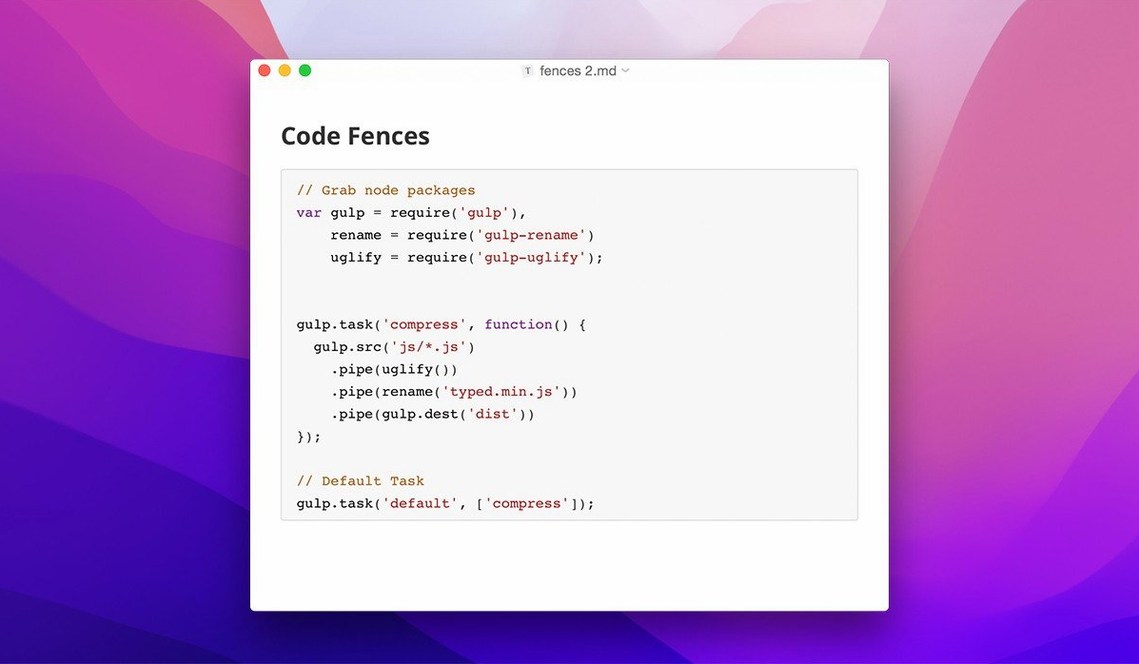
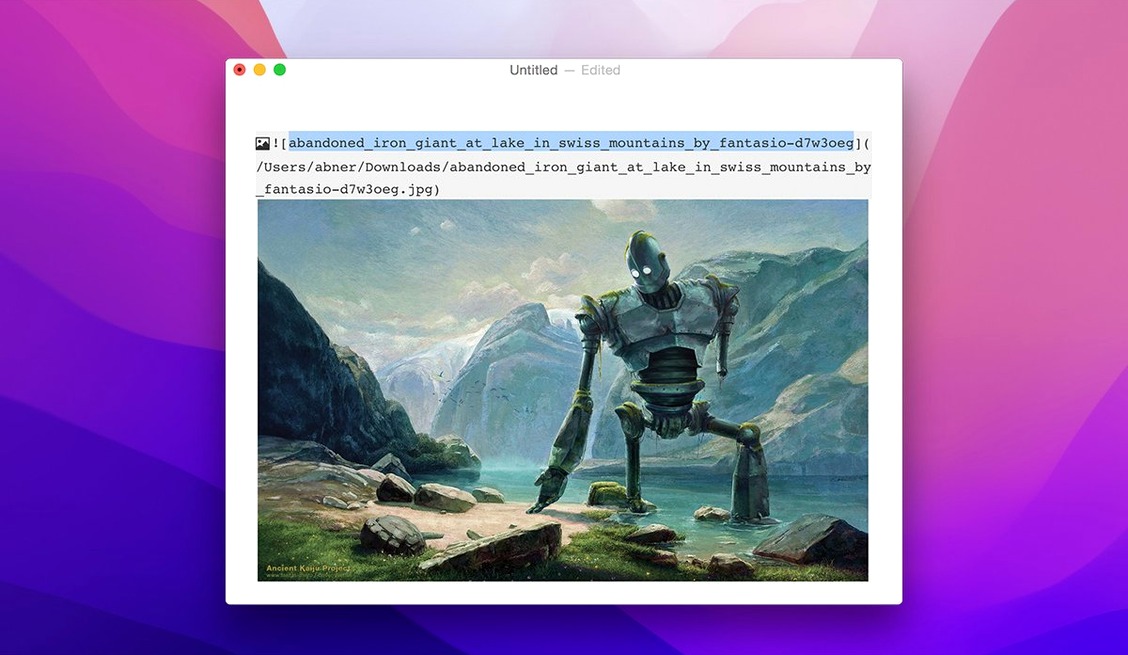
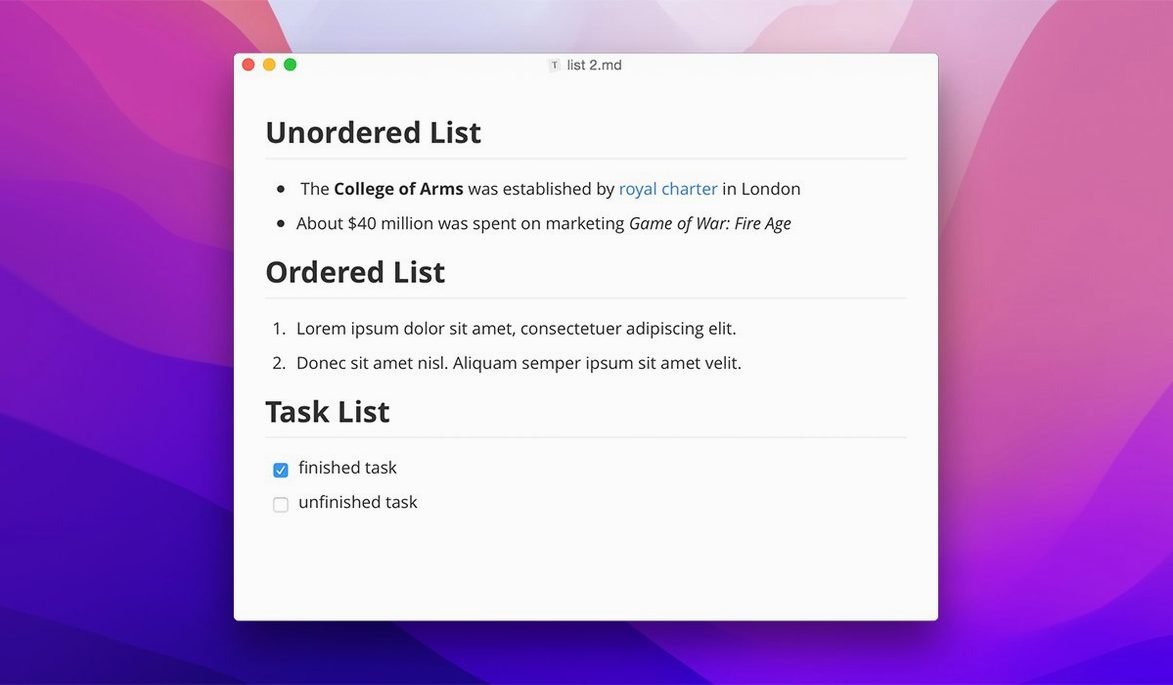
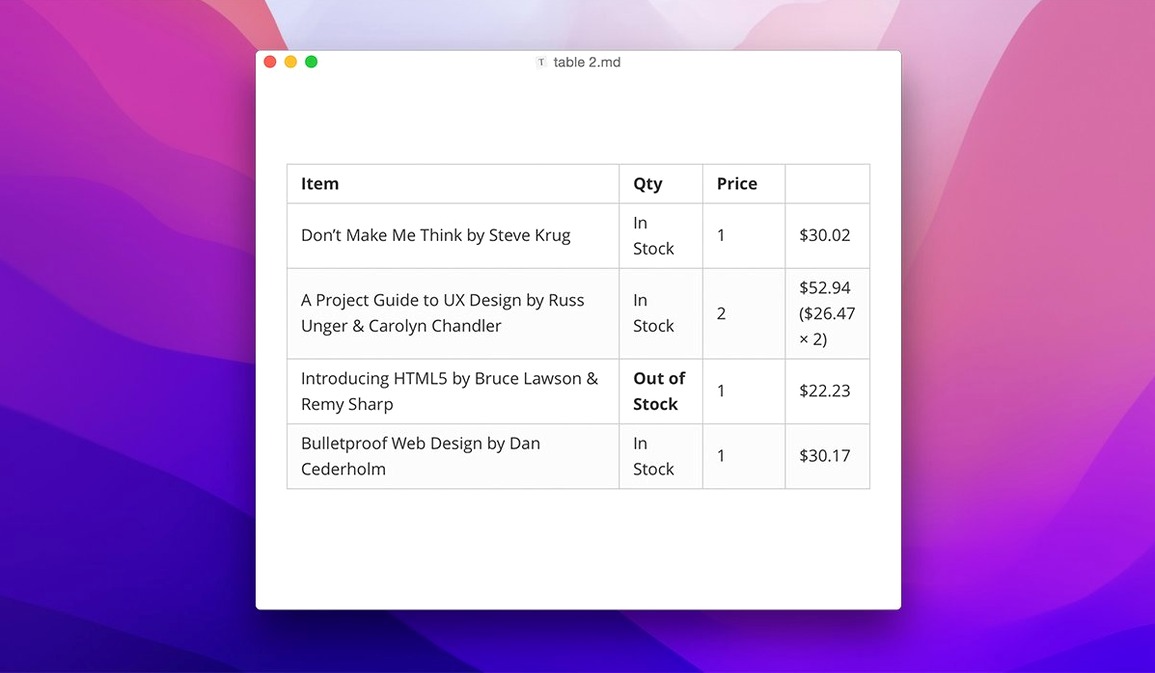
Typora removes the split-screen ritual. No preview window, no mode switch, no hash marks staring back at you. You write in one place and see the rendered text immediately.
Custom CSS
- People who edit with custom CSS themes
- Reading long Markdown documents without source noise
- Keyboard-driven file navigation added in 1.14
Sidebar visibility
- The sidebar now shows non-Markdown files — an option, not the default
- Runs on macOS 10.13.6 and later; Apple Silicon and Intel both supported
Quick drafts
Typora reads well next to a terminal. A typora mac binary sits in an Automator folder for quick drafts when you want to avoid Finder.
It respects macOS conventions without leaning on them. Quick Look previews of .md files work as expected. You can set Typora as the default Markdown handler and open a README from a zip archive without a bounce in the Dock. The file tree added in 1.14 mirrors the sidebar idiom already familiar from Finder and Mail, so you navigate without learning a new spatial metaphor.
If you use pandoc for heavier conversion runs, Typora hands off cleanly. The 1.14.10 fix for source-mode pandoc export keeps that path open for users who need reference formats — LaTeX, docx — without switching editors for a final pass.
A day for a PhD candidate
A doctoral student in comparative literature keeps her dissertation outline, chapter notes, and advisor feedback in a folder of linked Markdown files. She opens Typora in the morning to a sidebar that shows the whole tree, including a stray .txt file she needs to consult. She turns on the non-Markdown file visibility option once and leaves it.
She composes a new section with inline footnotes and a LaTeX equation block. Nothing blinks. No preview window needs resizing. When her advisor sends back a PDF with marginal comments, she transcribes them directly into a clean Typora window, renders a table of contents from headings, and exports a lightweight HTML draft for her reading group that evening. The toolbar floats nearby, unobtrusive, available for formatting she rarely touches with the mouse.
Scrolls 20k words
On an M1 MacBook Air, Typora opens in under two seconds and idles at low memory. Large documents — 20,000 words with code blocks — scroll without lag. The editor gets out of the way.
Stability is uneventful. Through a day of switching between notes, reading long-form documentation, and exporting to PDF, the app doesn't beachball. If you’ve been searching for a Typora torrent to try a version with all languages unlocked, you’ll find this build ready. It runs on older Macs back to 10.13 without compromise; the interface remains responsive on Intel HD Graphics hardware that stutters under Electron apps. Resource use stays flat even with the sidebar open and multiple tabs active.
It speaks 31 interface languages. That breadth is rare in a tool this focused.