
Pick a style once. Vellum applies it to every chapter, including the ones you add later.
- Preview the pages as you edit, for phone, tablet and print.
- Choose a trim size and margins, page numbers and headers follow.
- Spreads balance and widows disappear without manual work.
- Boxed sets bundle several books into one.
Preview pane
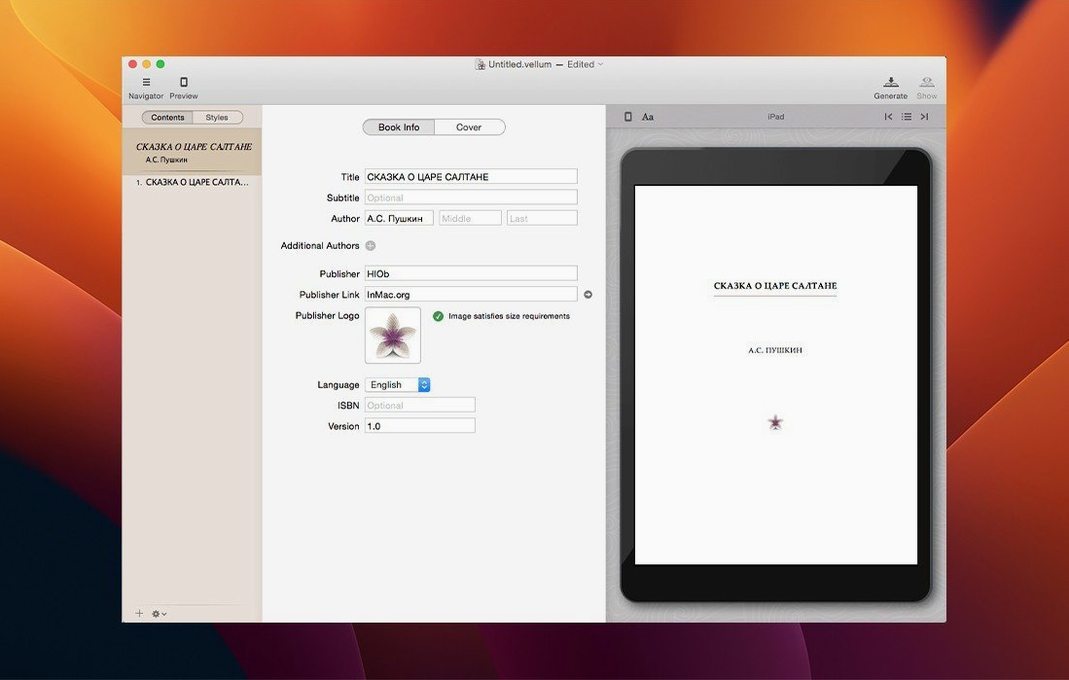
Open the preview pane early. The default device is a phone; switch it to an iPad or a Kindle model you actually own.
Set your trim size before you style anything. Changing it later shifts every page break you already approved. Go to the Book Info panel and pick your size there. The margins, headers and footers adjust immediately — no manual tweaking.
Turn on orphans and widows control in the style editor. Vellum handles most of it, but the default is sometimes too permissive. Two-line minimum per page fragment keeps the text block clean.
Day to day
Vellum launches in under three seconds, even with a full manuscript open. Memory sits around 200 MB for a standard novel; a boxed set with four titles pushes closer to 400 MB. No background processes linger after quitting.
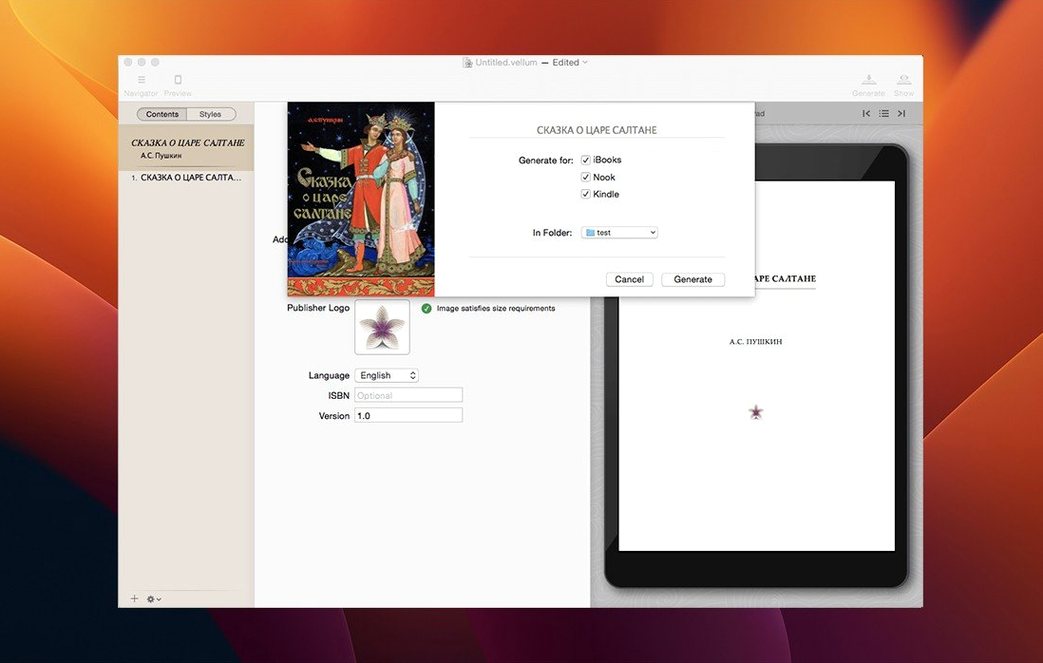
Preview generation is instant on Apple Silicon. Flipping between phone and print view redraws without a spinner. On Intel machines, a complex print layout takes a breath — maybe a second. The app has never crashed here during an export. Ebook generation for all three formats at once finishes in under ten seconds for a 300-page manuscript.
The native feel shows in small things. Scroll acceleration matches the system. Text selection in the editor respects your mouse settings. No web view sluggishness, no Electron frame drops when resizing the window.
One caution: Vellum saves automatically and often. This is mostly a relief. But if you want to experiment with a radical restyle, duplicate the file first. The undo history does not stretch across sessions.
Offline core
Does Vellum work without an internet connection? Yes. The app runs entirely offline. Preview generation, export, and style changes require no network. The only time it might reach out is to check for updates, and you can skip that.
Can I edit the ebook code directly? No. Vellum is not an HTML or EPUB editor. You work with its styled text, and it produces clean, retail-ready files. If you need to inject custom CSS or tweak the markup by hand, you would export and finish in another tool.
Will it overwrite my manuscript file? Vellum creates its own project. Your original DOCX or RTF stays untouched. The app imports once and works from an internal format.
The ebook and the print edition come out together, ready for Kindle, Kobo and Apple Books. A copyright page builder is inside too.