
Dark mode arrives fully. Version 14.3 also brings Hilbert transforms, Lommel functions, and new standard colors tuned for light and dark environments.
Apple silicon ready
Mathematica runs natively on Apple Silicon and Intel 64-bit Macs. You need macOS 12 or later.
Compute anything
Symbolic algebra, numerical integration, matrix decompositions. Type in plain English and Mathematica parses natural-language input.
See the result
Fresnel in seconds
Open a fresh notebook. The blank page stares back — no clutter, no palettes unless you ask for them.
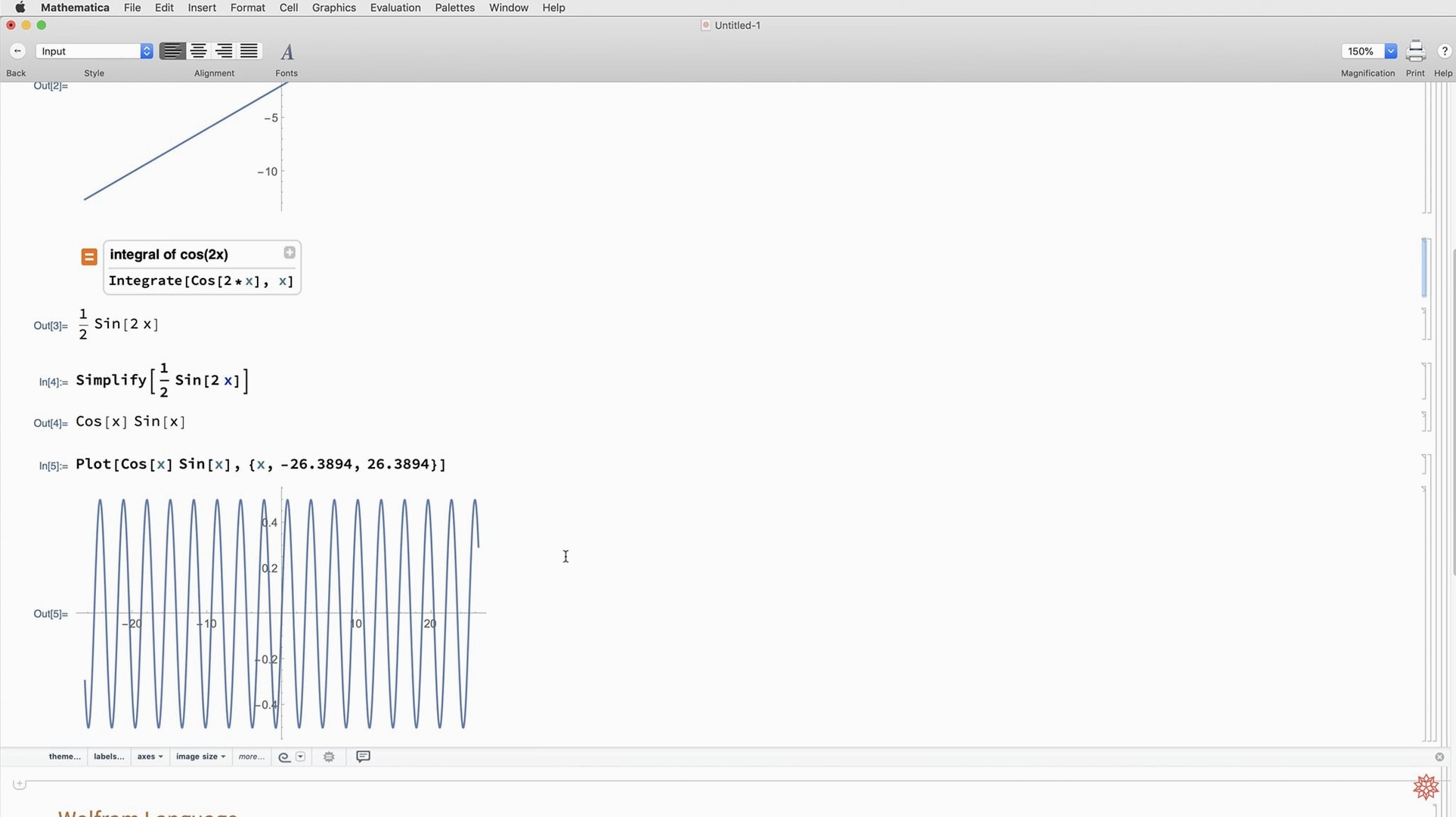
Type Integrate[Sin[x^2], x]. Mathematica returns a Fresnel integral in under a second. No setup, no imports. You highlight the output and press Shift+Enter to get a numerical approximation for a specific range.
Next, you pull in weather data for three cities. A single WeatherData call grabs temperatures, humidity, wind speed. You wrap it in ListFitPlot. The trend line appears. You adjust the mesh with a slider — the notebook stays responsive.
You paste a block of Python code into an external evaluation cell. Mathematica calls your local Python environment, runs it, returns the dataframe. One more cell merges that with your symbolic results. You export the whole notebook as Markdown. Done.
Palette shortcut keys
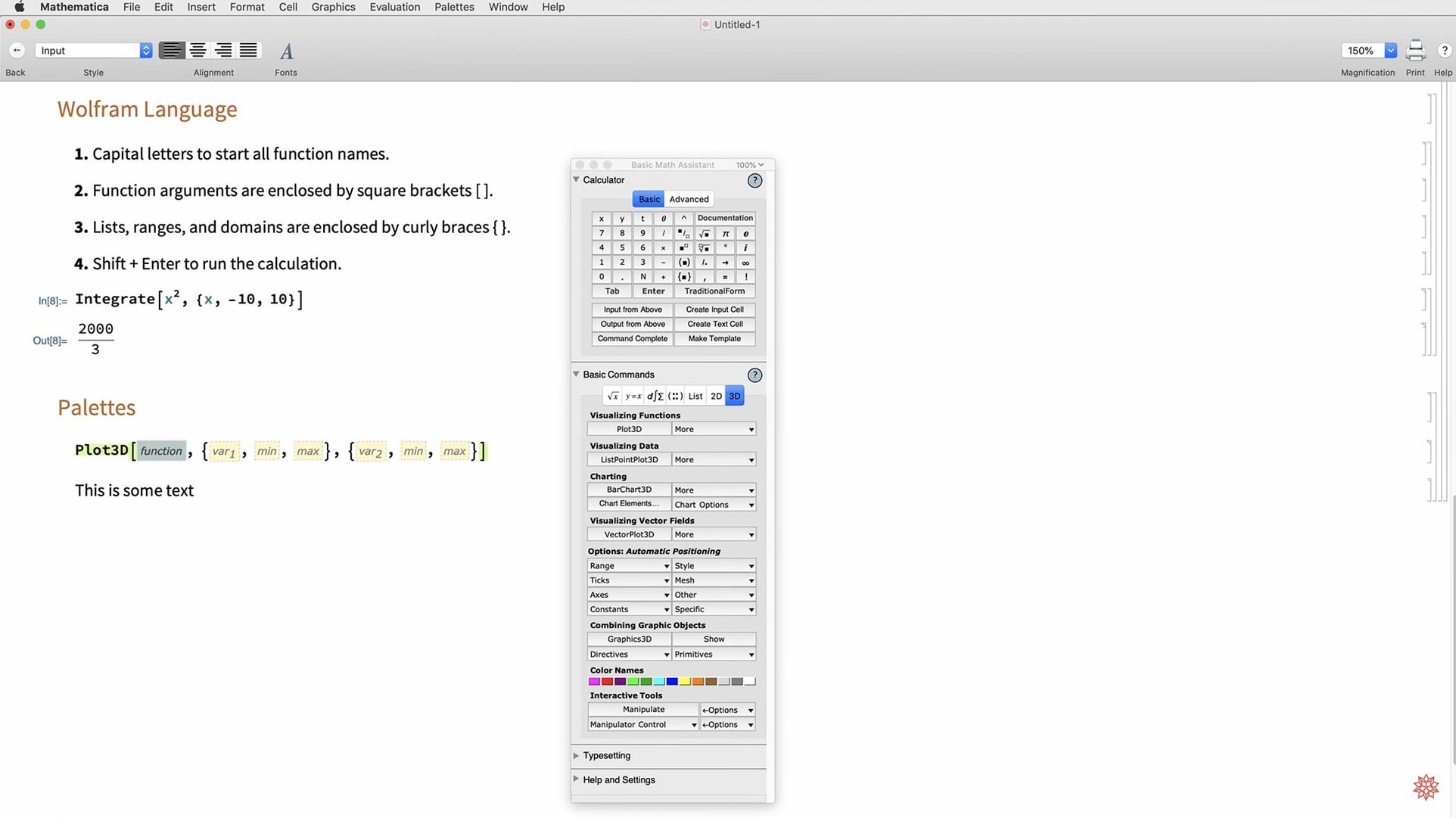
Learn the palette shortcuts. Cmd+Shift+K brings up the Basic Math Assistant. Most common symbols live there.
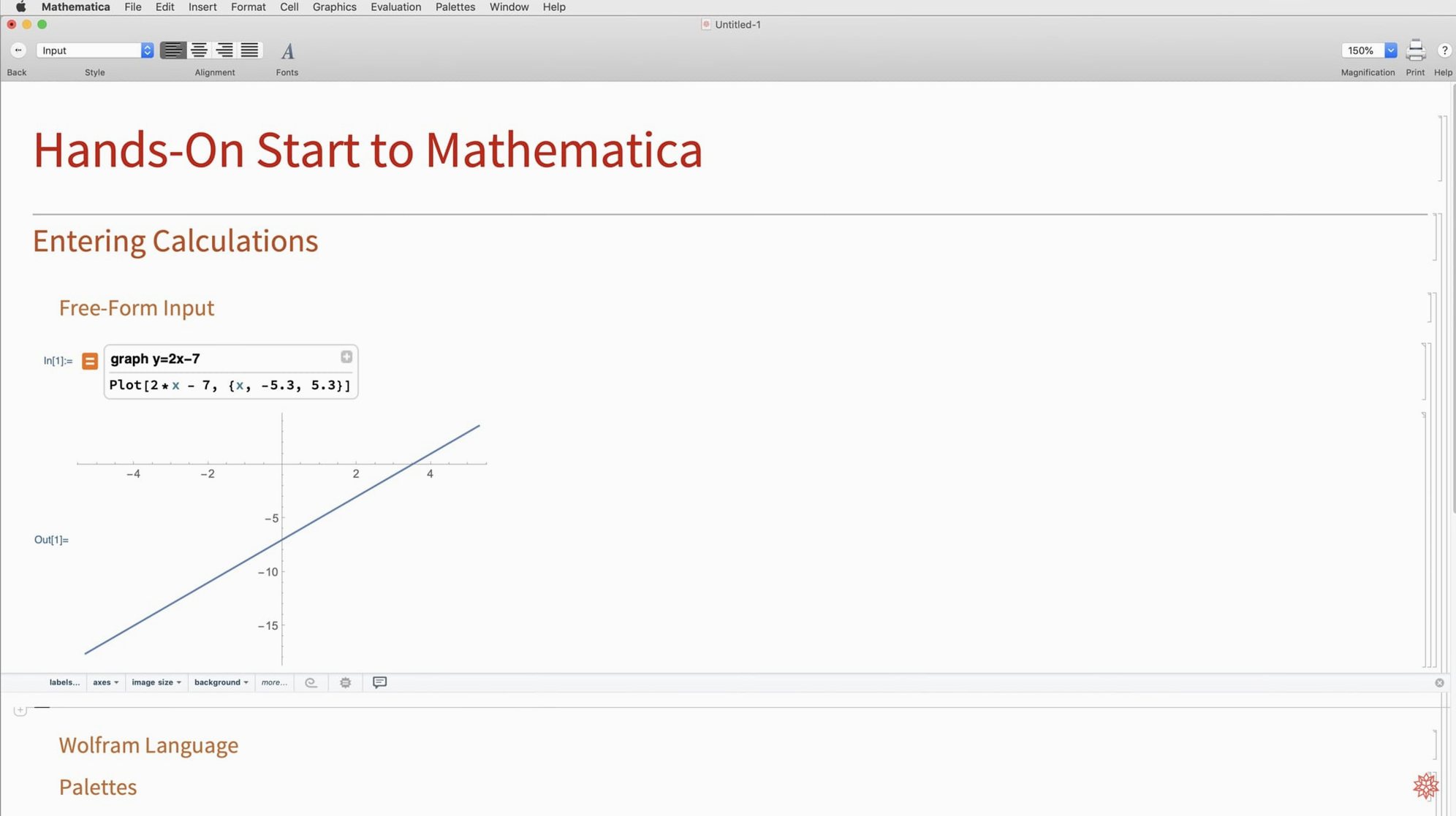
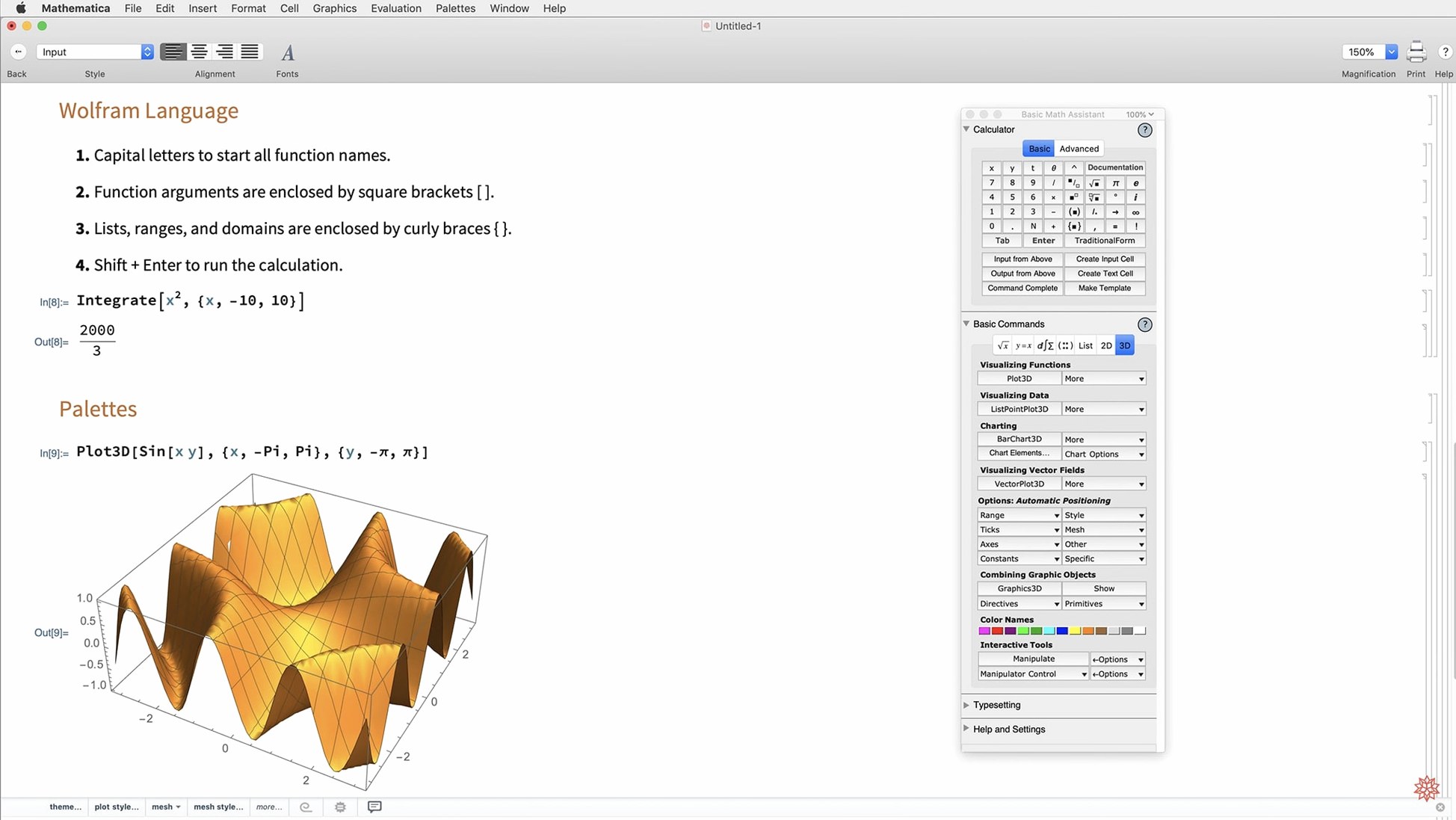
Type a single equals sign at the start of a line. Natural-language input kicks in. Try plot sin x cos y and watch it build the 3D graphic.
Disable dynamic updating when you work with large datasets. The toggle sits in the Evaluation menu. Your fan will stay quiet.
Stick with the default notebook style for a week. Resist customizing every font. The new dark mode already handles contrast well.
Fix misparsed commands
Natural-language input misparses a command. Instead of fighting it, switch to Wolfram Language syntax for that one line. The two modes coexist in the same notebook.
Python integration feels slow on the first call. The external engine needs a cold start. Keep the kernel warm by running a dummy evaluation early in the session.
Graphic exports come out low-resolution. Head to File > Save Selection As and pick PDF or SVG. Raster formats can be dialed up with ImageResolution in the Export command.
Looking for a mathematica 12 download or a mathematica 13 download often leads people to older notebooks that break under 14.3’s revised color system. If imported graphics look off, re-evaluate them in a fresh cell. The new standard colors apply automatically.
New surface plotting functions, ListFitPlot, and vector-based maps turn data into a conclusion.