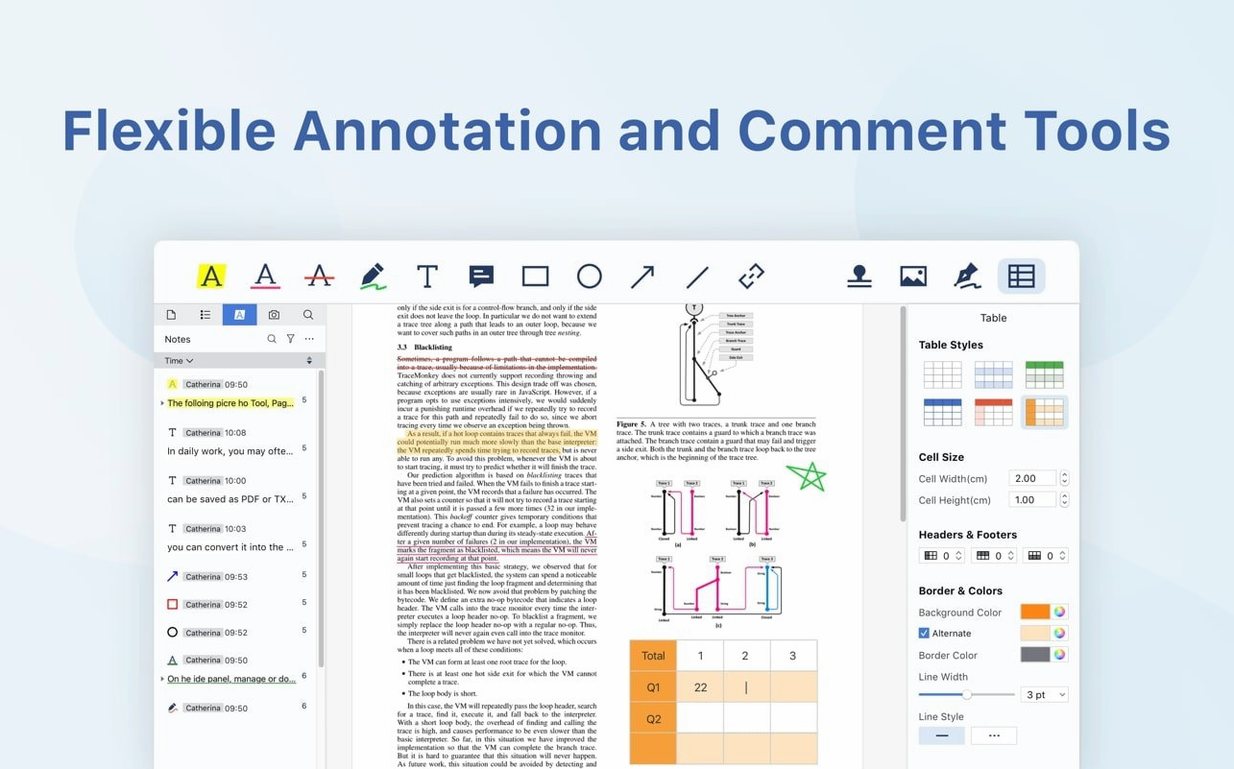
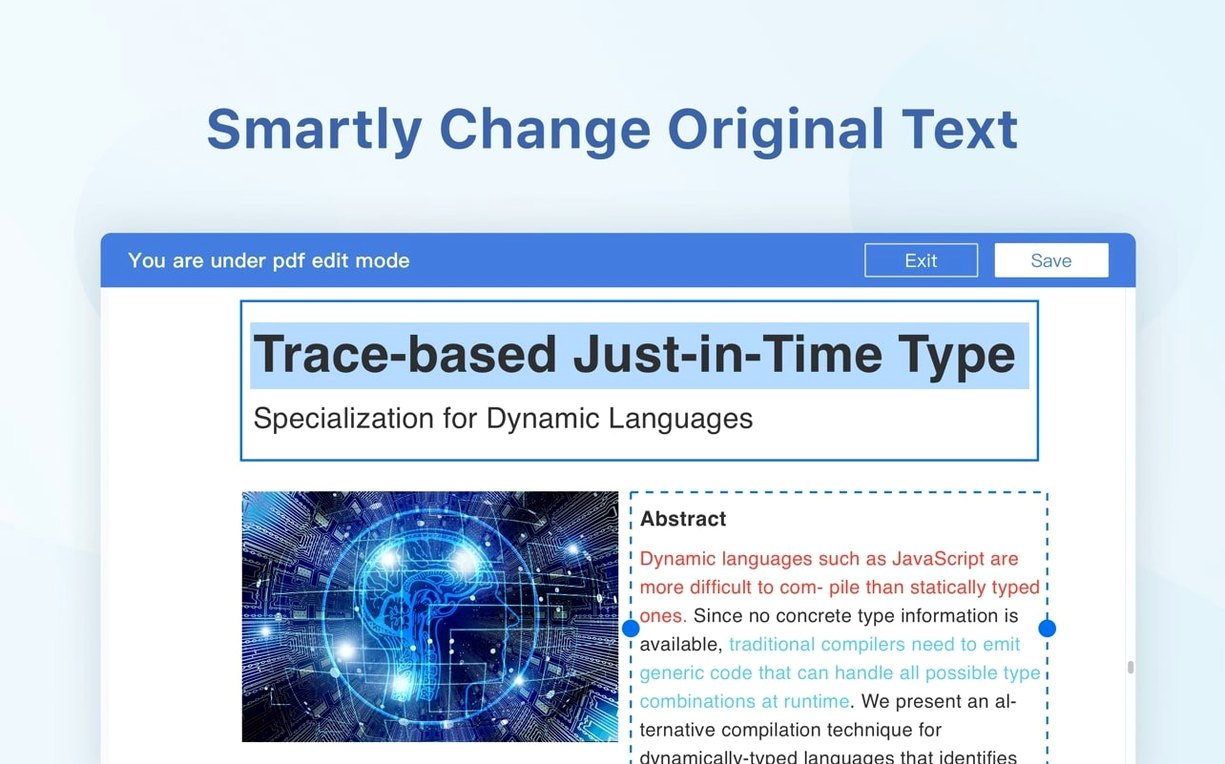
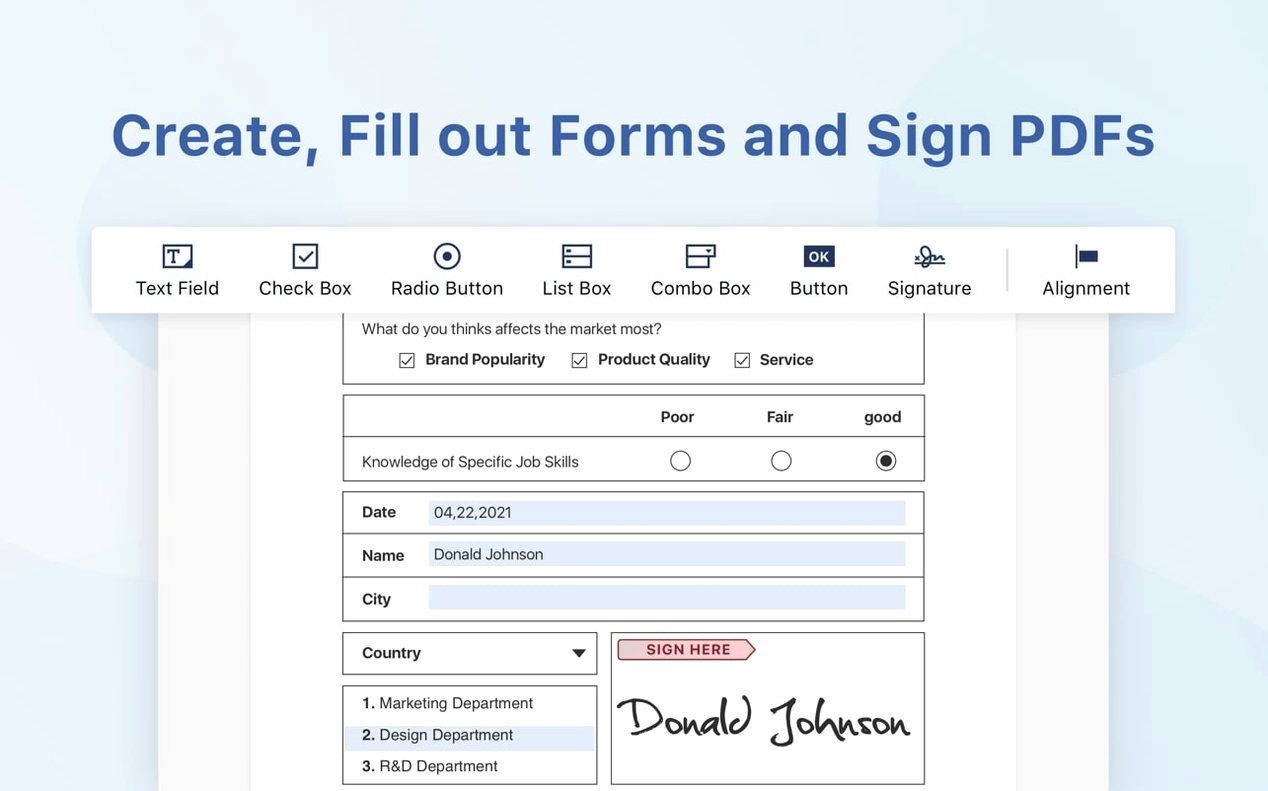
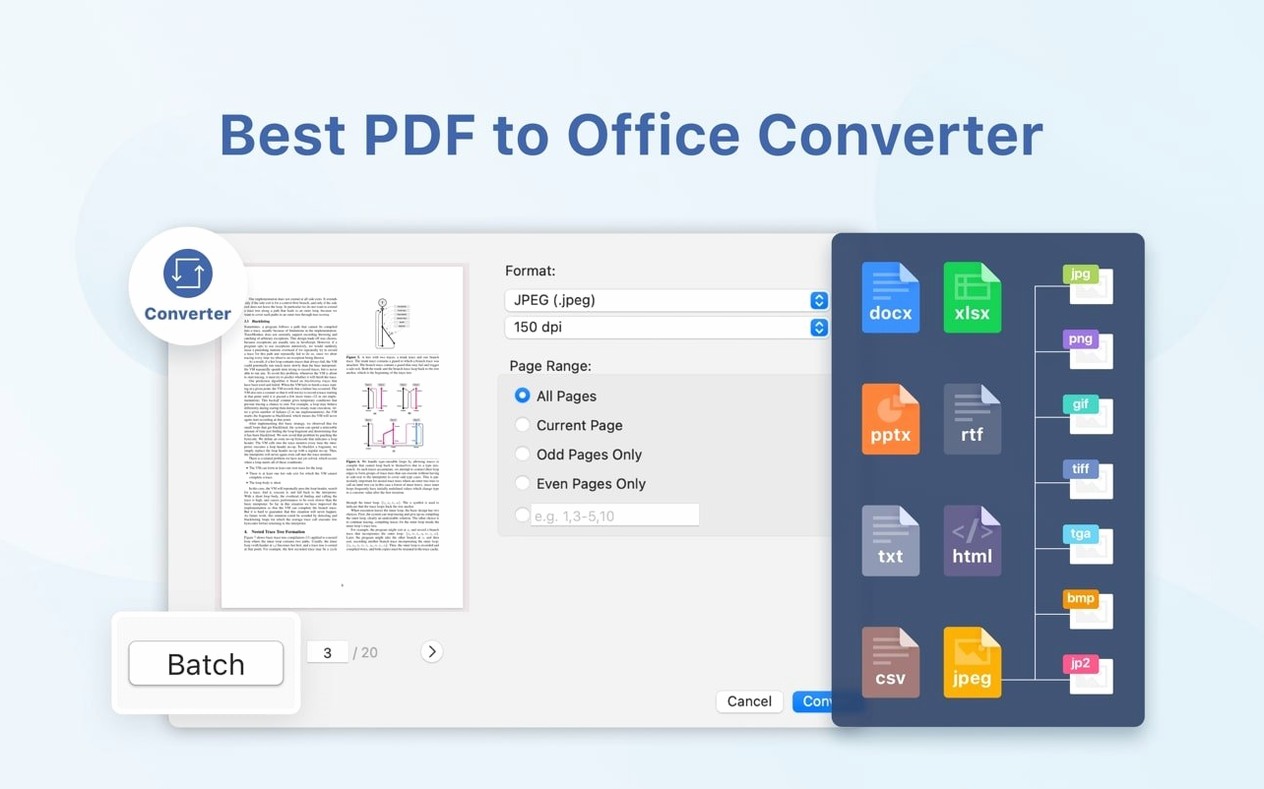
You open a contract late on a Friday. It needs a signature, a date, and three blank fields filled before you can leave. PDF Reader Pro is built for that moment — and for the quieter ones where you just need to read and annotate without the app getting in the way.
- Does it fill forms? Yes. It handles interactive form fields, so you can type directly into PDFs that other readers leave frozen.
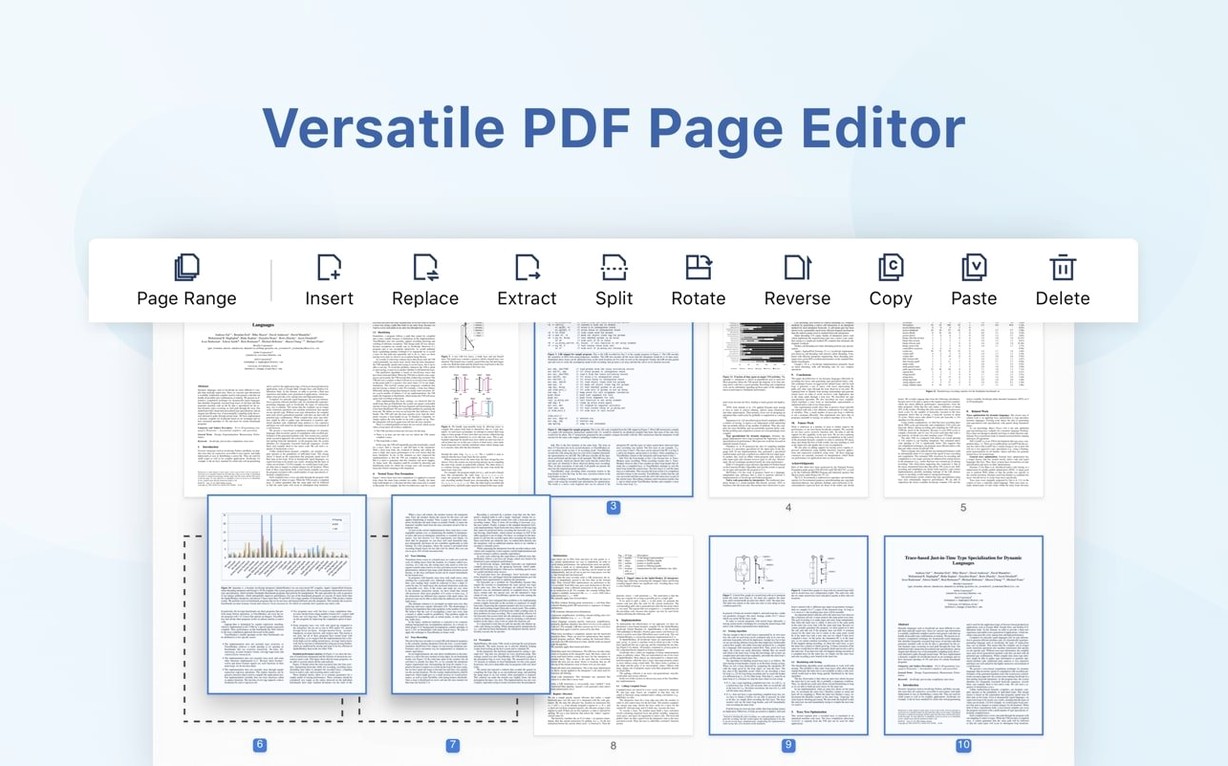
- Can I insert pages from another file? You can pull pages from a second PDF and slot them in where you need them.
- What about splitting? A single PDF can be split into multiple files by page range.
- Does it sync with cloud storage? Dropbox sync keeps files in step across machines.
- Is there text-to-speech? Built-in reading aloud for long reports or tired eyes.
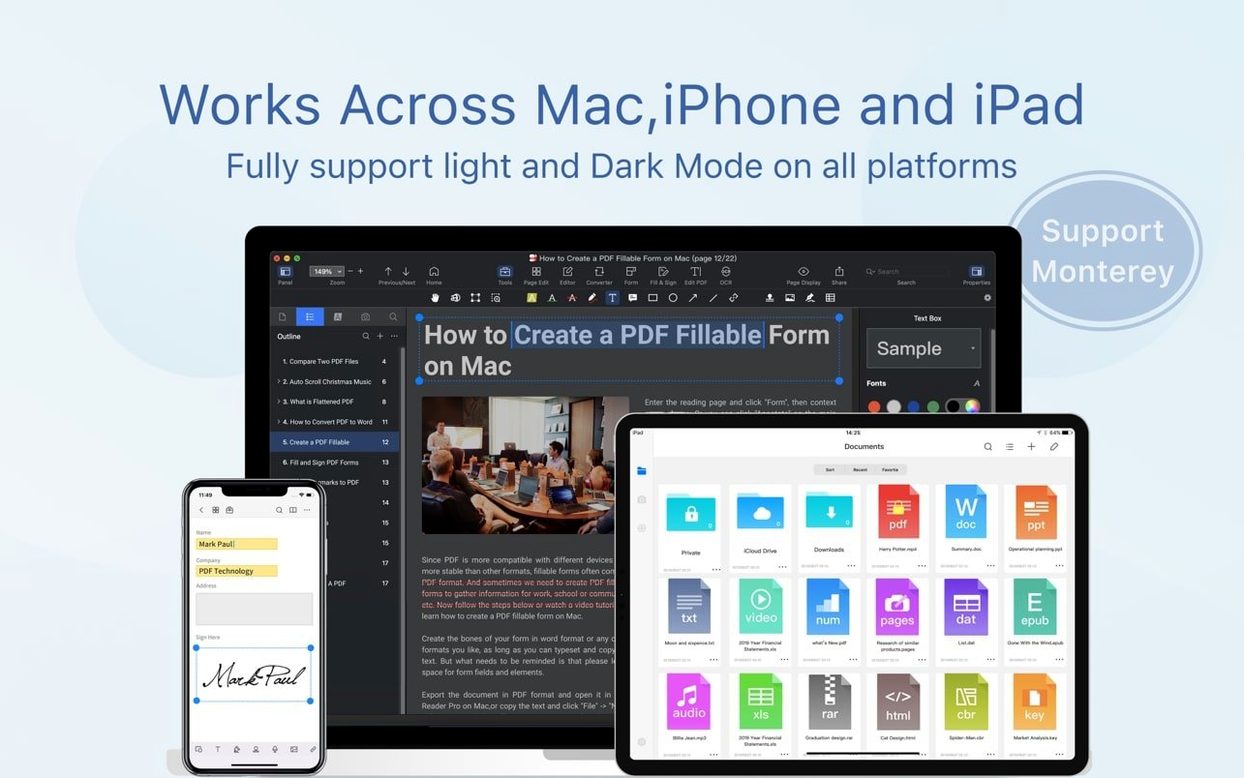
- Which Macs does it run on? Intel and Apple Silicon Macs, macOS 11 or later.
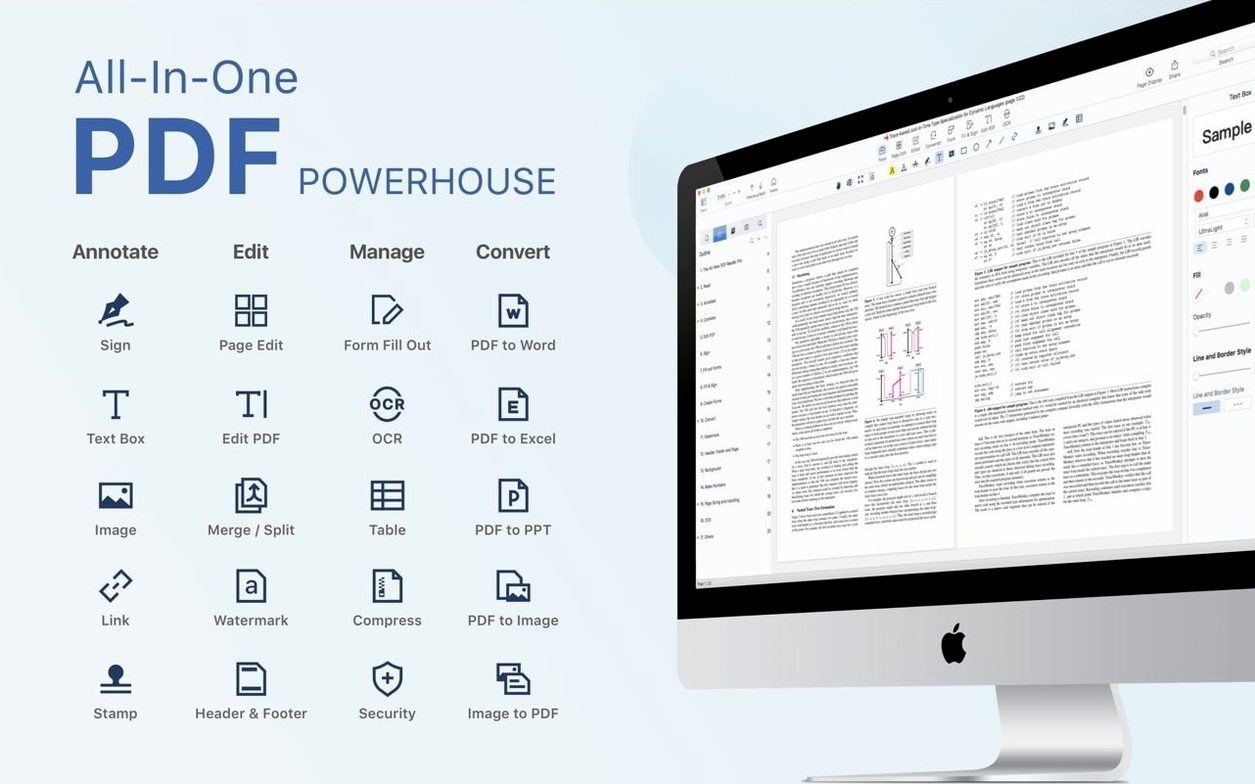
The interface speaks eleven languages. The toolset covers annotation, conversion, signing, and a presentation mode that turns a PDF into a slideshow. It does not try to be everything — it tries to be the right things.
Remote signing
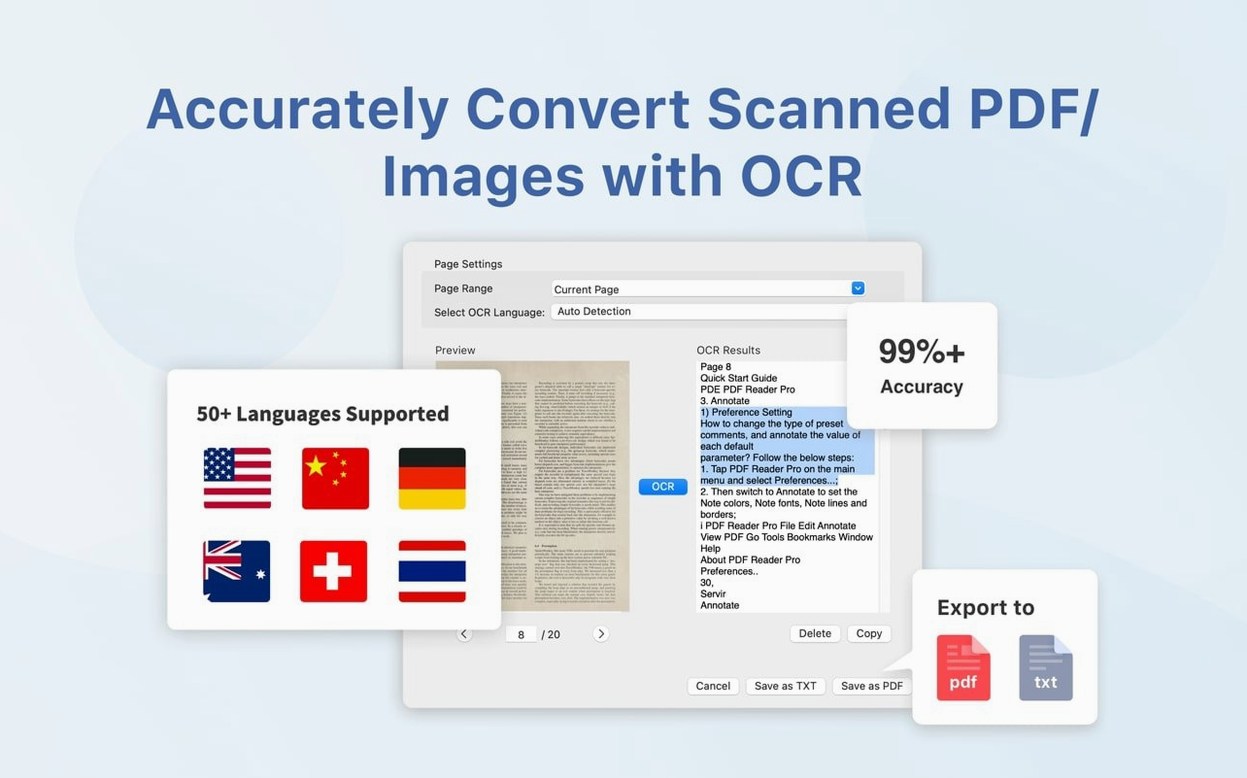
Version 6.0.0 is the current build. Earlier 5.x releases added eSign workflows, signature fields, and online signing. In practice that means you can send a document to someone, have them sign it remotely, and get it back without printing or scanning. OCR and conversion also became noticeably faster in that cycle.
For daily use the change is quiet. The app opens the same way, the toolbar sits in the same place. But signed documents no longer need a workaround, and long scans take less time to become searchable text.
Everyday toolkit
Adobe Acrobat Pro covers more ground — redaction, preflight, deeper form scripting. It also carries more weight. PDF Reader Pro skips the heavy enterprise features and keeps the ones most people actually touch: annotation, merging, signing, export.
PDF Expert feels faster and more Mac-native, but its form tools are thinner. If you fill PDF forms often, PDF Reader Pro handles interactive fields more directly.
Preview is free and already on every Mac. It handles markup and signatures. It does not convert to Word or Excel, does not merge with the same control, and does not have presentation mode. PDF Reader Pro sits one step above Preview without becoming Acrobat.
Some people search for pdf editor mac torrent or PDF Reader Pro torrent when they need these tools without the weight. The app installs the same way on either architecture, and it leaves the rest alone.