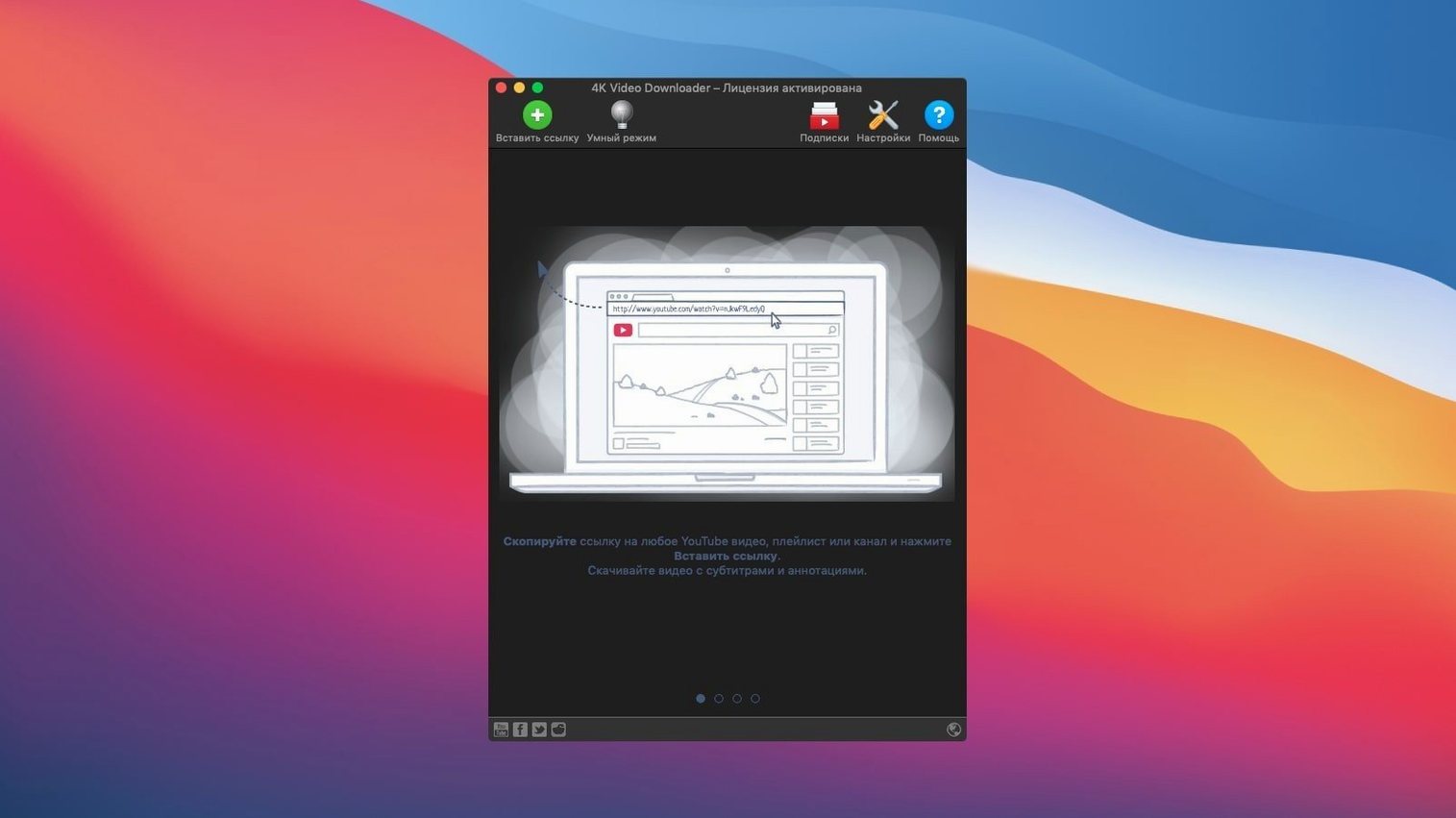
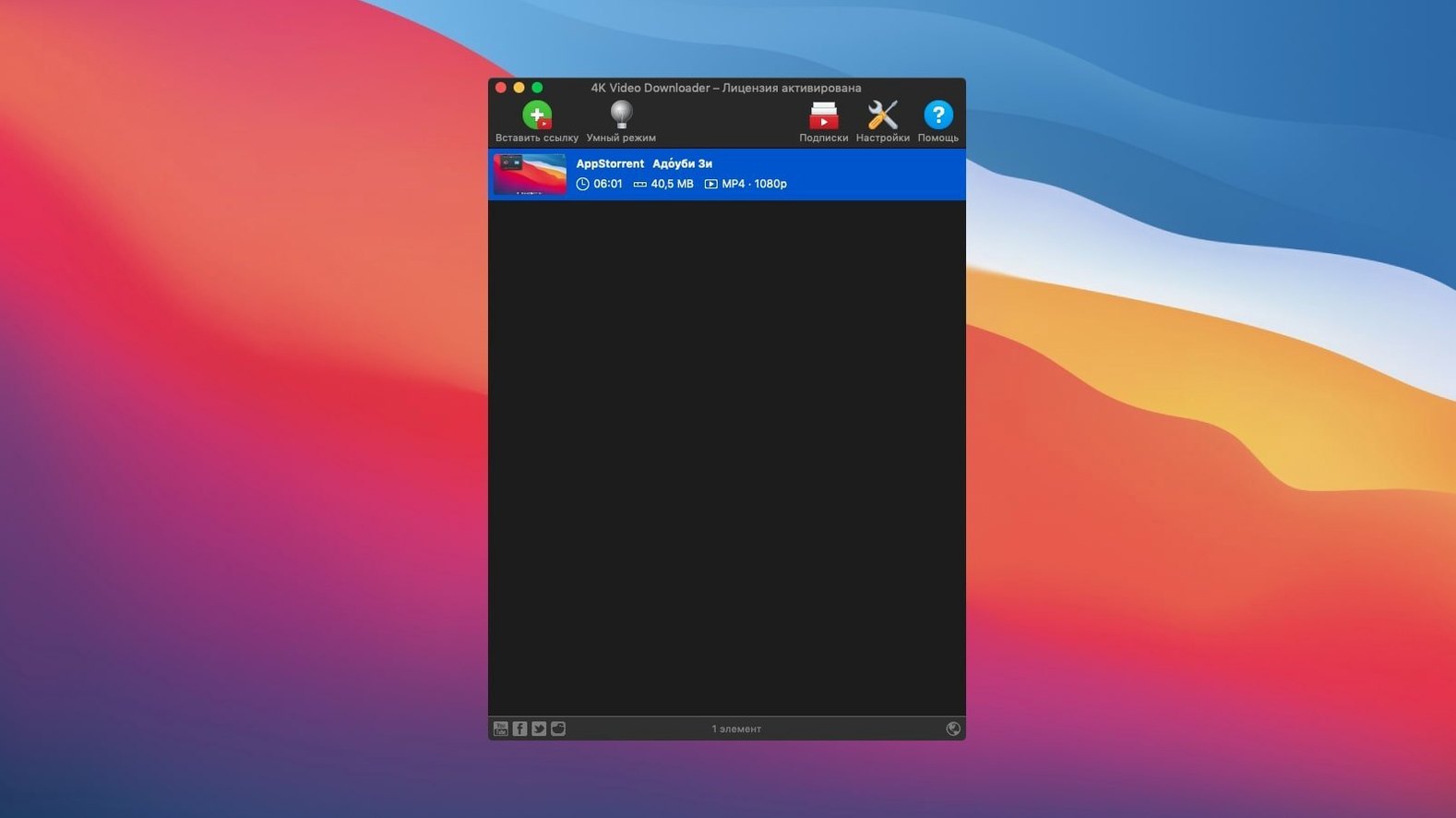
For people who keep what they find online. A lecture, a playlist, a short film. Saved locally, no buffering, no dead links later.
What it pulls in
YouTube videos, playlists and channels. Vimeo, SoundCloud, Instagram and a few others. Subtitles too, when they exist.
One-time setting
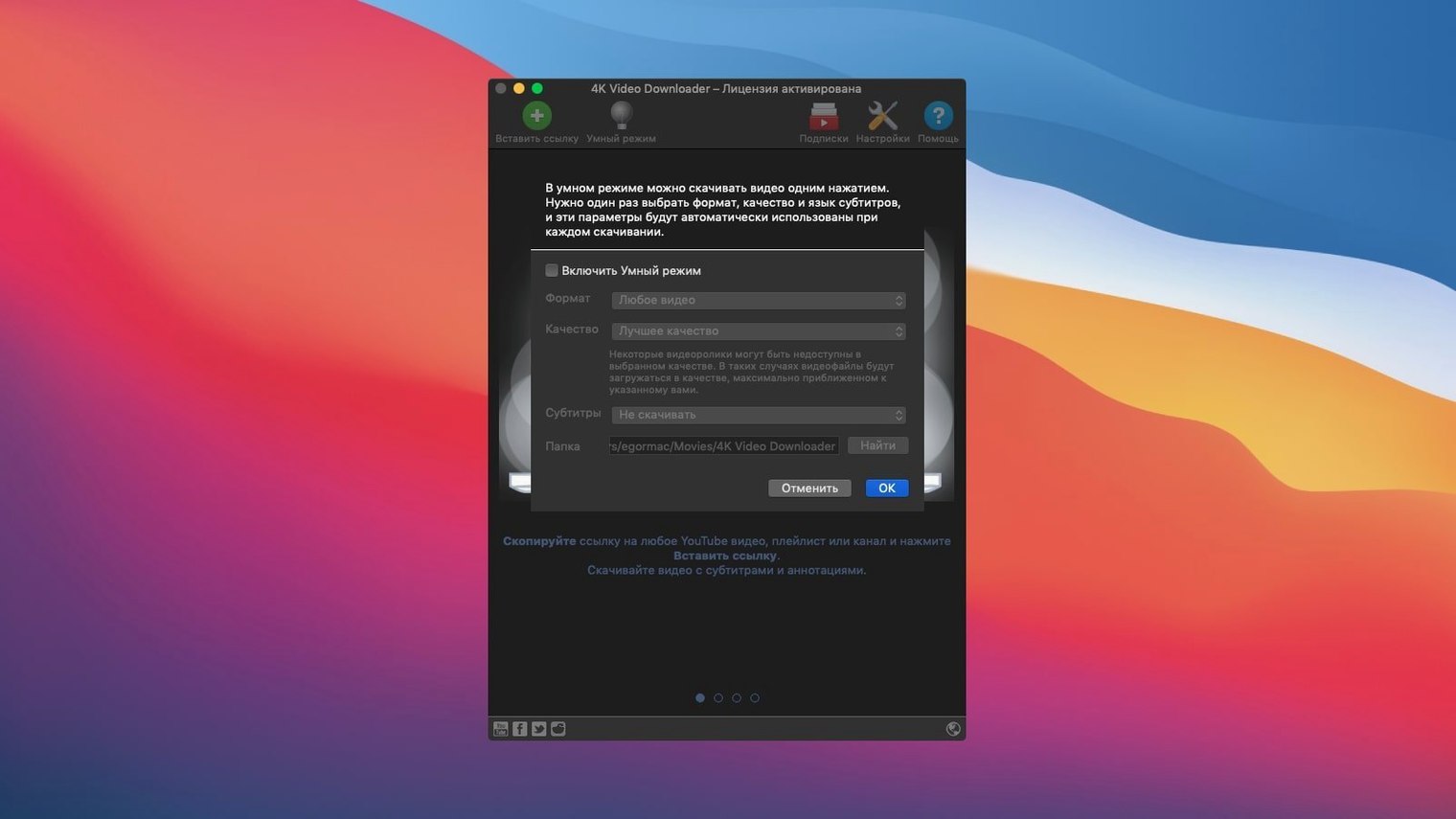
Smart Mode remembers your format and quality. Set it once, and every download after that follows the rule.
The details
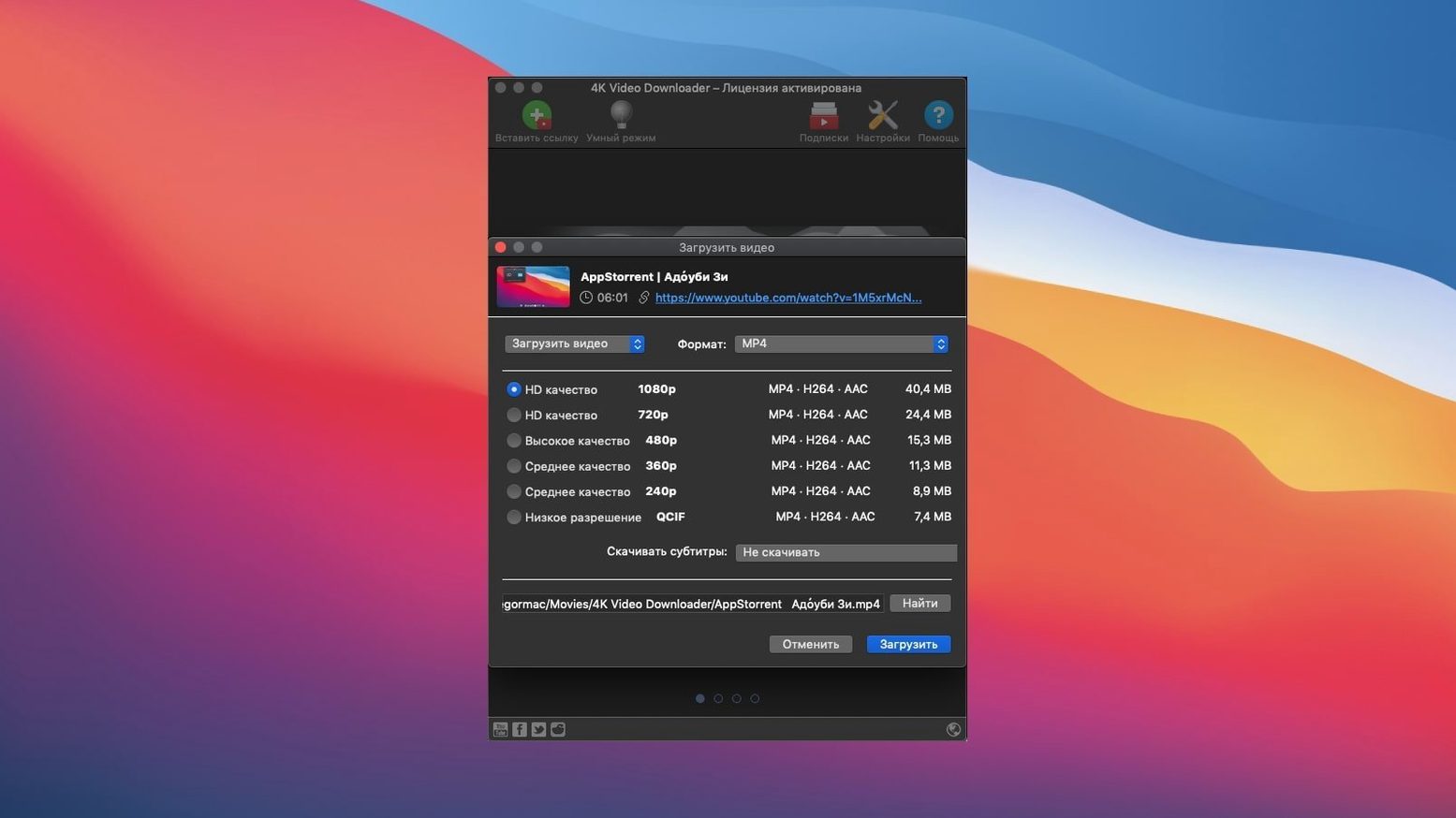
MP4, MKV, MP3 and a few older formats. 3D video if you need it. The interface comes in sixteen languages.
Sticking points
Smart Mode trips people up. It remembers your last settings, so a 4K clip one minute becomes a 720p MP3 the next. Check the toggle before you paste a link.
Some videos arrive without sound. That is usually the codec. Switch the output from MKV to MP4 and try again.
Long playlists stall halfway. The app times out on some servers. Pause and resume usually nudges it along. If not, splitting the list into smaller chunks works every time.
Gatekeeper blocks the first launch. Right-click the app and pick Open. Confirm the dialog. That is all.
Alongside the others
Downie. Wider site support, especially news and niche platforms. But it costs more focus. 4K Video Downloader stays narrower and simpler. If you live mostly in YouTube and Vimeo, the narrower tool feels lighter.
ClipGrab. Free and straightforward. The interface looks dated and the format options are thinner. ClipGrab handles the easy cases. 4K Video Downloader handles playlists and channels without extra steps.
yt-dlp. The most capable of the bunch. Also the least visual. No queue window, no button to pause a batch. If the terminal does not bother you, yt-dlp goes further. If you want to drop a link and walk away, the app wins.
Cookie workaround
Does it handle age-restricted videos? Sometimes. If a video requires sign-in, the app can prompt for a browser cookie. The step is not obvious. Export your YouTube cookies to a file, then point the app at it in preferences. After that, most restricted content downloads.
Can it grab just the audio? Yes. Pick M4A or MP3 in the format menu. The video track is stripped and the audio lands as a single file. Useful for lectures and live sets.
Why does a 4K download arrive as 1080p? YouTube bundles 4K with a premium codec on some uploads. The app cannot always separate the video stream from the audio without re-encoding. When the stream is locked, it falls back to the highest resolution it can merge cleanly. No setting overrides this.
Does it update itself? No. New versions need a fresh download. Check back when a site changes its delivery format and the app stops working.
Let prompts guide
Turn off Smart Mode until you know what you want. Let each download ask you for format and quality. After a day or two you will have a sense of your own defaults.
Create a dedicated folder. Downloads pile up fast. Point the app at it in preferences and forget about cleanup later.
Test one playlist before you queue ten. A small list confirms your settings and avoids a folder full of wrong-format files.
Try a 4K Video Downloader Mac torrent when the official build page is unreachable. The app is small and the disk image travels well. Keep a copy somewhere safe.
One tool, one task.