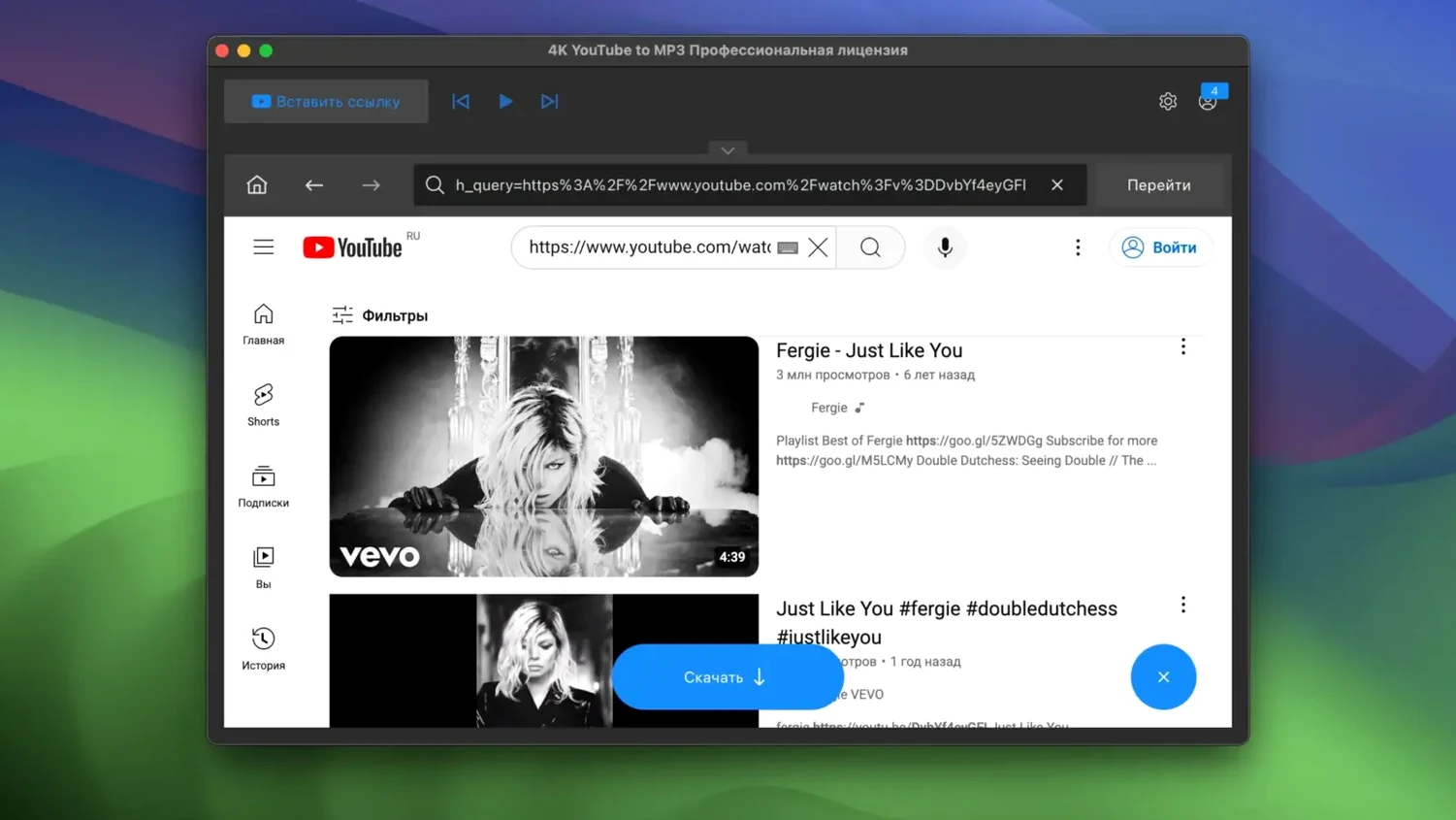
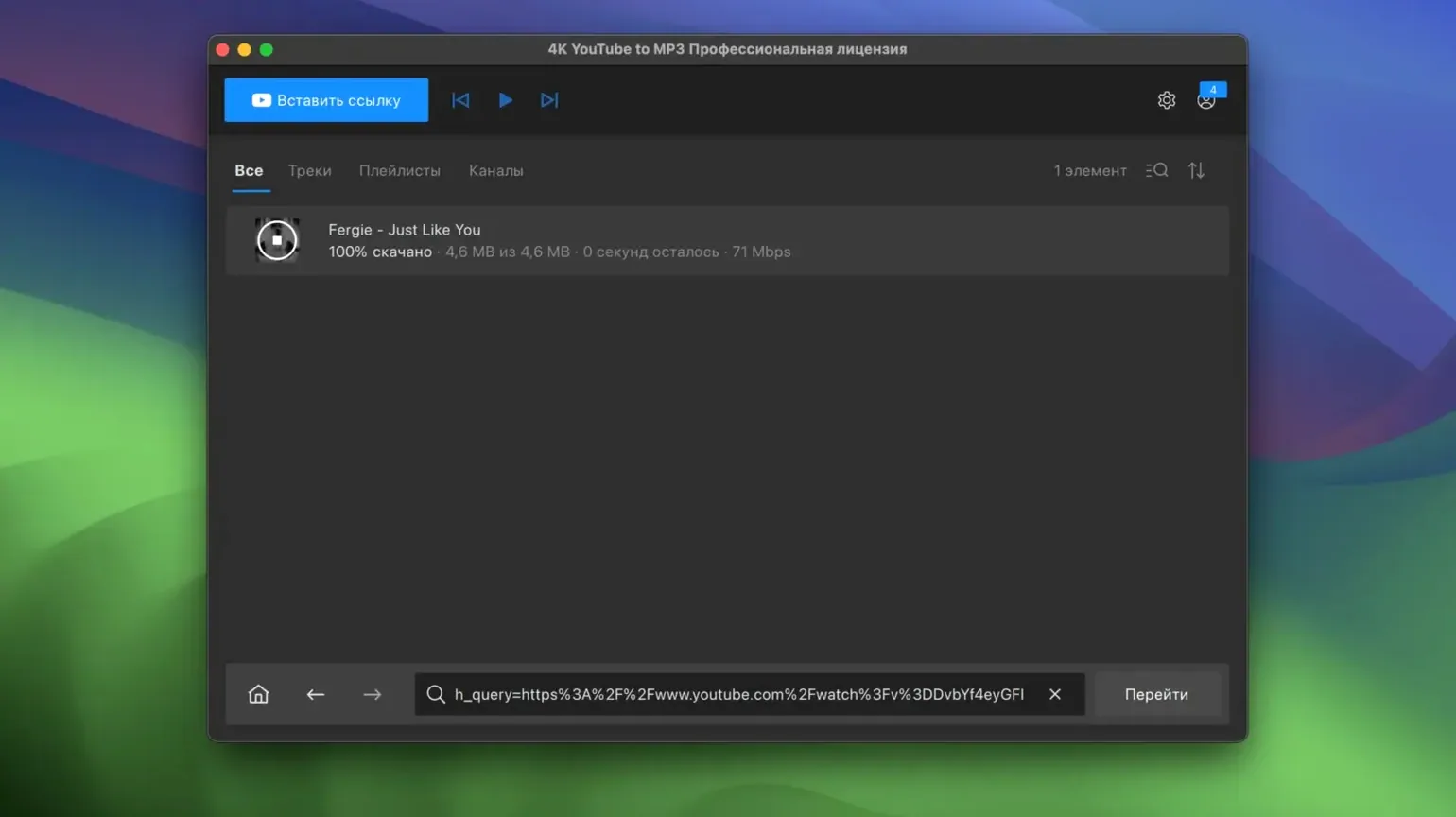
Getting one song out of a video used to mean shady extensions or pop-up sites.
Here you paste a link. It gives you audio. Nothing else asks for your attention.
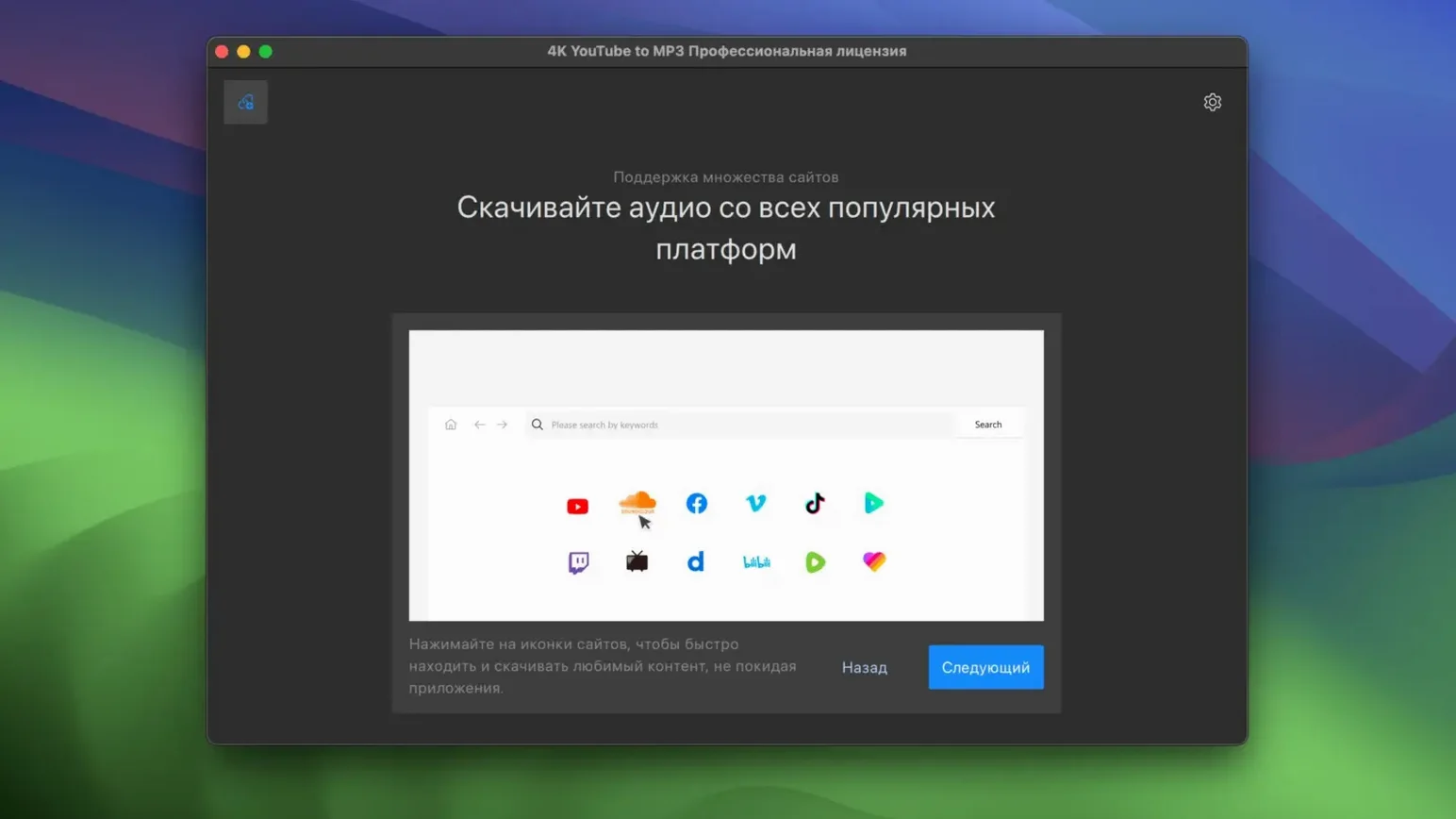
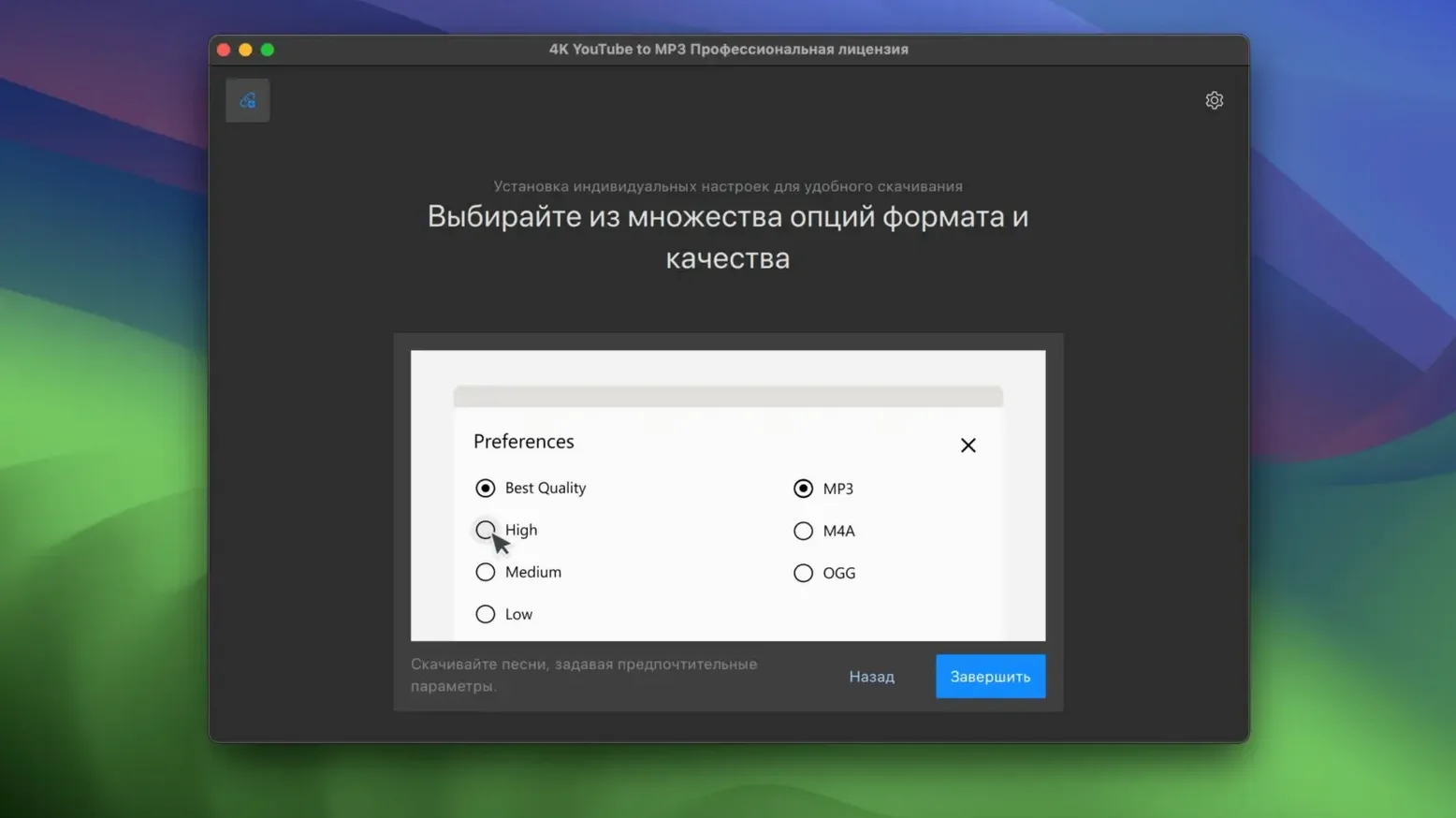
It takes sound from YouTube, VEVO, SoundCloud and Facebook. Output is MP3, M4A or OGG. It runs on your Mac, not in a browser tab.
FAQ
Yes, it handles long videos. A two-hour podcast becomes a single MP3 without extra steps.
No, you do not keep the app open once extraction starts. It finishes in the background and saves to the folder you set.
Playlists work. Paste the playlist URL and the app lists every track. You pick which ones to download. It names them by artist and title, not random strings.
Quality depends on the source. The app grabs the best audio stream available. You choose the format before it starts.
Music auto-import
Switch your output folder to the one Music or iTunes watches. Files appear in your library automatically.
Set the format to M4A if you use Apple Music. The app writes the metadata that Music needs so artist and album show up without manual tagging.
It sits in the menu bar when not in use. This makes drag-and-drop from a browser link feel native. Paste a URL, press return, forget about it.
For DJ software like rekordbox or Serato, choose MP3 at 320 kbps. The files land where your collection lives and import clean.
Dock badge
Go to Preferences before the first download. Set your output folder and default format. The app remembers them.
Turn off notifications for completed downloads if you batch-convert. You will still see a small badge on the dock icon.
Test a single track before dropping in a playlist of forty. Check the artist name and file extension. Adjust settings once, then trust it.
If you regularly grab audio from the same channels, set a dedicated folder. Point your music player at it and refresh after each session. The folder becomes a personal offline library that grows without friction.
Version 26.3.5 changes nothing you would notice. Same clean extraction, macOS 12 and newer.