
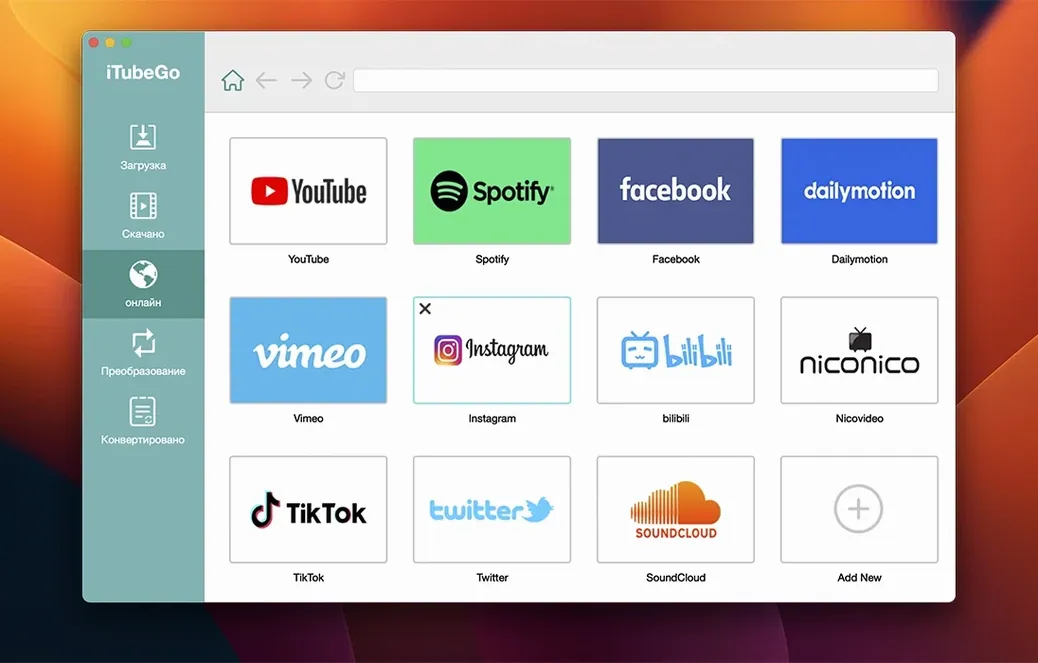
Someone with an archive. A lecture series on YouTube they want to keep. A band's live set from a festival stream, before it disappears. iTubeGo is for people who prefer local files.
Here's one path through it. A choreographer finds a reference clip on Vimeo — some old Bausch piece, poor quality, but the only copy. She opens iTubeGo, pastes the link, and picks 4K. The app pulls the best available version and converts it to MP4. She drops the file into her research folder and goes back to work. No browser extensions. No ad-laden converter sites. Just a download.
The same tool handles audio rips from long YouTube mixes — MP3 extraction is straightforward, no extra steps. It supports a quiet range of sites beyond the obvious ones, and quality options from 480p up to 8K. iTubeGo doesn't try to be a media library or a playlist manager. It does one job, and it stays out of your way.
a teacher's saturday
A high-school history teacher keeps a folder of primary-source clips for her twentieth-century unit. Propaganda reels, news bulletins, the odd documentary snippet. Most live on YouTube, a few on Dailymotion. She doesn't want to rely on classroom Wi-Fi. She wants the files on a USB stick, ready to go.
Saturday morning, she opens iTubeGo and pastes six links. She sets the format to MP4, quality to 1080p, and ticks the bulk queue. The app grabs them all in one go. By the time her coffee cools, she has a folder of clean, named files. She copies them to the stick and closes the lid.
a clean audio rip
Say you need an MP3 from a two-hour ambient mix. The video file is huge and you don't want the visuals.
Paste the link. Choose MP3 from the format drop-down. Set the quality to 320 kbps. iTubeGo strips the audio and discards the video data. The resulting file is small, properly tagged, and plays on any device. No extra conversion pass. No leftover MP4s cluttering your desktop.
You can queue several mixes and walk away. The app processes them sequentially. Come back to a folder of clean audio.
Blank browser
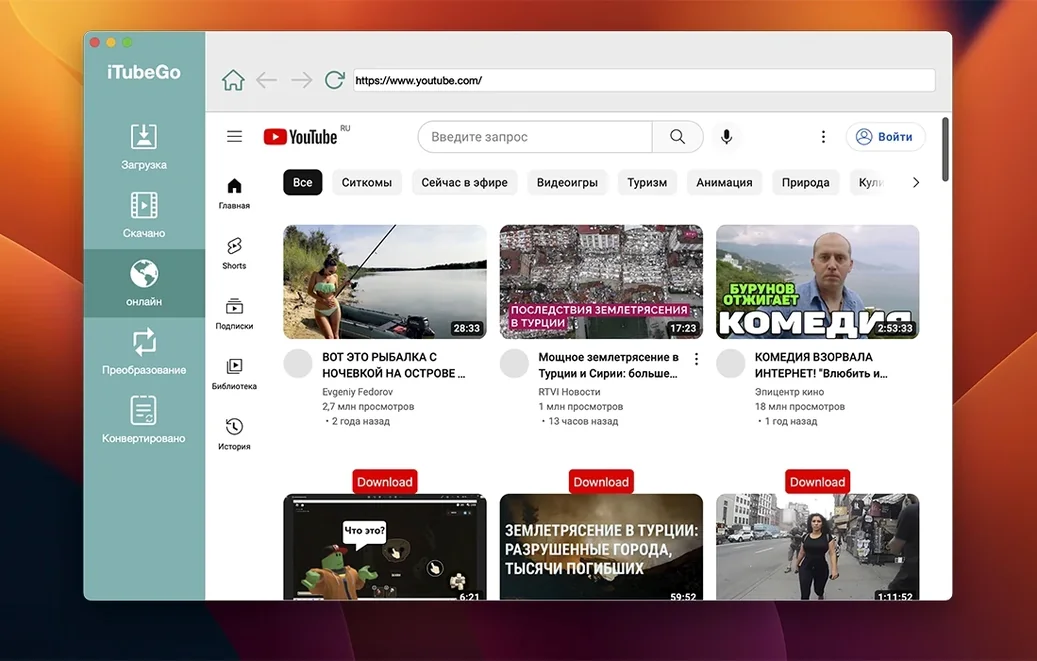
Some users hit a blank screen in the built-in browser. This usually means the site's scripting is heavy. The fix: paste the link directly into the main window instead of browsing to it. The direct-paste path is faster and more reliable.
Gatekeeper on newer macOS builds can block the opener. The install note mentions pressing Enter in Terminal. If you skip that step, the app won't launch. Follow it exactly. Once it's in Applications, it starts cleanly.
Downloads from certain sites stall when the link contains a playlist parameter. Strip the &list= portion from the URL. Paste only the video identifier. The download picks up immediately.
On older Intel Macs, 8K conversions can peg the CPU. Stick to 4K or 1080p if the machine is pre-2015. The file is smaller, and the conversion finishes sooner. Your ears won't notice the fan noise.
People searching for itubego for mac sometimes land on outdated builds. Make sure the version reads 10.15.0 in the About window. If it doesn't, you have an older copy. The current build handles more sites without falling back to the browser method.