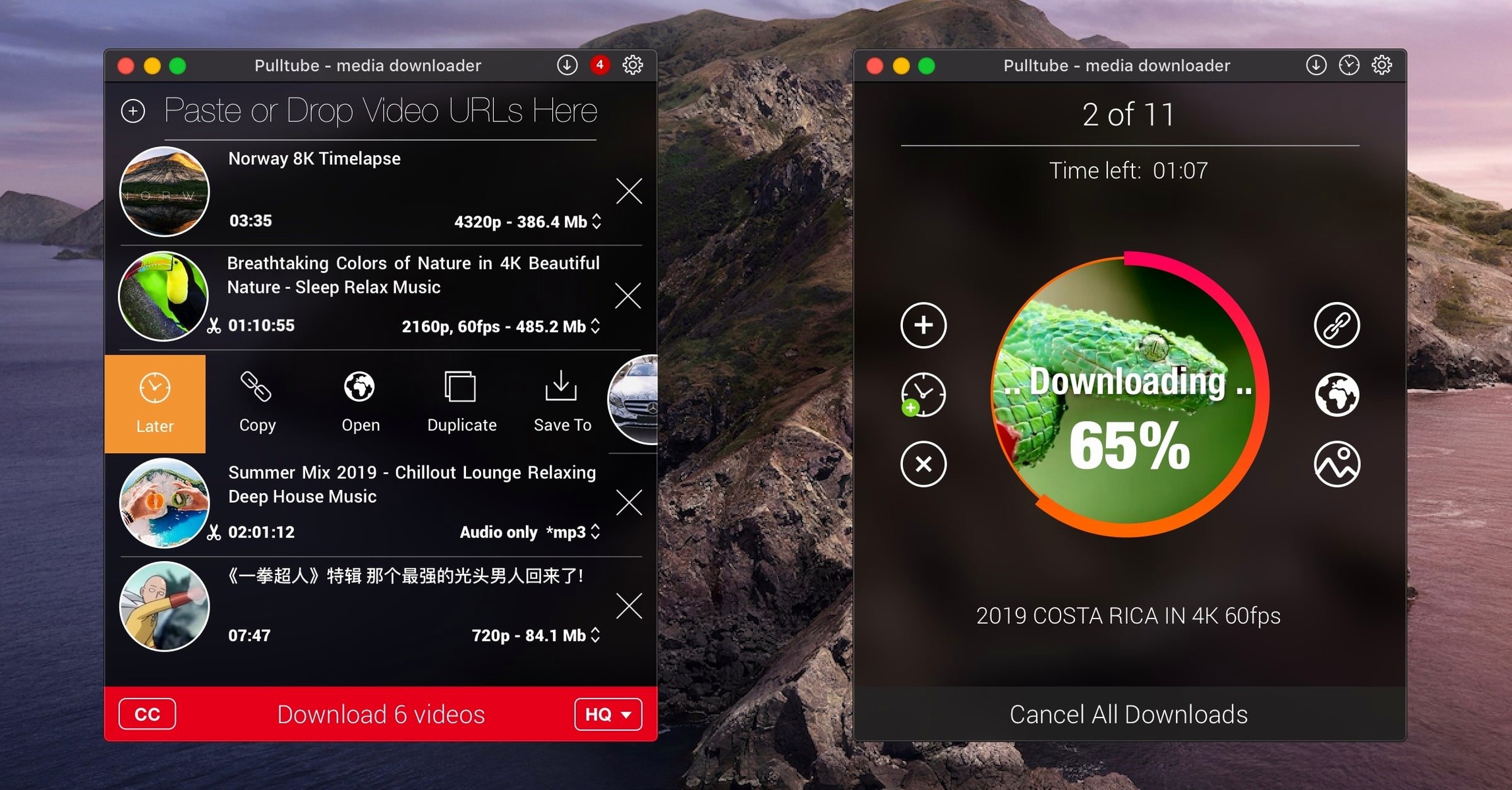
Someone who wants a music playlist for a long flight. Or an offline copy of a tutorial, at full resolution.
- Copy a video link from Safari.
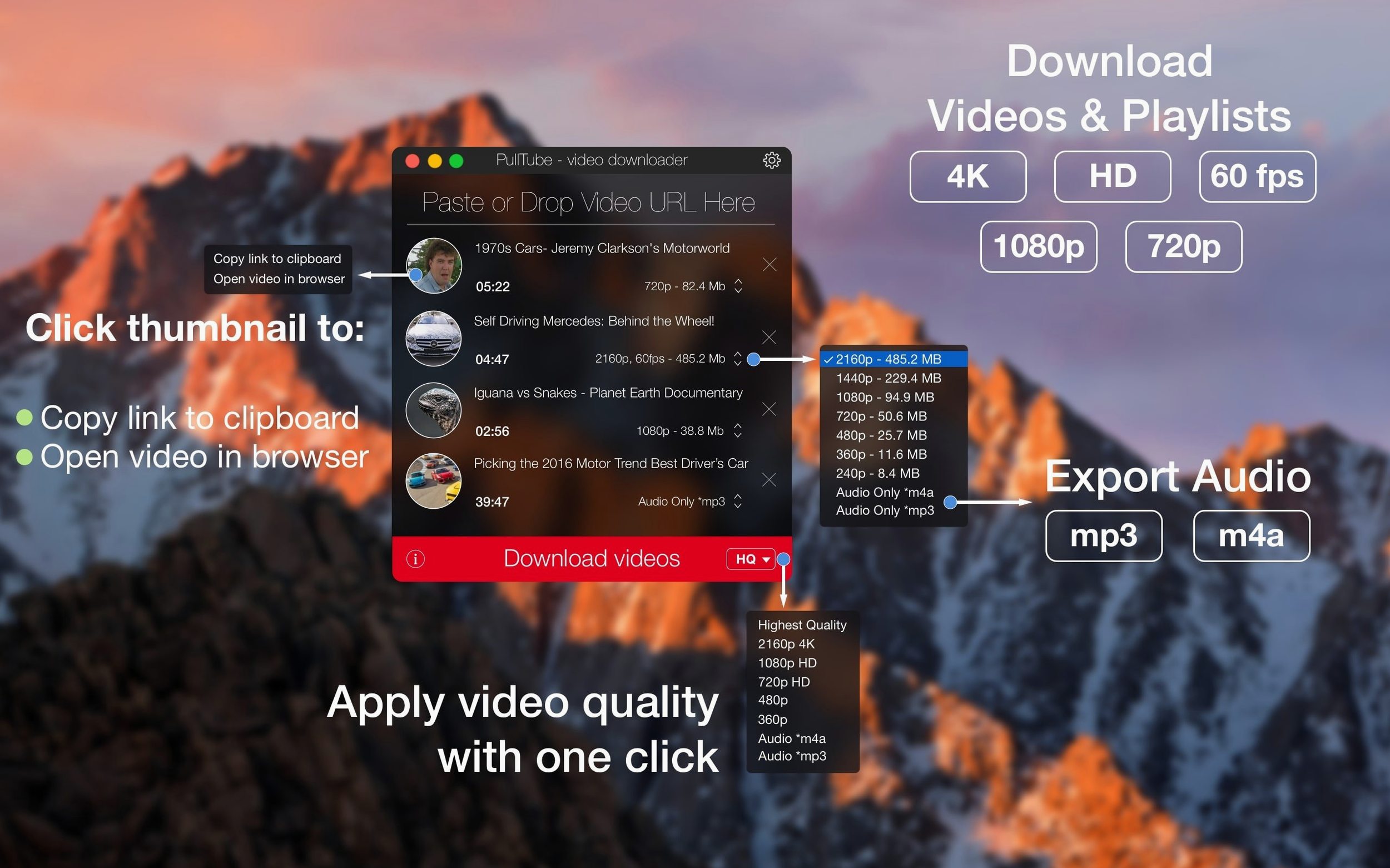
- Paste it into PullTube. The app detects the clip instantly.
- Choose your output. 4K video, or strip the audio to MP3.
- Hit download. Wait a few seconds.
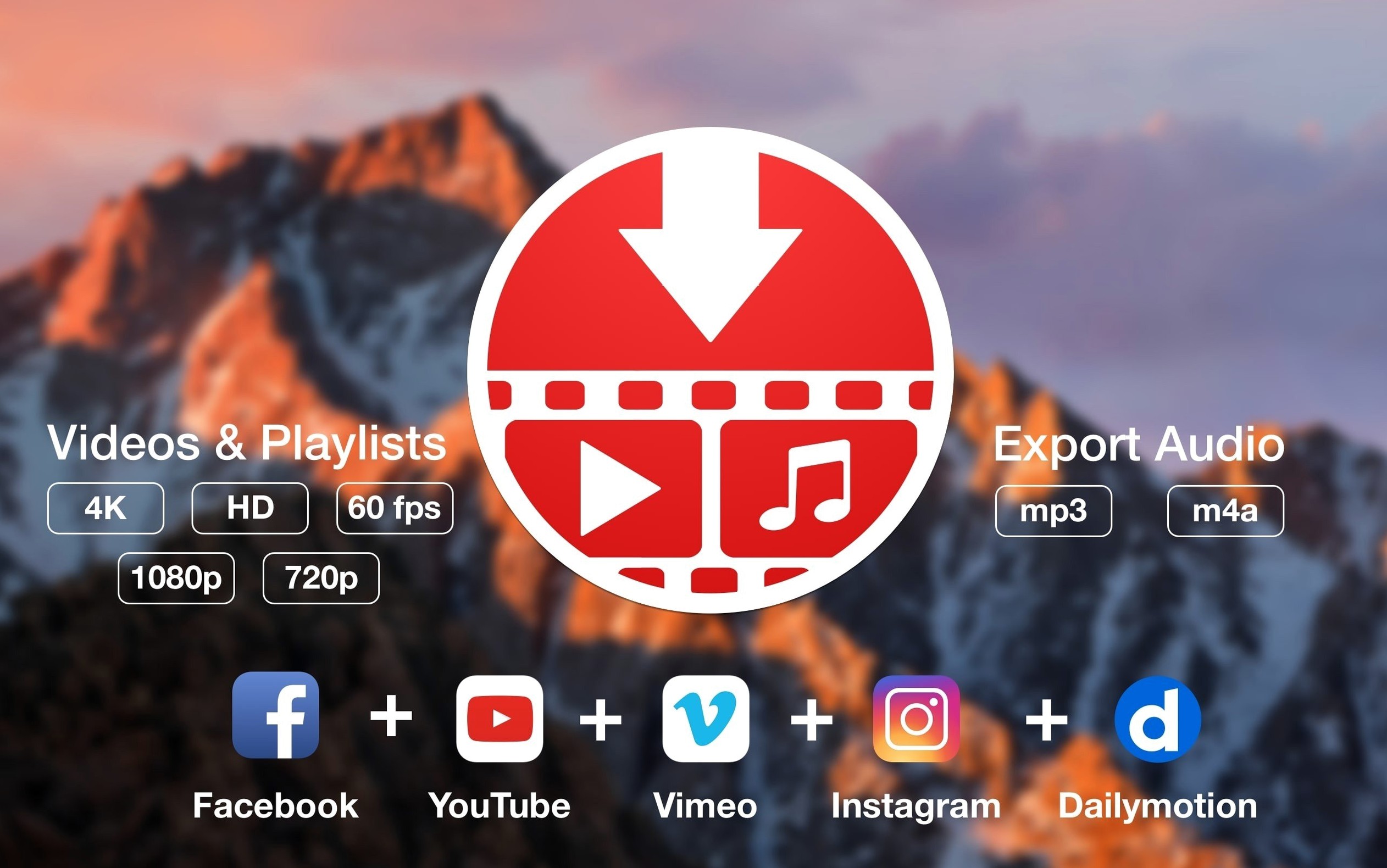
That is the whole idea. Drop in a playlist link and PullTube grabs every item. Set it to quit your Mac when the queue empties and walk away. It reads YouTube, Twitch, SoundCloud, Vimeo, and others without fuss.
Compared to alternatives
Downie and PullTube share the same basic job. Downie leans on a busy interface with more visible controls; PullTube keeps things quieter. If you want a single window, a paste action, and no sidebar, PullTube fits better.
ClipGrab is simpler than both. It works for casual grabs from YouTube, but it does not handle playlists or give you a trimmer before downloading. For single clips in a hurry, it is fine. For batch work, PullTube pulls ahead.
JDownloader is a different beast — powerful, cross-platform, and heavy. It handles everything from file hosters to video sites, but the interface feels cluttered next to PullTube. If you only need video and audio from a handful of services, carrying JDownloader around is overkill.
Quit-after-finish
Open preferences right after the first launch. Under General, tick Quit when downloads complete. This turns PullTube into a set-and-forget tool. Queue a playlist before bed, close the lid in the morning.
Switch to the File names tab and enable Append quality to filename. A file named Lecture tells you little; Lecture (1080p) saves you from re-downloading later.
If audio extraction matters, set the default format to M4A instead of MP3. The M4A encoder in PullTube preserves more detail at the same bitrate, and every modern device plays it.
A playlist-to-podcast workflow
Say you follow a channel that posts hour-long discussions. You want the audio, not the video, and you want it on your phone for a commute.
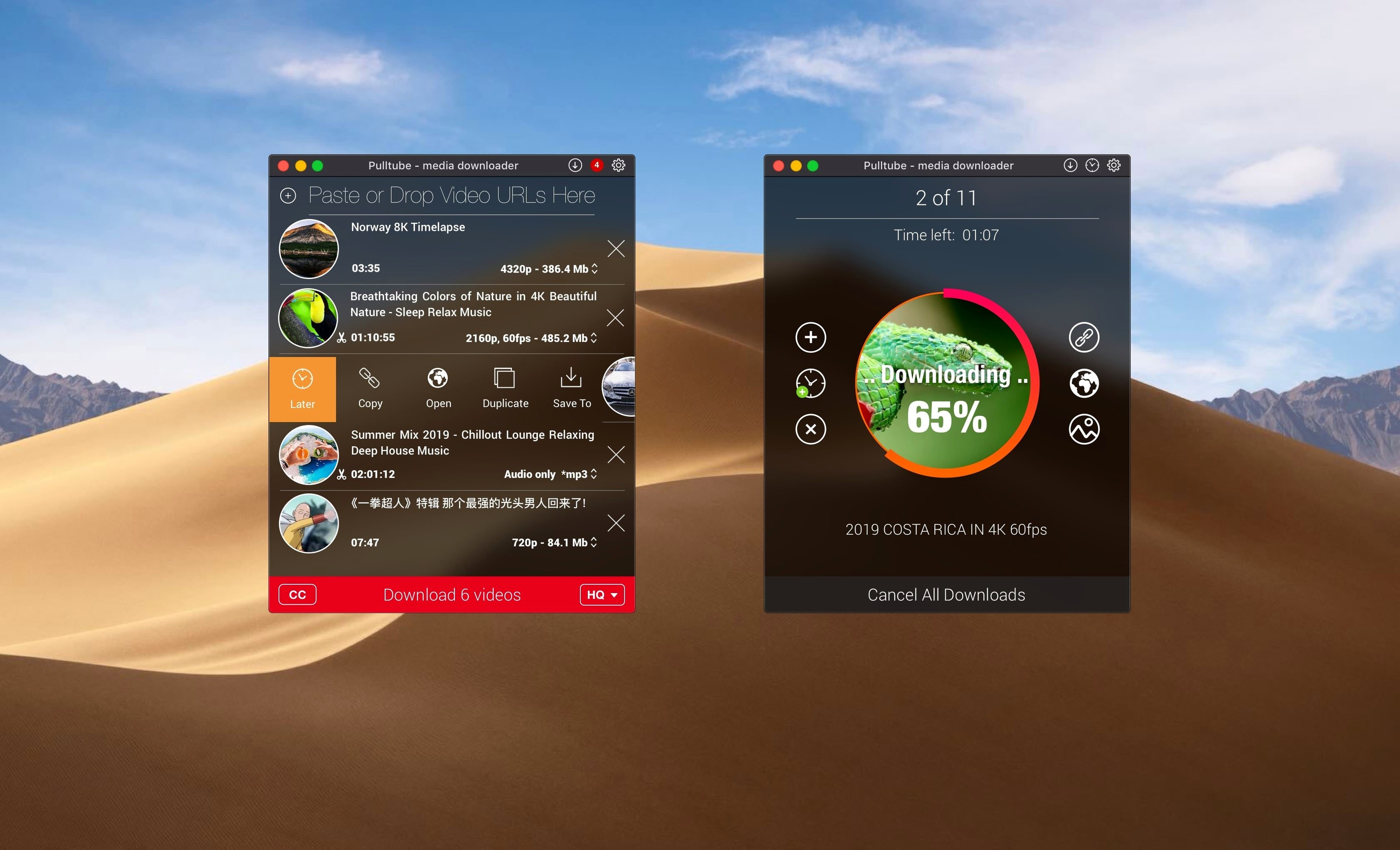
Visit the channel page in your browser. Copy the playlist URL, not a single video link. PullTube recognizes the list and loads every entry in seconds. Glance at the thumbnails to confirm the batch looks right.
Select all items with ⌘A. Use the format picker at the bottom to switch from video to Audio only, then choose M4A. Pick a medium bitrate — 128 kbps keeps file sizes small without muddying speech.
Set the destination folder to one that syncs with your phone, like a local folder watched by a cloud service. Click download. The app processes the playlist sequentially, and if you checked Quit when downloads complete, your Mac goes quiet when the job finishes.
Next morning, the episodes sit in your podcast app, no screen required. That is the kind of friction removal PullTube does well.