
YT Saver for Mac is a video and audio downloader that sits between your browser and your media library. It grabs media from streaming sites and hands you usable files, no extra conversion steps needed.
- Exports video as MP4, MKV, MOV and more, with presets for iPhone, iPad and Android
- Converts audio to M4A, AAC, FLAC, WAV, OGG — direct, no intermediate app
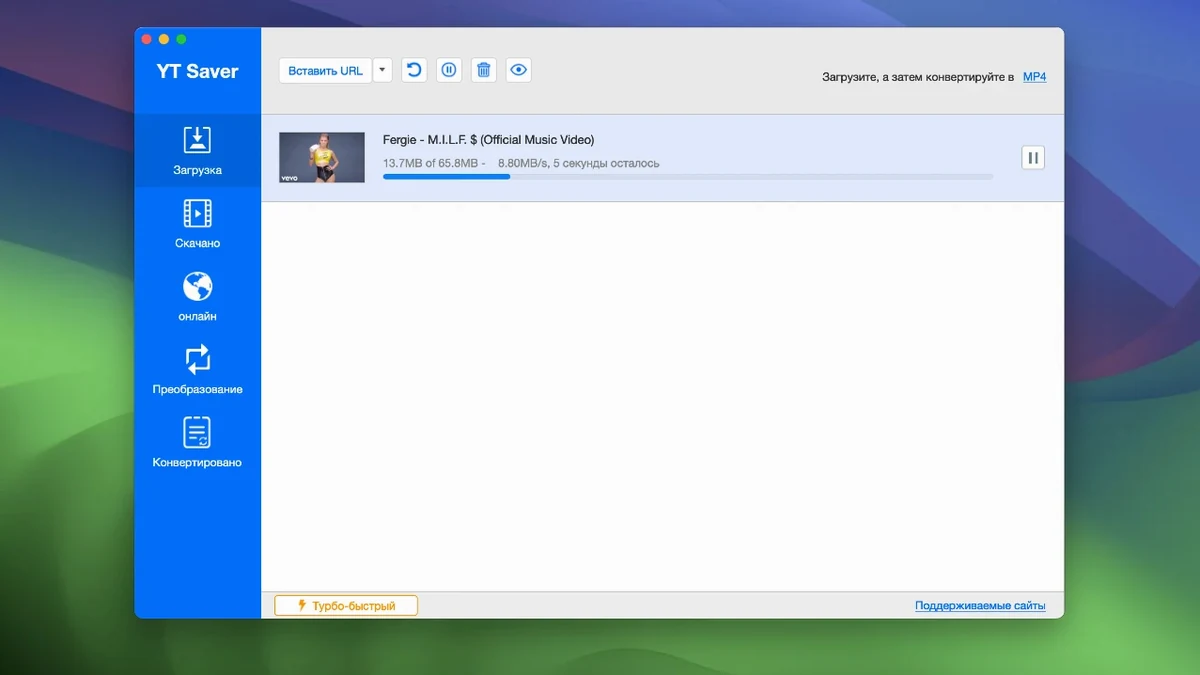
- Downloads multiple videos at once, at speeds above standard browser saving
- Keeps private downloads in a password-protected folder
- Works in twelve interface languages, including Japanese, French and Korean
Built-in browser button
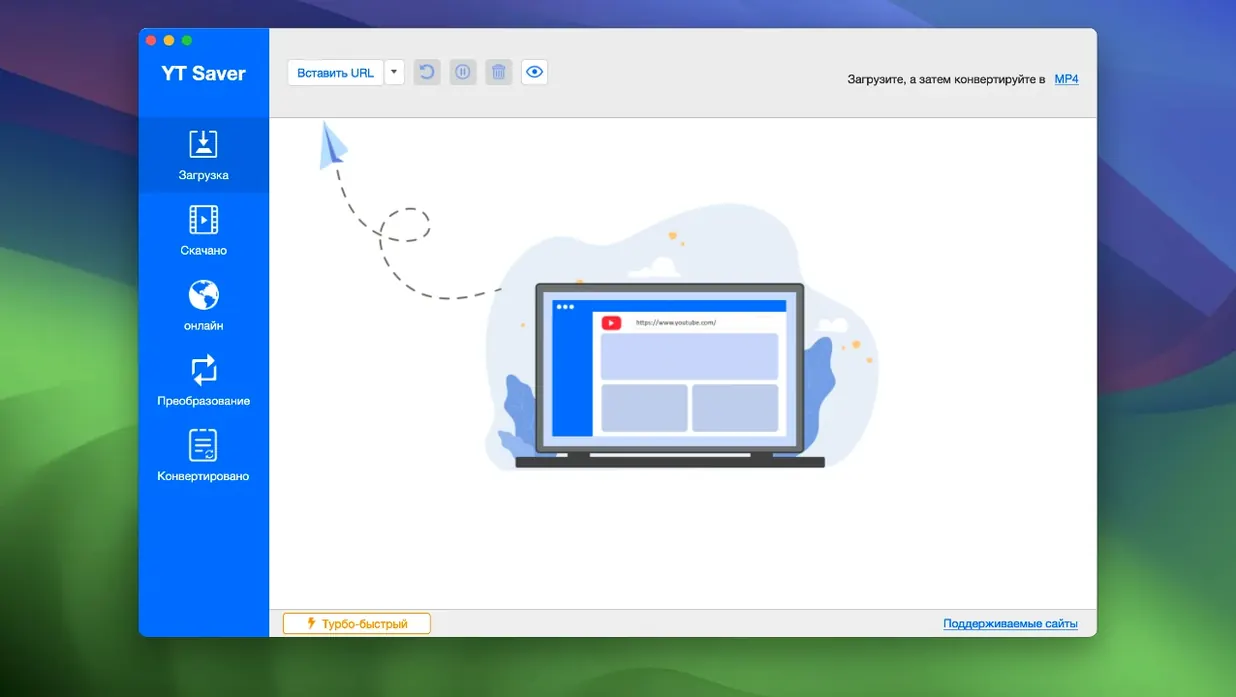
Open the app and its internal browser loads. Paste a URL — a playlist, a single clip — and the page renders inside YT Saver, not in Safari or Chrome. A small download button appears near the video player. Click it. A panel slides out with your format options.
Choose a video preset: MP4 1080p if it's for the desktop, iPad if it's headed to a tablet. Select audio-only and the app strips the video track and hands you an AAC or M4A file. The download starts. A second video can queue up while the first finishes. No waiting in line.
Once the file lands, switch to the private mode folder if the content is sensitive. The app locks it behind a password you set once. The download stays invisible to anyone opening the standard Downloads folder.
Morning routine for a language tutor
A Japanese tutor in Berlin keeps a library of short news clips and podcast segments. Each morning she opens YT Saver, drops five or six URLs into the queue, and selects MP4 for video drills and M4A for listening exercises. The interface switches to Japanese — her preference — and all labels and menus follow.
By the time her coffee brews, the files sit in a dated folder. One clip becomes a dictation exercise. Another gets synced to an old Android tablet that lives in the classroom. The tablet preset in the export menu means she never checks resolution or codec. The app handles it.
Login-protected sites
Can it download from sites that require a login?
Yes. The built-in browser lets you sign into your account. The download works as long as the page plays inside the app.
Does yt saver for mac support 4K or 60fps video?
It depends on the source. If the streaming site serves it, YT Saver for Mac can grab it. The export presets include HEVC MP4 and HEVC MKV for high-resolution files.
Is ytsaver limited to YouTube?
No. The name is misleading. It works across more than 10,000 sites — Vimeo, Dailymotion, Facebook, and many smaller streaming platforms.
Can I convert files I already own?
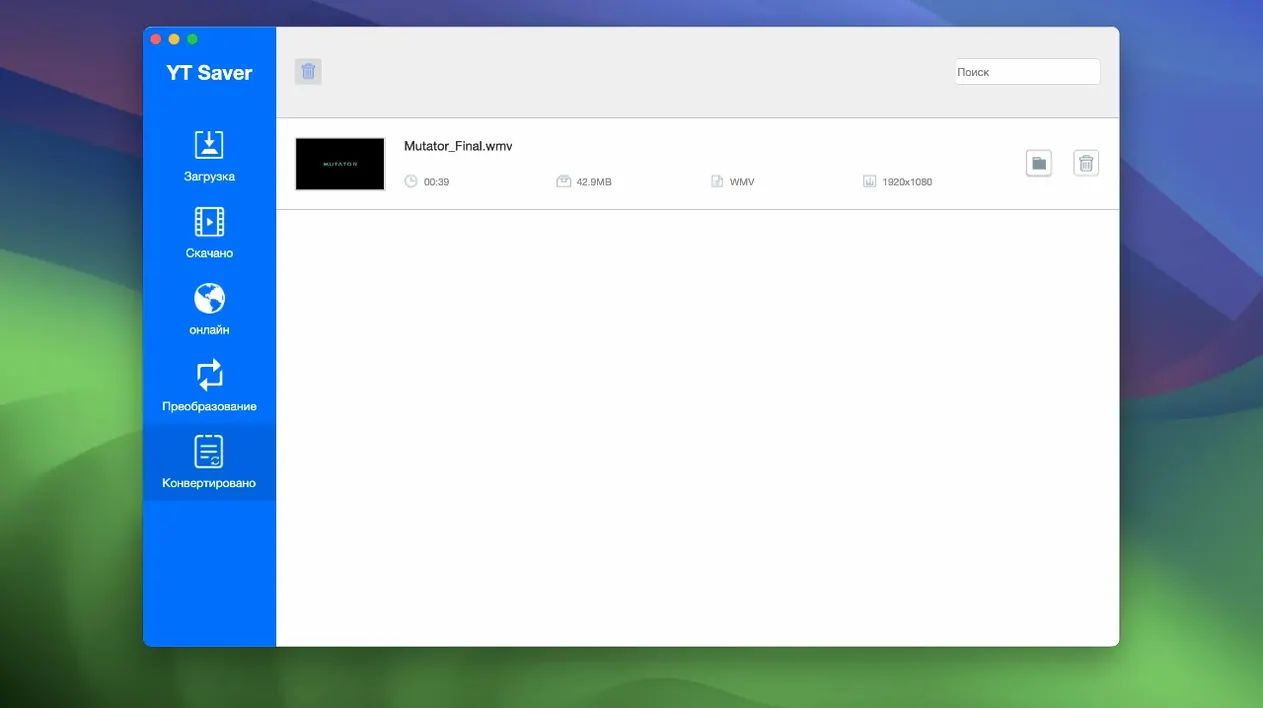
A ytsaver download is the simplest case, but you can also add local files and convert them to any supported output format. Drag a WMV or FLV file in, pick MP4 or MOV, and export.
When a browser extension feels too loose and a full media suite too heavy, this fills the slot.