
Runs on any Mac with macOS 12 or later, Apple Silicon or Intel.
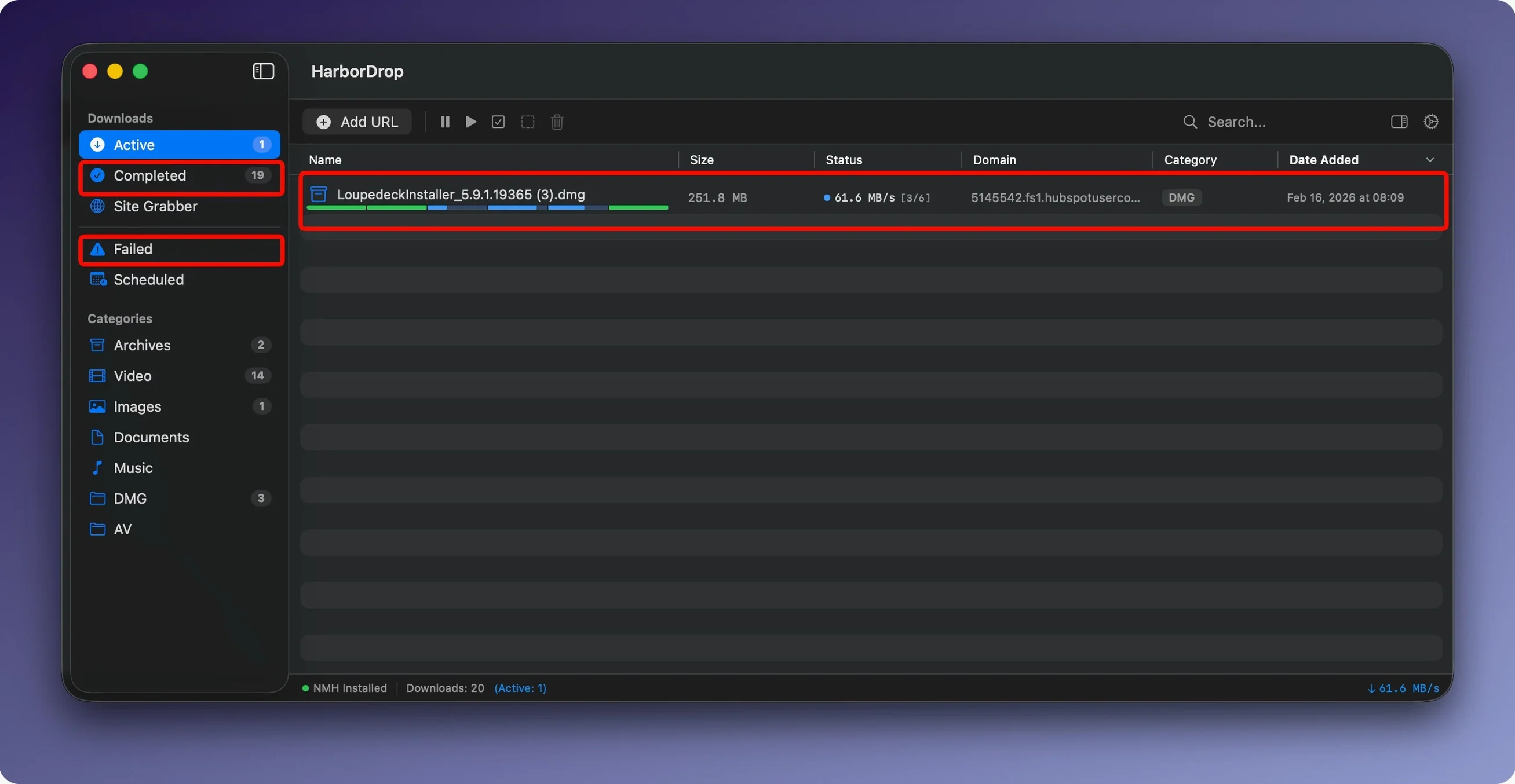
HarborDrop does not try to replace your browser’s download sheet. It steps in when a download matters—large files, slow servers, or anything you want organized without sorting through a single folder later.
Refined confidence
Version 1.4 brings no marquee features. The update refines what was already there. Segmented downloads remain configurable. Post-download AppleScript actions still fire when you want them. What feels new is the quiet confidence of a tool that does not need to reinvent itself every release.
The extensions
You send a media link from Chrome, Edge, Brave, or Arc. HarborDrop takes over. The download lands where you set it to—sorted by site domain or file type, no manual cleanup. That is the whole idea. A browser for browsing, a manager for managing.
Alongside Finder and Shortcuts
HarborDrop does not isolate itself. When a download finishes, it can hand the file to Finder, opening its folder without you digging. But the real connection point is scripting.
AppleScript, Shell, JavaScript. Three hooks, each one after a download completes. A short Shell script can hand a video to ffmpeg for re-encoding. An AppleScript can file an invoice PDF into a client folder tree. No watch folders, no polling. The event triggers only when the file lands.
This also means HarborDrop fits into Shortcuts workflows indirectly. A Shell script can call shortcuts run, passing the downloaded file path. You keep a single automation surface—macOS Shortcuts—and let HarborDrop feed it exactly what it needs, exactly when it arrives.
A workflow
Say you archive conference talks. A page lists twenty HLS streams. You open the Site Grabber, enter the page URL, and set crawl depth to one. HarborDrop finds the m3u8 links.
You send them all to the queue. Each stream downloads in six segments. The automatic sorter places every talk into a folder named after the source domain. After the last file finishes, a Shell script renames each video to include the date and moves the folder into a year archive on an external drive.
You walk away. When you return, Finder shows the archive with everything named and placed.
Heavy files only
Does this replace browser downloads entirely? Only when you send a link through the extension or manually. Your browser still handles small, quick files on its own. HarborDrop picks up the heavy ones.
Will it slow down my network? It can, if you let it. Six segments saturate a connection faster than one. You lower the segment count for gentler downloading—useful when others share the connection.
Does it handle authentication? The browser extension sends links from pages you are already logged into. HarborDrop inherits the session cookies for that request. Private, logged-in file sources work as expected.
What about Safari? No Safari extension exists. If Safari is your main browser, you might keep a Chromium browser installed just for capture. Many users run Arc or Brave alongside Safari for exactly this.
The app does not nag. It sits in the menu bar or Dock, whichever you prefer, and waits for a download worth managing.