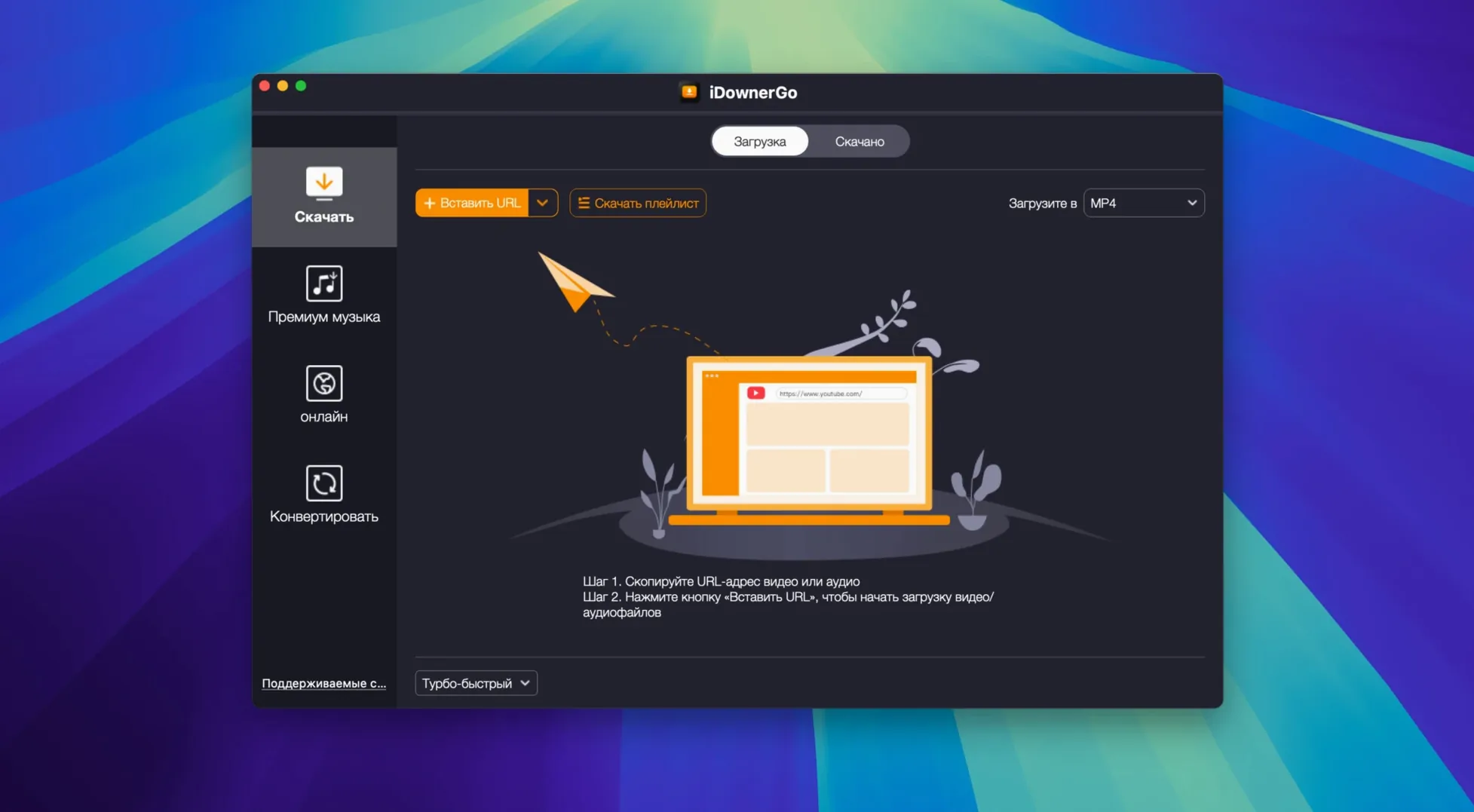
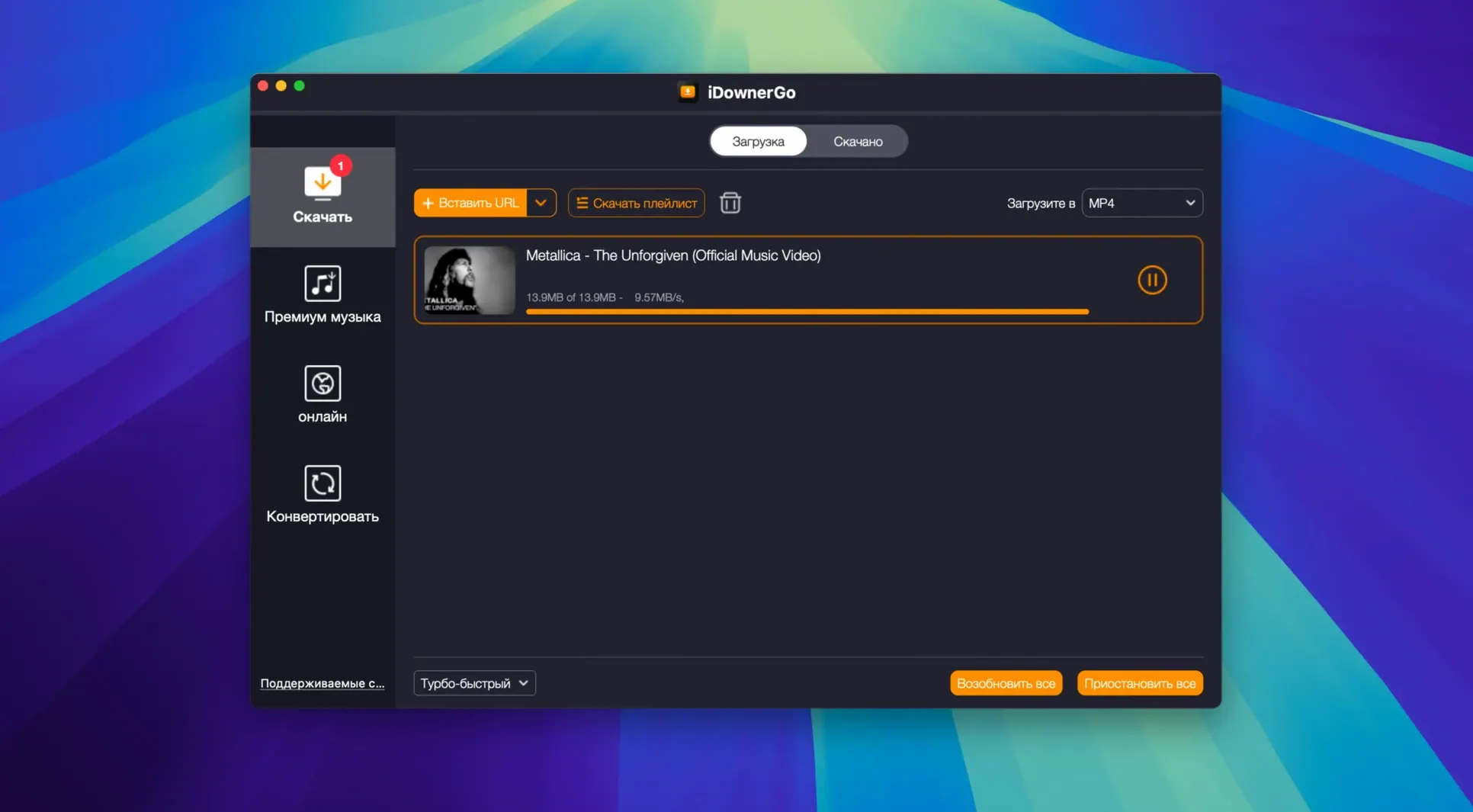
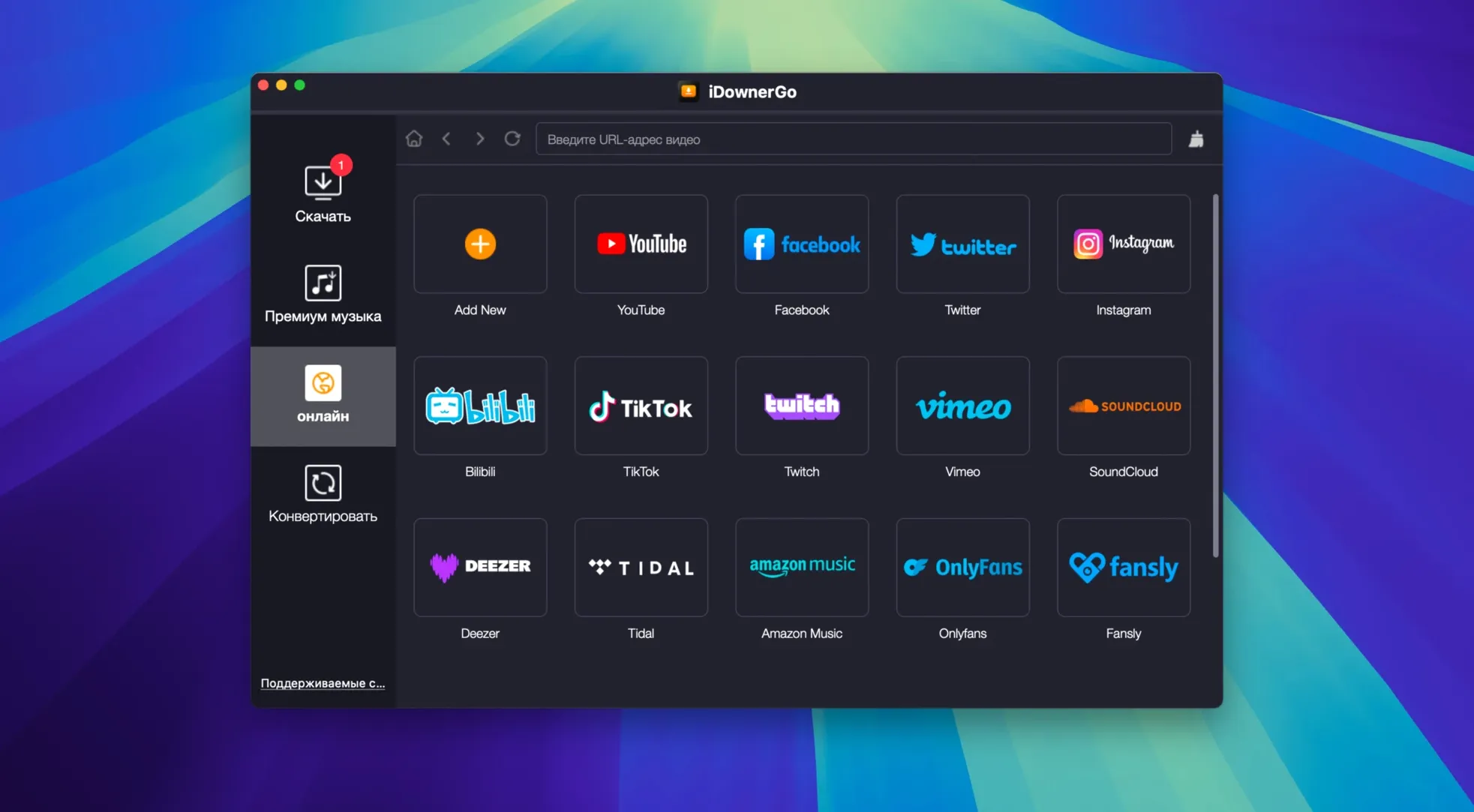
8K. No quality loss. That is the ceiling iDownerGo sets.
You pick the format, it delivers. Video, music or a whole playlist.
Playlist grab
- A general downloader next to site-specific tools.
- Quick music grabs. A playlist comes down in one action.
- An older Mac. It runs on OS X 10.10.
Trouble spots
The Terminal bypass catches people off guard. You mount the disk image, double-click, and nothing happens. A quick Enter in the Terminal window that appears sorts it. No command to type.
High-bitrate 4K files sometimes stall on slow connections. Pausing and resuming the download usually shakes the queue loose. If not, dropping to a lower resolution for that clip and re-queuing the original afterwards works.
Intel-only build means Apple silicon Macs need Rosetta 2. If the app bounces once and quits, Rosetta likely isn’t installed. Running any other Intel app once prompts macOS to fetch it.
Some sites serve audio and video as separate streams. The resulting MP4 lands without sound. Switching the output to MP3 before the grab avoids the silent-file shuffle entirely.
Dusty Mac
People keeping an older Mac around as a media server. OS X 10.10 support means a dusty Mac mini stays useful as a download-and-convert station.
Anyone pulling Bandcamp purchases or rare SoundCloud sets into a local library. The format options feel aimed at the person who still curates folders, not just streaming queues.
Users of site-specific downloaders who need a catch-all. When the dedicated tool for a small video platform lags behind, iDownerGo often still parses the page.
One at a time
Does it batch-download a channel? Not natively. You feed it playlist or page URLs one at a time. For large archival jobs, queue a handful, let them finish, repeat.
What about updates? The current build, 10.15.0, holds steady on Intel. Future versions may shift requirements, but for now it sits comfortably on machines dating back a decade.
Is the interface heavy? No. It opens to a single window with a URL field and format dropdown. Most of the complexity lives in the parsing engine, not the front end.
It is an Intel app; Apple silicon runs it through Rosetta. Installation includes one Terminal step.