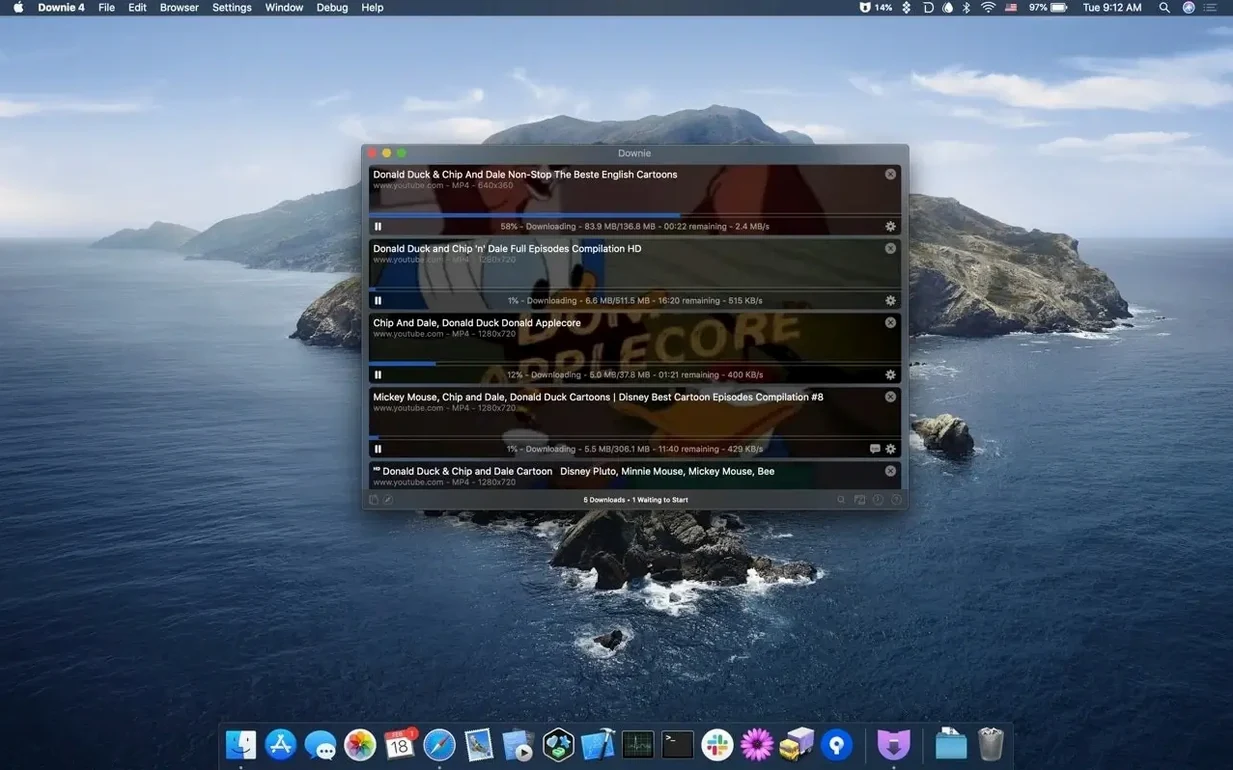
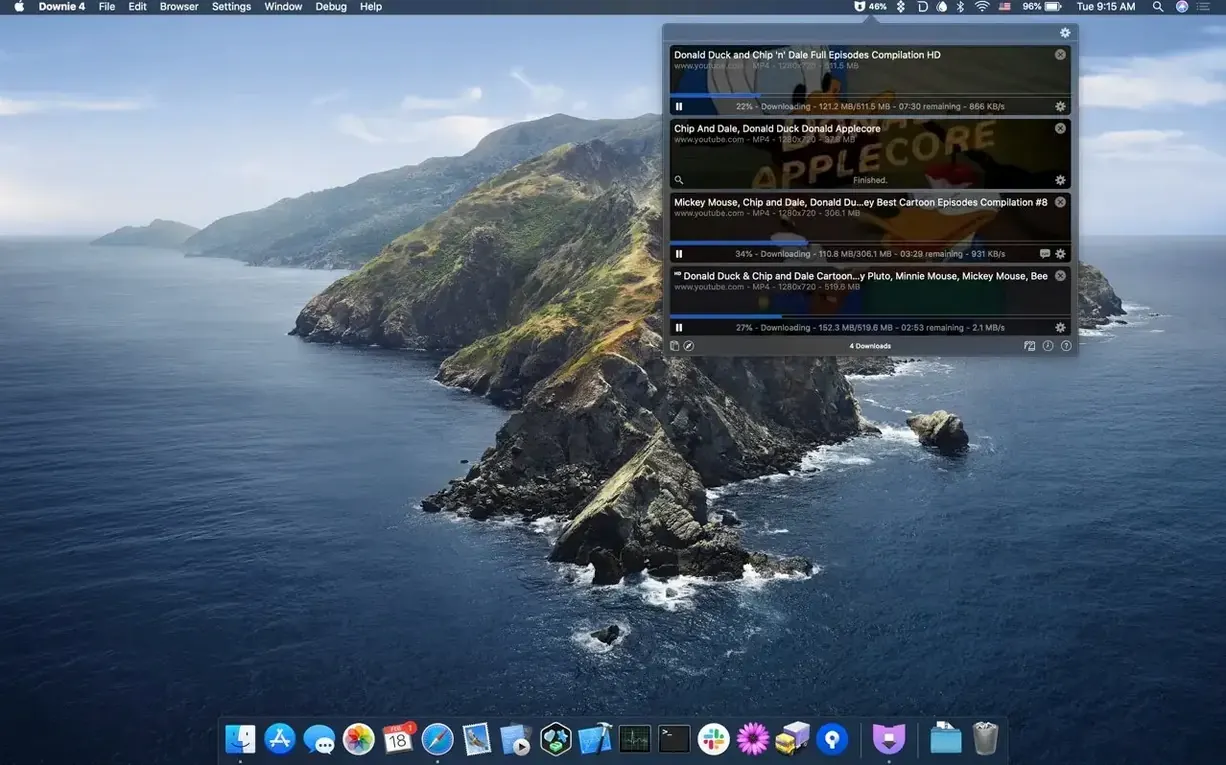
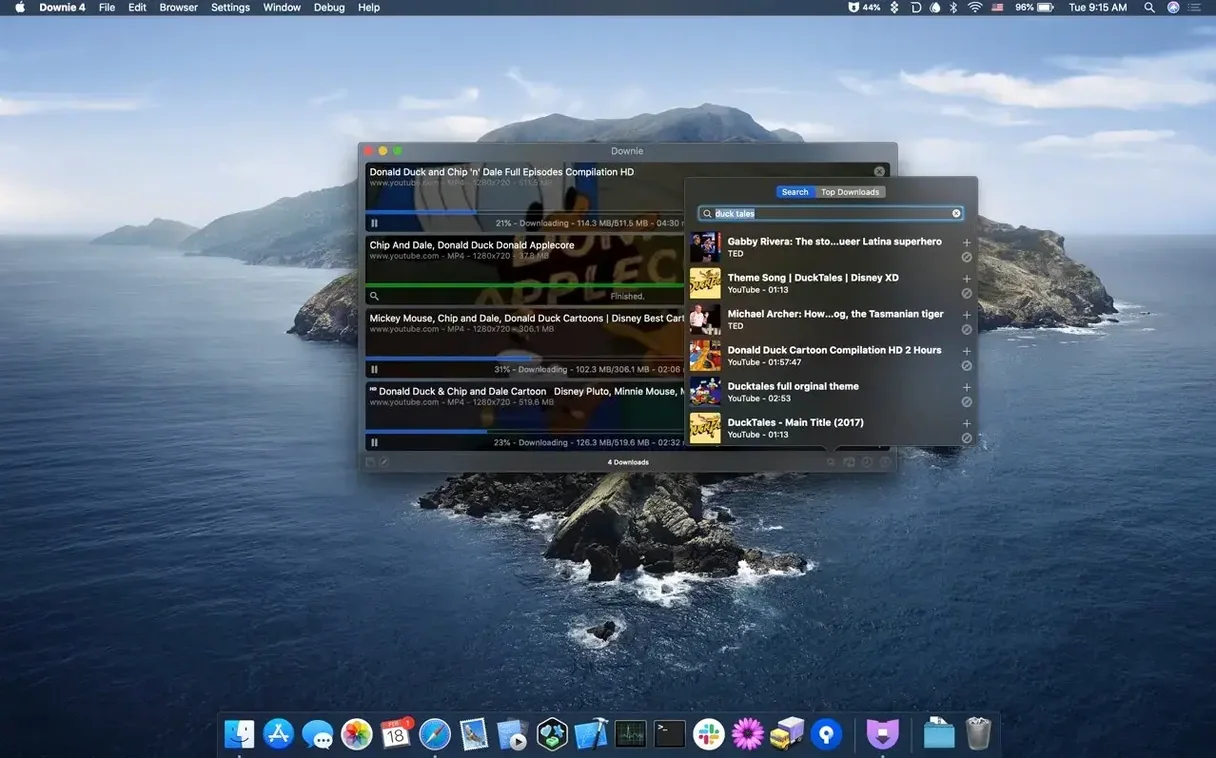
You probably keep a few browser extensions that promise to save videos. Most of them break. Downie replaces them with one app. Paste a link or drag one in.
It knows more than 1,200 sites. It can keep just the audio.
New to it? Start with a 4K YouTube clip and watch the queue. Then save only the sound of a long talk. If you use Permute, hand the file over to shrink it.
Small misses
Many people paste a URL and stop there. A few keystrokes change the rhythm.
Command-N opens the search field. Type what you need. Downie finds the video. You skip the browser entirely.
Control-click a finished download for a short menu. “Copy direct link” gives you the source URL the app used — not the page you pasted, but the media file. Useful when a site keeps moving things.
The Dock menu shows recent downloads. Right-click the icon to grab one again without opening the window.
In Preferences, under Postprocessing, a checkbox reads “Add downloaded files to Music.app.” Tick it. Audio-only saves land in your library without a detour. Another checkbox wakes the Mac when a queue finishes — good for overnight batches.
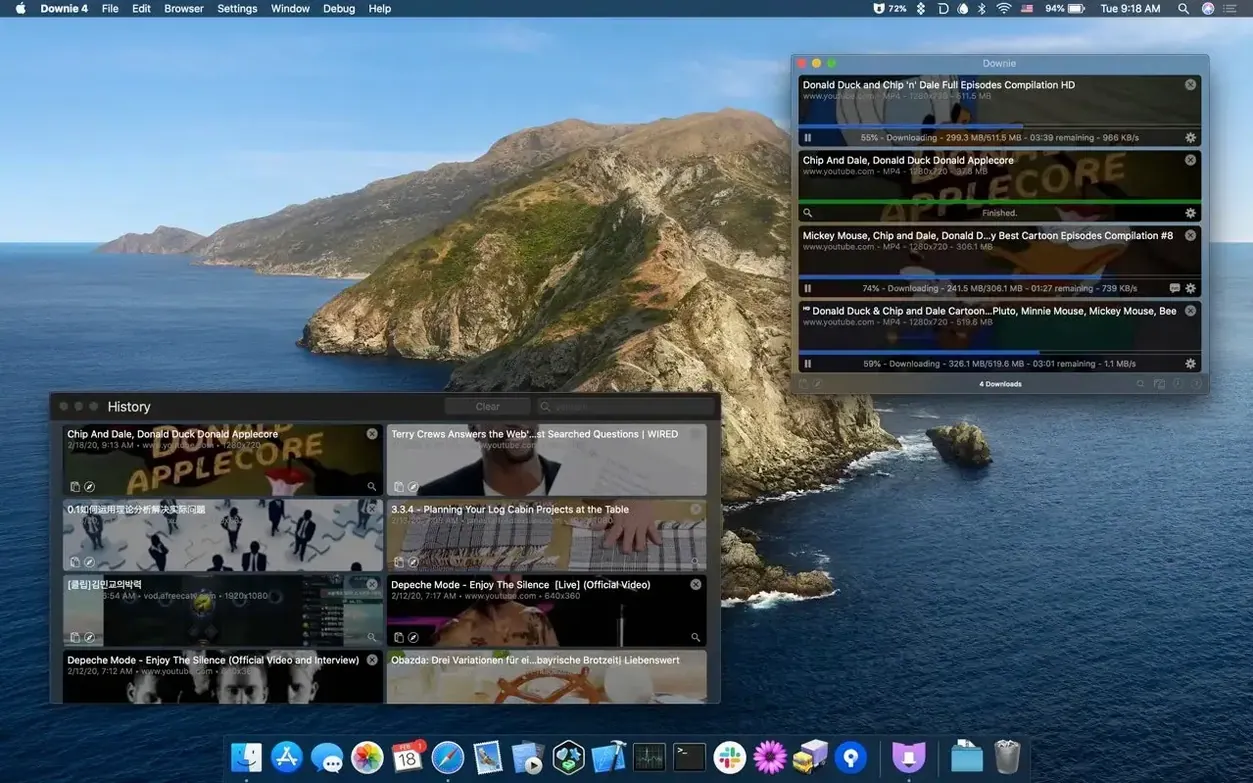
Per-site settings sit under the history tab. You pick a language, a format, or a preferred resolution for one domain. Downie remembers. You never configure twice.
CSV renamers
Three groups press Downie harder than most.
Researchers and students collect lectures, interviews, and field recordings. They pull audio from hour-long talks and keep the queue full. A CSV import with custom titles lets them name files by date and speaker before the first byte arrives.
Video editors use it for reference clips. They pull 4K footage from YouTube and Vimeo, then hand the file to Permute for a quick ProRes proxy. The browser extension catches what they find during review sessions.
Language learners save clips with subtitles. They download the same video in several languages from sites that offer region-specific streams. A small folder of short local news segments becomes daily listening practice.
Drag a CSV prompt
A documentary producer starts the day with ten links from a researcher. She drags a CSV into Downie. The queue names each file after the subject and interview date. While coffee brews, 4K interviews from three continents land in a project folder. She opens one, scrubs for a quote, and drags the clip into her timeline. No browser tabs. No waiting for a site to buffer.
Later, she finds a Vimeo link in an email. The browser extension catches it. Downie saves the file while she writes narration. By lunch, all raw material sits offline.
No live streams
People ask whether Downie handles live streams. It does not. A scheduled recording feature exists, but a live broadcast needs a different tool. Finished streams, once posted, download fine.
Another question: does it pull subtitles? Yes. When a site offers them, Downie saves the subtitle track alongside the video. You can also extract the text separately if you prefer a plain file.
Some worry about site-specific breakage. Charlie Monroe Software updates the app often. A broken site usually works again within a day or two. The app checks for new extraction rules in the background.
The most common hesitation is about YouTube in 4K. It works. Pick a resolution in Preferences and Downie fetches that stream every time. No extra step.
Searching for “downie 4 crack” turns up old versions with missing site support. Version 4.13.1 knows current layouts. A download from the developer includes the browser extension and thirty-two languages.