
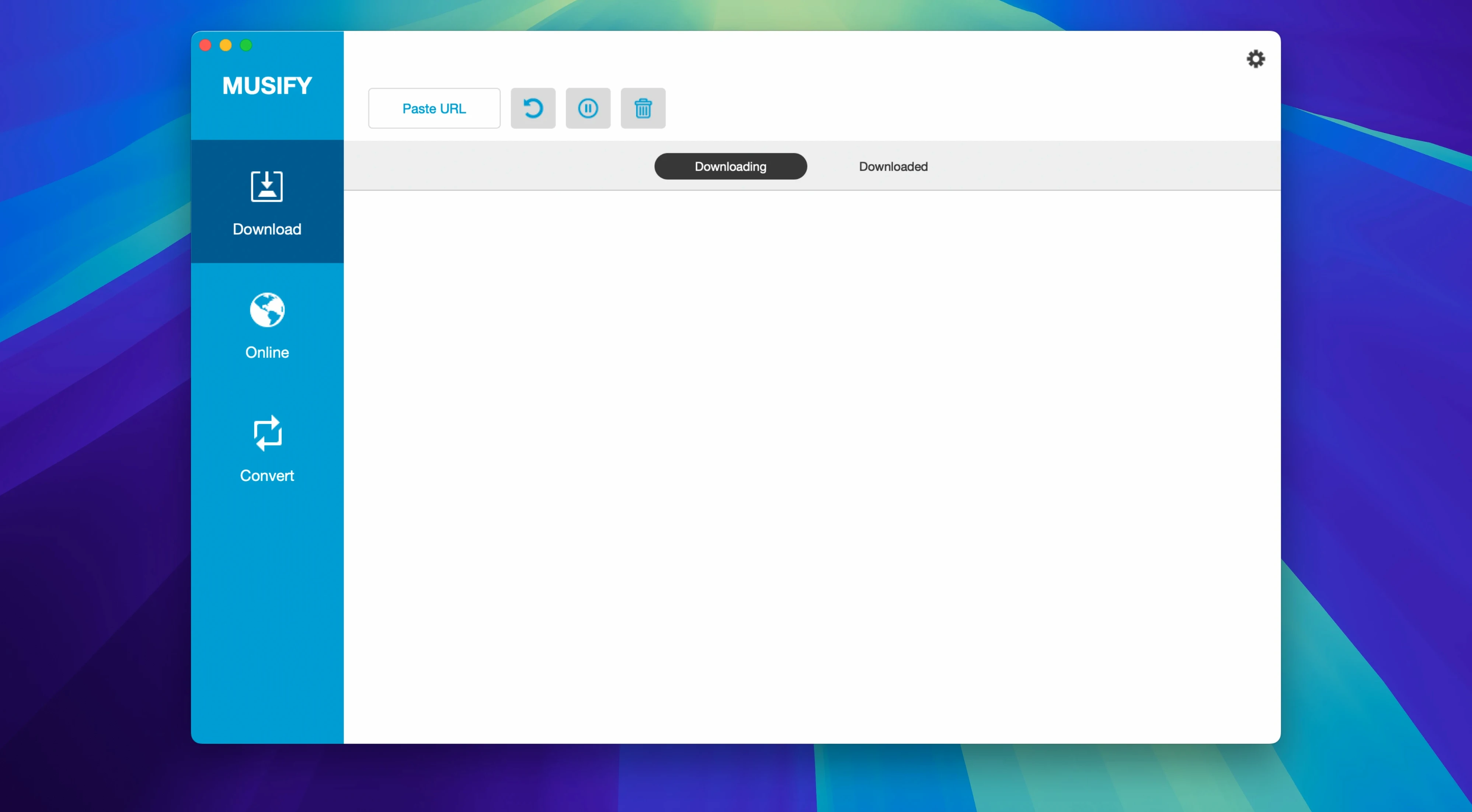
A playlist you love lives in the browser. You want it on your phone, offline.
Start
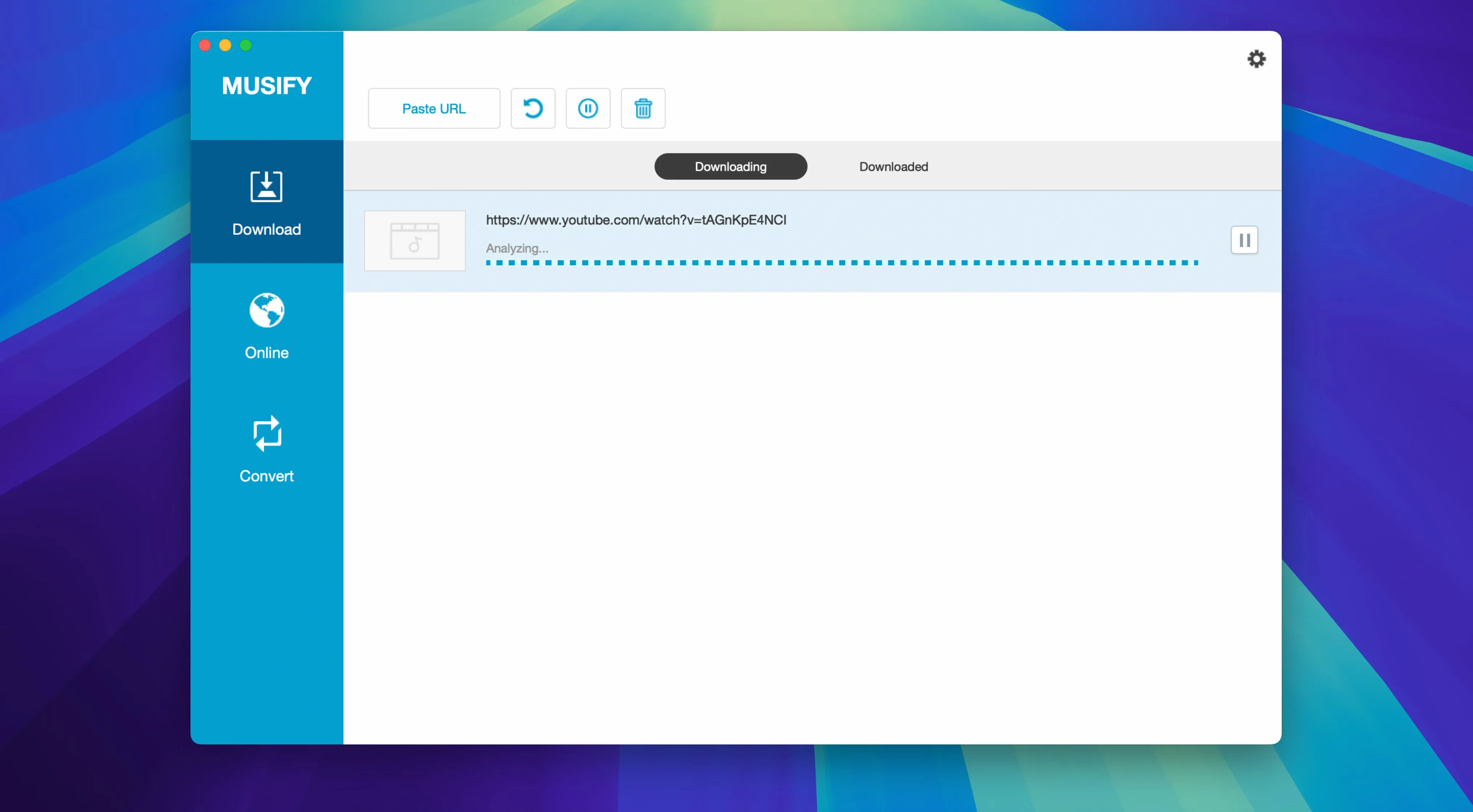
Paste a URL. A single track or a full playlist from YouTube, SoundCloud or Bandcamp. Musify lists what it found.
Choose
MP3 plays anywhere. M4A is smaller. WAV when you want it untouched.
Download
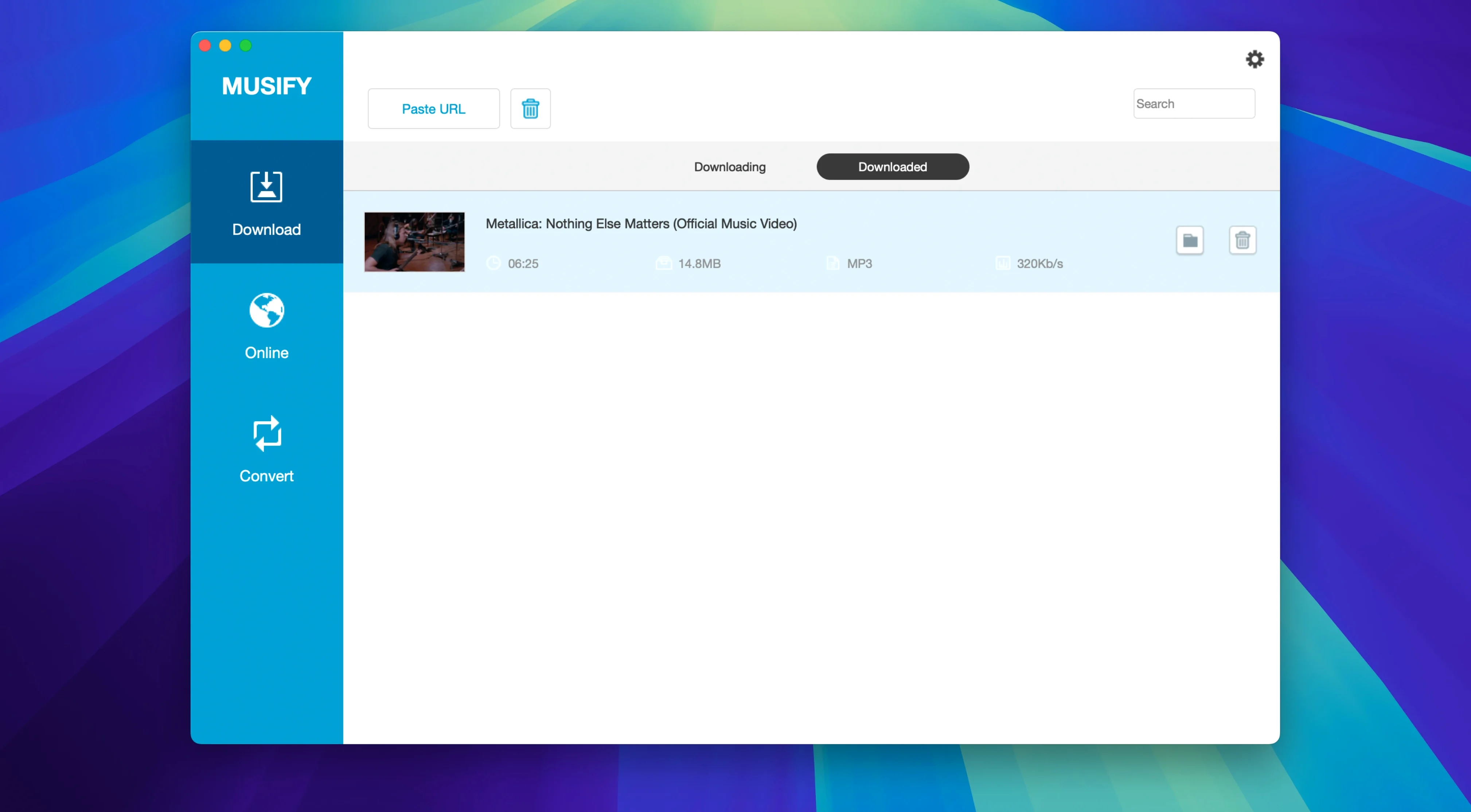
A playlist lands as a folder, tracks named, tags intact.
Desktop download folder
Open preferences before your first real session.
Choose a download folder you can reach without thinking. The desktop works. A folder in your home directory works better.
Set the default format to MP3. You can override it per download later.
Turn off notifications for completed single tracks. Leave them on for playlists.
Day one
Start small. One track, not a playlist. Watch where the file lands. Open it. Check the tags. Musify gets artist and title right more often than not. When it doesn't, you learn early what needs fixing.
Then try a three-track playlist. The app names the folder after the playlist. Inside, files are numbered. The order matches the source.
A Bandcamp album download is the real test. Musify pulls the cover art. Listening back feels deliberate, like owning the music again.
Hold off on a hundred-track playlist until you trust your naming and folder structure. A little patience on day one saves a lot of renaming later.
Paste a link
You open musify macos after dinner. A song you heard in a café is stuck in your head. You know it's on YouTube.
You paste the link. The app shows the title and duration. You leave the format on MP3. Click download. Ten seconds. The file is on your desktop.
While that finishes, you open SoundCloud. A producer you follow dropped a new set. Copy the playlist link. Paste. Musify finds seven tracks. You switch format to M4A for this batch. The download takes under a minute.
You drag both files into your music library. Tags are clean. No extra clicks. You close the app. The whole thing took two minutes.
That's the rhythm of Musify. Quick drops. No buildup.
Batch habits
When you queue several playlists, let the app sit alone. No other heavy disk work. Musify 5.3.0 writes files sequentially. Interrupting it with a large copy or backup slows everything.
Check the first track of a batch before the rest finish. A bad source link shows early. Cancel, fix the URL, start again. Better than finding five broken files at the end.
For musify for mac users building a big offline library, a dedicated folder structure matters from the start. Year and source work: ~/Music/2025/SoundCloud.
Small habits keep the library clean without extra tools.
That first download teaches you the whole app.