
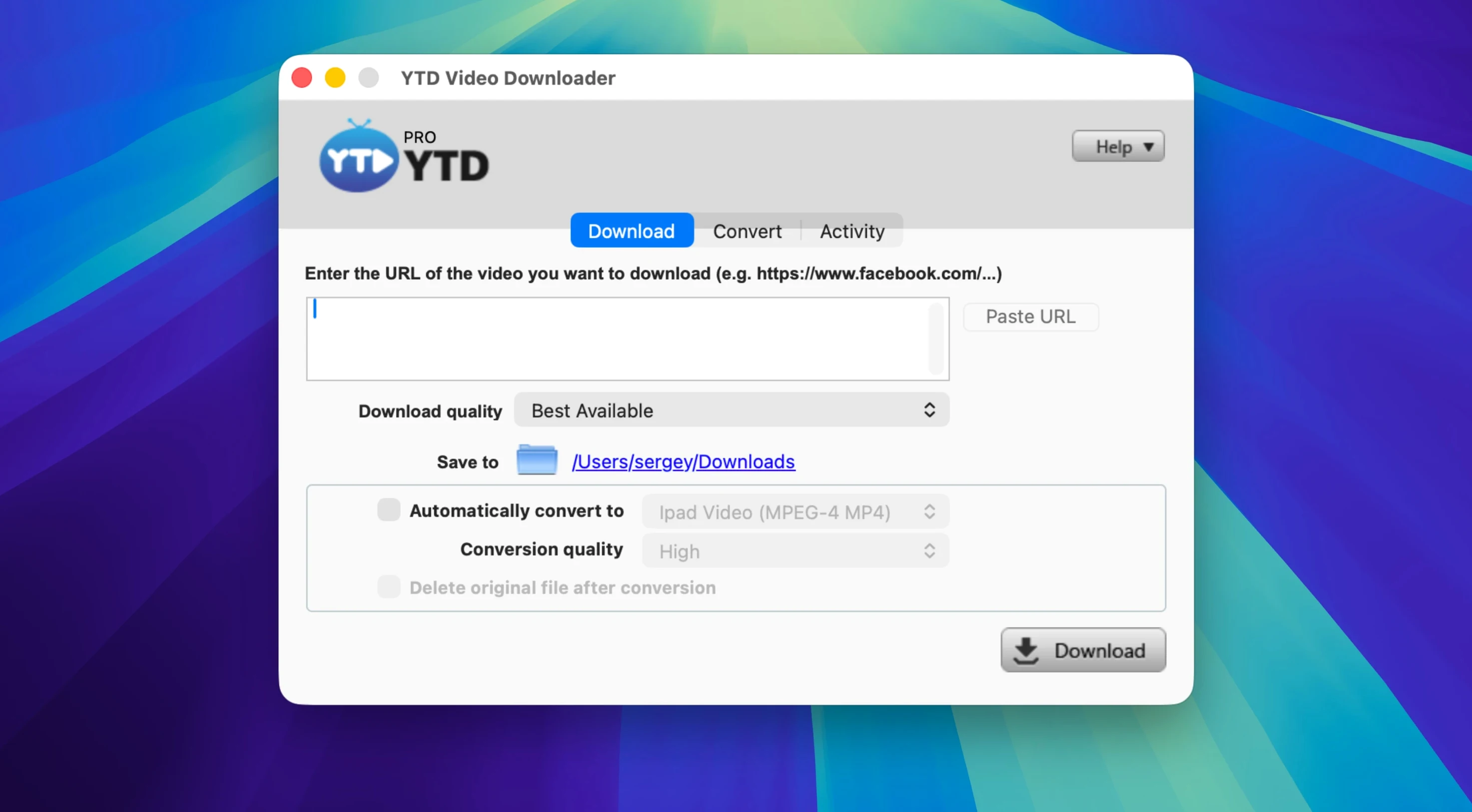
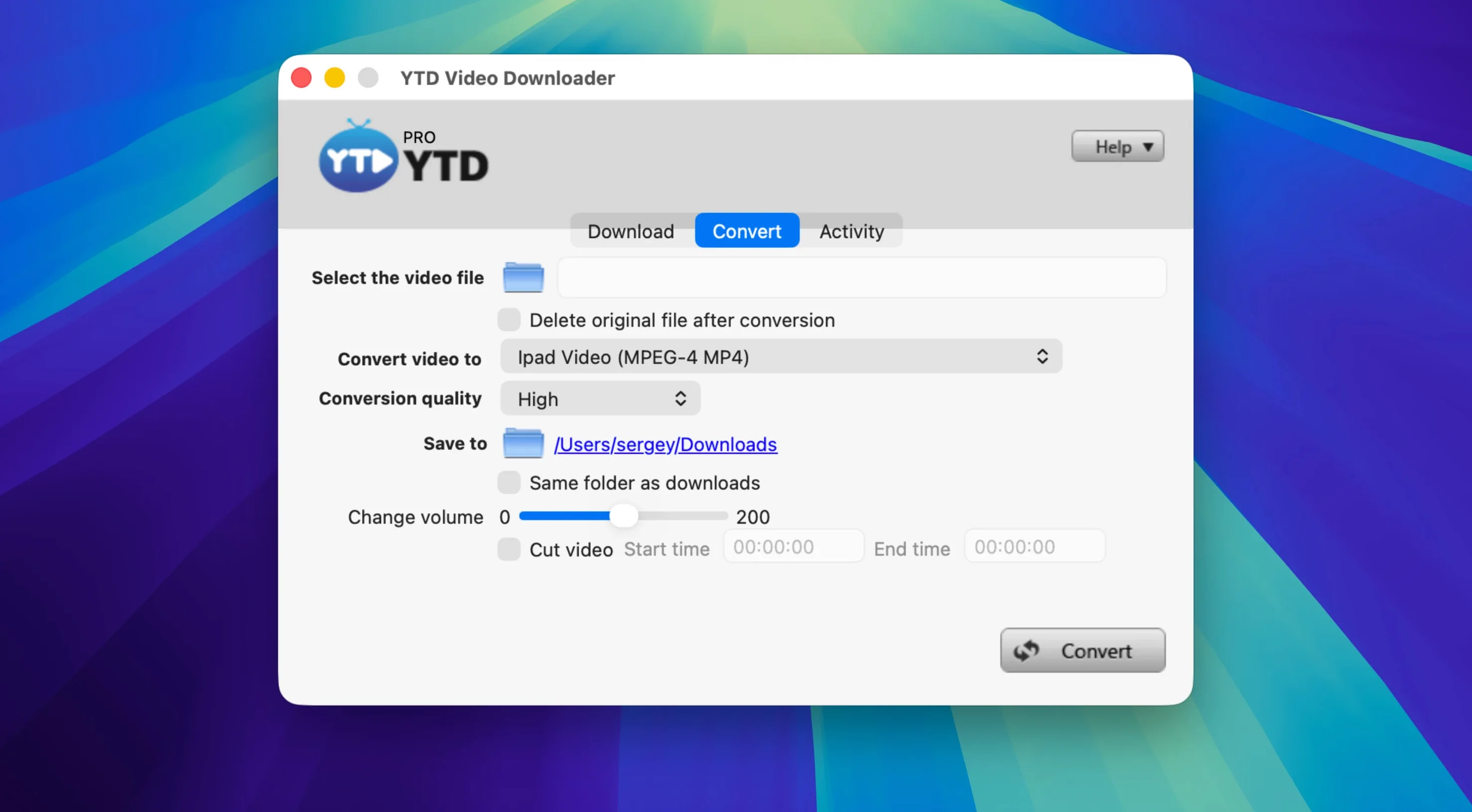
YTD Video Downloader PRO is a straightforward Mac app that saves online video to your drive and converts it to the format you need.
- Will it read my clipboard? Yes—paste a link from anywhere, or let the app detect what you just copied.
- Does it handle playlists? One click grabs every video in a YouTube playlist.
- What formats can I get? .mp4, .mov, .avi, .wmv, .flv, .3gp, and audio-only .mp3.
- Is my activity tracked? No. The app does not log downloads or history.
- What happens if the connection drops? It retries automatically.
Clipboard grab
Open the app. Find a video. Copy its link.
YTD detects the clipboard immediately and lists the available resolutions. Pick one. Tap Download. The progress bar starts moving.
Pause it if you need the bandwidth back. Resume when you’re ready. A dropped connection retries by itself—no dialog, no nag.
While the first file downloads, copy a playlist link. A small panel asks whether you want the whole list or specific items. Select all, set the format to .mp3, and let it run. Two tasks happening in parallel, both local, both quiet.
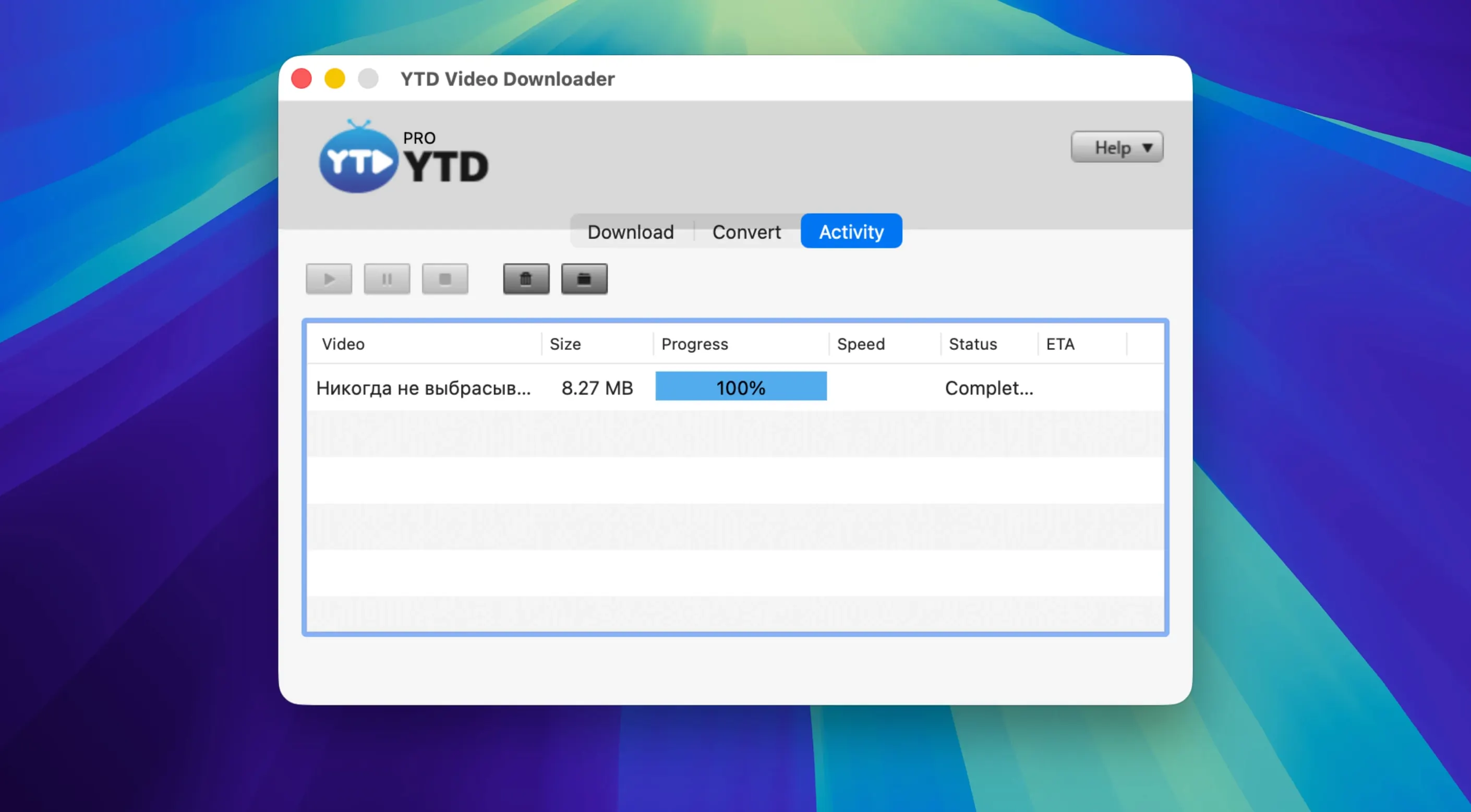
When a file finishes, the destination folder opens from the completed-item entry. No notification noise. No post-download wizard. Files land exactly where you pointed them.
Project folders
Someone compiling archival news clips needs footage from three platforms. They keep a folder per project and a strict naming convention.
They open YTD, set the output folder, and paste a Vimeo link. Resolution chosen, download started. While it runs, they copy a Dailymotion link and add it to the queue. The third clip comes from a Facebook post—drop the link, pick .mp4, and move on to other work.
Twenty minutes later, three files sit in the project folder, named clearly, ready for the timeline. No browser extensions, no sign-in walls, no waiting for a cloud service to process anything. The whole job finished while they read through transcripts on another desktop.
Under 120 MB
On an Intel Mac running Catalina, the app opens in under three seconds. Memory use sits around 120 MB with two active downloads. CPU load stays moderate during conversion and idle otherwise.
Stability over a full day of mixed use—downloading single clips, batch-grabbing playlists, converting .mp4 to .mp3—is uneventful. No crashes, no stalled queues. The interface stays responsive even with six items waiting.
This is a local tool. It doesn’t phone home, doesn’t stream through a proxy, doesn’t bog down when a site changes its layout. If a platform shifts something and a download fails, the app’s retry logic keeps trying without locking the queue. For anyone who has searched for a reliable ytd video downloader for mac, that quiet persistence matters more than a long feature list.
Processing stays on your machine. Nothing passes through an external server.