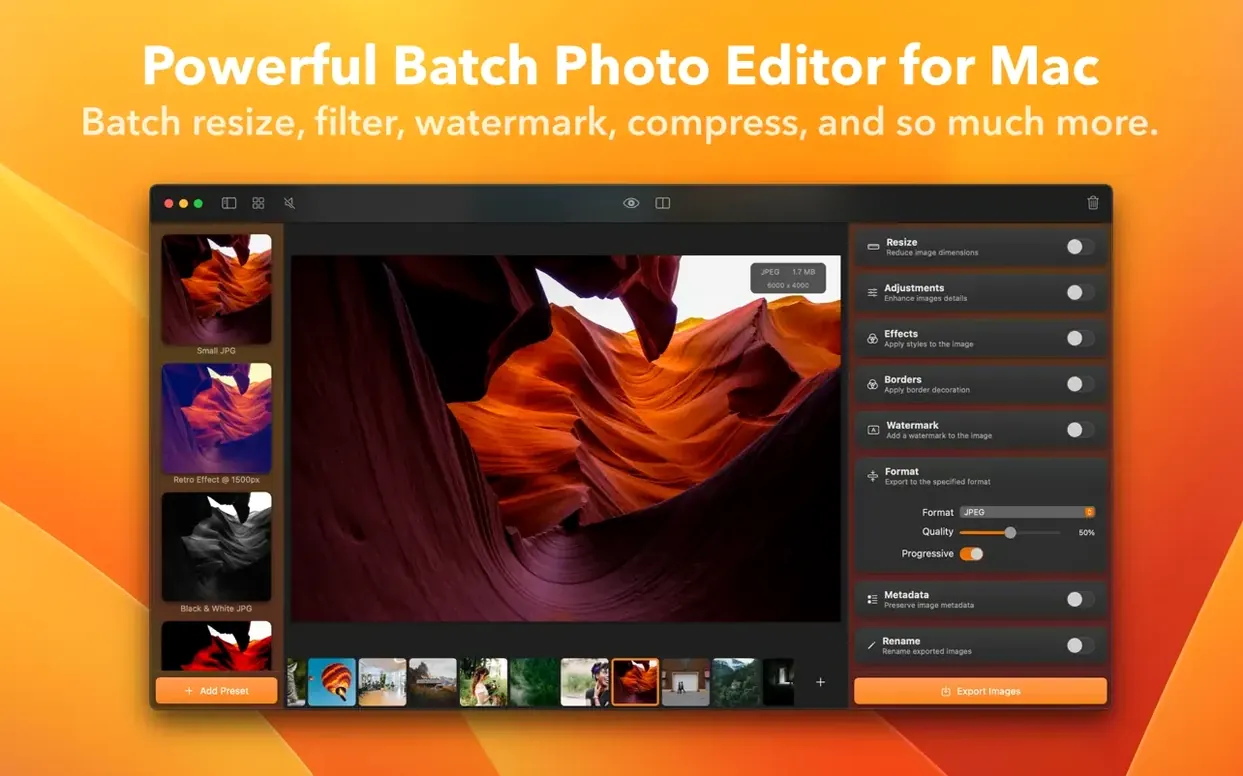
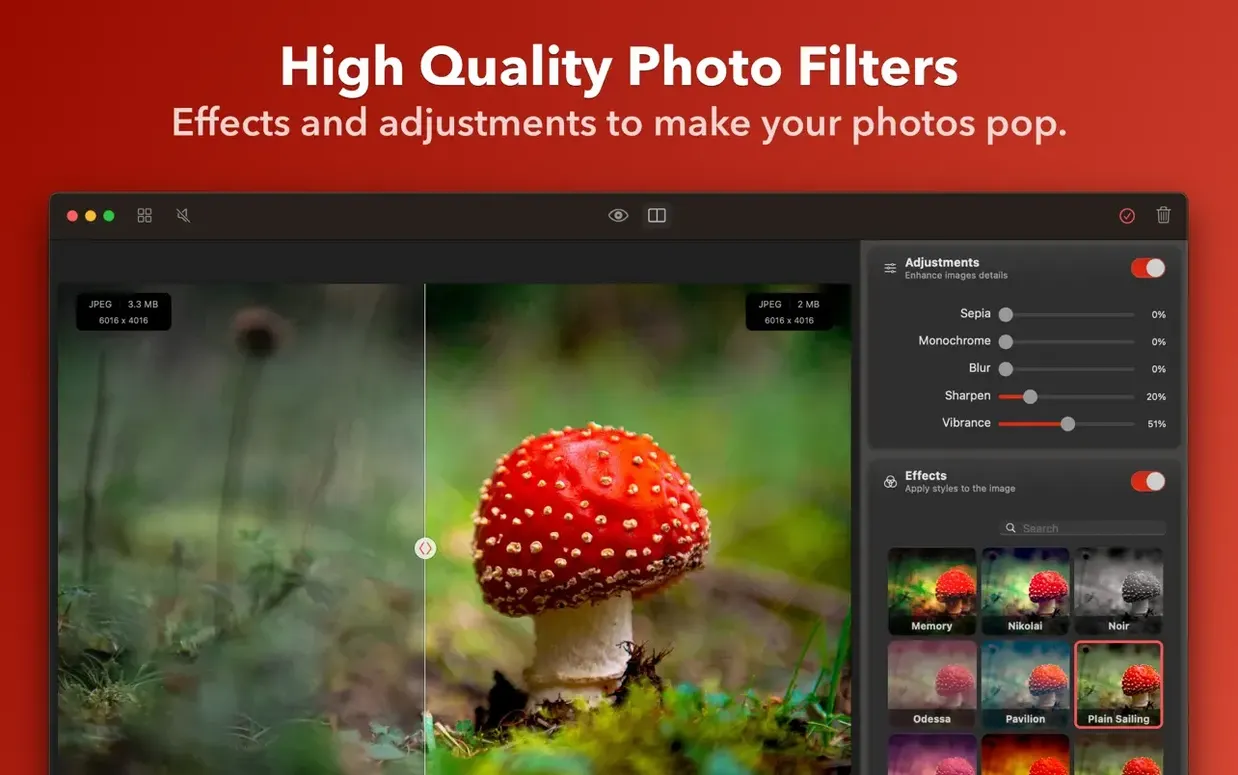
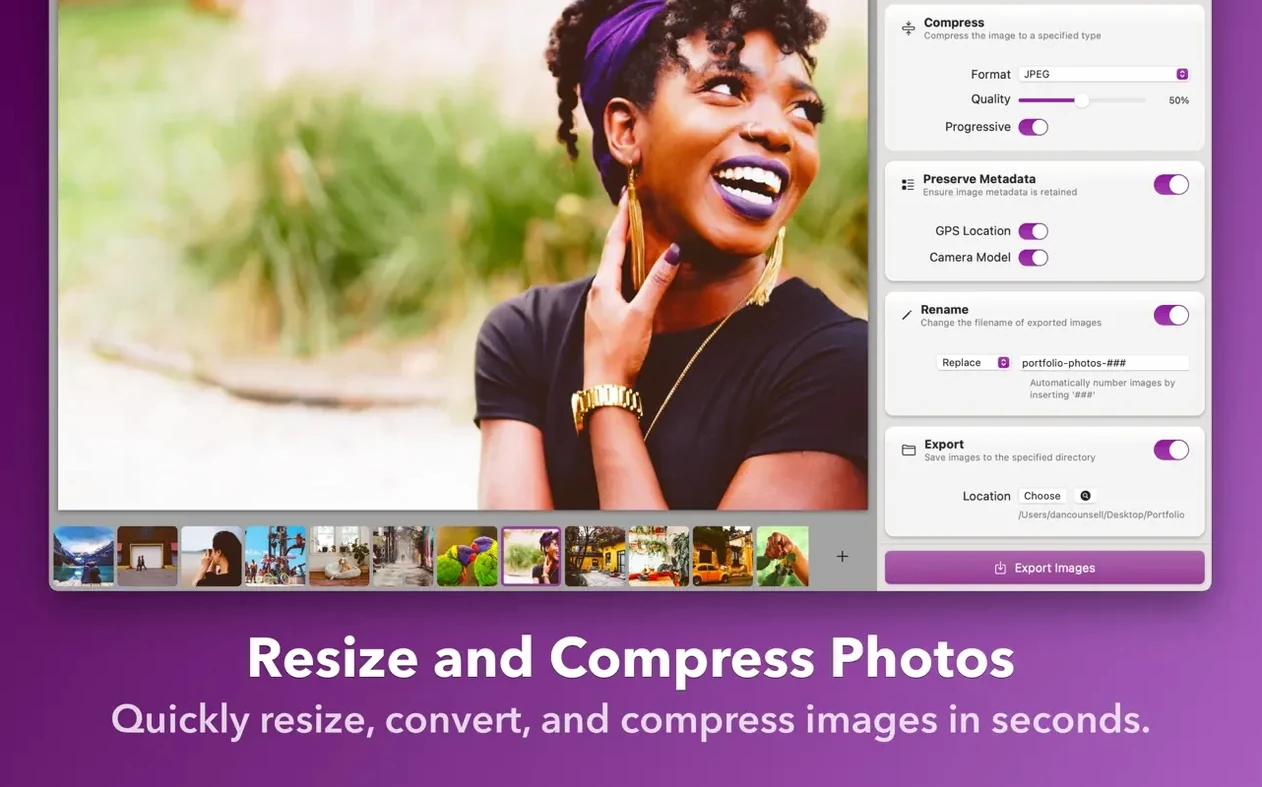
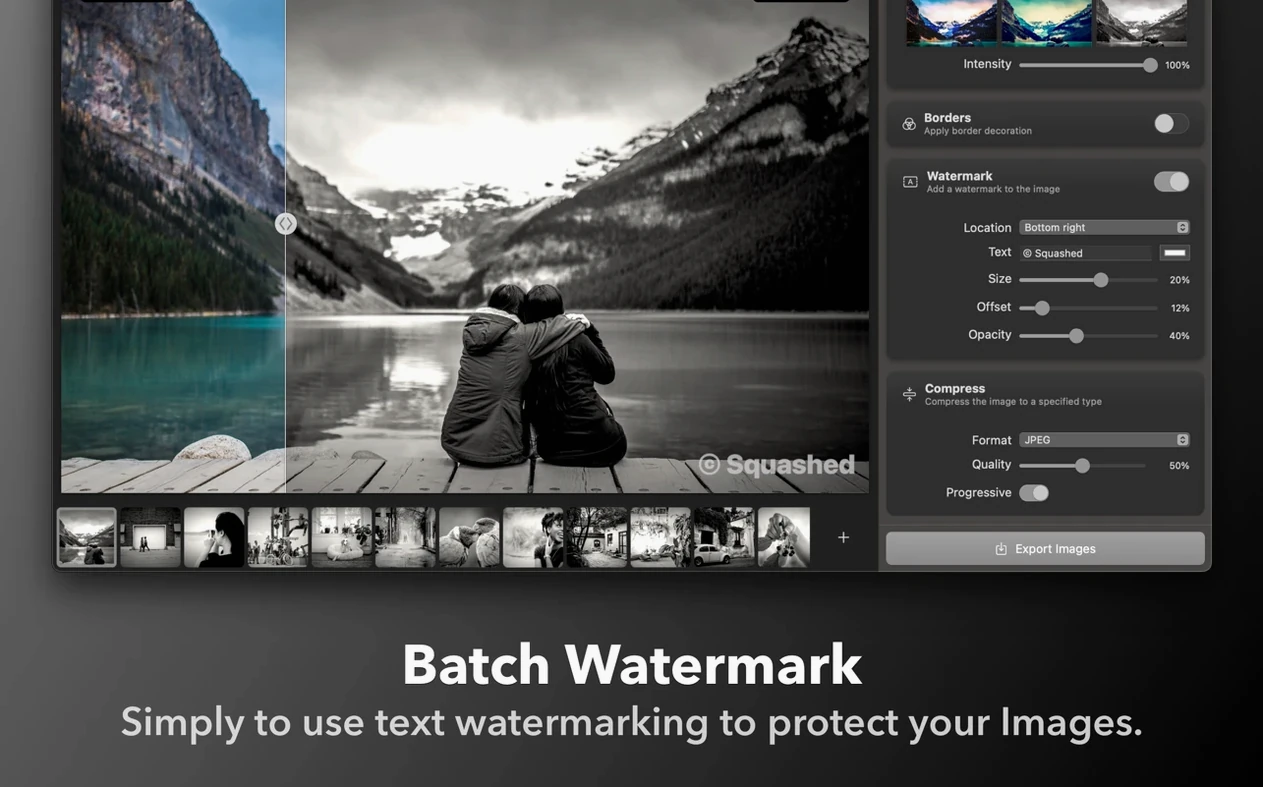
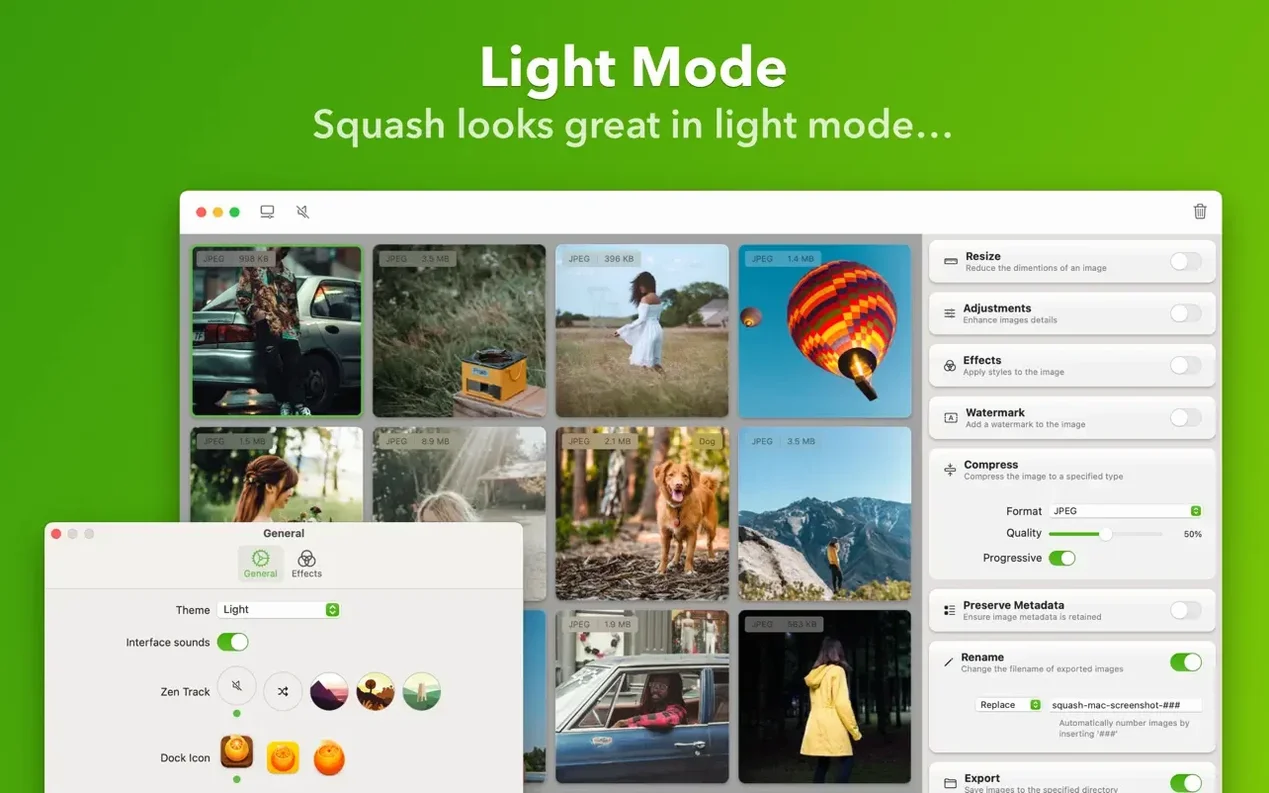
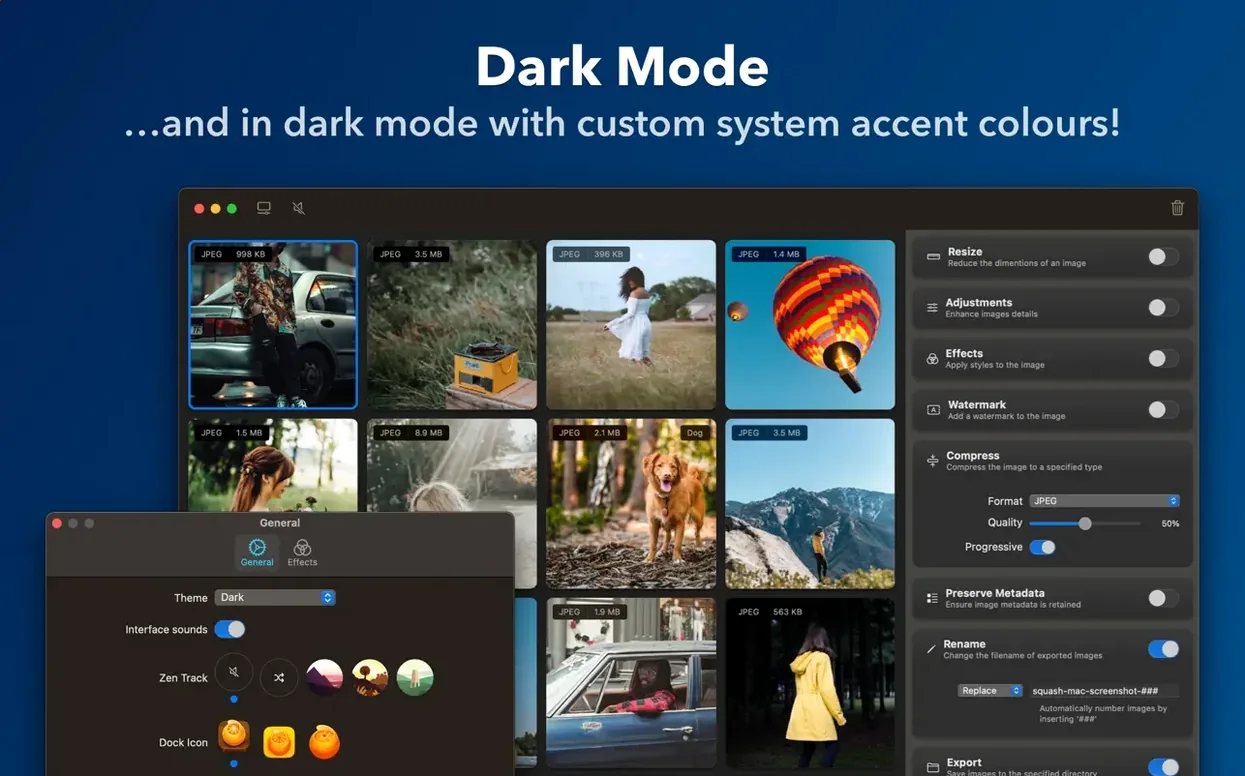
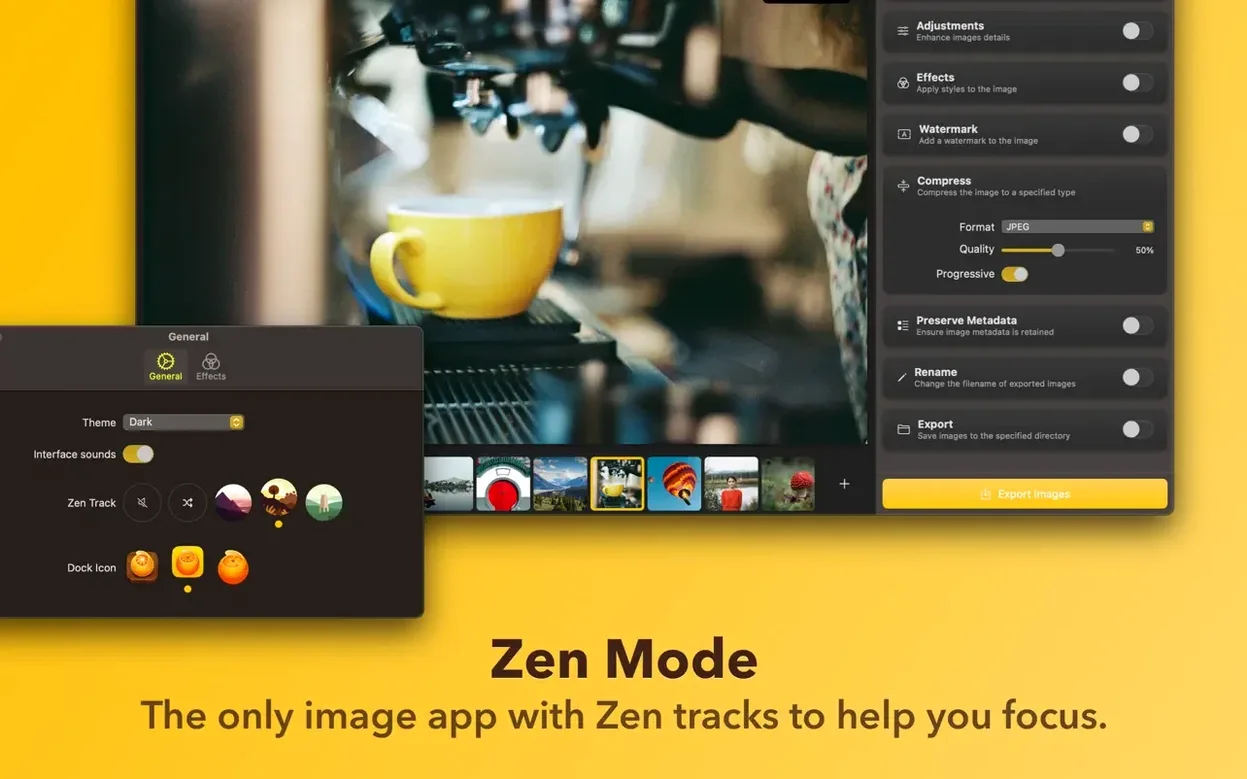
Squash is a macOS app that compresses and converts a folder of images in one quiet motion.
Good for
- Reducing a folder of exports for web use without opening each file
- Converting a batch of RAW files to JPEG with a single drag
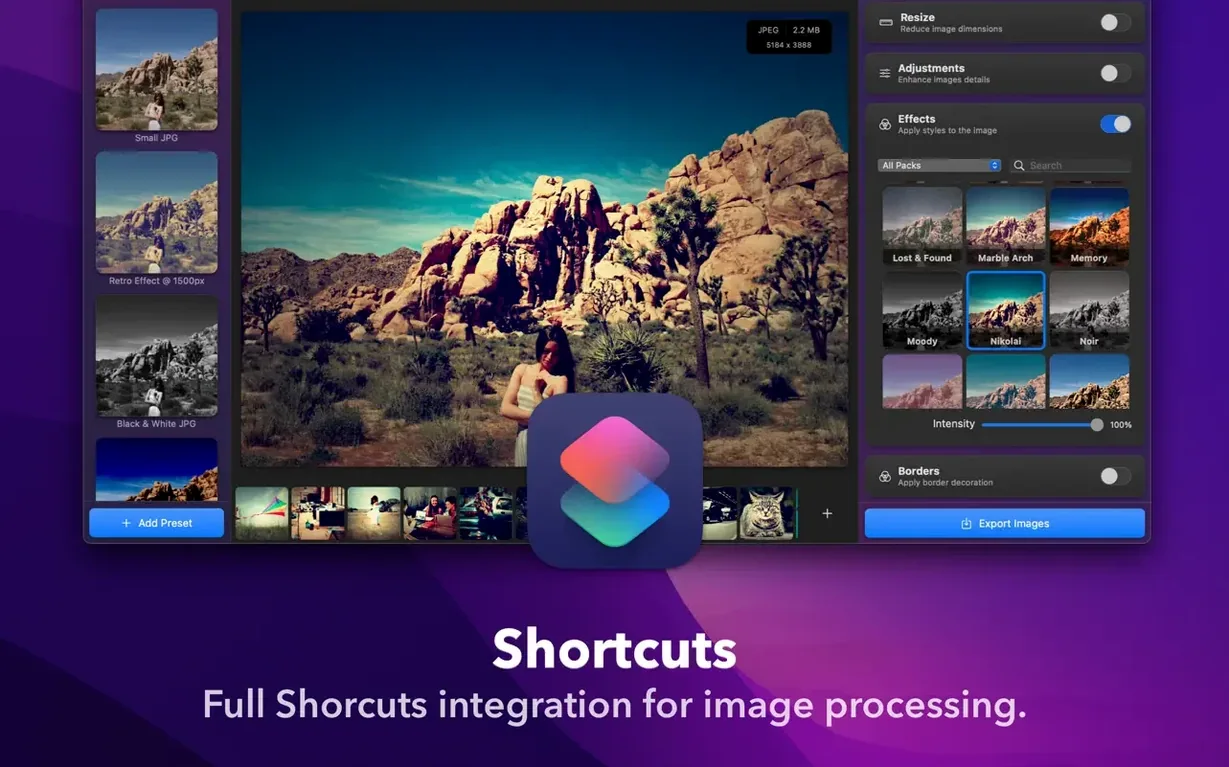
- Connecting compression into an Apple Shortcuts workflow
- Keeping the tool visually out of the way while it works
Keep in mind
- Interface language is English only
- Requires macOS 12 or newer
- Works on Intel and Apple Silicon Macs
Default folder
Open preferences before the first batch. Two things worth changing immediately.
Set a default export location. A dedicated folder keeps originals safe and output predictable.
Turn off Show compression summary once you trust the tool. The floating window teaches you early on, then it just slows things down.
Training memory
Drop five varied files on the window. A RAW, a large JPEG, a PNG with transparency, a screenshot, a design mockup. Watch the format suggestions.
Squash remembers your last format per file type. Use that first week to train it. The app gets quicker to use once it mirrors your habits.
Right-click any image in Finder and look for the Squash service. It skips the window entirely. Good for single files when you already know the settings.
Add a Shortcut that watches a folder. Drop exports into it, let Squash convert them unattended, then move originals to an archive. Set it up once, forget it.
Format conversion
ImageOptim strips metadata and shrinks files with no format conversion. Squash converts between formats and lets you tune quality per image. Different tools for different moments.
Permute handles images, audio, and video in one window. Squash does one thing. For someone who wants a dedicated image compressor with Shortcuts support and a cleaner interface, the narrower scope is an advantage.
You might keep both ImageOptim and Squash around. One for lossless slimming of existing files, the other for batch format shifts with quality control. No single tool covers both cleanly.
The squash mac full version installs without activation and runs on Intel and Apple Silicon Macs from macOS 12 onward. That directness suits a utility you reach for between other tasks.