
It runs on macOS 12 and later, on both Apple Silicon and Intel Macs.
Complete Removal
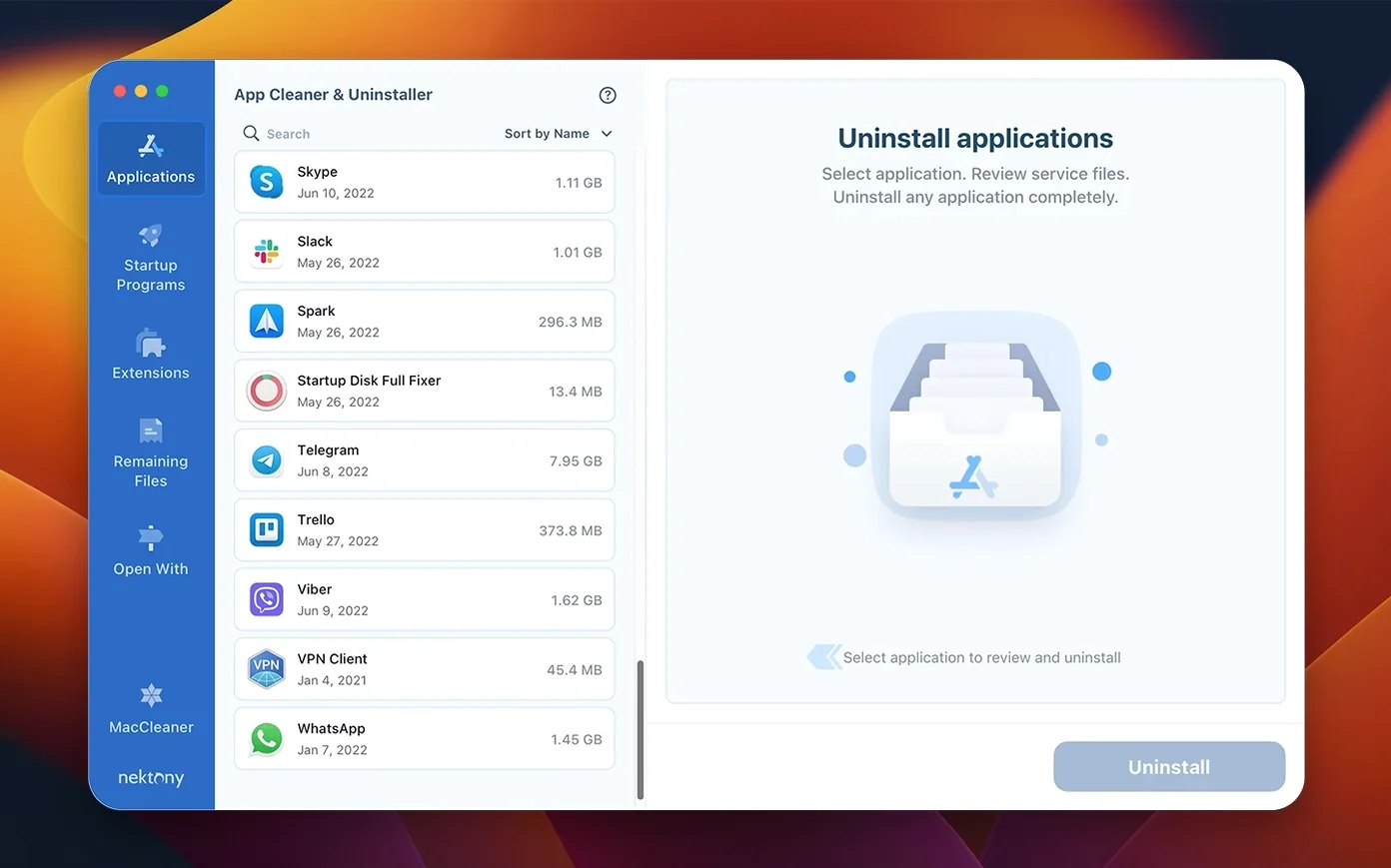
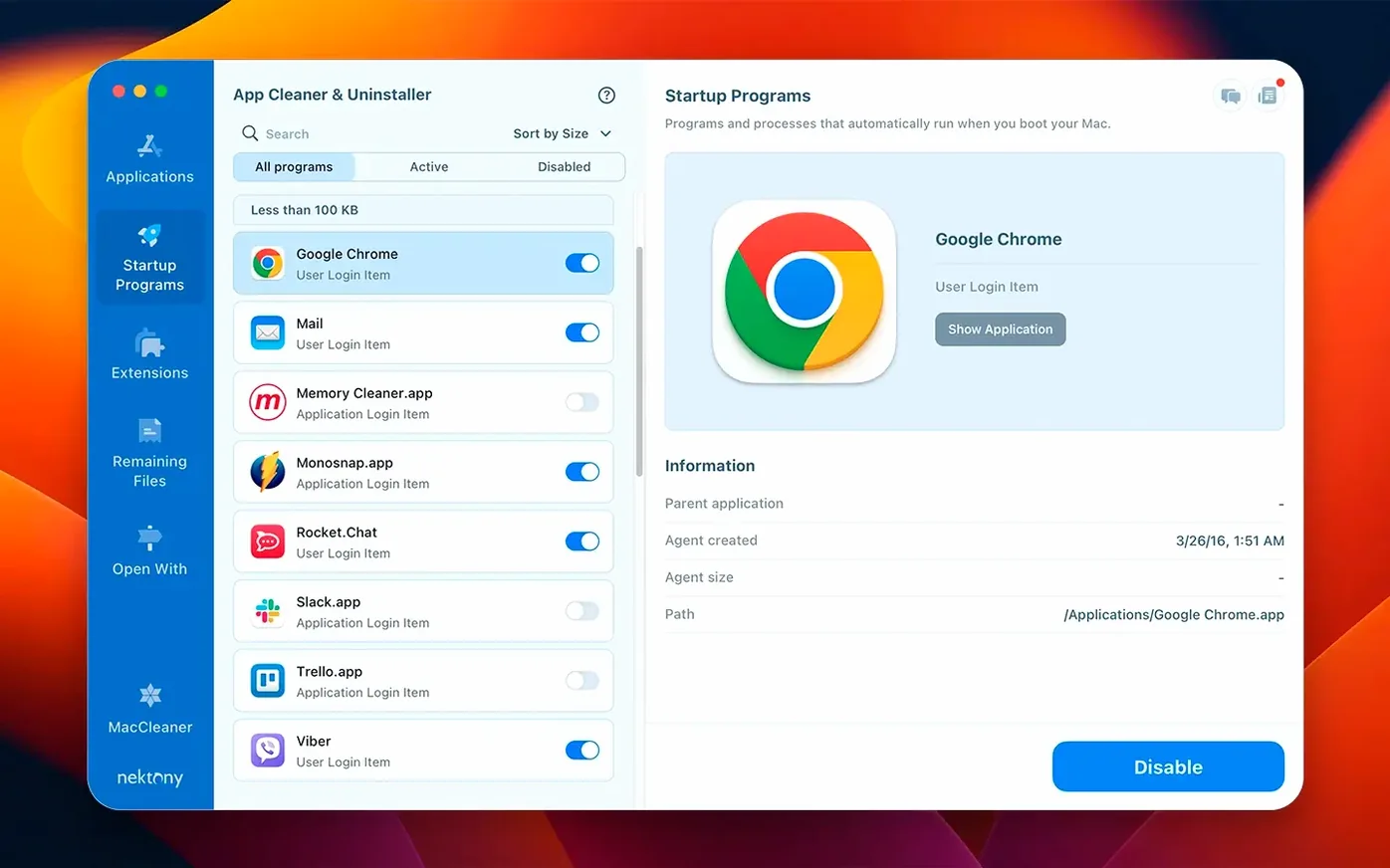
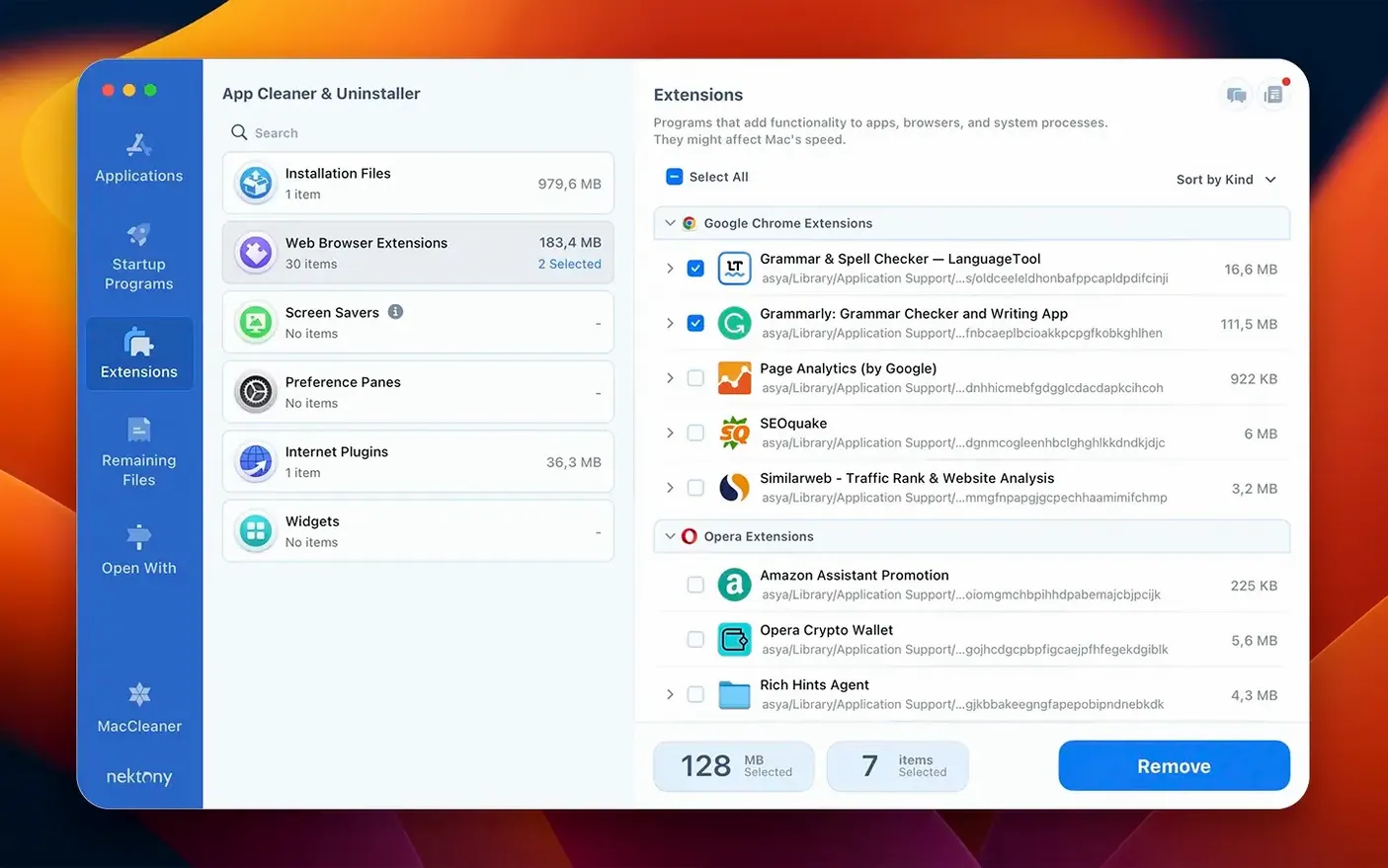
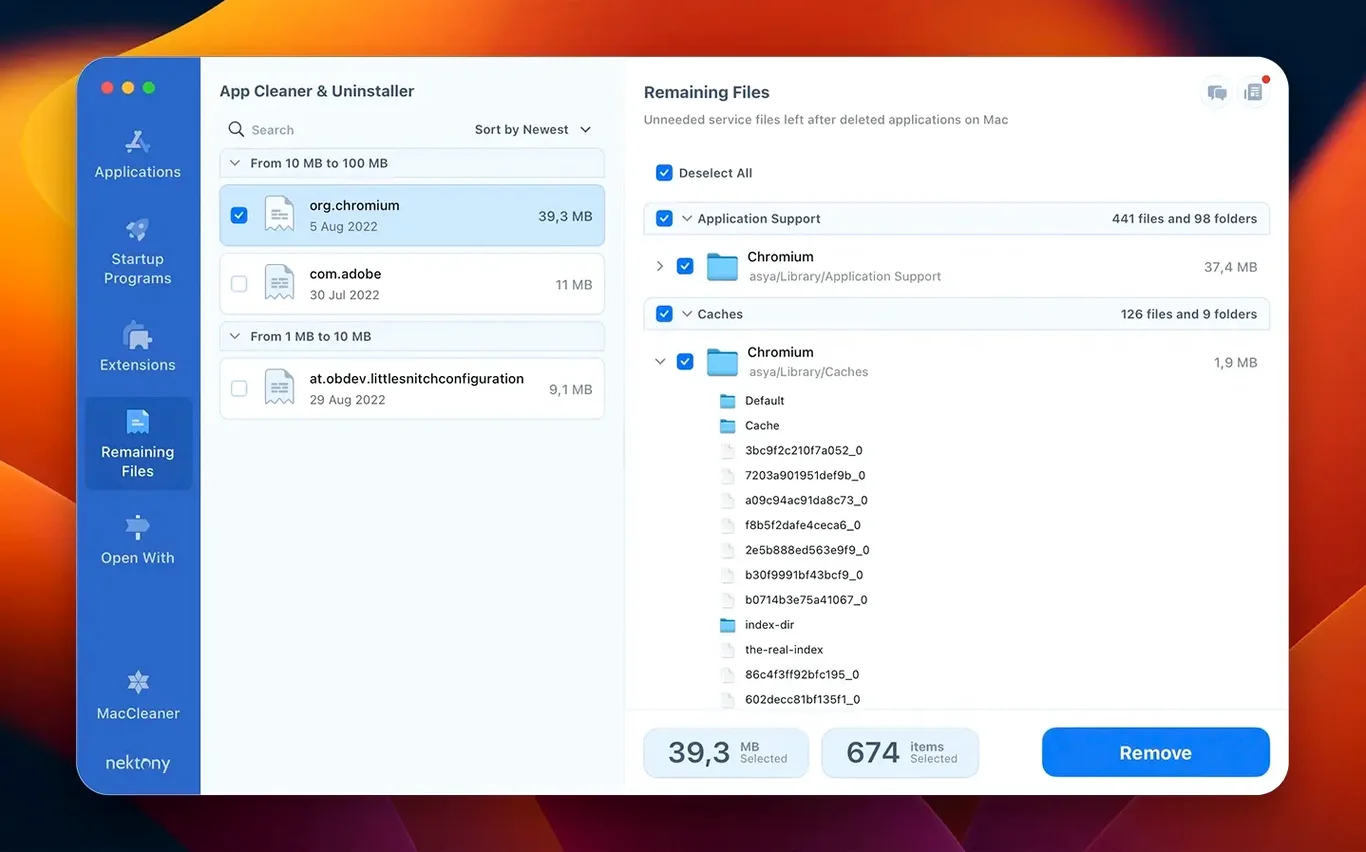
It uninstalls applications completely. That means the app itself and the service files scattered across the Library folders. It also finds leftovers from apps you dragged to the Trash long ago. But it is more than an uninstaller. You can manage launch agents, login items, and browser extensions from one place. The new network access tab gives you control over which apps phone home.
Library Hunter
Anyone who has hunted for a leftover plist in ~/Library. Anyone who installed a thing once and forgot it was still starting at login. It replaces several trips to System Settings with a single window.
Four-Second Scan
The scan starts the moment you open the app. On a Mac with a few hundred applications, the initial list populates in under four seconds. That includes the leftover file scan. Memory use stays around 80 MB while browsing; CPU spikes are brief and only during the scan itself. It does not run a background daemon unless you keep the menu bar helper active, and even that is lightweight.
Removal is fast. Dragging a 2 GB app to the uninstall area triggers the file enumeration almost instantly. The actual deletion finishes in the time it takes Finder to empty the Trash. No beachballs. I have used it alongside Xcode and Docker without a single stutter.
Stability on macOS 15 has been uneventful — which is the highest compliment. No crashes during batch removals of ten apps at once. The network access tab, new in version 10.0, adds a small extra load when monitoring live traffic, but the impact is negligible on Apple Silicon Macs. On an older Intel machine, you might notice a brief warm-up when first enabling network monitoring.
Cleaning up after a video editor
Video apps leave messes. Here is a workflow for fully removing a large NLE, its plugins, and its background helpers.
Step one: open App Cleaner & Uninstaller and switch to the Applications tab. Find the video editor in the list. The right panel shows the app itself plus every related file — caches in ~/Library/Caches, preferences, render engine support files, and the login helper that launches at boot.
Step two: check the plugin folders. Switch to Extensions and look under the video and audio categories. Disable or delete the third‑party plugins that shipped with the editor. You can disable first, reboot, and confirm stability before deleting permanently.
Step three: open Leftovers. Even after the standard uninstall, the app finds orphaned folders from old versions in /Library/Application Support. Select all, click remove.
Step four: go to Startup Programs and disable the background render manager if you forgot to uncheck it during installation. Reboot. The Mac starts faster, and you have reclaimed several gigabytes.
SDK Leftovers
Developers who install and discard SDKs, database tools, and beta software. The leftover cleanup alone justifies the download. They also use the Homebrew integration added in the latest updates database — command‑line tools appear in the same list as GUI apps.
Designers and video editors get a lot from the extension manager. Removing old plug‑ins, panels, and codec packs from Adobe and DaVinci Resolve installations keeps creative software from slowing down.
People setting up a Mac for a family member. Use it once to strip bloat, disable launch agents that are not needed, and run a privacy audit on the permissions screen. Then hand over a clean machine.