

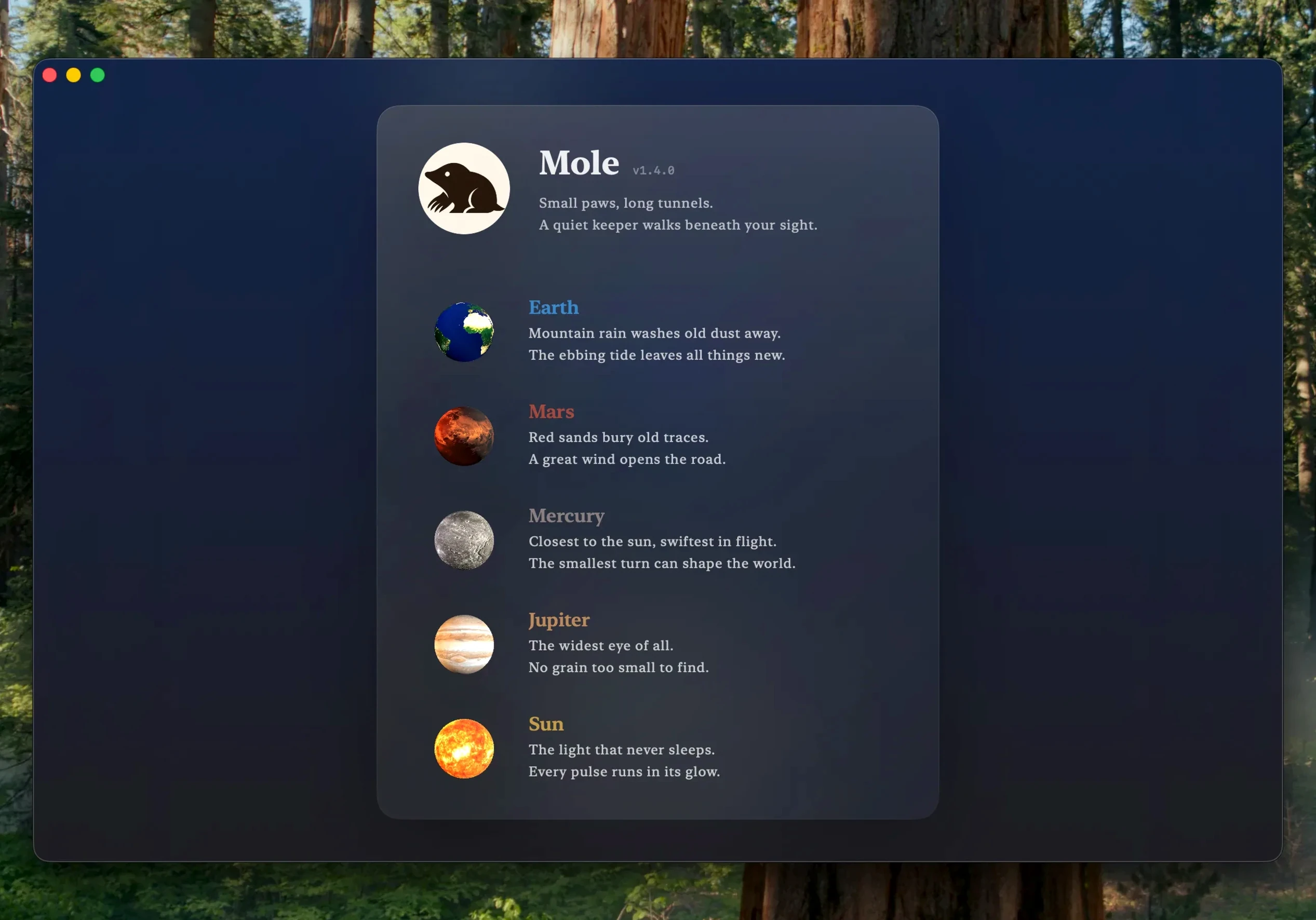
System junk scan. It runs before you finish thinking about it.
What does it remove?
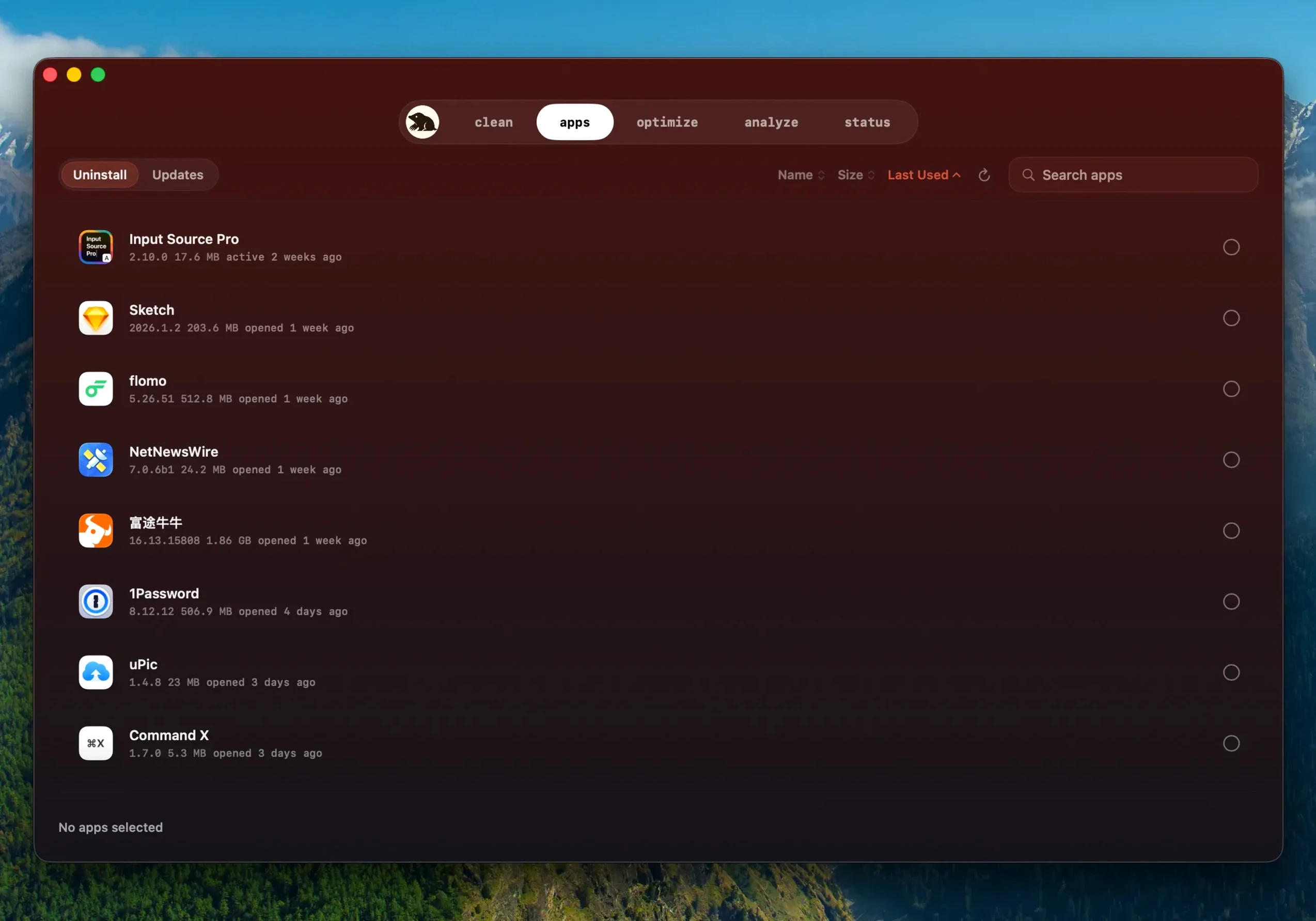
Application leftovers that ordinary uninstalls leave behind. You see a list of files and their sizes before anything happens.
How does it see so much?
Deep scanning with full disk access. It reads the corners of your drive that other tools skip, then reports back plainly.
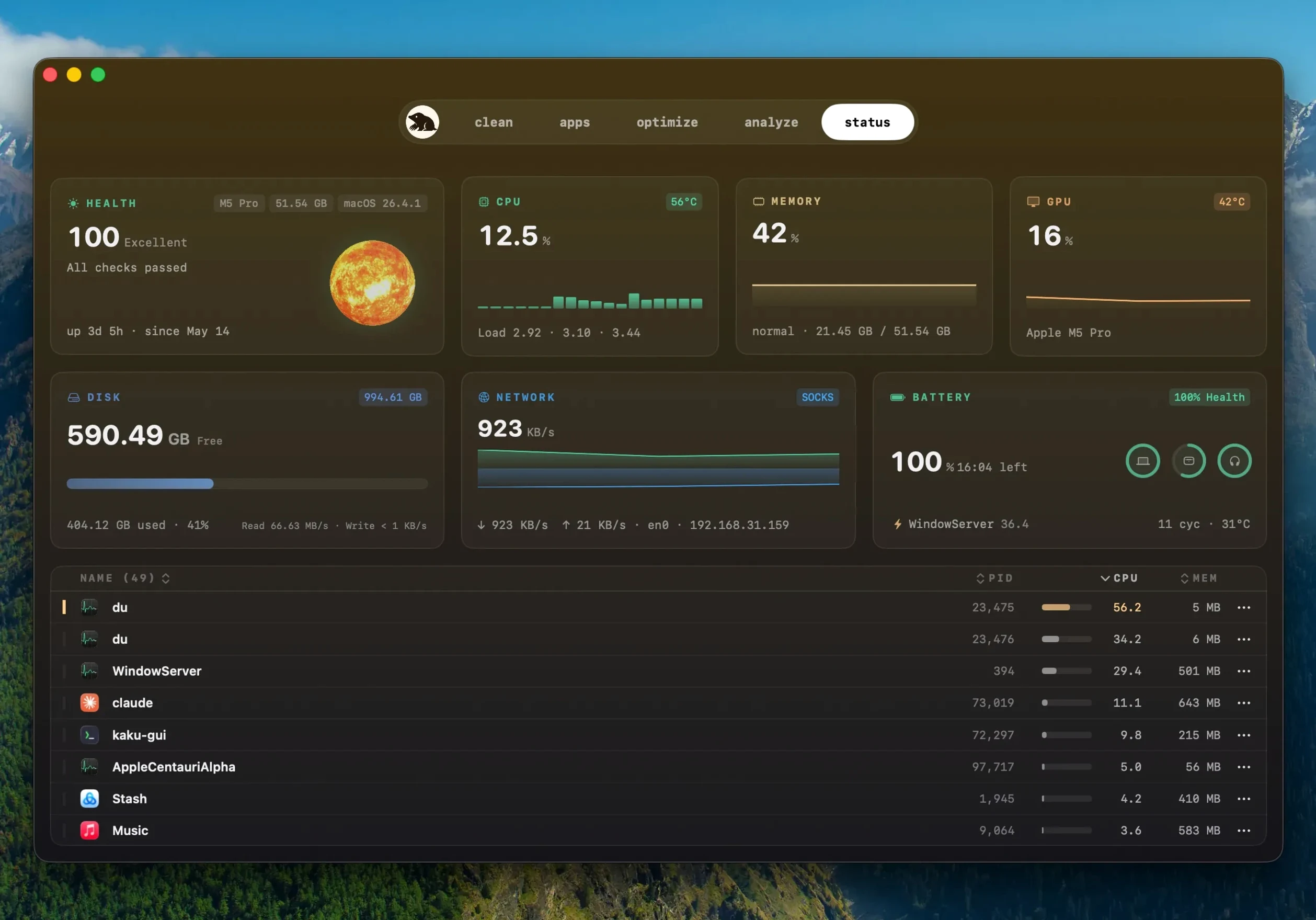
Live hardware dashboard
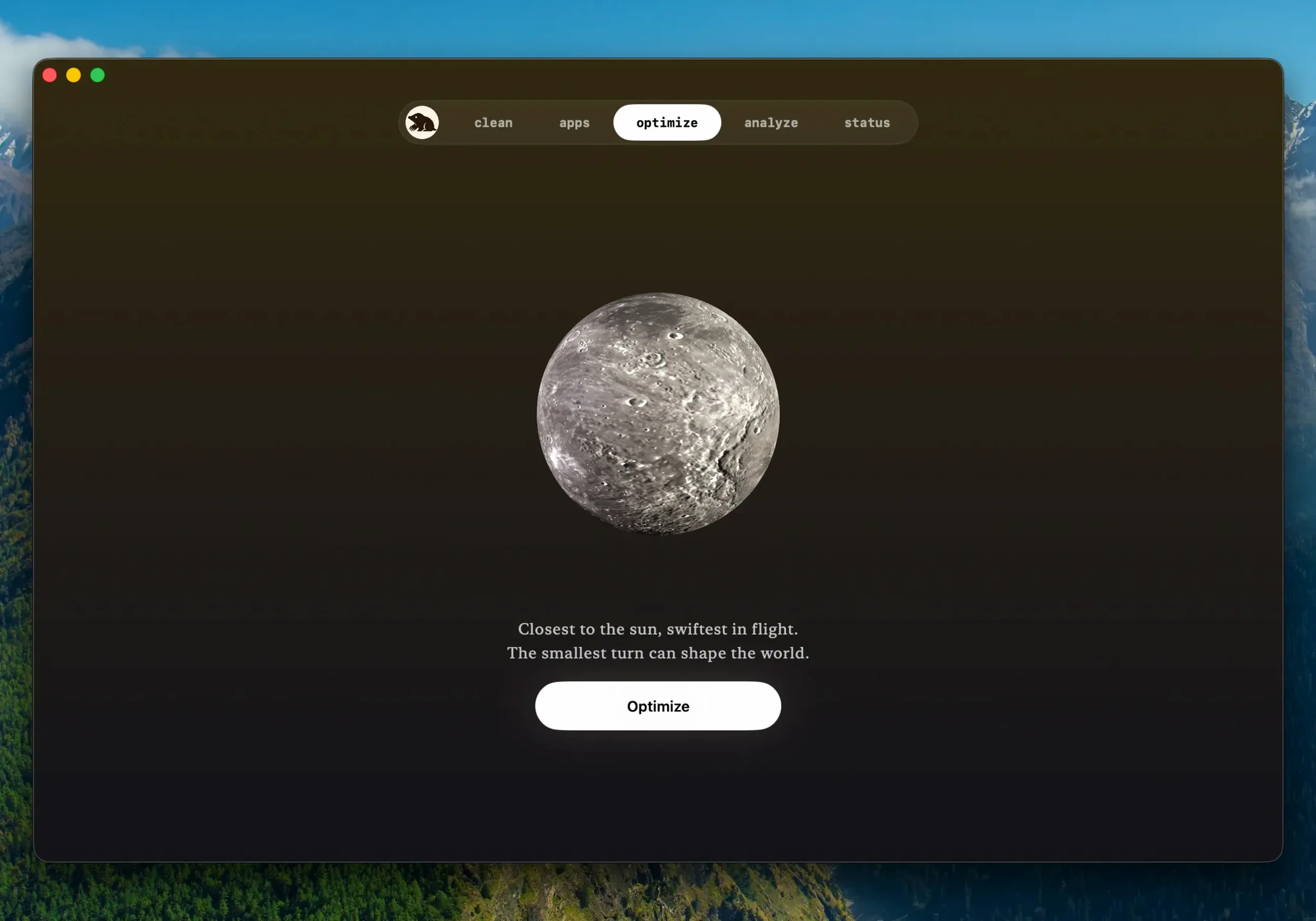
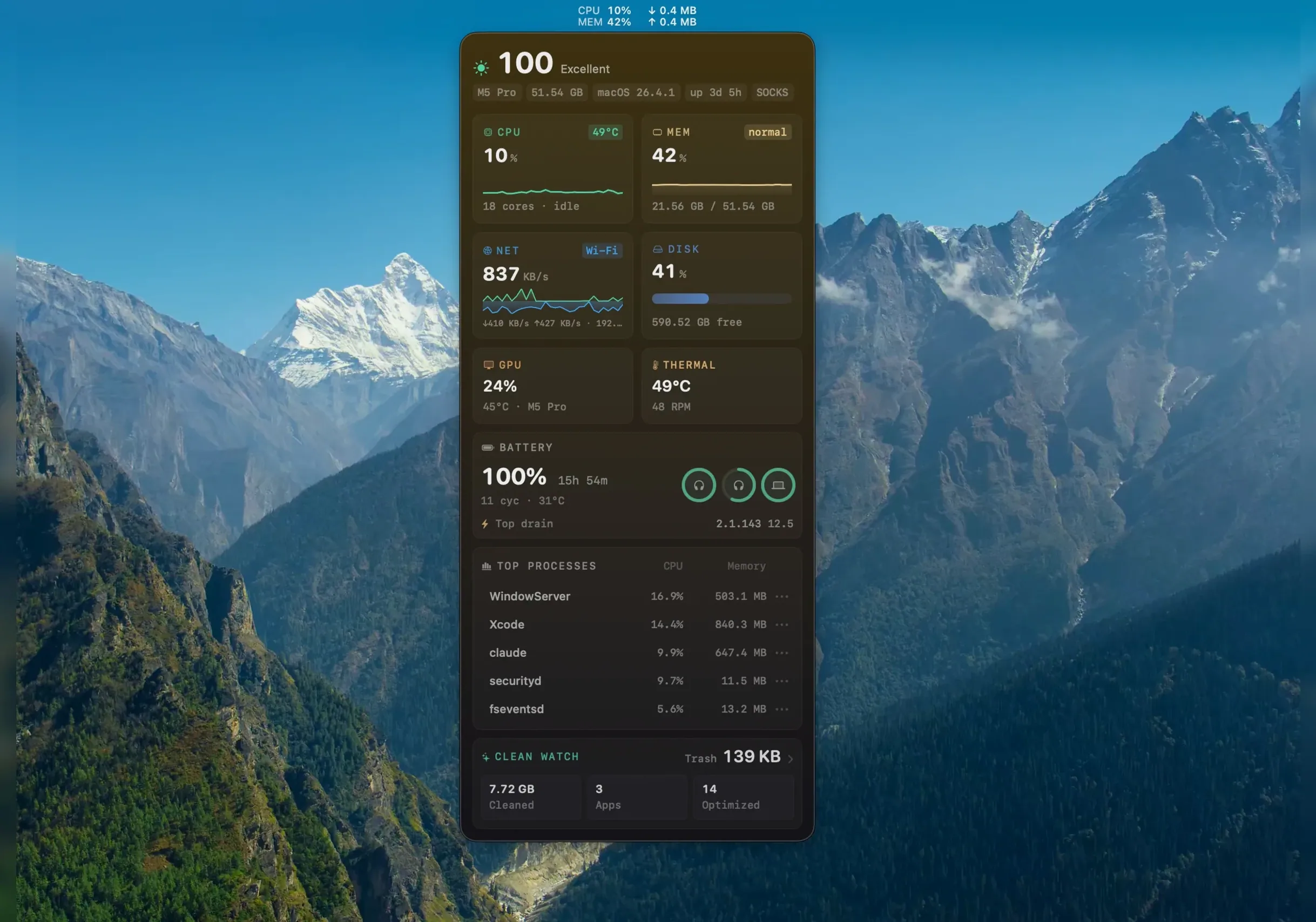
Handle startup items, run maintenance tasks, and show live hardware data — temperature, battery, network throughput — all in the same quiet window.
Before you run anything
Open preferences. Two toggles matter immediately.
Disable “Launch at login” if you prefer Mole to stay out of your way until you call it.
Enable “Skip suspicious items.” It is off by default. Turn it on. The scanner is thorough, but thoroughness without caution can delete a cache a half-broken app still needs. This flag adds a pause before borderline removals.
Alongside the Mac
Mole talks to what macOS already offers. Storage Management under System Settings tells you what is consuming space. Mole tells you which leftover folders belong to apps you deleted six months ago.
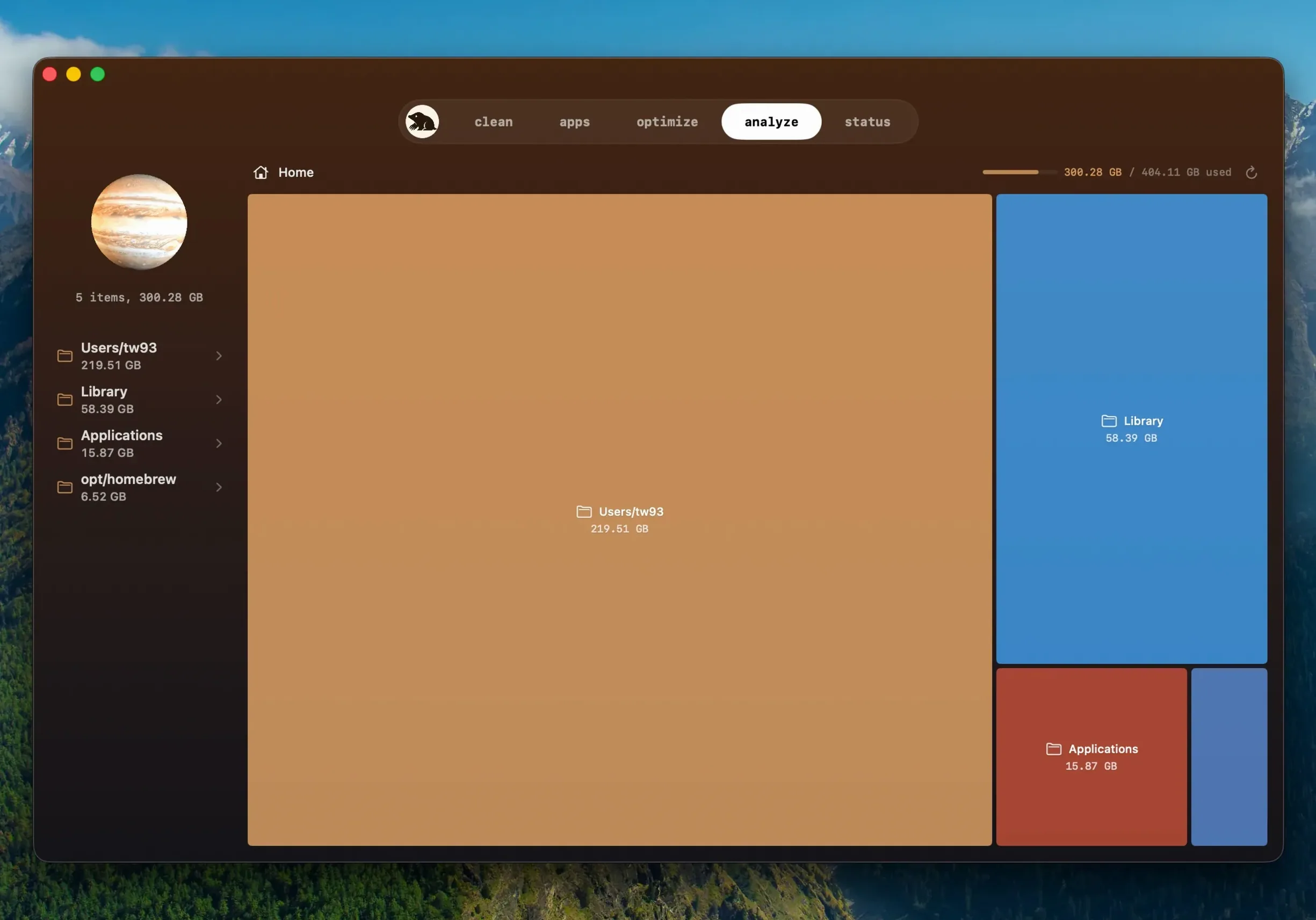
It fits between DaisyDisk and Onyx. DaisyDisk maps space. Onyx runs maintenance scripts. Mole does both, then adds a live hardware readout that replaces sporadic glances at Activity Monitor.
The software updater, new in mole 1.14.0, catches apps you installed outside the App Store. It checks builds, not just version strings. A finished download from a previous attempt gets reused instead of fetching it again.
If you still run mole 1.13.0 or mole 1.12.1, the upgrade to 1.14.0 brings that updater plus smarter quit-and-relaunch logic during installs.
Twenty minutes with the app
You drag the disk image to Applications. Launch it. Grant full disk access when the prompt appears.
The main window opens to a system status dashboard. CPU sits at 12%. Memory pressure green. Two hundred gigabytes free. You are not in trouble yet. You move to the cleaner anyway.
A scan for application leftovers returns 4.3 GB across thirty-one items. You scroll. An old video editor you removed in January left 800 MB of render cache. A screen recorder kept temporary exports in a hidden Library folder.
You check the boxes. Confirm. The bar clears in under three seconds.
Next, disk analysis. Tree map view. A bloated iPhone backup you forgot about occupies 18 GB in a deep corner of ~/Library. You drag it to the Trash manually. Mole does not touch user files unless you point it there.
Finally, you tap the maintenance button. One click runs the weekly scripts, rebuilds the Launch Services database, and flushes DNS caches. The fan stays quiet.
You quit the app. It leaves nothing running. It will be there next month when the storage bar turns yellow again.
Scanning stays local. No background chatter.