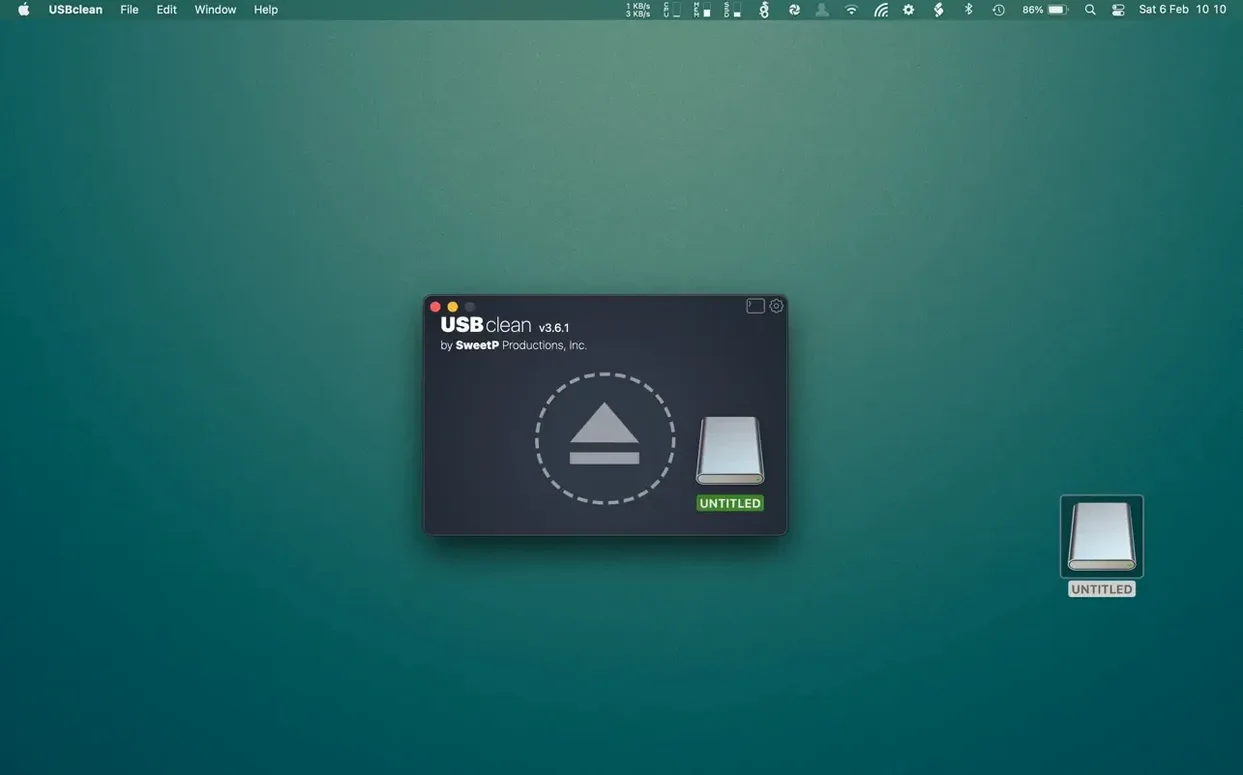
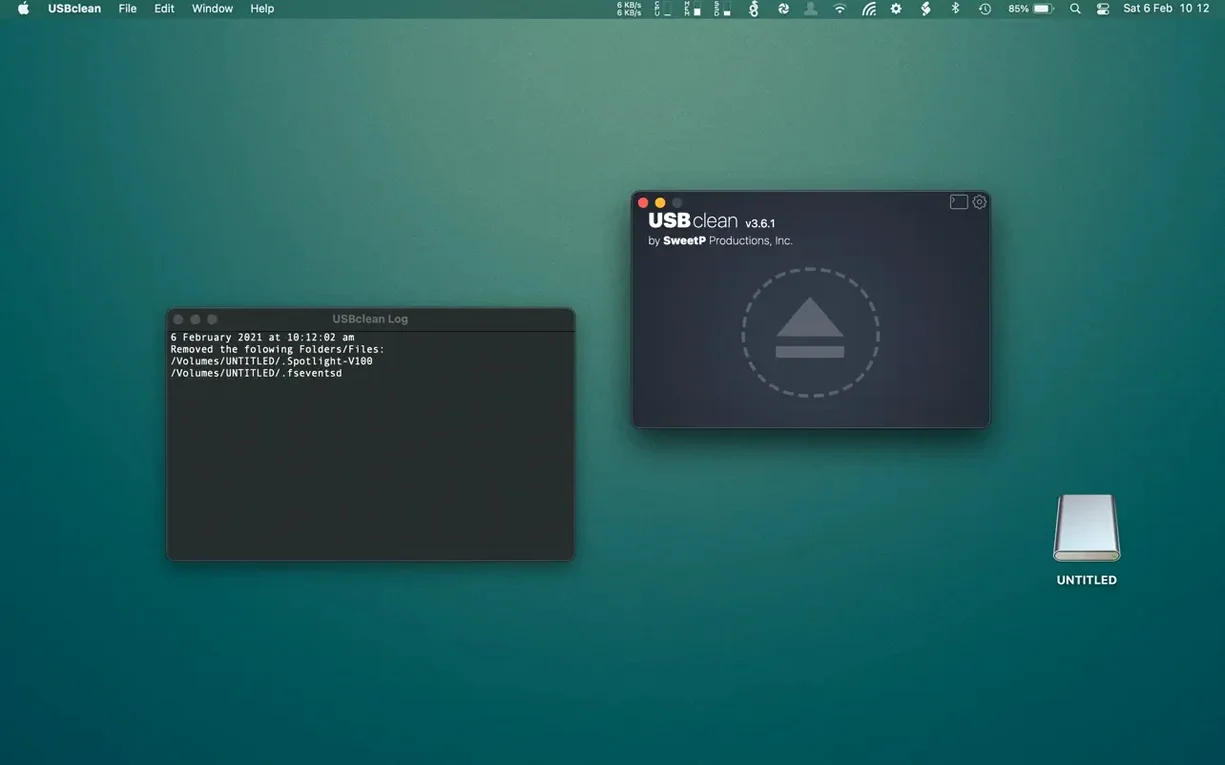
A USB drive passed between a Mac and a Windows PC gathers lint. Hidden system files. Leftover trash folders. USBclean clears them before the drive travels.
Beyond the defaults
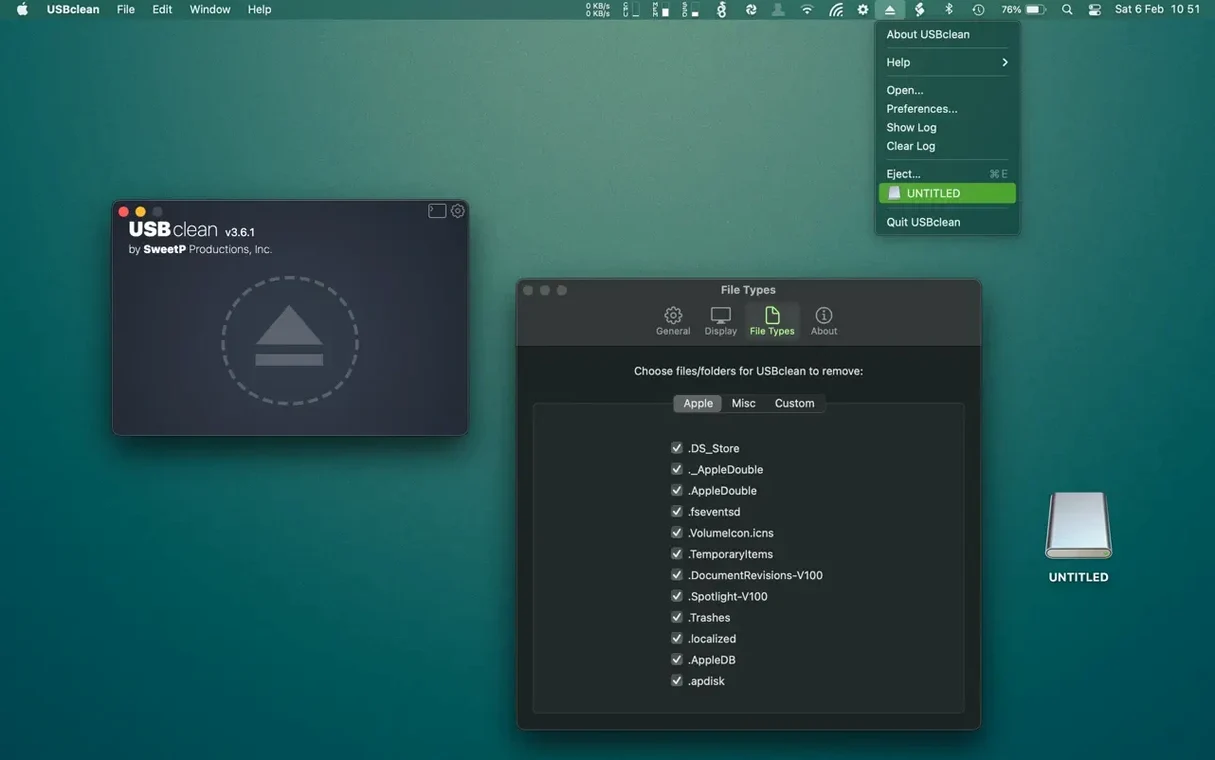
The basic clean is fast: .DS_Store, Thumbs.db, .Spotlight-V100 and orphaned trash files. Drag the drive in and it is done.
Then add your own file types. Old .tmp files a camera left behind, for example. USBclean finds them on any connected volume.
Where it lives
A photographer’s weekly roundtrip
After a shoot, the card reader mounts as a USB volume. JPEGs and RAWs sit next to .Spotlight indexes the Mac wrote during import. Before the drive goes to a Windows machine for client review, drag its icon onto USBclean.
Custom rules catch the camera’s .THM sidecar files. The scan finishes in seconds. No Windows thumbnail cache, no Mac resource forks, no leftover trash from the last edit session. The drive travels light.
First days with USBclean
Pick one drive you use between operating systems. During the first week, run a scan before each eject. You will see how quickly the cruft returns.
After a scan or two, open the custom extensions panel and add whatever your own gear leaves behind — .lrcat previews, .tmp renders, old .crdownload fragments. The list stays small but precise.
If you share drives daily, enable the Finder extension. Right-click, clean, eject. Two gestures become one habit. The menu bar option is there for occasional use, but the context menu fits tighter workflows.
Some users keep a usbclean crack mac search handy for updates, though the current build rarely needs one. The tool itself does not phone home or check versions in the background.
In the Dock or the Finder right-click menu. Nothing runs in the background. It works when you plug a drive in and want it clean.