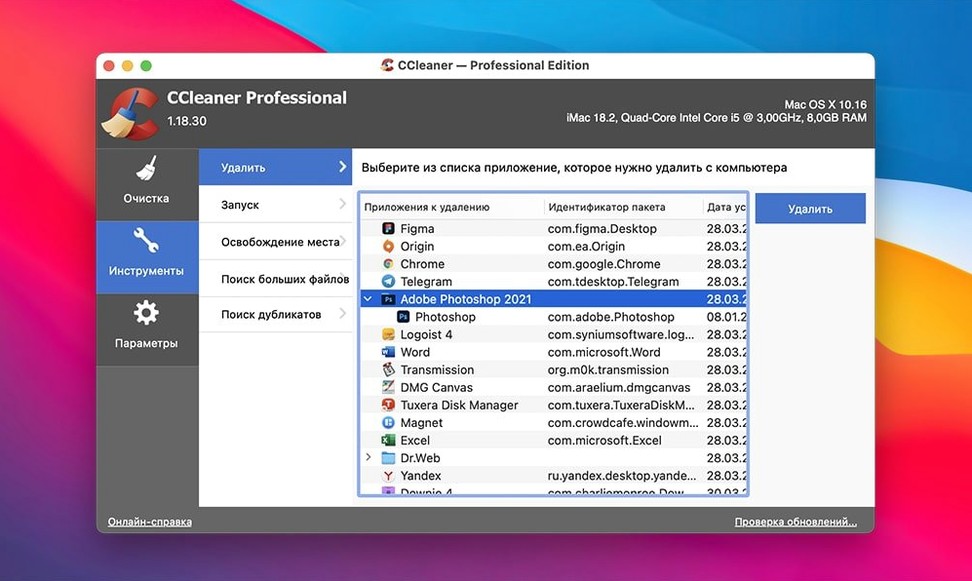
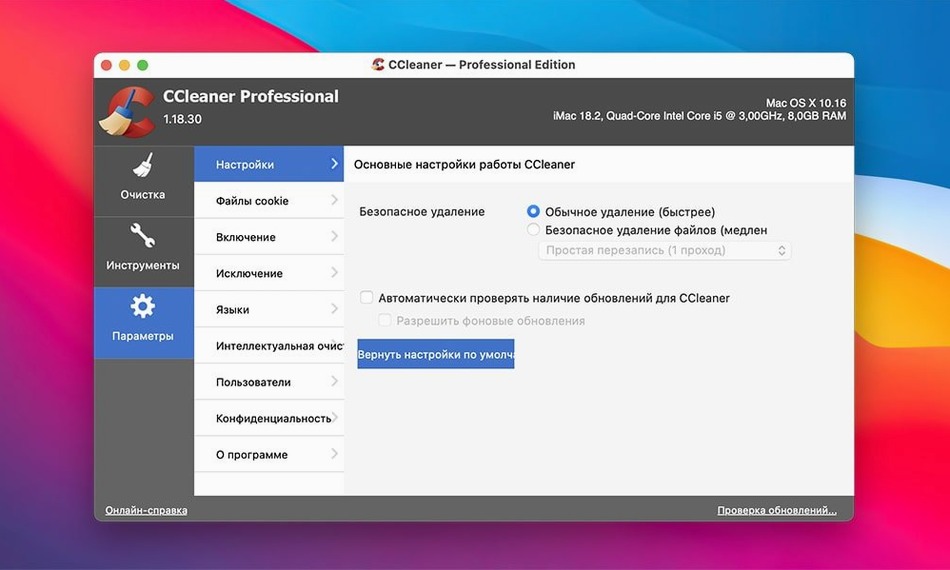
CCleaner Pro takes away the small mess a Mac collects on its own.
A session is three steps.
- Open the app. It scans the usual places for temporary files, caches and browsing traces.
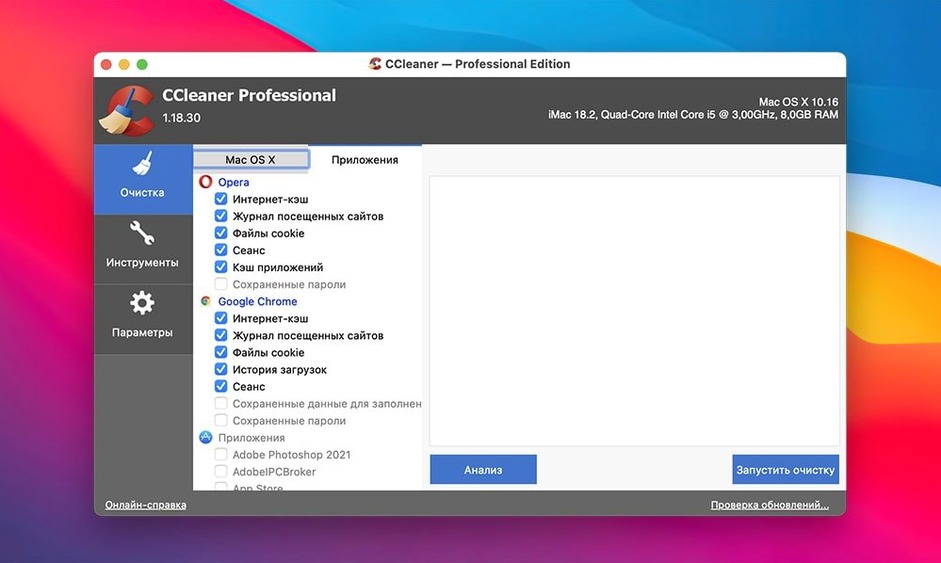
- Review the list. Safari, Chrome, Firefox and Opera are covered.
- Click clean.
A typical session begins after a week of desk work. The browser has gathered cookies from a dozen sites you visited once. Mail attachments have unpacked into a folder you will never open again. System logs have grown without purpose.
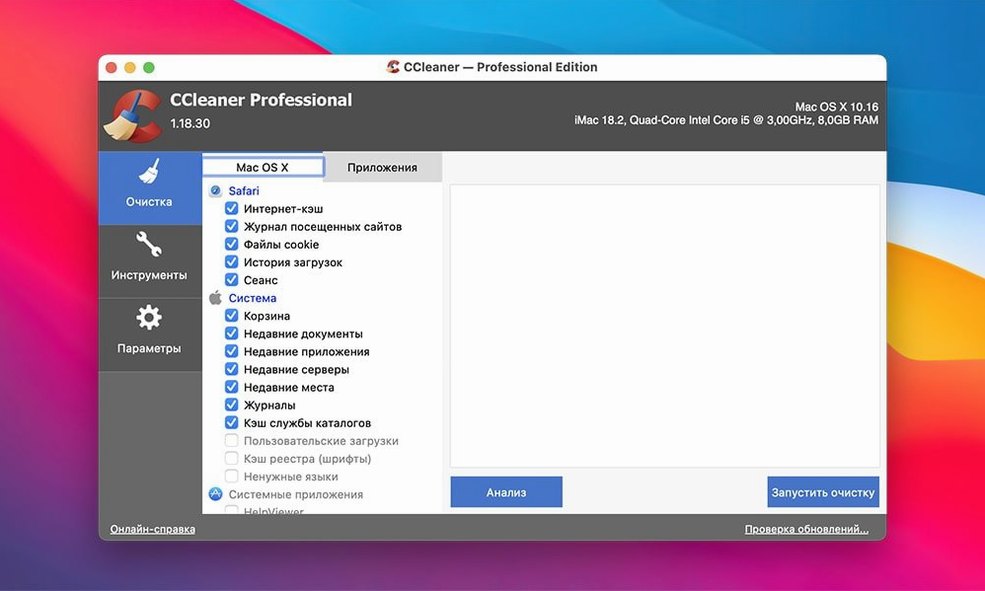
You open CCleaner Pro. The main window lists categories—Safari, Chrome, Firefox, Opera, System, Applications. You uncheck one item, something you want to keep. Then you click Analyze.
The scan takes under a minute. A report appears: 1.2 GB of internet cache, 340 MB of application logs, recent file lists from Preview and QuickTime. You scan the list once more. Nothing you need. You click Run Cleaner.
The removal is quiet. No progress bar drama. Just a chime and an empty list. You close the app and forget about it until next week.
A task
You are preparing a used MacBook for a family member. You want none of your browsing history, no cached images from brokerage sites, no traces of old Mail searches.
Start in Safari. Clear history normally through the menu. Then open CCleaner Pro. Check every browser option. Check the system caches. Check application caches—Mail, App Store, QuickTime. Uncheck nothing.
Run Analyze. The report shows 3.4 GB across four browsers and system temp directories. Now open Tools, select Secure File Deletion. Choose the free-space wipe option. Set it to three passes.
Run the cleaner first. Then run the wipe. The process takes forty minutes—three overwrite passes take time—but at the end, the machine is empty of you. No recovery tool could pull back a single cookie.
Multi-browser chore
People who manage several browsers get the most from CCleaner Pro. A single browser's built-in history clear is fine. Four browsers, each with their own hidden storage and cache formats, becomes a chore. This app consolidates the work.
Users on older Intel Macs with smaller SSDs also benefit. A 128 GB drive fills fast when three years of caches pile up. Running the cleaner every month keeps those machines usable.
Anyone passing a Mac to another person—family, a colleague, a buyer—finds the file-wiping function useful. Standard deletion leaves traces. The overwrite tool does not.
It is built for Intel Macs and runs on OS X 10.10 onward. The interface stays out of your way.