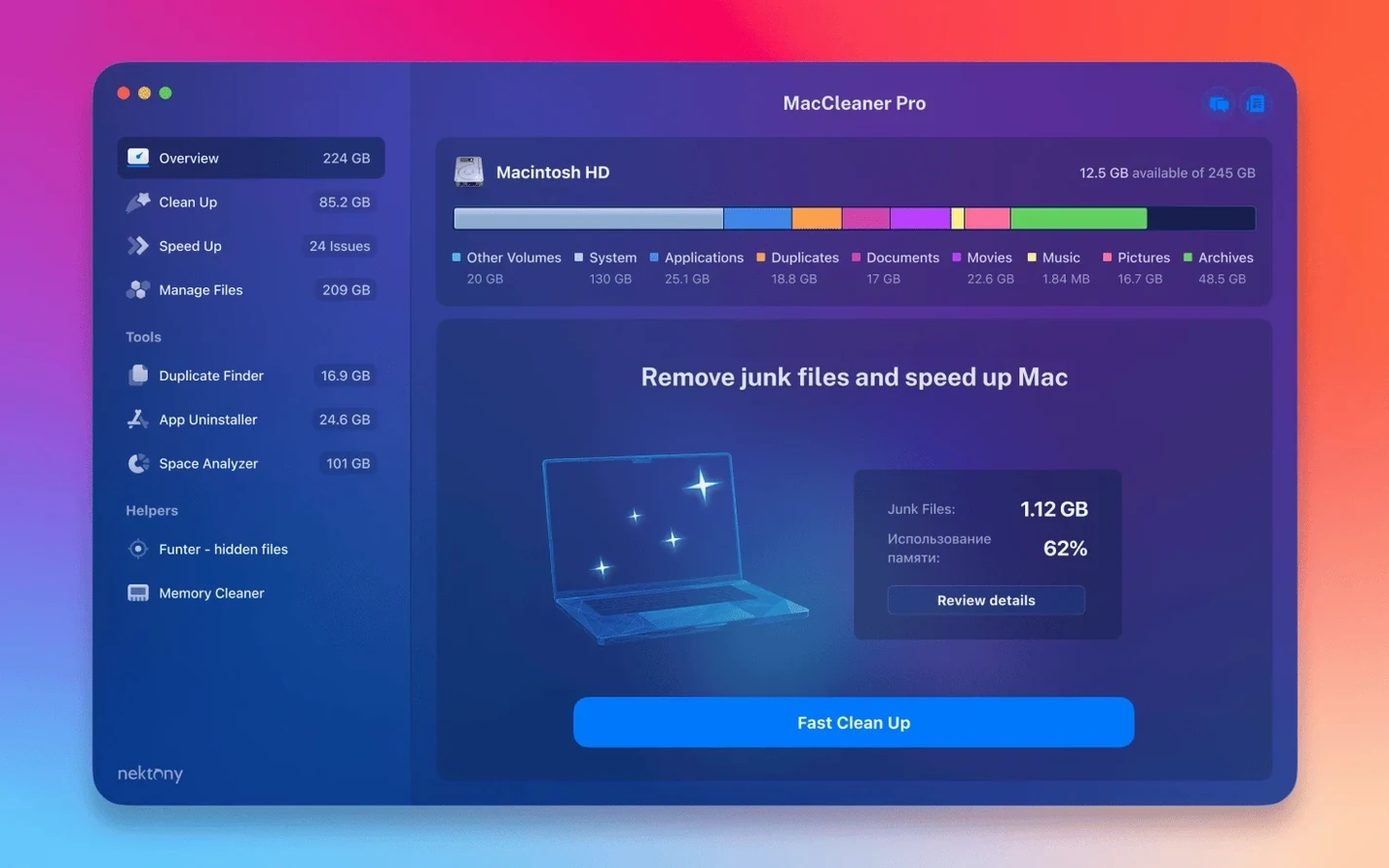
Start from App Cleaner & Uninstaller. MacCleaner Pro keeps it at the center and adds four more tools around it.
Start here
- Disk Space Analyzer draws a map of your folders, sized by footprint.
- Duplicate File Finder sweeps your home folder, iCloud folders included.
- Memory Cleaner frees inactive RAM without closing your work.
People usually ask whether six apps means six floating windows and six sets of preferences. It does not. One launcher opens from the dock or menu bar. Each tool appears as a separate panel, but they share the same quiet design language and the same habit of showing you things before asking you to act.
Another common question is whether the cleaner touches files without permission. Nothing is removed on install, and each tool keeps a review step. Duplicate File Finder marks its candidates, but you decide what goes. App Cleaner & Uninstaller lists what belongs to an app before anything moves. That pacing is rare in this category.
Some people ask if the bundle makes sense when macOS already has a storage manager and Activity Monitor. The built-in tools tell you what is full. MacCleaner Pro tells you which folders grew, which files repeat, which login items run without your knowledge. It fills the gaps rather than replacing System Settings.
People also ask about older machines. The bundle runs on macOS 10.13 and later, and the code is native for both Apple Silicon and Intel 64-bit Macs. On an older iMac, Disk Space Analyzer and Memory Cleaner feel particularly useful. On a newer Mac, Duplicate File Finder does most of the work.
iCloud detection
Version 4.0.2 was a quiet release. The main work went into detection. Items kept in an iCloud folder are spotted more reliably now, which matters if you store Photos or Documents in iCloud. The same applies to a custom Home folder, so nobody with a relocated user directory gets skipped.
Interface fixes were small. Buttons align again, some labels read correctly at larger text sizes. Nothing loud. Useful for people who leave macOS display scaling on.
Funter toggle
Speed is the first thing you notice. Disk Space Analyzer scans a full startup volume quickly, even with Time Machine local snapshots present. Memory Cleaner responds immediately. Funter toggles hidden files without relaunching Finder. No progress bars that overstay.
Stability has been unremarkable, which is a compliment. The individual apps rarely crash. Scanning large external drives does not stall the launcher. You can run Duplicate File Finder in the background while Memory Cleaner sits in the menu bar and Funter stays in the sidebar.
Memory use stays modest. The bundle does not keep a fleet of background agents alive. Memory Cleaner is the only one that asks to stay resident, and it earns that place by staying small. Everything else loads when you call it and lets go when you close it.
Some users search for a MacCleaner Pro crack or a MacCleaner Pro torrent thinking the bundle is heavy to run. It is not. This is a lightweight set of native tools, closer to a utility drawer than a suite.
Funter sits in the menu bar and shows hidden files. The smallest piece. Possibly the one you open most.