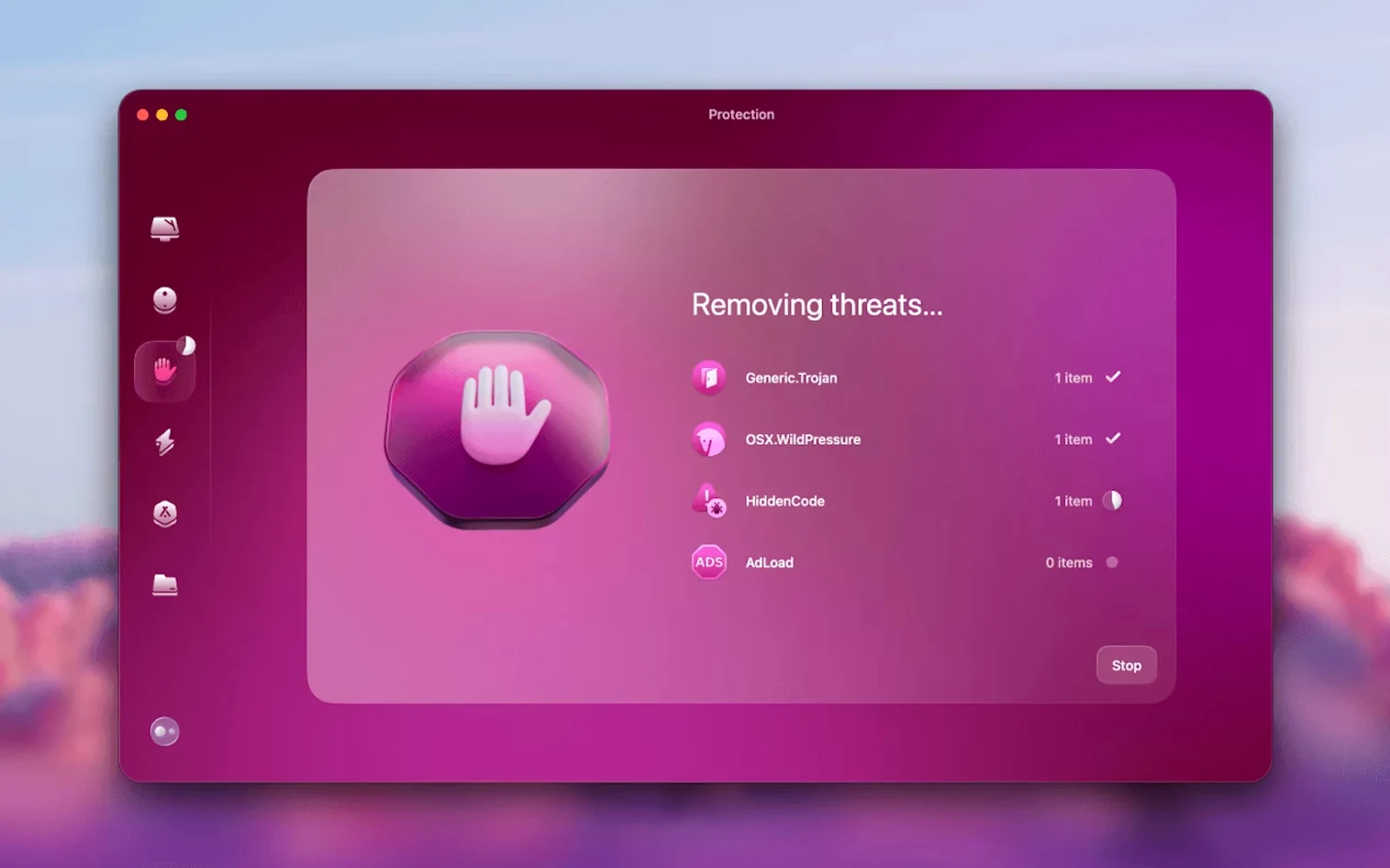
Version 5.7.0 reaches into your inbox. It can now clear Gmail clutter from inside the app.
System junk
Caches, logs and language files you never use. One pass, and the space comes back.
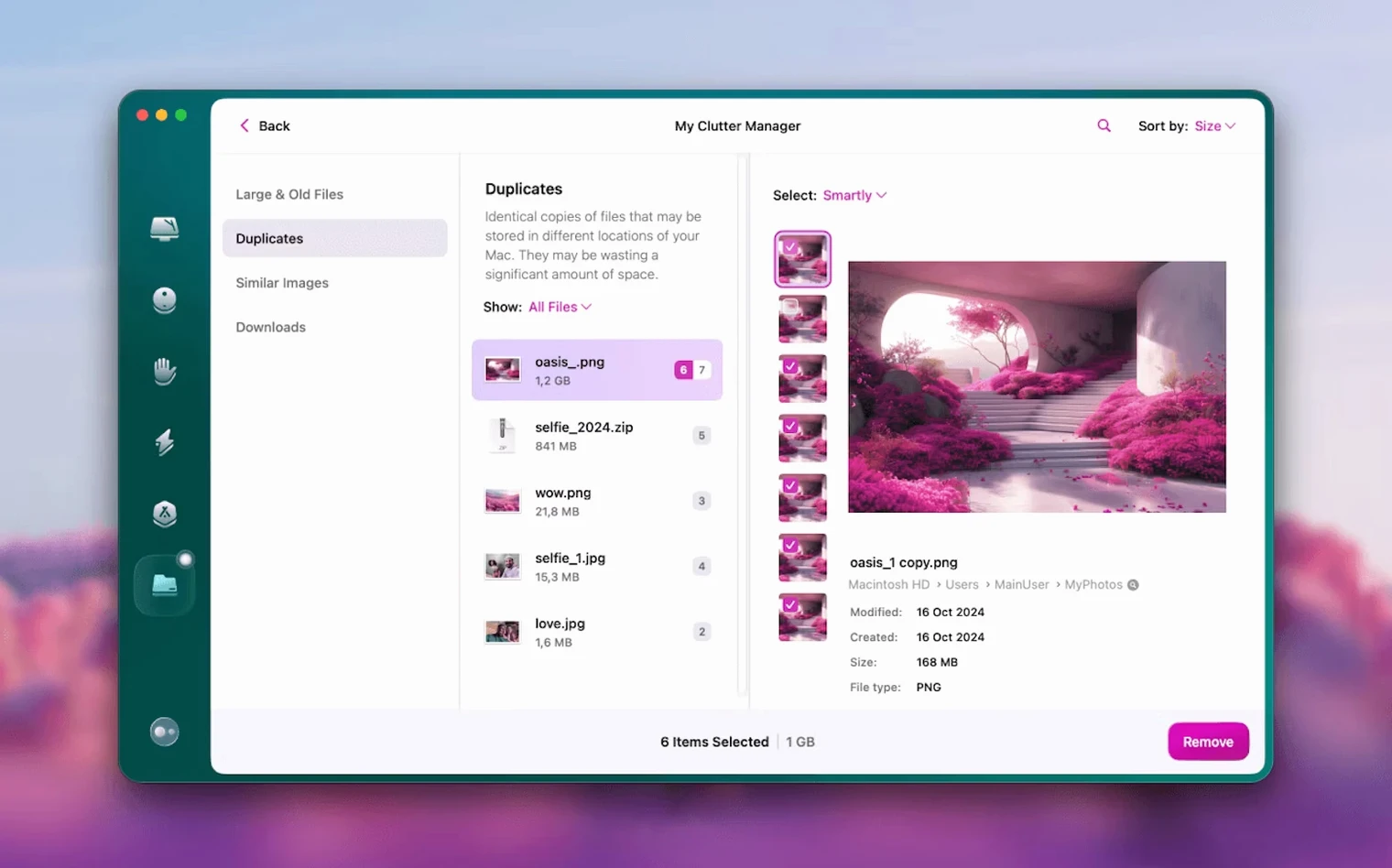
Large files
Forgotten videos, disk images and archives, sorted by size. You decide what goes.
Apps
It removes apps with their leftover pieces and keeps the rest up to date.
Space Lens
Gmail cleanup
Open the Mail module. Grant Gmail access once.
The scan groups mail by age, sender and attachment size. You can delete all newsletters older than a month with two clicks. Or keep mail from people you know and remove the rest.
After the scan, it shows how much space your inbox uses on Google's servers. The number is often larger than expected.
A typical morning
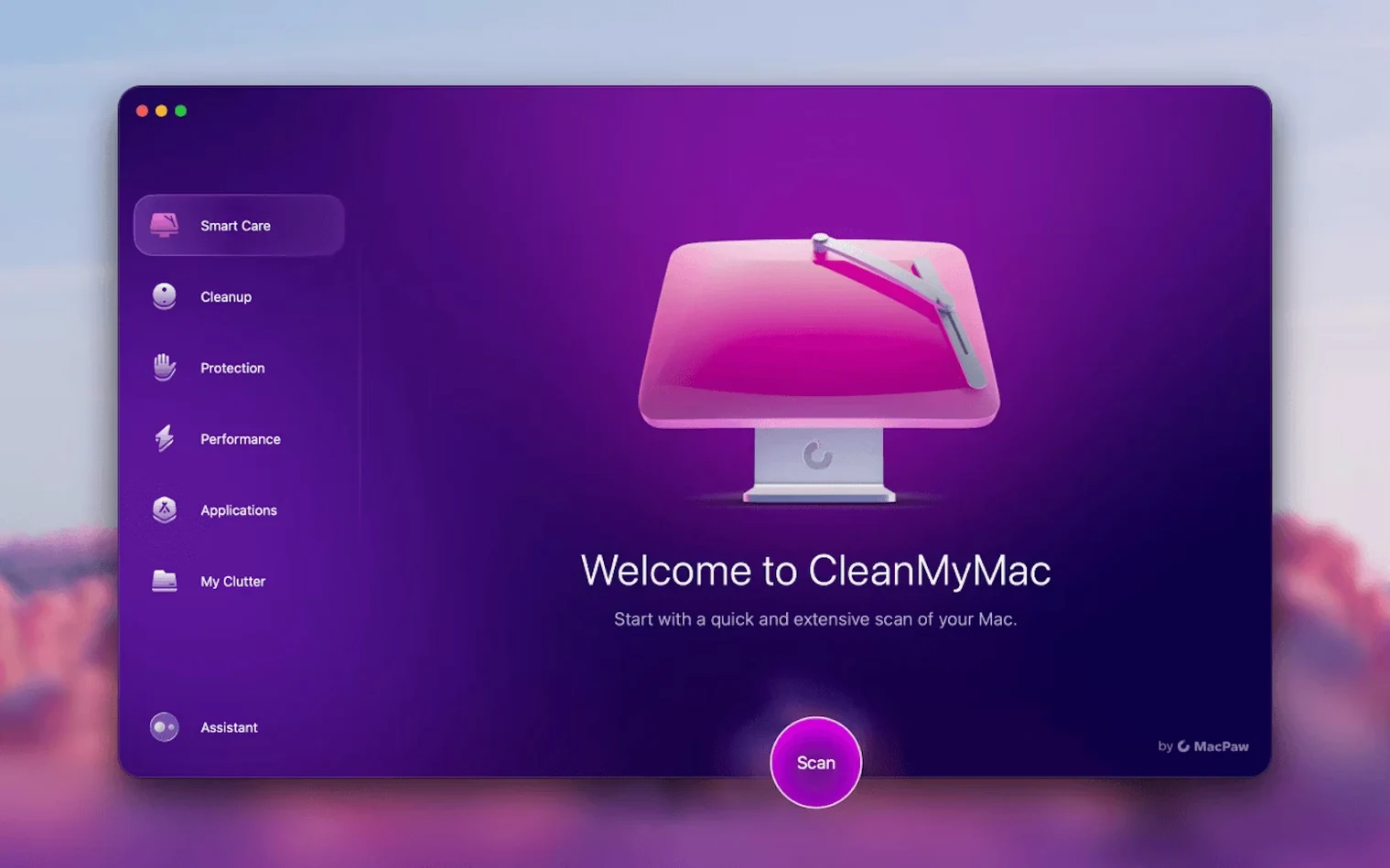
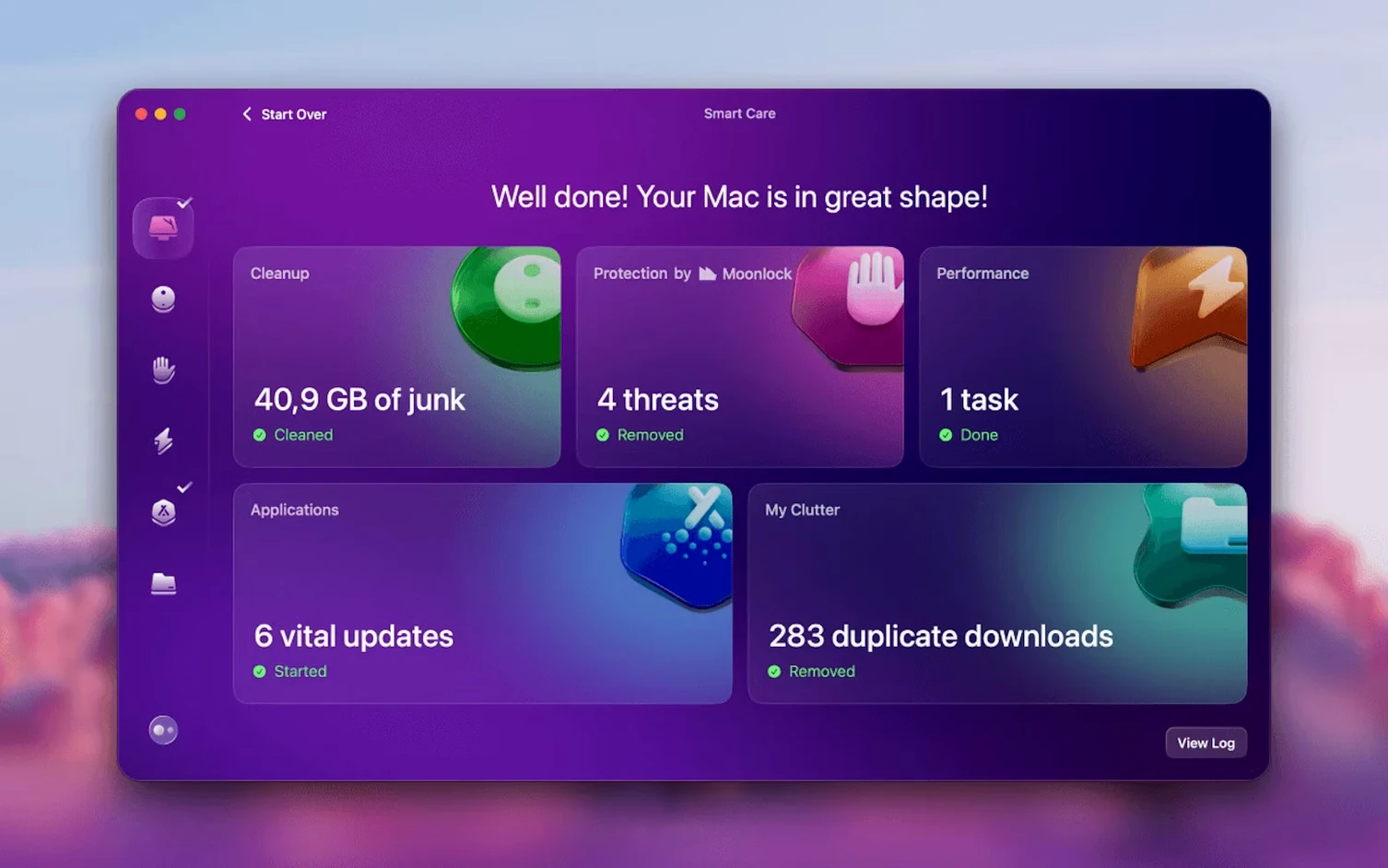
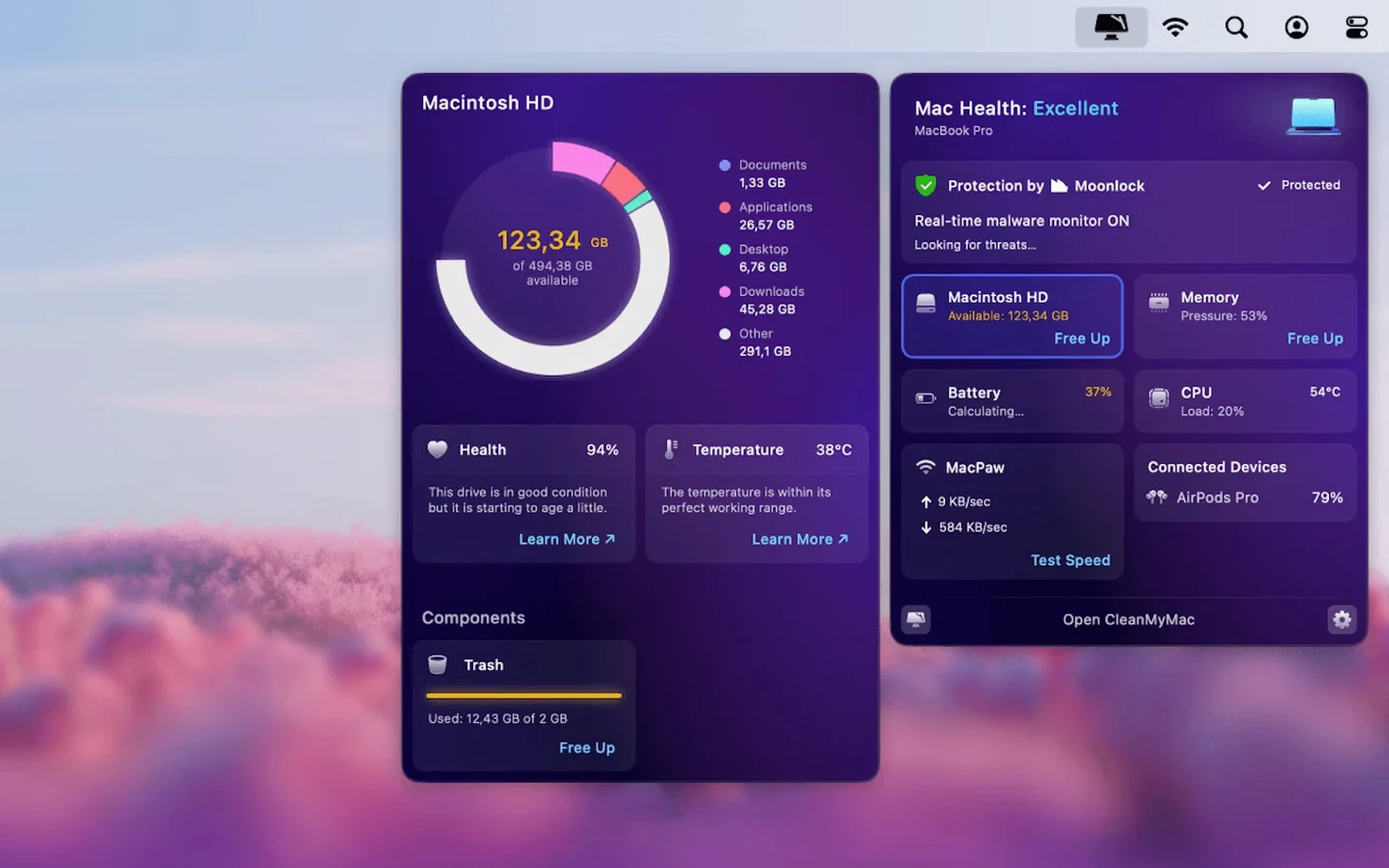
Launch the app. The dashboard shows a quick scan of system junk, mail and large files. Click Scan. It runs and then shows what it found, in sections.
An attachment-heavy thread from last year takes up 480 MB. Three old disk images, forgotten on the desktop, add another 2.3 GB. System caches from apps you removed months ago sit in /Library.
Check the boxes, click Remove. The whole process takes under a minute.
After cleanup, open the Updater. Two apps need an update. Click once. It downloads and installs both, then closes the old versions.
The task is over. You close CleanMyMac and go back to work.
Near-zero idle
The app itself is small. It idles quietly, using almost no CPU. Scans move fast, even on older Macs.
Disk cleanup is I/O-bound. The time depends on your drive, not the app. On an SSD, a full scan completes in seconds.
Memory use stays modest. The protection module watches for malware without slowing down file access. It runs as a background process and you forget it is there.
Stability is good. The app does not crash or hang. It handles interruptions gracefully: close it mid-scan, reopen, and it picks up without complaint.
With other tools
CleanMyMac works alongside macOS features. Files deleted by the app go through Trash; Finder shows the freed space immediately. Time Machine snapshots remain untouched.
It complements App Cleaner & Uninstaller from the same developer. Use that for surgical app removal, then use CleanMyMac for bulk cleanup and updates. The two share no overlap.
The Mail module reads Gmail labels and categories. It respects server-side filters and does not touch messages outside the scope you set. After cleanup, changes sync back to the web client and to Apple Mail.
For users who prefer a single tool, CleanMyMac replaces several utilities: a cache cleaner, a duplicate finder, an uninstaller with leftover scanning, and a basic malware scanner. That means fewer apps in the Applications folder.
One note: on macOS 27, grant full disk access before the first scan. Without it, the app sees only a fraction of your files. System Preferences guides you to the right pane.
A map of your disk. You see at a glance which folders are heavy.