
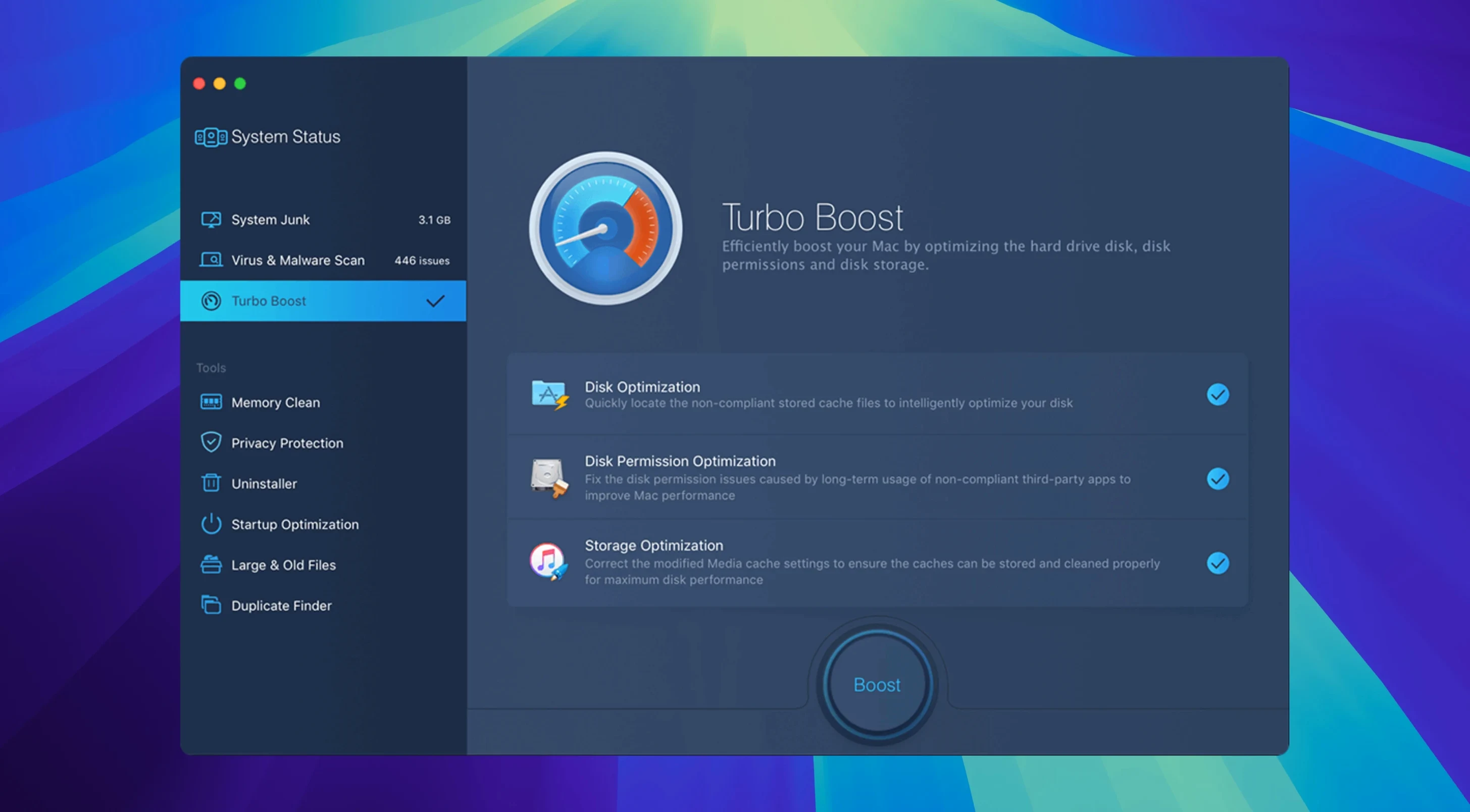
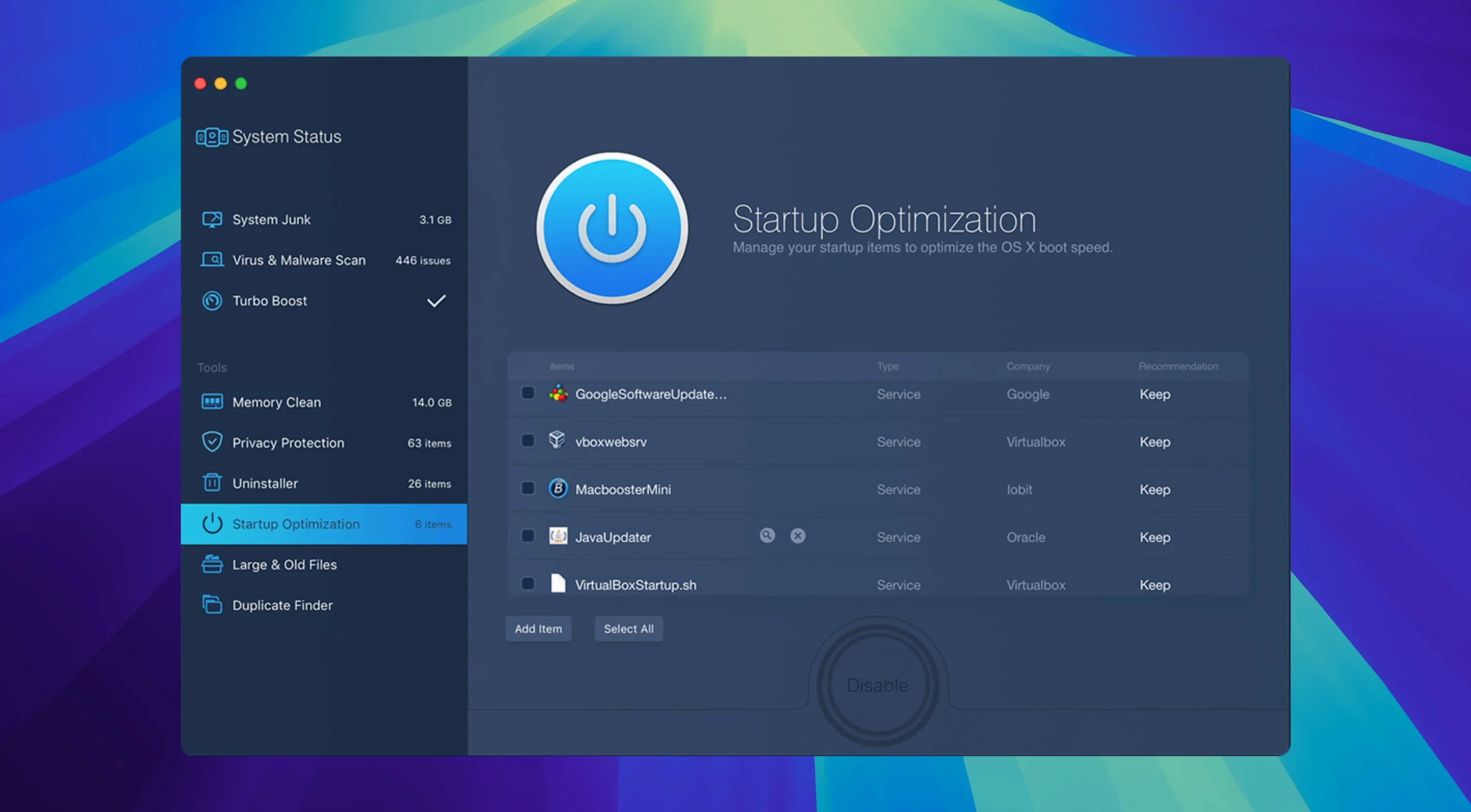
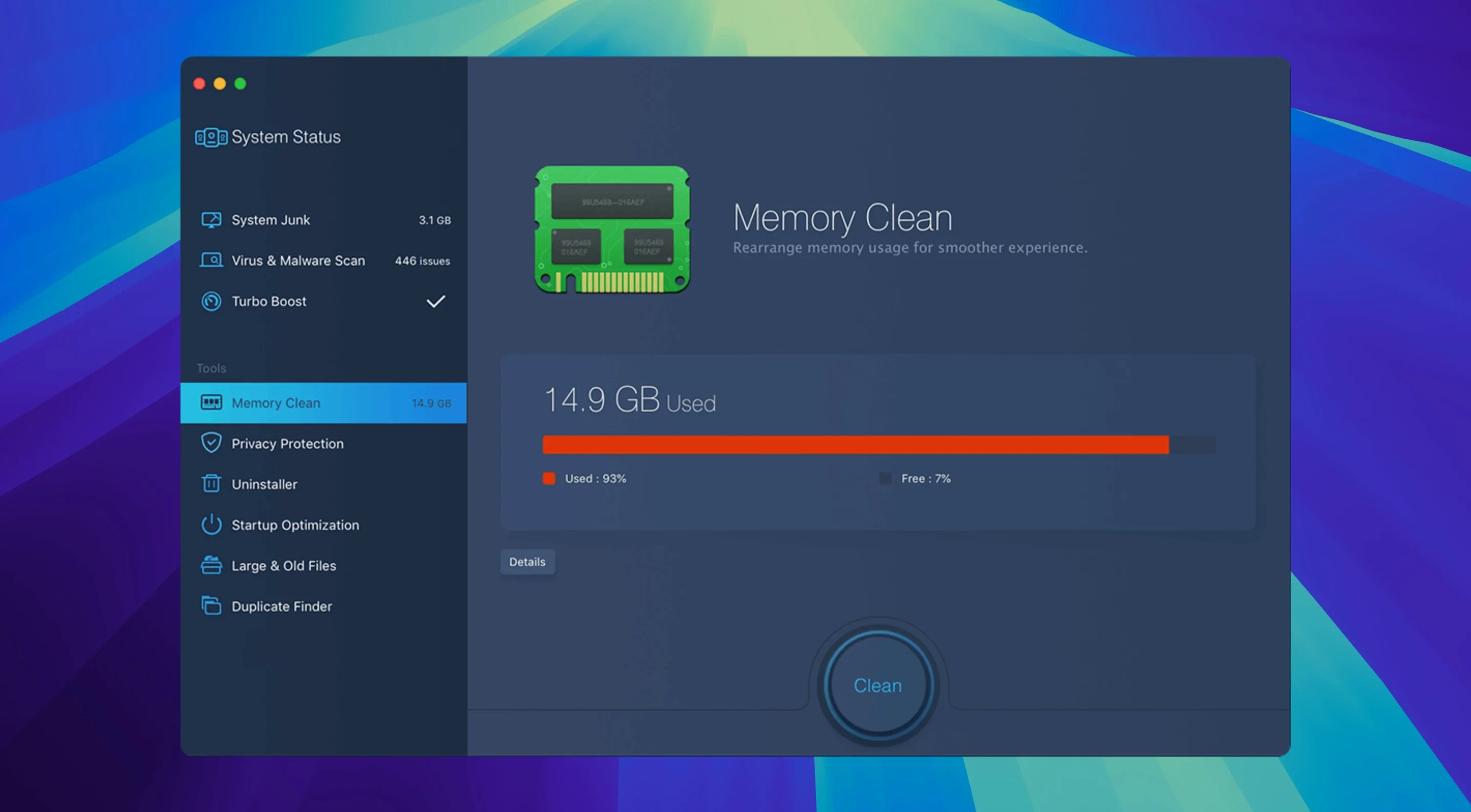
Disk Utility can repair directory damage, but it won’t touch the cache bloat, old logs, or adware that settle into macOS over time. MacBooster 8 sits one layer above that: it scans for those everyday accumulations and offers a single-click cleanup.
Common hesitations
- Does it do anything Disk Utility misses? Yes. It targets 20 types of junk files—user caches, language packs, old iOS backups—that Disk Utility ignores.
- What about malware? The scan checks for viruses, adware, and other Mac malware, then removes what it finds.
- Will it affect other maintenance tools? It runs alongside them without conflict. Just avoid running two cleanup scans at once.
Core trio
A single utility that clears junk, removes malware, and addresses RAM and disk performance. It runs on Intel and Apple Silicon Macs with macOS 11.5 or later, and supports fourteen languages including English, Japanese, and German.
First few days
Run a full scan on day one. It is tempting to click around, but let the first scan complete without interrupting it. The junk file count will probably look high. That is normal. MacBooster 8 groups findings by type, so you can uncheck caches or logs you prefer to keep, but the defaults are safe.
After the cleanup, restart. Then open the memory cleaner. If you keep a browser and a few heavy apps open all day, you will see the free RAM figure climb after a purge. Use it once mid-afternoon for a week to gauge when your machine actually needs it.
Skip the duplicate finder on the first day. Point it at your home folder later in the week, when you have a quiet half-hour. Let it sit. Large photo libraries take time.
Dashboard versus toolkit
CleanMyMac X spreads itself across more visual polish and extra modules like a menu-bar monitor and an updater. MacBooster 8 stays closer to the core triad: junk removal, malware scan, and disk optimization. CleanMyMac feels more like a dashboard; MacBooster feels more like a focused toolkit.
Onyx delivers deep system-level maintenance and costs nothing, but it assumes you know what a kernel cache is. MacBooster adds malware scanning and a guided, one-click flow. You trade some granularity for speed.
DaisyDisk visualizes storage beautifully, yet it only shows you what is taking space. It does not clean, protect, or optimize. MacBooster bundles that visualization (via its large-file scanner) with the actual removal tools.