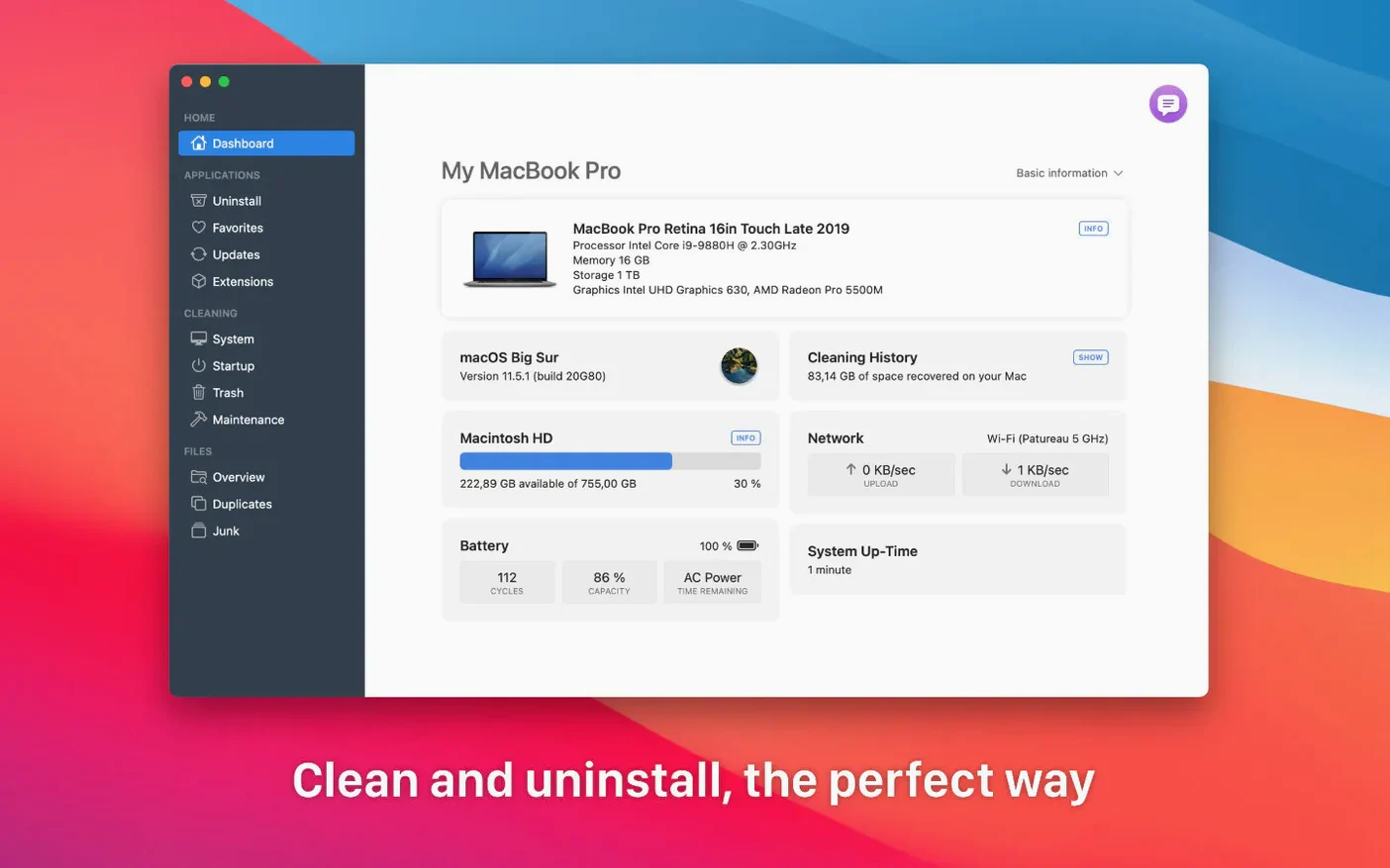
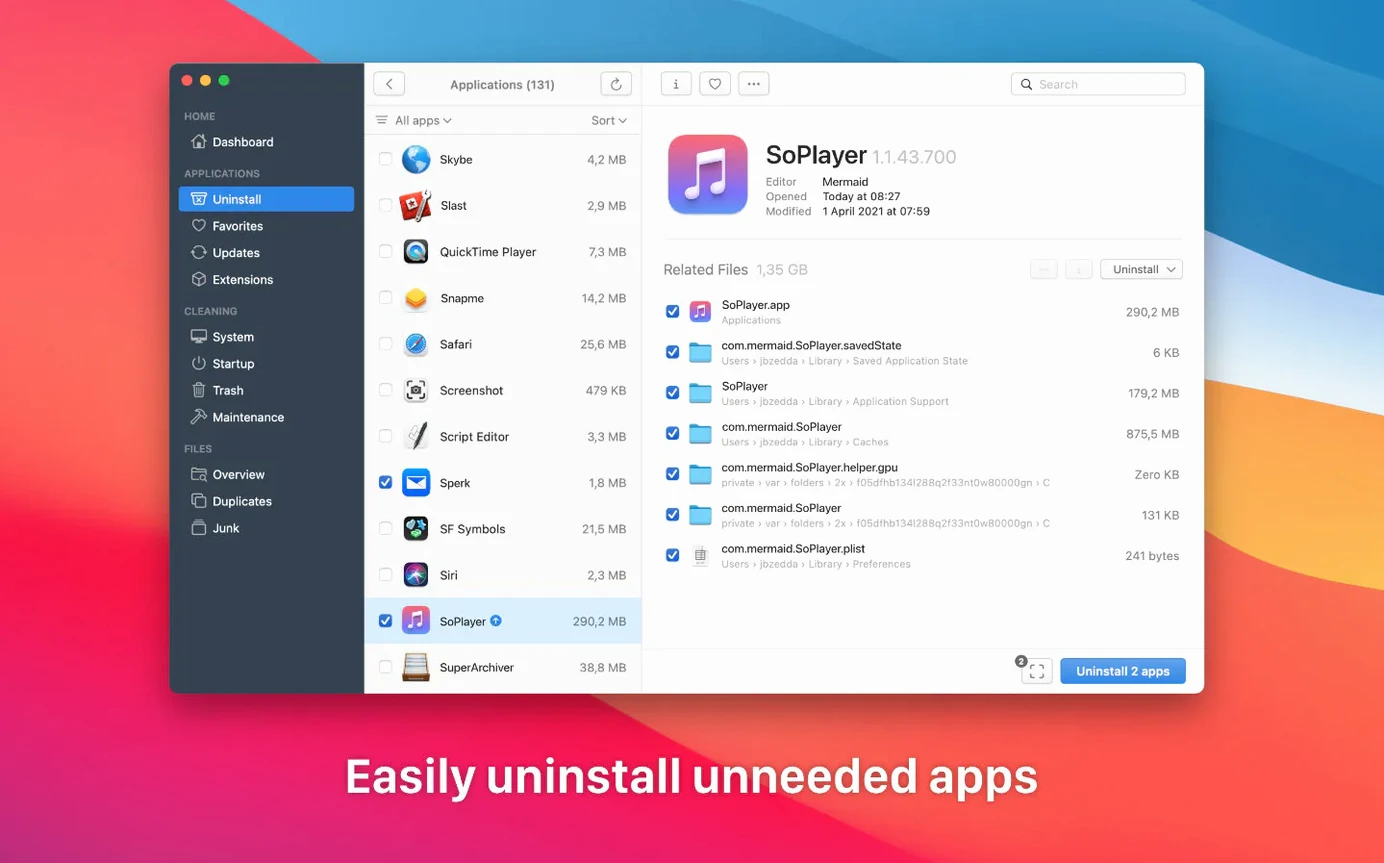
TrashMe suits anyone who installs and tests software often, then wants every trace gone. Dragging an app to the Trash doesn't touch its preferences, caches, or logs. TrashMe finds and removes all of them.
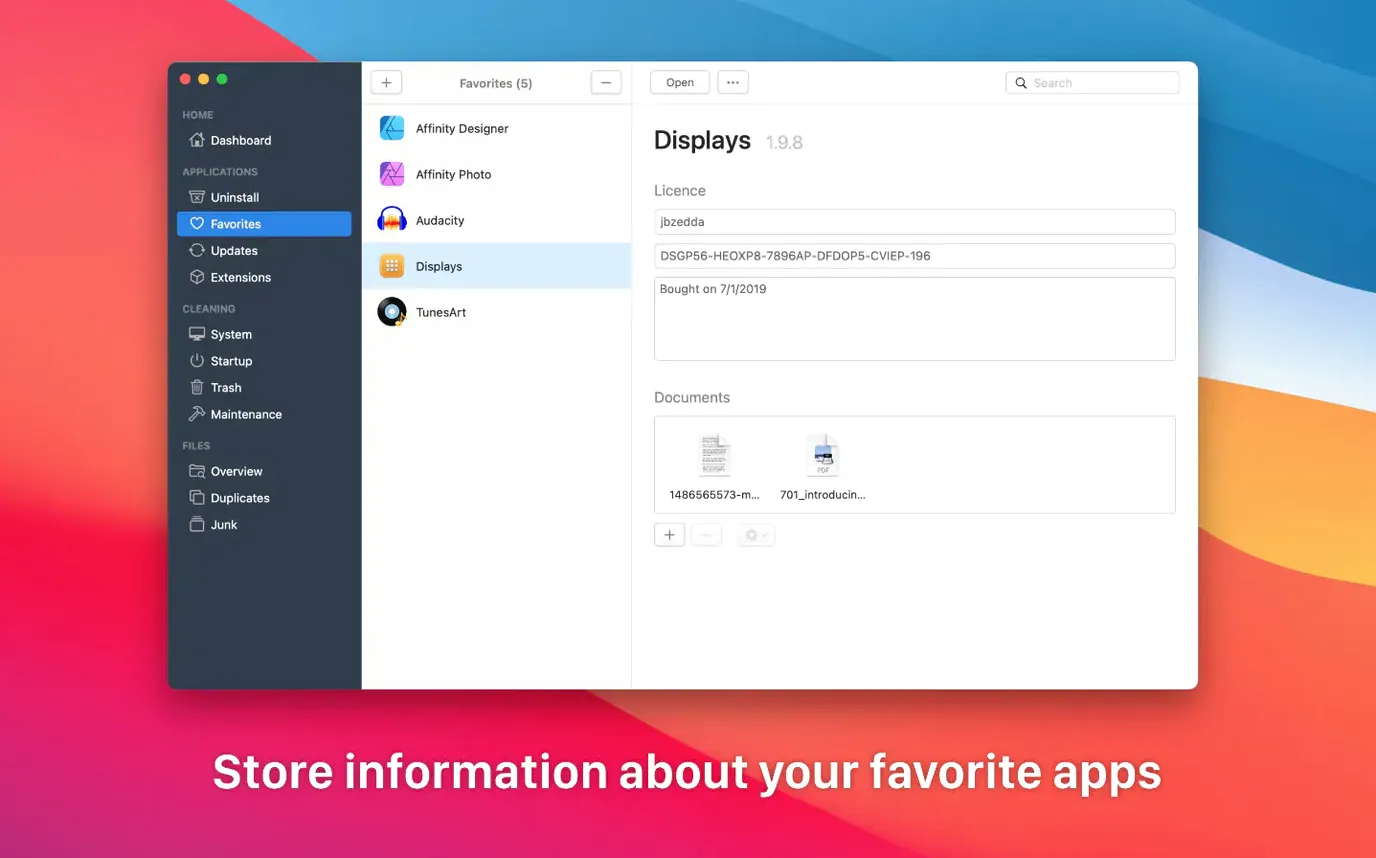
Beyond uninstalling, it keeps a list of the apps you rely on. You store registration details there, so a reinstall later asks for nothing you've forgotten.
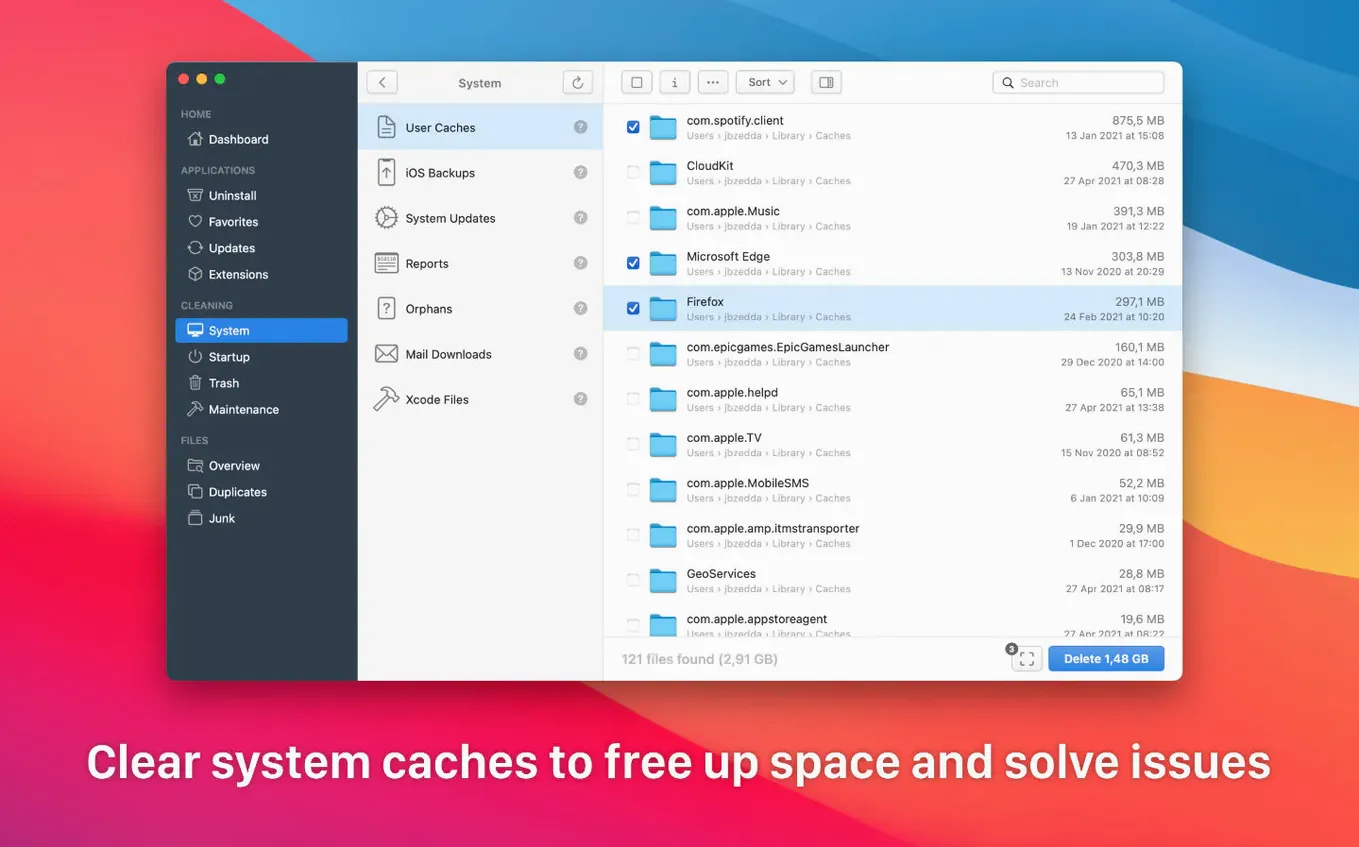
The menu bar panel shows CPU load and battery status at a glance. From the same window, you can disable login items that slow your Mac's start. A duplicate finder scans any folder for identical files, and a system cleaner clears out crash reports, old Xcode files, and mail downloads you never asked to keep.
Compared to others
AppCleaner does one thing well: it hunts leftover files when you trash an app. But it stops there. No duplicate finder, no maintenance scripts, no menu bar glance at system health.
CleanMyMac goes the other direction. It scans everything, alerts you often, and fills the screen with charts. Some people like that. I find it too busy. TrashMe sits between them — more tools than AppCleaner, less noise than CleanMyMac.
Hazel automates folder rules, which TrashMe doesn't attempt. Different tool for a different itch.
Smart Mode waits
Does Smart mode delete things I didn't approve? No. It opens the window when you move an app to the Trash and waits. You decide what goes.
Will it remove files from apps I still use? Only if you select that app. The uninstaller shows related files before it acts. Nothing is automatic.
People searching for a TrashMe crack Mac often wonder if the app phones home. It doesn't. The update checker visits Jibapps' server only when you click to check. No background chatter.
Does the duplicate finder handle large folders? It scans whatever folder you point it at. On a folder with thousands of files, expect a short wait. The comparison is byte-level, so it catches identical copies regardless of name.
Plain utility. Nothing flashy. It just clears the desk.