Disk Clean Pro runs on Intel Macs with macOS 10.7 or later. It’s a straightforward utility for clearing junk files, duplicates, and old downloads.
First things to try
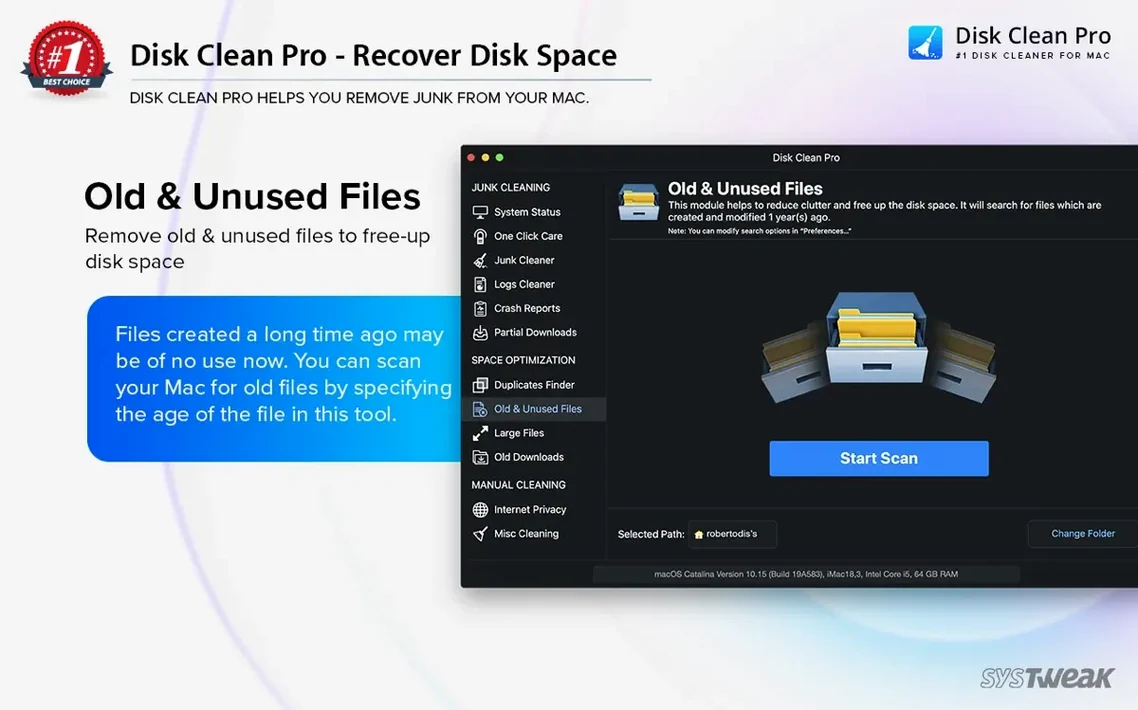
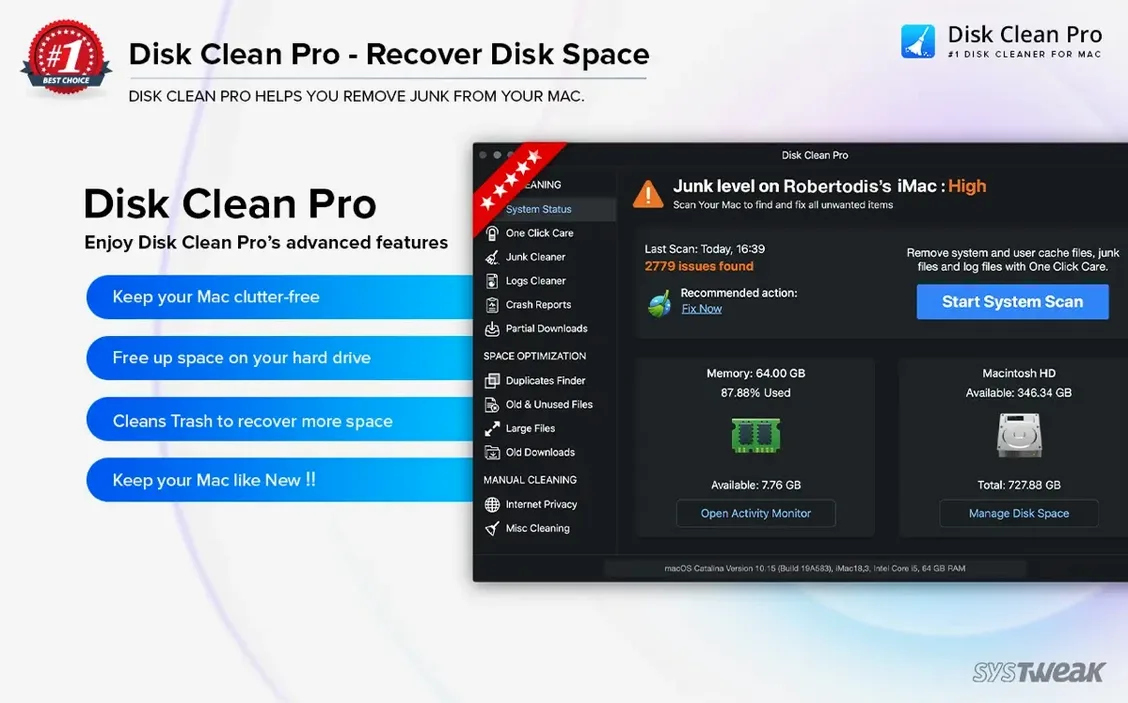
Open the app and start with the Junk Cleaner. It finds redundant files and data you probably don’t need. Then run Old & Unused Files — it catches things you’ve forgotten about. Large Files detection helps you spot space hogs quickly.
Check what it will remove
People often run the cleaner without checking what it’s about to remove. The app shows you a list. Look through it. You can uncheck anything you want to keep — a half‑finished project in Downloads, an installer you still need.
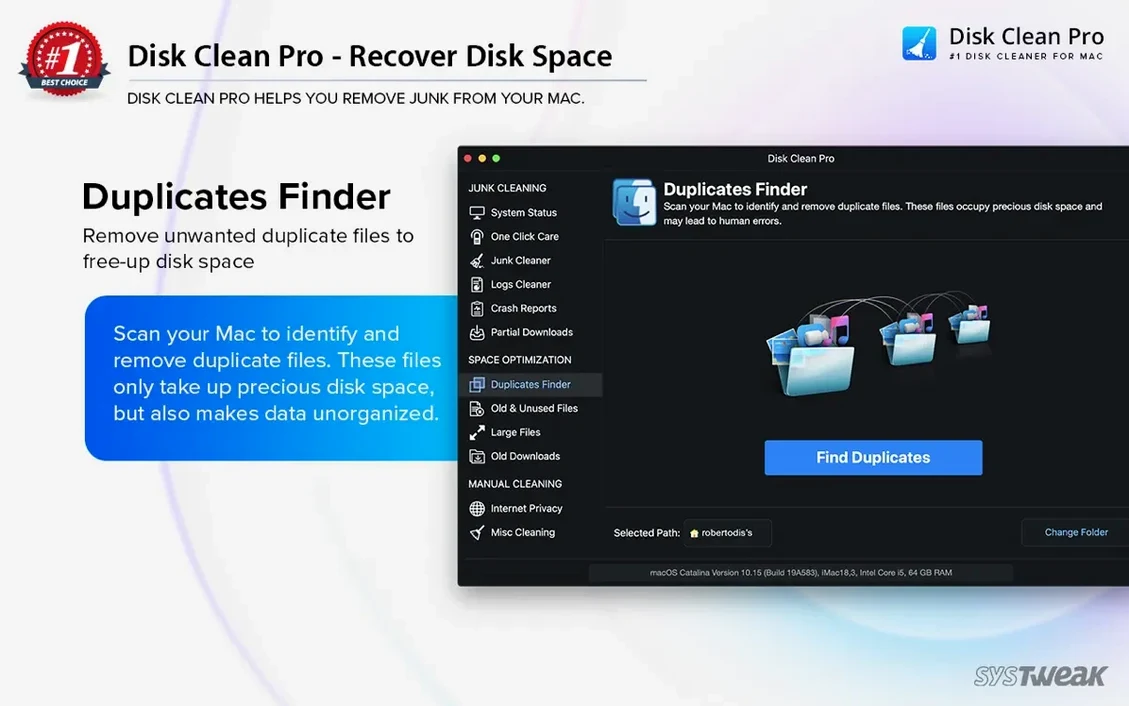
Another snag: the Duplicates Finder finishes fast, but you might miss that it found system files. It won't delete anything critical by itself. You choose what to remove. If you’re not sure about a duplicate, leave it. Come back later.
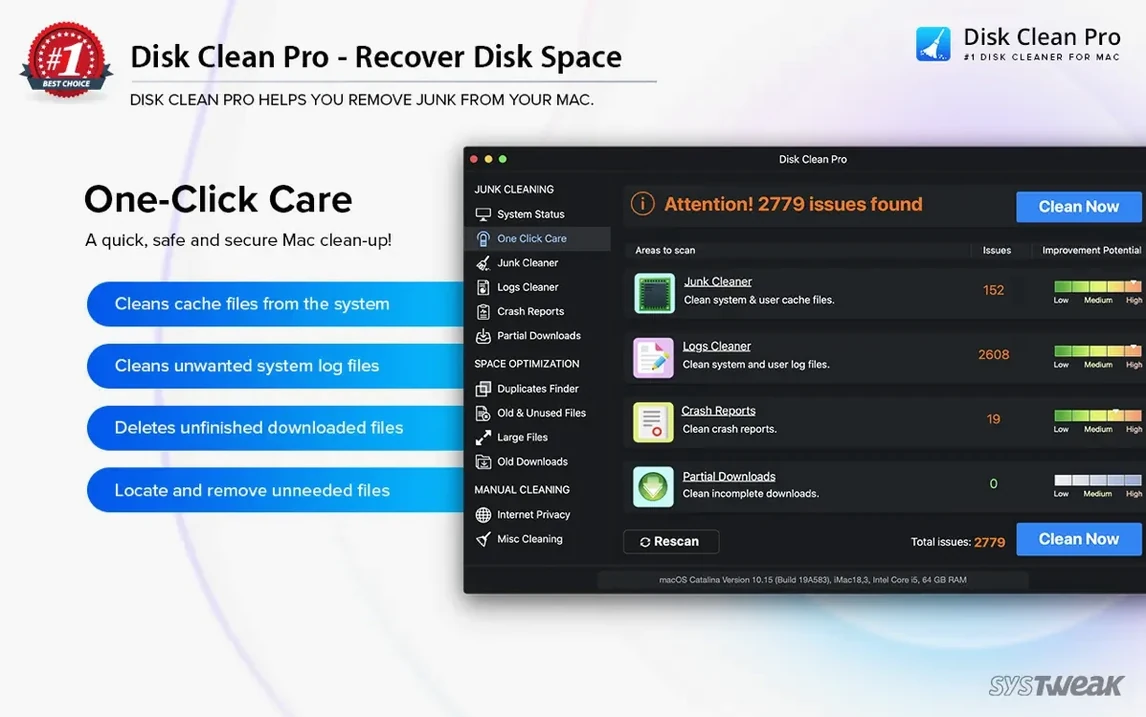
Some users think One Click Care does everything. It doesn’t touch Large Files or Duplicates. Those you run separately when you want them. One Click Care handles the routine stuff, not the deeper scans.
Run one tool at a time
The biggest mistake is running every tool at once. You don’t need to. Pick one, review its results, then move on. Running everything blindly sometimes convinces you that you’ve cleared more than you actually did.
Another one: skipping the Logs Cleaner. Logs pile up quietly. You won’t miss them. Run it after you’ve used the app for a week — you’ll see the difference.
Beginners also forget Crash Reports and Partial Downloads. Those two folders can hold gigabytes of nothing you’ll ever open. Check them early, set a reminder to revisit them monthly.
Start with Junk Cleaner and Old Files
Day one: run Junk Cleaner and Old & Unused Files. That’s it. See how much space you free up. Don’t worry about the rest yet.
Day two or three: look at Large Files. You might find old disk images or video files you kept “just in case.” Delete what you’re sure about. Leave the rest.
By the end of the first week, try Internet Privacy Protector. It clears browser traces. Then set a habit: one pass per month with Junk Cleaner and Logs Cleaner. You won’t need anything else.
Those three tools cover most of what a newcomer needs. No clutter, no fuss.