
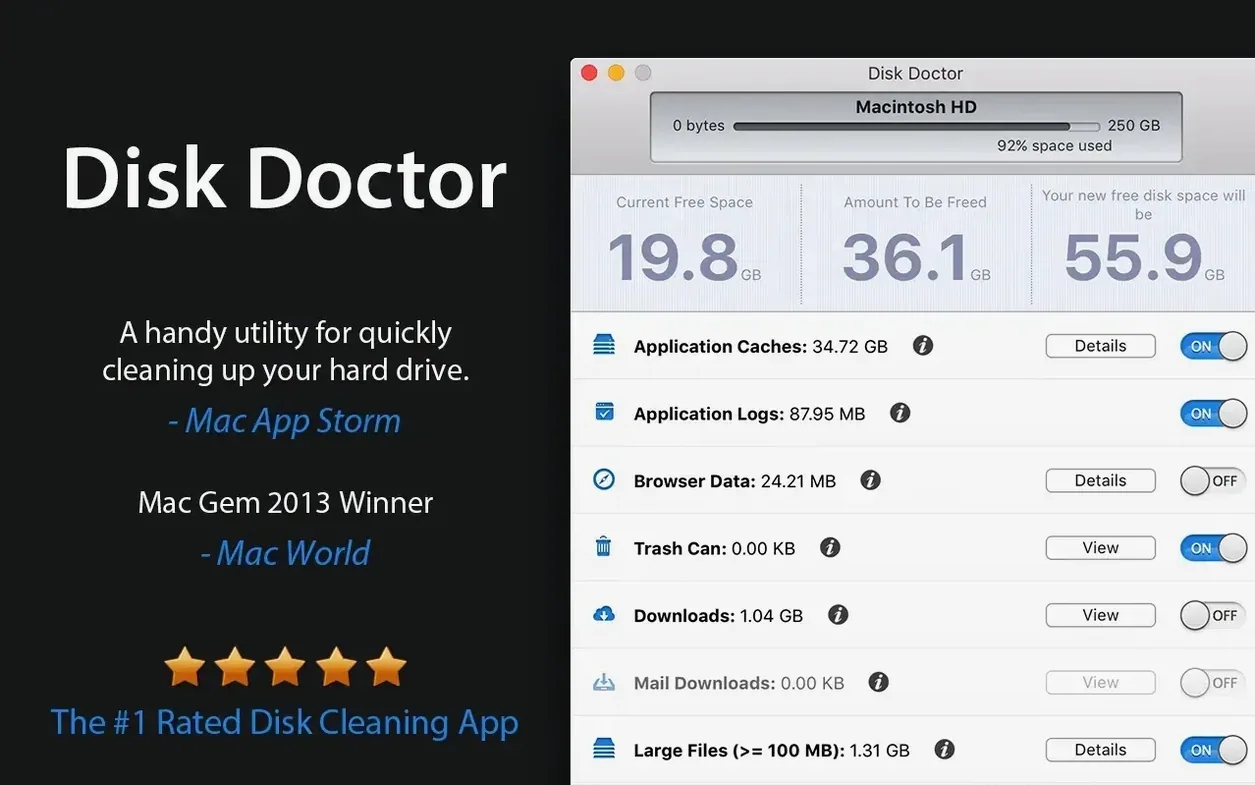
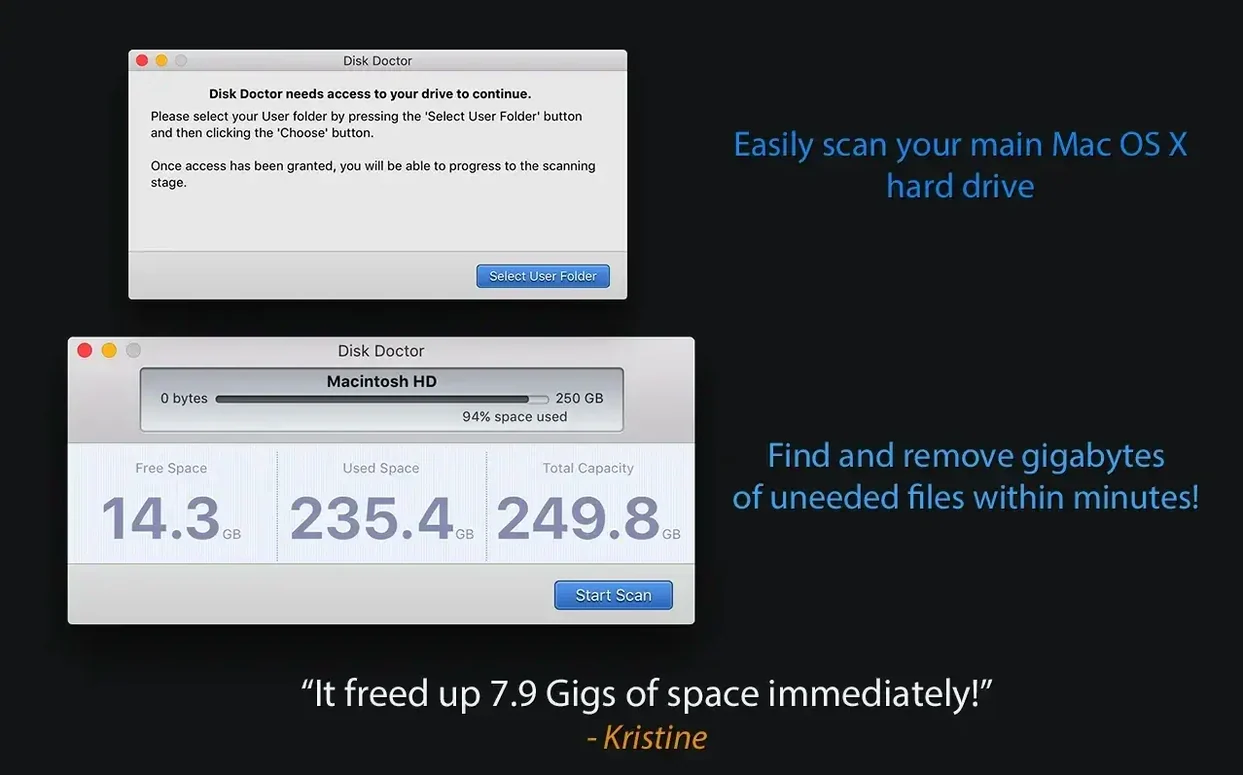
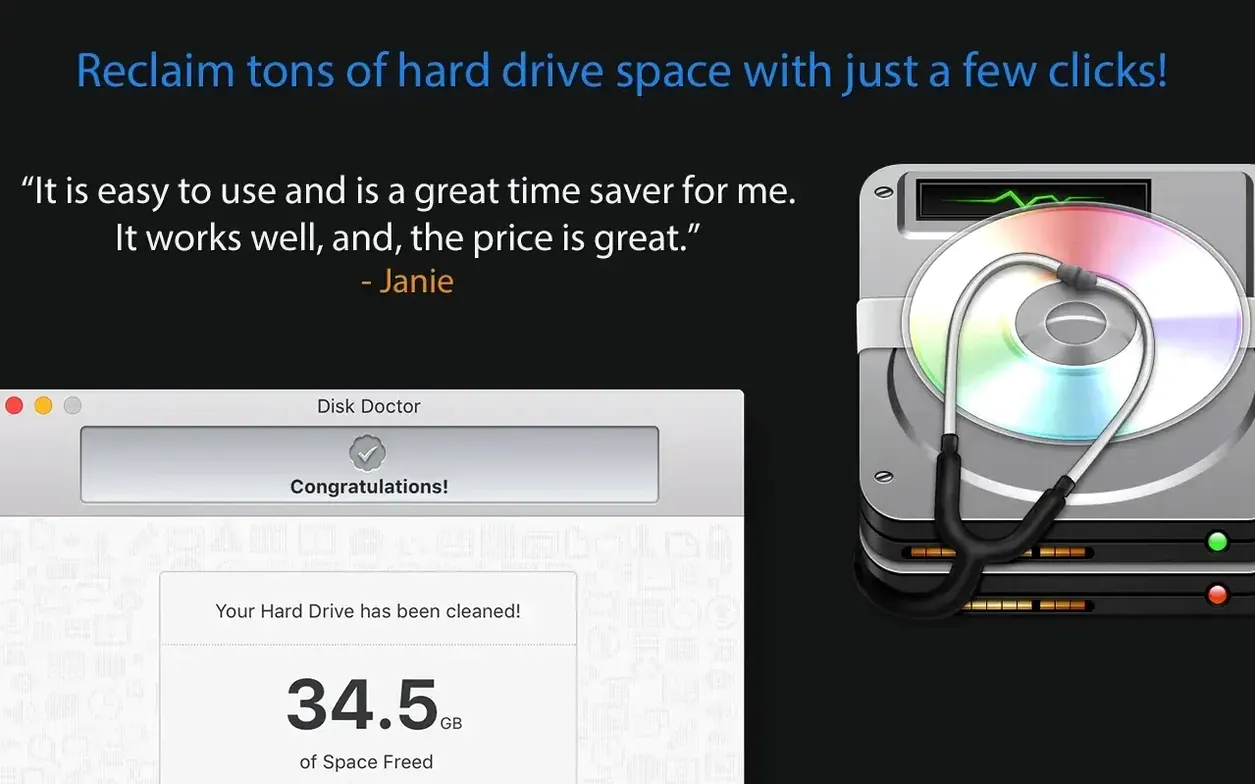
Disk Doctor runs on any Mac with macOS 10.13 or later and a 64-bit Intel processor. It clears selected unwanted files from your system, freeing disk space without fuss.
What it removes
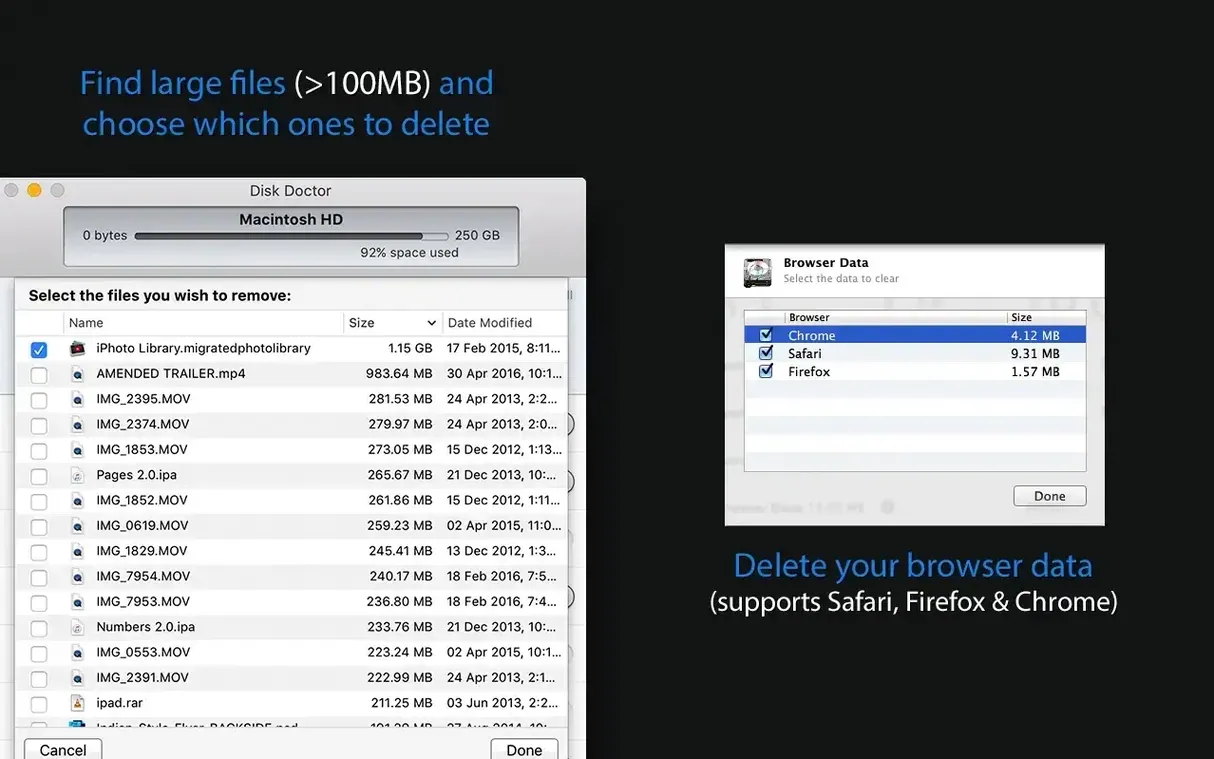
- Large files over 100 MB in your user folder
- Downloads folder contents
- Browser data and caches
- Old iOS software updates
- Trash items
Clean and clear
New users often run Disk Doctor expecting it to free space without any thought. That works, but a little attention goes a long way.
Selecting all categories at once
The most common error is selecting everything at once. The app lets you check every category in one click. Doing so can clear browser data you still need or wipe partial downloads you meant to finish. Go category by category at first.
Another slip: removing Downloads without checking what is inside. The folder often holds installers, reference files and half-finished work. Look before you empty it. The app warns you, but it does not second-guess.
Beginners also forget that "large files" means anything above 100 MB. That can include virtual machine images or disk backups you cannot recreate. Scan that list before hitting clean.
Some run the cleaner weekly out of habit. That is fine, but the benefit shrinks fast after the first thorough pass. A monthly run is usually enough for maintenance.
Speed and stability
The scan takes seconds on most machines. On older Macs with large user folders it may pause for a moment while it indexes large files. Even then it stays responsive. You can switch windows or work in another app while it completes its scan.
Removal is fast. Deleting hundreds of megabytes of caches or logs finishes nearly instantly. The app does not hang or freeze. It reports progress quietly and moves on.
Stability has been solid across several versions. It does not modify system files or touch anything outside the categories you select. The risk of a crash is minimal. I have never seen it leave a file half-removed or corrupt a cache it was clearing.
Granting system permissions when asked
Disk Doctor may ask for permission to empty the Trash or remove certain system caches. That is normal. macOS protects those locations. Grant access when prompted and the job finishes cleanly.
If the app does not show expected categories like "old iOS updates", check that you are running version 4.6. Earlier builds had a smaller set of options. The latest release adds that category and others.
Some users report that browser data reappears after clearing. That is not a bug. Browsers regenerate caches and cookies as you use them. The cleaner removes what is there now. It does not prevent new files from being created. That is by design.
If the scan suggests more space than you expected, double-check the "large files" list. It may include items you want to keep. Uncheck that category if you are unsure. You can always run it again later.
For a disk doctor system cleaner Mac torrent you might find online — check that the app runs well by verifying its permissions and allowing it full disk access in System Preferences. The app is small, straightforward and unlikely to be faster or better in a cracked copy, so ensure your torrented build is from a trusted source and that you have disabled any antivirus that might interfere with its disk-scanning functions.
The interface supports Retina displays. You pick what goes. The app does the rest. Simple.