

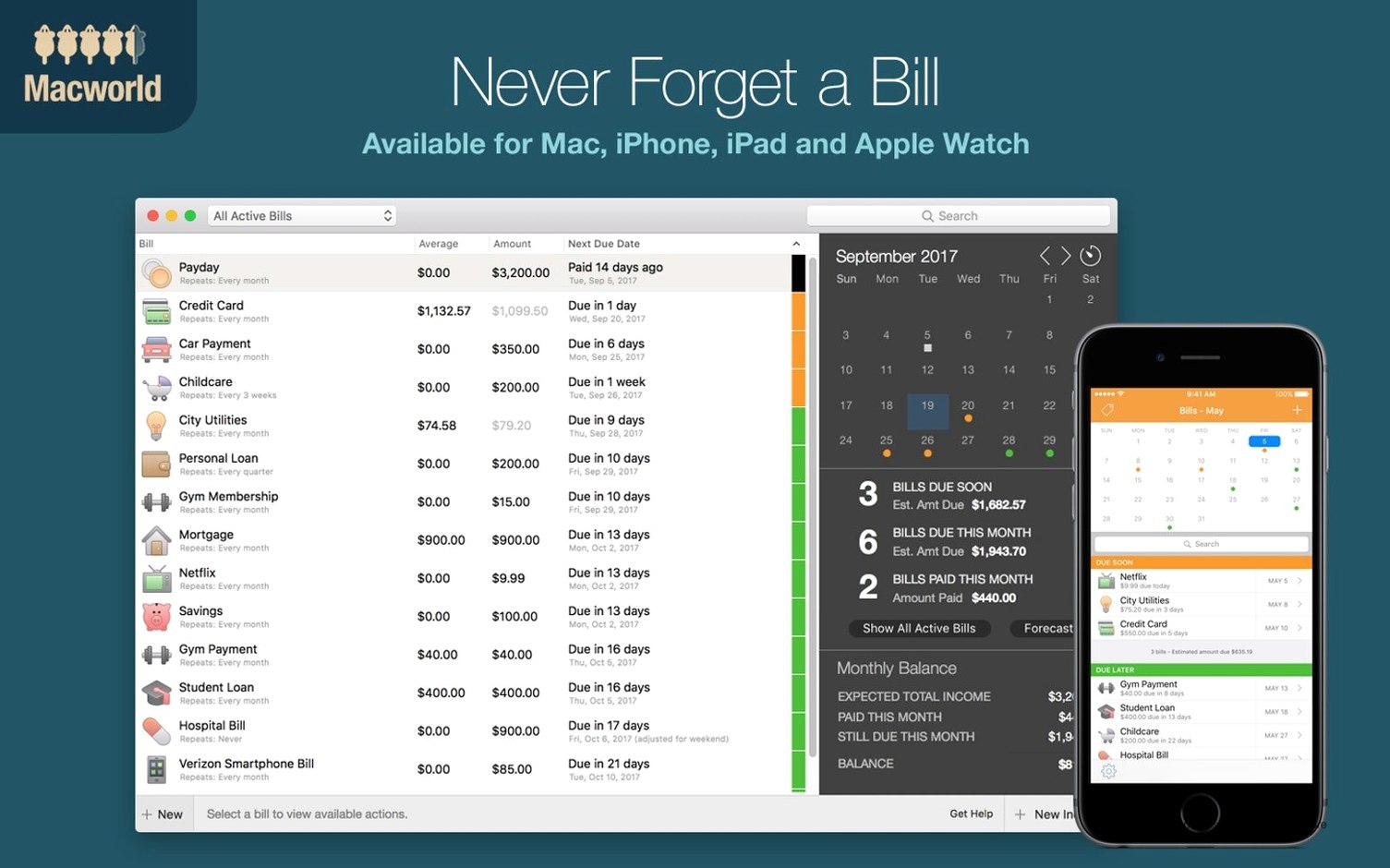
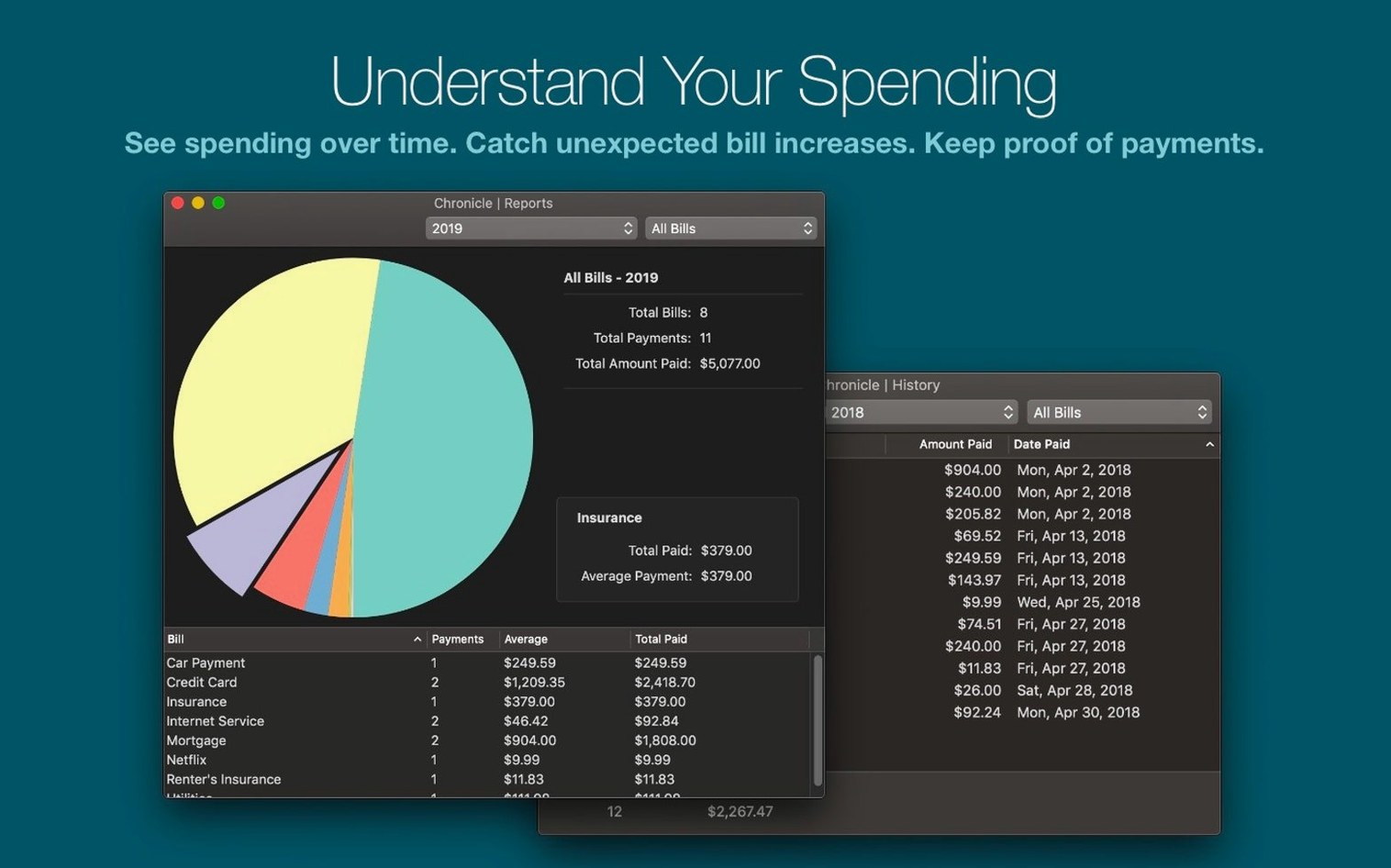
You open Chronicle Pro once a week. It shows what’s due, what’s paid, and what’s left. No alerts, no clutter.
- Add a bill. The app pulls in the due date, amount, and category.
- Attach a receipt or a PDF. The file stays with the payment.
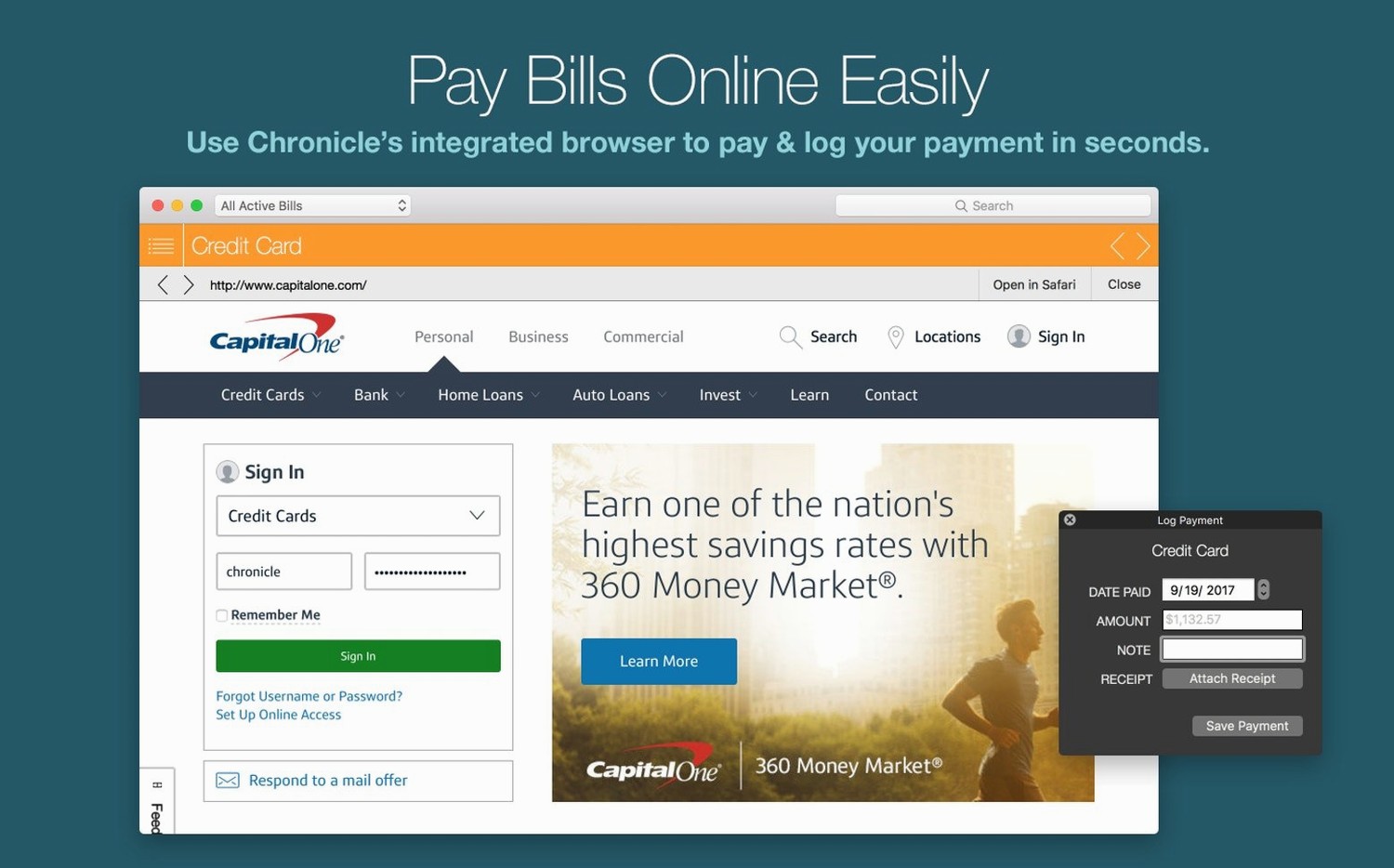
- Pay online. The built-in browser opens the biller’s site so you don’t switch windows.
- Check the menu bar. New payments appear there without opening the full app.
Ten or more recurring payments
People with ten or more recurring payments benefit most. Freelancers who track quarterly tax estimates. Households splitting internet, power, and streaming across roommates.
Chronicle Pro suits the user who pays everything on time but wants one place to inspect the pattern. It is not for someone who needs investment tracking or complex forecasting. It is for the person who opens a bill, marks it paid, and moves on.
Two settings to change first
Open Preferences and set the reminder window to three days before due. The default is fine for monthly bills; quarterly payments need the extra notice. Then enable iCloud sync. You will not think about it again, but your data lives on both Macs.
One more thing: the menu bar alert can be set to show only unpaid amounts. That keeps the icon quiet until there is something to act on.
Focused on bills, not budgets
MoneyWiz is broader. It handles budgets, accounts, and reports. Chronicle Pro does one thing: bills. If you already use a full finance app, MoneyWiz may overlap. If you only need payment tracking, Chronicle Pro is lighter and faster to open.
Billings Pro focuses on invoicing clients, not organizing your own bills. It sends professional invoices and tracks receivables. Chronicle Pro is the opposite: you are the payer, not the payee. They serve different workflows.
GnuCash is free and powerful, but it requires double-entry accounting. Chronicle Pro asks nothing about ledgers or accounts. It treats every bill as a single transaction. For someone who wants to see what left the bank account and when, that simplicity matters.
None of these sync with macOS Calendar the way Chronicle Pro does. That single integration saves a weekly manual entry.
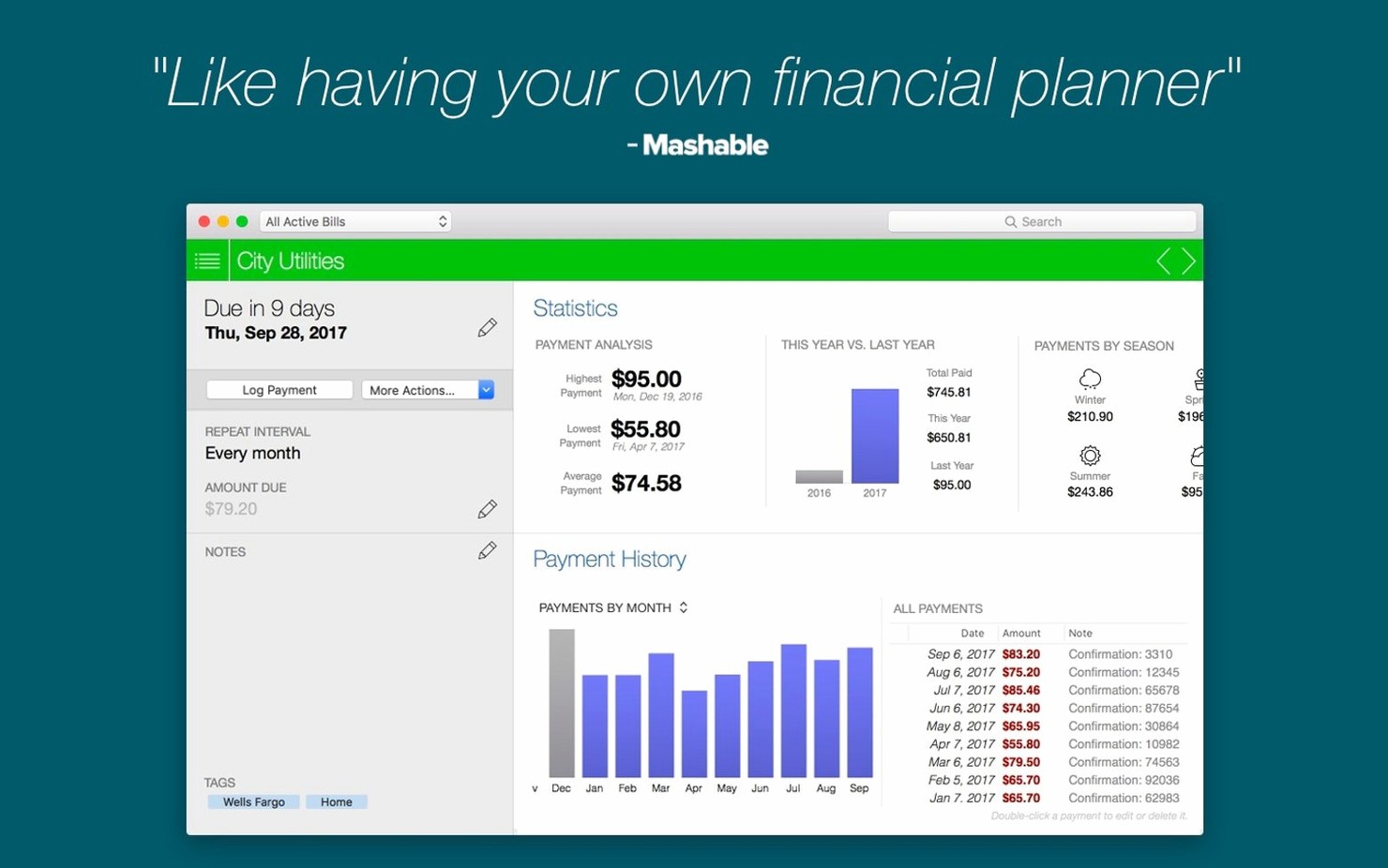
Statistics show your spending by category. You can push any payment to Calendar. It works on Intel and Apple Silicon Macs.