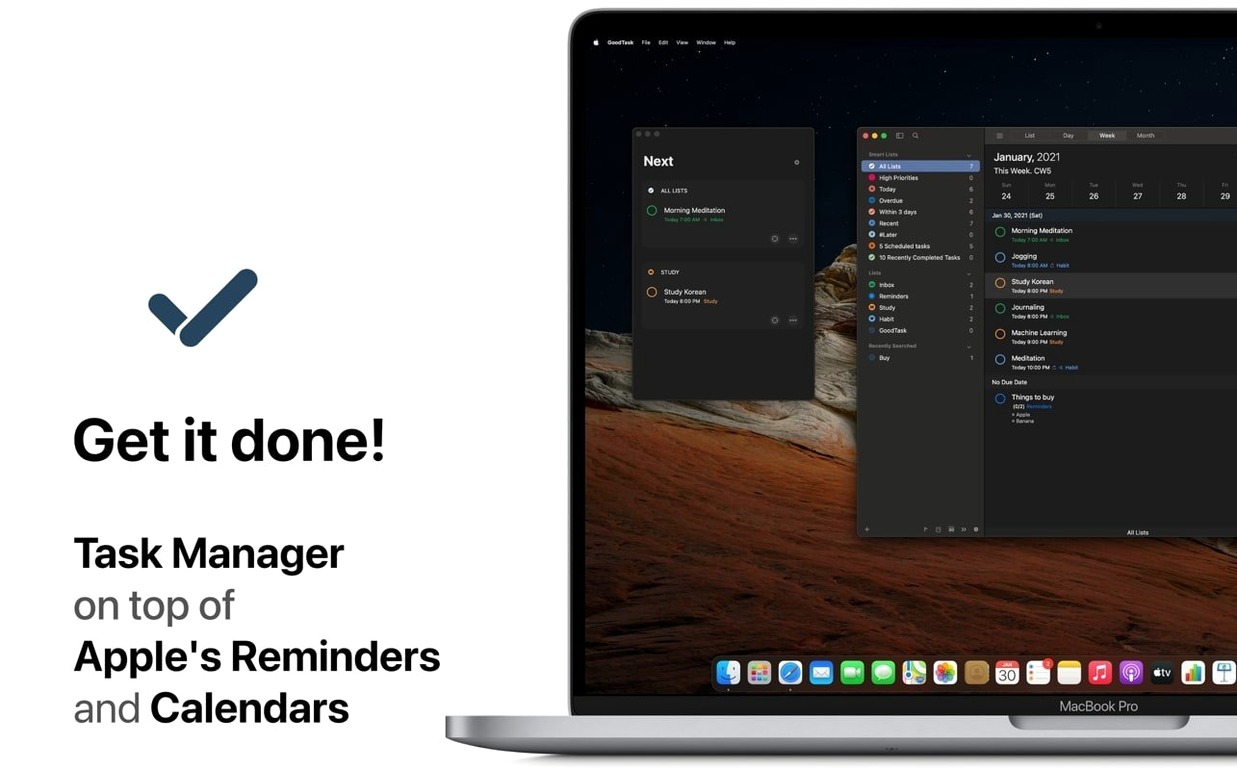
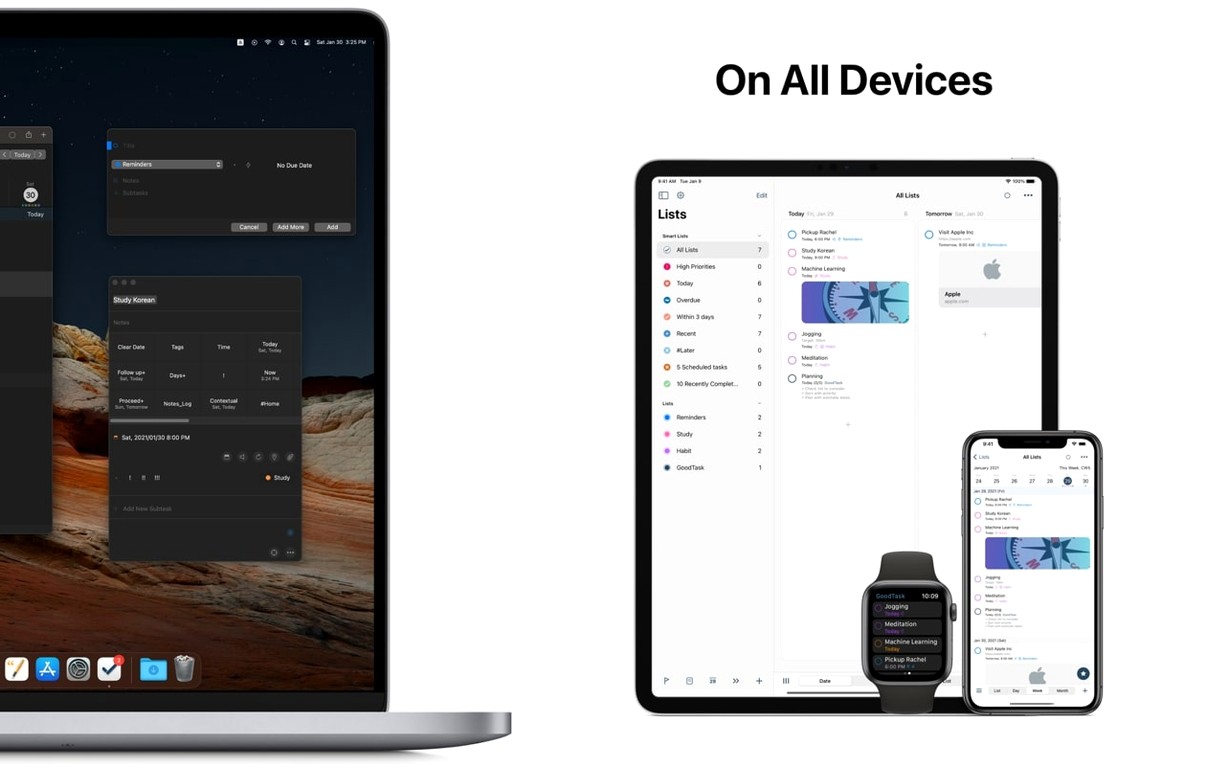
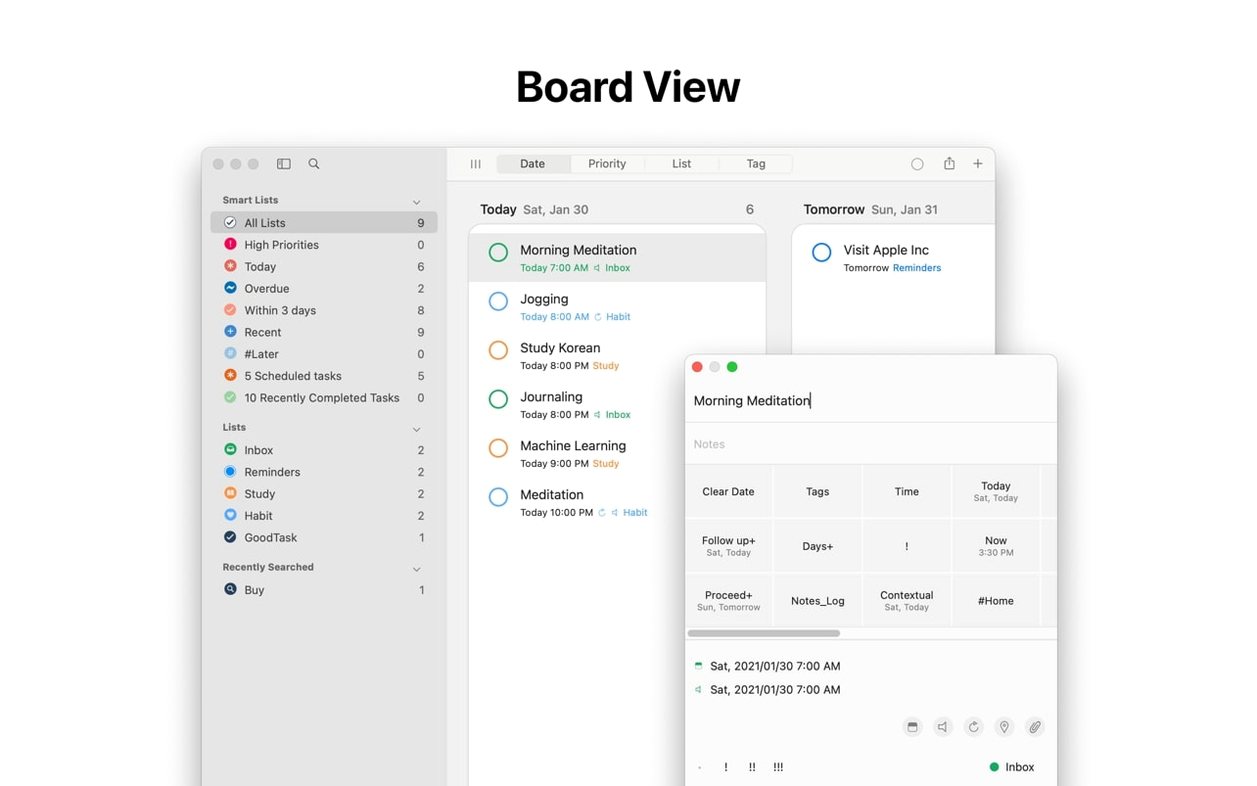
GoodTask 7.9.3 supports 13 interface languages, from English to Japanese. It sits on top of Apple Reminders and Calendar, extending them rather than replacing them.
Quick entry and smart sorting
- Quick entry via text snippets and a dedicated quick-action bar.
- Sorting tasks by date, creation time, alphabet, or manual order.
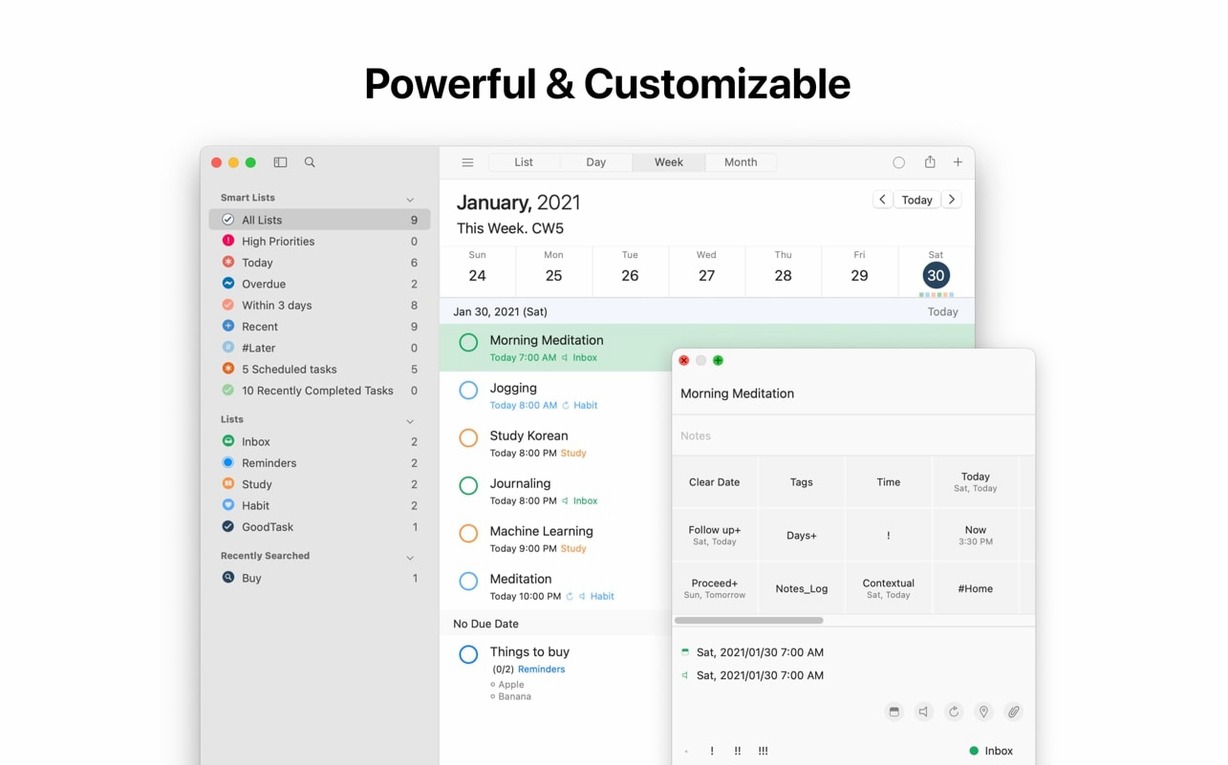
- Seeing what’s overdue, today, tomorrow, or later — all in one window.
MacOS 10.15 required with workaround
- Requires macOS 10.15 or later.
- Install needs a SIP-disabled system and a Terminal command to bypass Gatekeeper.
A working session
I open GoodTask first thing. The Today view is what I see — overdue items in red, today’s tasks in black, tomorrow’s faintly beneath. I scan for anything urgent.
If something from yesterday is still undone, I either drag it to today or delete it. No clutter, no guilt. Just a move or a drop.
For a new task, I hit Cmd+N. A small text field appears. I type “call dentist thursday 10am #health”. That’s it. GoodTask parses the date, time, and tag from raw text. No clicking into a form.
Later, I add a repeating task: “water plants every 3 days”. It creates the first occurrence and duplicates it automatically. I don’t think about it again.
Midweek, I need to see everything tagged #work. I use the smart list. It filters across projects, showing only what matches. I can sort by date or alphabet, whichever clears the fog faster.
At the end of the week, I move completed tasks to a “done” list. GoodTask doesn’t delete them — they stay for reference until I archive manually.
The session ends. I close the window. Tomorrow the cycle repeats.
Organizing first, ignoring tags
The biggest one is trying to organize everything before starting. You do not need folders, tags, and due dates for every thought. Create a task, set a rough date, move on. You can refine later.
Another mistake: ignoring tags. A task like “buy milk” lives forever in the general list. Tag it #groceries and you can find it with one click later.
Some people also forget to set repeating tasks. They rewrite “pay rent” every month. GoodTask does it for you. Once you set a repeat rule, it runs silently.
And then there’s the urge to use every feature at once. You don’t need smart lists, manual sorting, and snippets on day one. Start with the basics: quick entry and the Today view.
Sync lag and force refresh
The most frequent issue is sync lag. GoodTask relies on iCloud or Exchange. If you change a task on your phone, it may take a minute to appear on your Mac. Wait, or force a refresh with Cmd+R.
Another snag: tasks that won’t repeat correctly. Double-check the natural-language input. “every 2 weeks” works; “biweekly” sometimes doesn’t parse. Use clear phrases.
Some people open a task and see no subtasks. That happens when the parent is collapsed. Click the small arrow next to the task title. It expands.
If GoodTask feels slow, check your calendar sync. A large Exchange account with years of old events can drag performance. Archive old calendar items in your provider’s web interface.
Finally, the Gatekeeper bypass step during install trips people up. Copy the Terminal command exactly. If it fails, ensure SIP is truly disabled. A quick check in Terminal confirms it.