A long simulation finishes. Now the real work starts: reading the result from several angles.
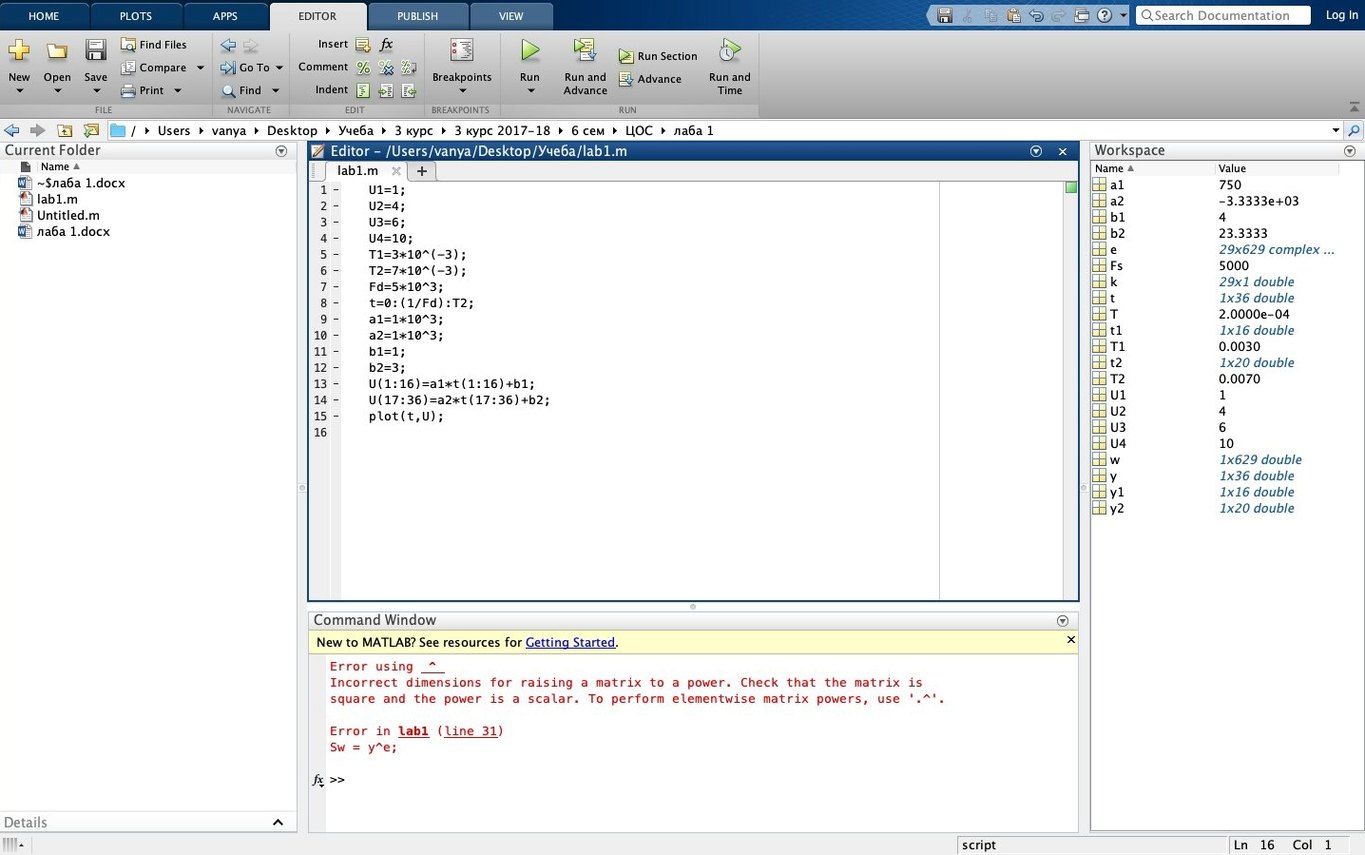
R2025b brings the Debugger, Source Control and the Test Browser out of menus into side panels. Light and dark themes cover the desktop, figures and apps. The figure container keeps plots and controls in one panel, so windows stop multiplying.
Underneath, nothing changes: linear algebra, FFT and statistics work across real, complex and symbolic matrices.
Instant theme switch
On an M2 Pro with 32 GB of RAM, R2025b launches in under six seconds after the first cold start. The new sidebars open without a stutter. Light and dark themes switch instantly—no redraw lag, even with three figure containers open.
Memory use is what you would expect from a large numerical environment: around 1.2 GB at rest with a few scripts in memory. It climbs predictably with workspace variables. The process never leaked in a week of uptime. Background CPU draw sits at zero when idle. That matters if you keep it open next to a browser, a text editor and a simulator.
Stability is the quiet headline. Six hours of iterative solving and live plotting did not produce a single beach ball. The updated figure container handles subplot grids without the old flicker on Apple silicon. Long scripts that used to cause a half-second pause when scrolling now scroll cleanly. The debugger panel repaints fast, even deep in nested function calls.
With other tools
R2025b slides into a Mac workflow without fighting it. Scripts open in your editor of choice; .m files stay plain text. The system command talks to Python, shell scripts and command-line tools. Drag a CSV from Finder onto the workspace browser and it appears as a variable.
The dark theme matches the Mac's system appearance when you set it to follow. Split View with a terminal on one side and the editor panel on the other feels natural. Copy a figure as PDF and drop it into a Keynote slide—vectors stay intact.
It also reads and writes Parquet, HDF5 and NetCDF without extra bridges. Data lands where you need it: in a pandas DataFrame on the Python side, or in a table variable on the MATLAB side. No conversion scripts needed.
One afternoon
A signal processing engineer unpacks telemetry from a test rig. She opens three files in the Source Control panel, comparing her current branch against the baseline. The Code Issues panel flags a preallocation before she runs the first loop. She fixes it in the editor sidebar without opening a separate window.
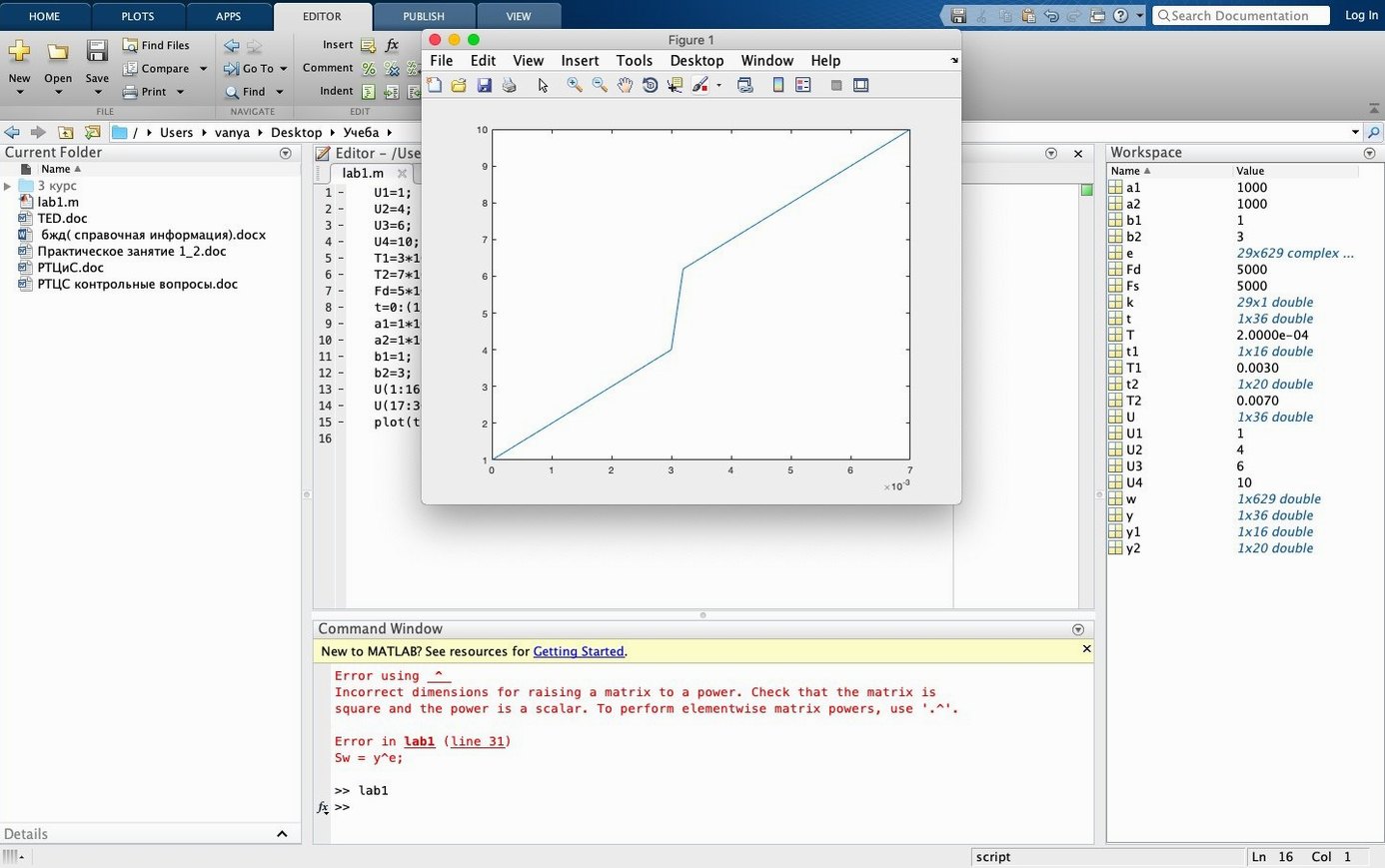
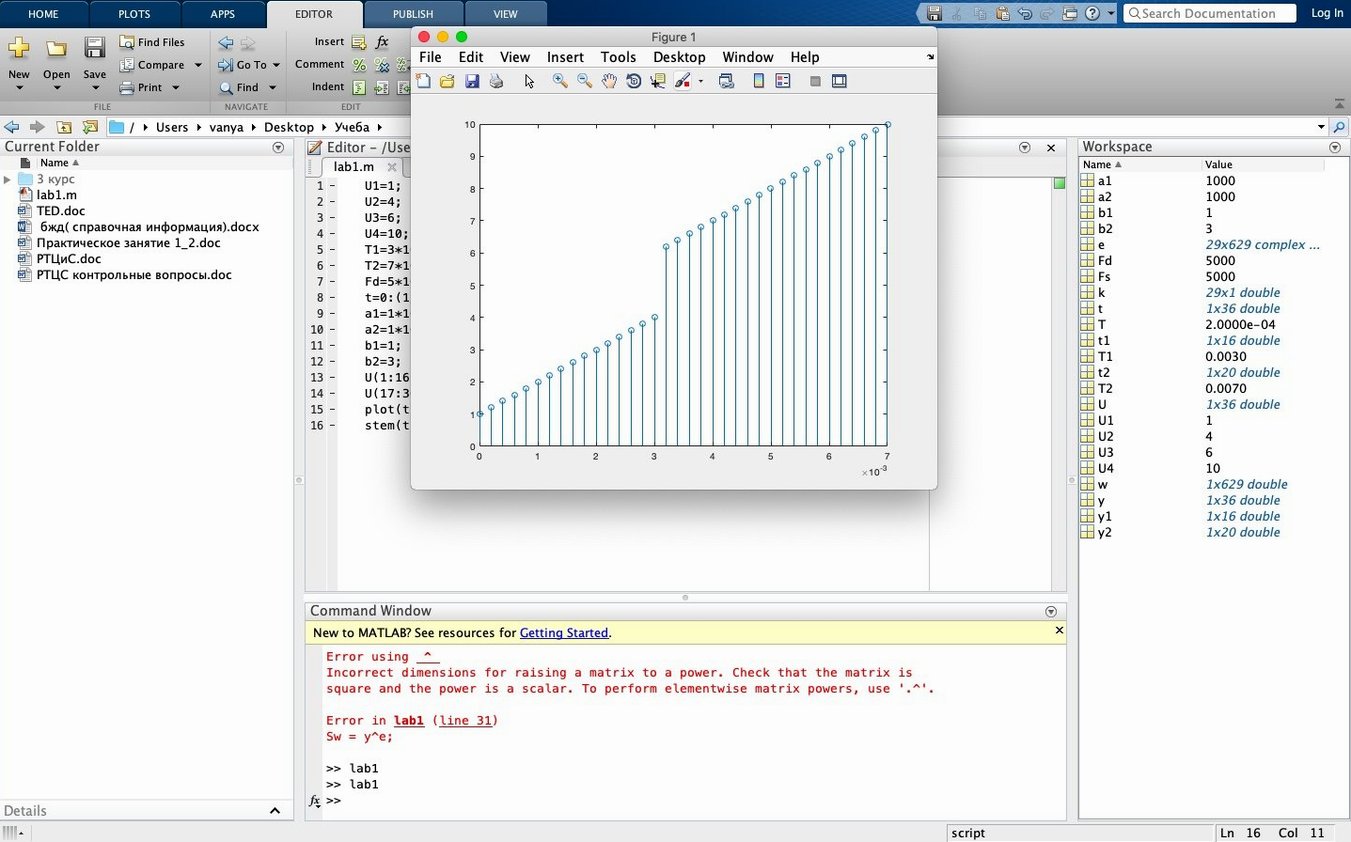
She runs the script. The figure container shows time series on the left, a spectrogram on the right. Both respond to the same zoom gesture. She adjusts the colormap with a slider in the container toolbar, exports the figure as a TIFF and attaches it to a Confluence page. The whole session stays in one desktop space. No floating palettes, no window hunt.
It runs natively on Apple silicon. Intel Macs are still supported in this release.