
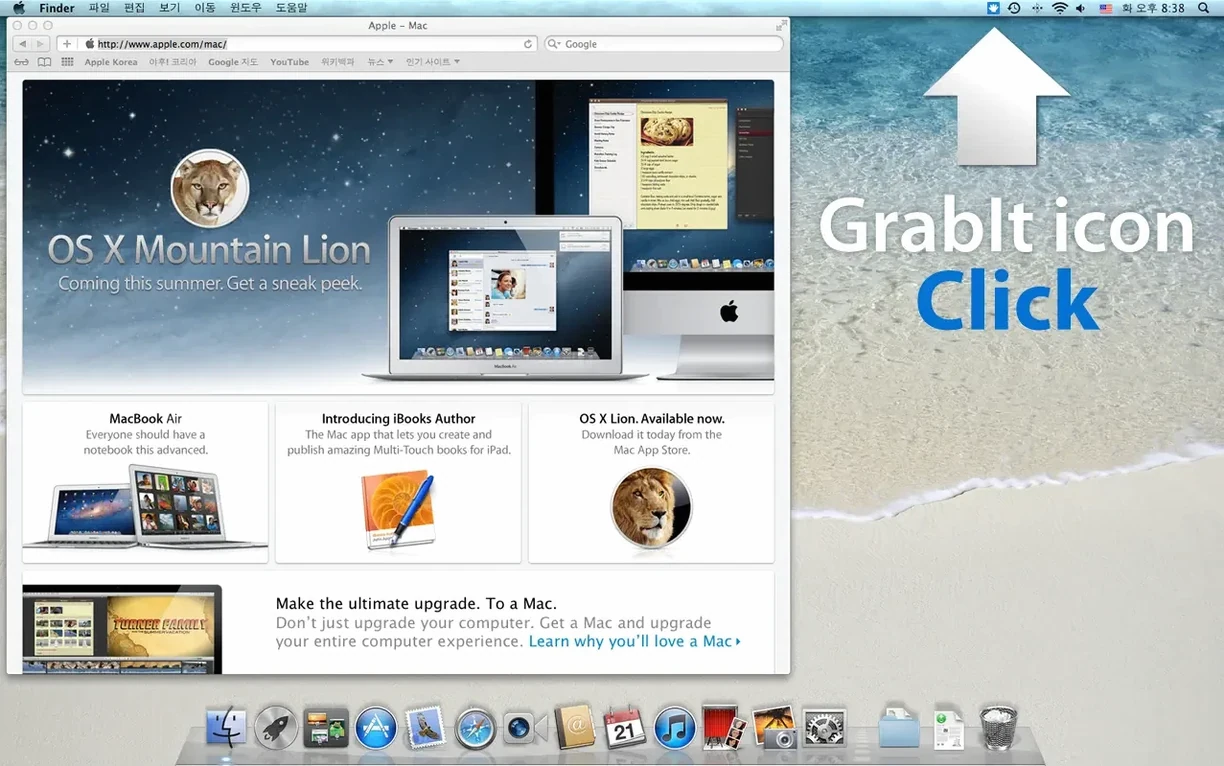
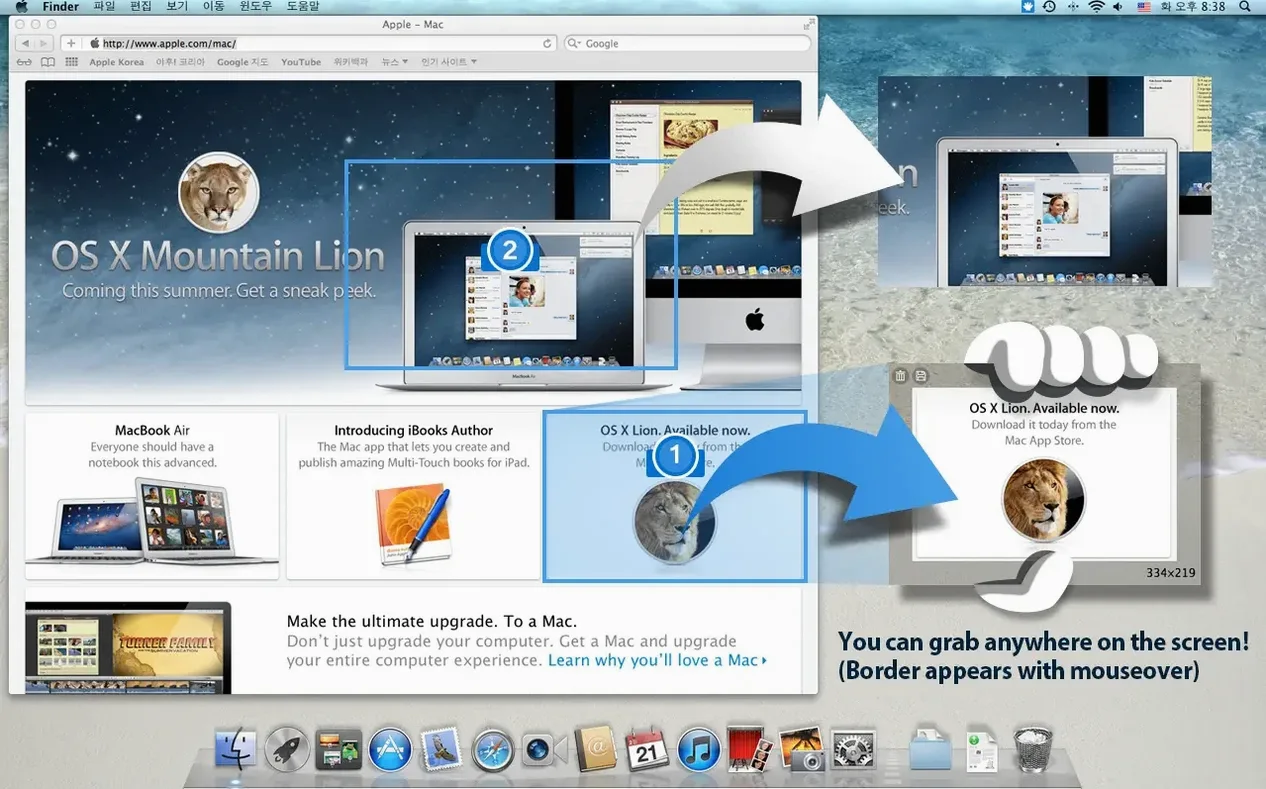
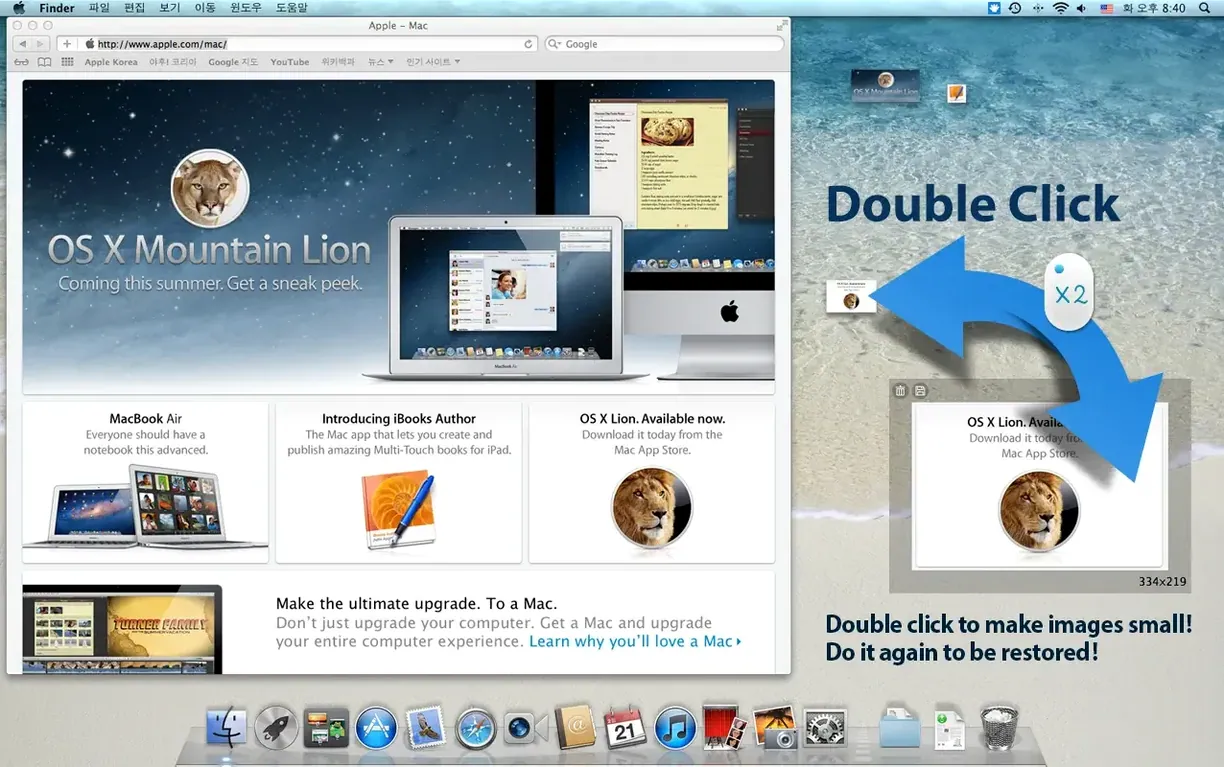
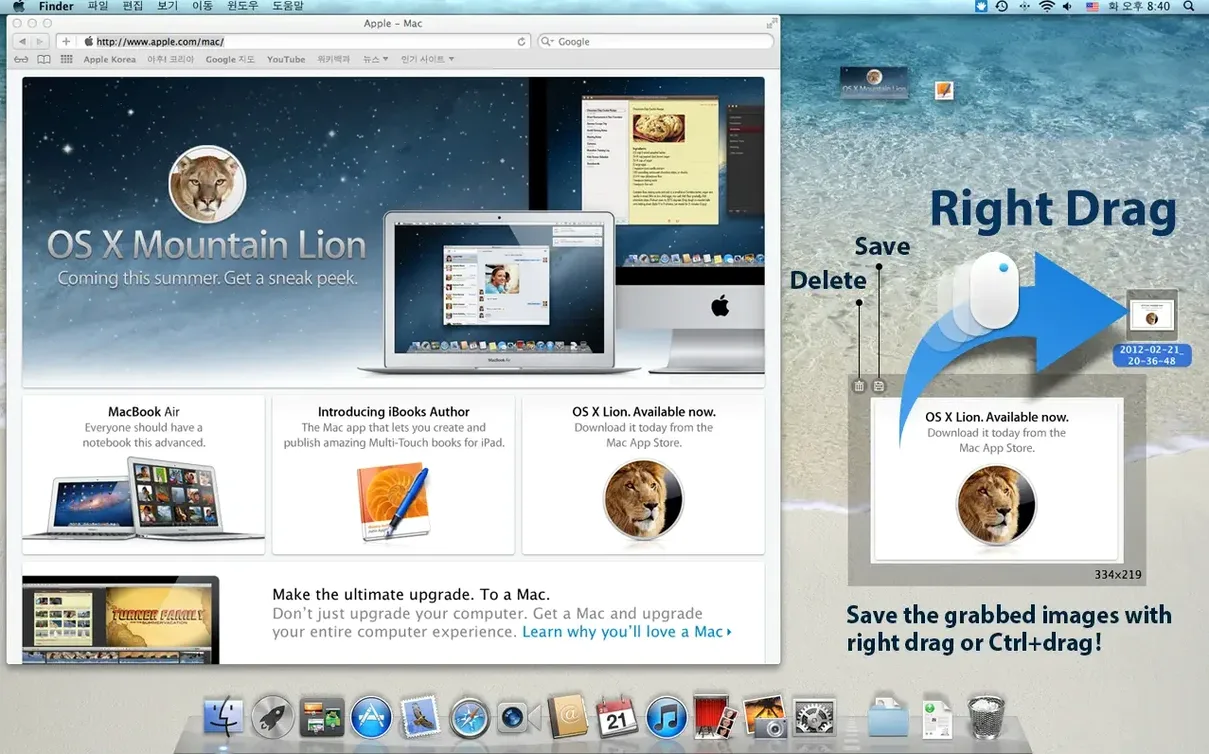
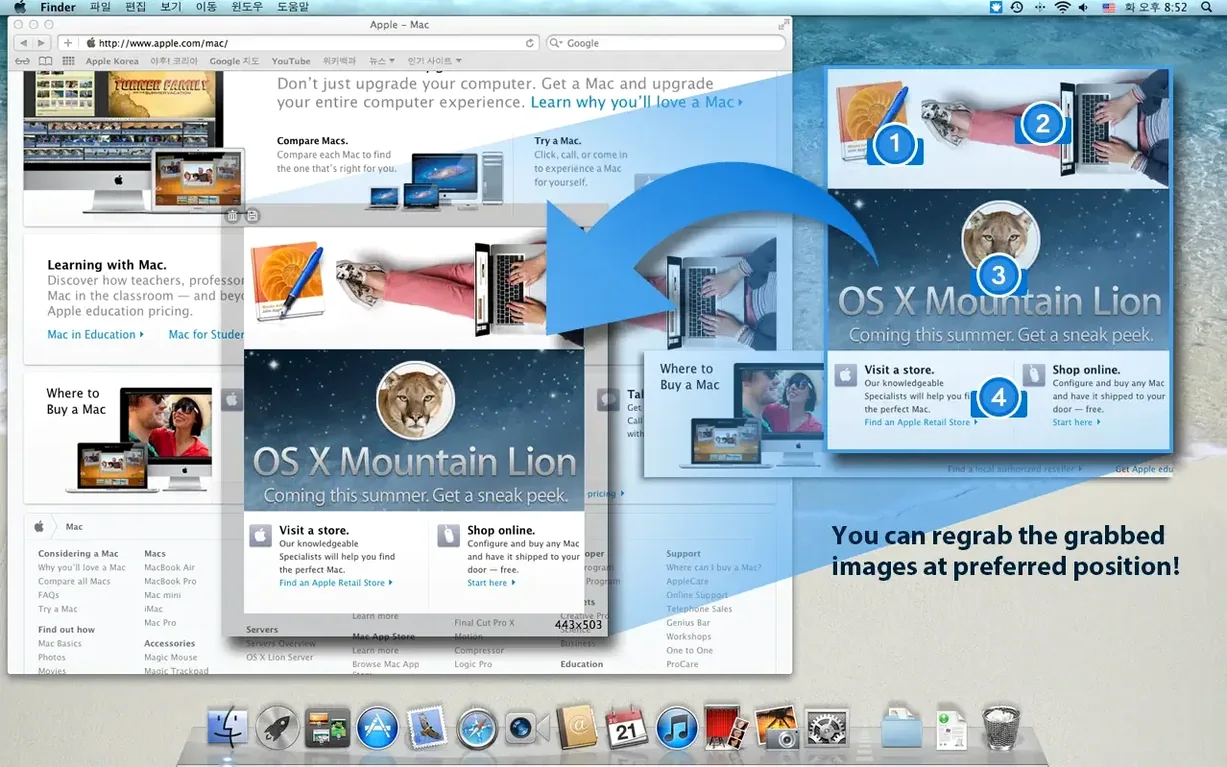
Grabit is a Mac screenshot utility that shows captured images right after you take them.
Drag to capture instantly
You drag to select any area of the screen. The image appears instantly. Right-button dragging turns an image into a file drag. Double-clicking an image reduces its size. It saves images from any area of the screen.
Before you install
Workflow for a quick comparison
Suppose you are comparing two product pages in a browser. Open both tabs. Press Cmd + Option + B. The image appears on screen. Drag it to the top right corner. Switch tabs. Now both images float on your desktop. Drag one on top of the other to align columns. Double-click each if they feel large. When you are done, press Cmd + W over an image to dismiss it. No files cluttering your Downloads folder.
Two daily-use bugs fixed
Two bugs are gone. One caused a strange popup about file extensions. The other prevented the saved file's thumbnail from showing in Finder. Both fixes matter in daily use. No more unexpected dialogs. Your screenshots appear in thumbnails as they should. Nothing else changed. The app behaves the same way it always did.
Immediate image review for heavy screenshot users
People who take many screenshots in a single session. Designers reviewing layouts. Writers collecting references. Anyone who prefers seeing the capture immediately instead of hunting for it in a folder. Grabit removes extra clicks. You see the image. You decide what to do with it. That is enough for most tasks.
Grabit requires macOS 11.5 or later. It works on both ARM and Intel Macs. The interface is in English, Simplified Chinese, Korean, and Japanese.